The 6 Best Apps to Edit YouTube Videos from Mobile (2026)
Editing YouTube videos from mobile has different requirements from Reels or TikTok: 16:9 horizontal format support, longer videos (10-30 minutes), ability to add intros and outros, sections or chapters, and above all maximum quality export.
Top apps for editing YouTube videos on your phone
Video editors for preparing your YouTube content on mobile: thumbnails, intros, transitions and high-resolution export for your channel.
Top pick

KineMaster – Editor de Vídeo
KineMaster, Video Editor Experts Group · Free (with purchases) · 500M+
YouTubers' favorite
4.4
6.1M reviews
TopApps analysis
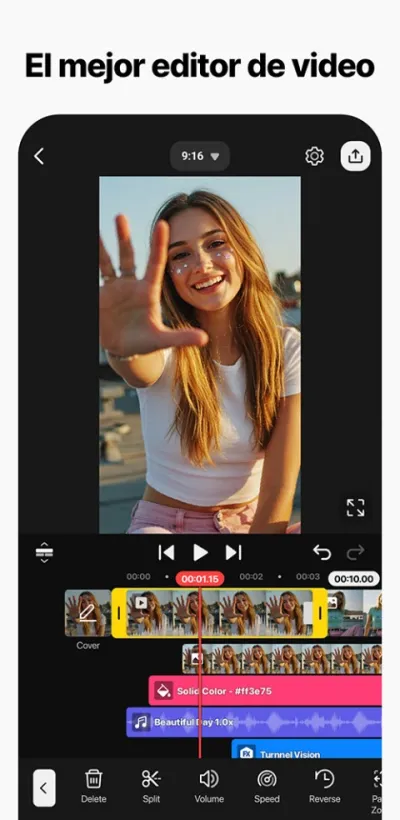
Multi-track timeline + green screen + frame-by-frame control. The standard for YouTubers with 500M+ downloads.
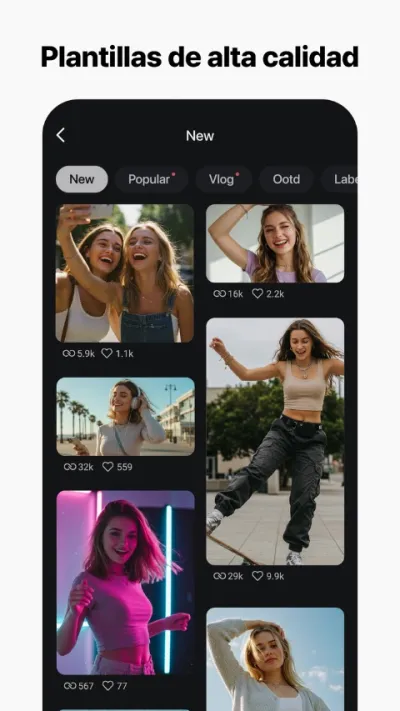
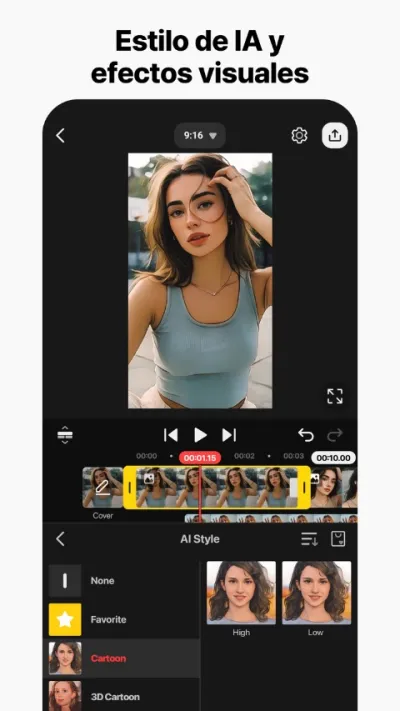
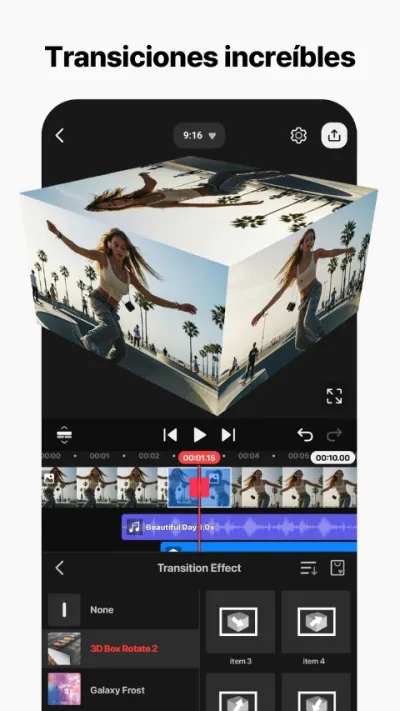
KineMaster is the most complete professional video editor for mobile: multi-track timeline, video overlay, frame-by-frame speed control, chroma key and 4K export.
Pros
- Real multi-track timeline
- Chroma key (green screen)
- Frame-by-frame speed control
Cons
- Prominent watermark in free version
- Higher learning curve than InShot or CapCut
- Somewhat cluttered interface

PowerDirector – Video Edición
CyberLink Corp · Free (with purchases) · 100M+
Best stabilization
4.4
1.7M reviews
TopApps analysis
Automatic video stabilizer — key for vlog and handheld camera videos. 4K export with subscription.
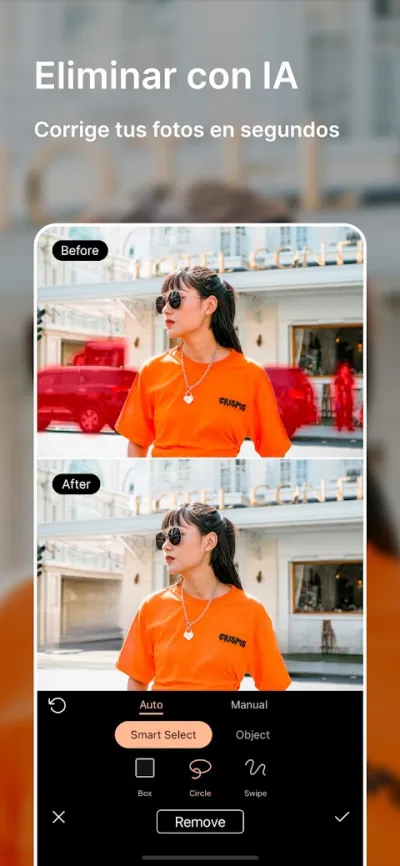
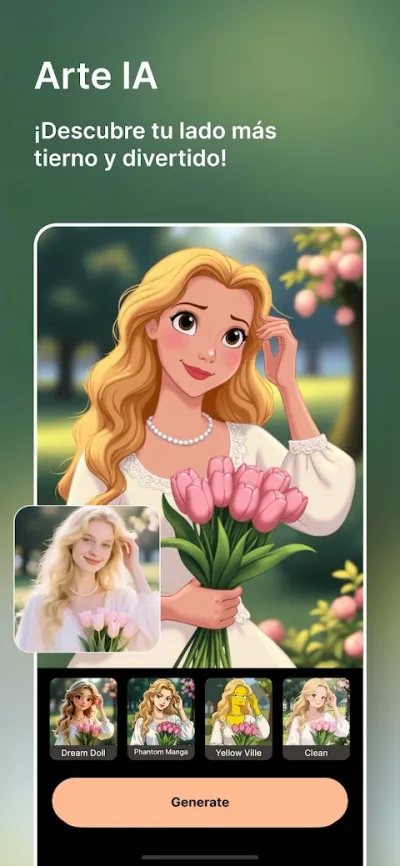
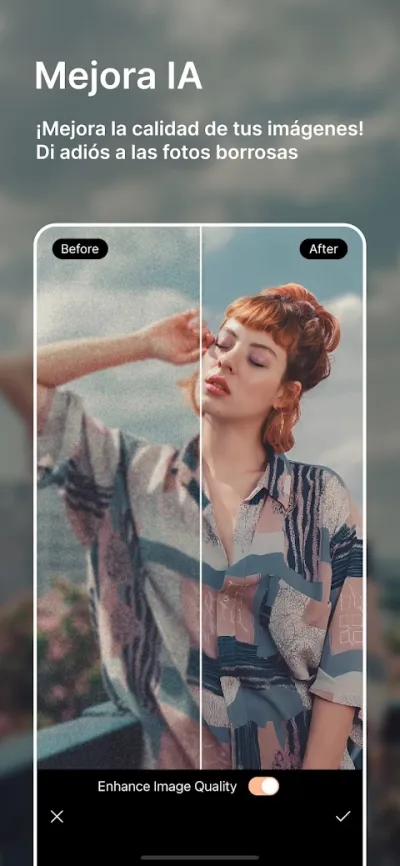
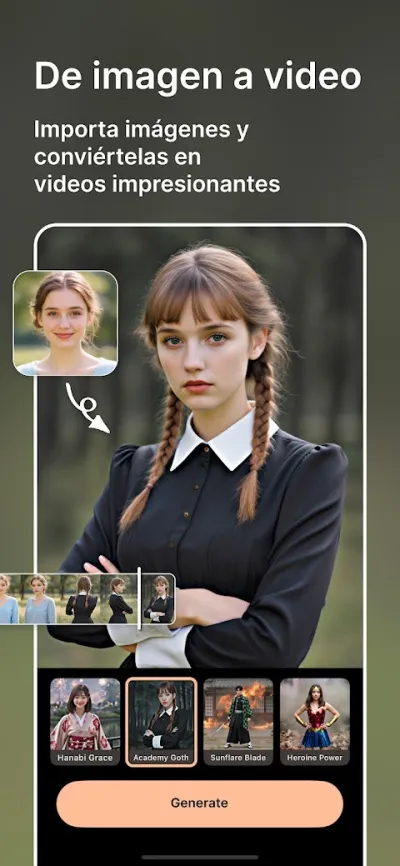
PowerDirector is CyberLink's mobile video editor, from the same company as professional PC editing software. Features multi-track timeline, chroma key, video stabilization and 4K export.
Pros
- Multi-track timeline and chroma key
- Built-in video stabilizer
- AI for automatic Reels generation
Cons
- Android only (no iOS version)
- Users report frustration with overlay object limits
- Somewhat cluttered interface for beginners
Last updated: 2026-06-15

FilmoraHD - AI Video Creator
Shenzhen Wondershare Software Co., Ltd. · Free (with purchases) · 100M+
Best for vlogs
4.1
1.2M reviews
TopApps analysis
Premium intro/outro templates for YouTube and AI tools to automatically create thumbnails and chapters.
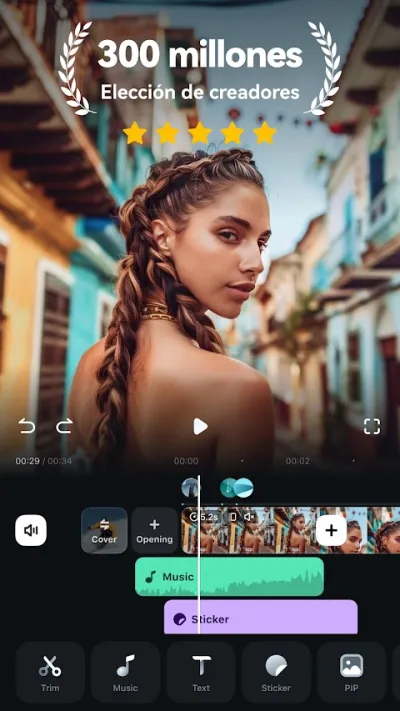
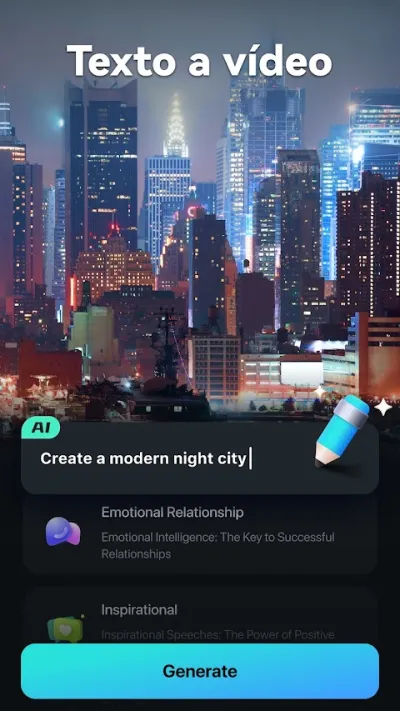
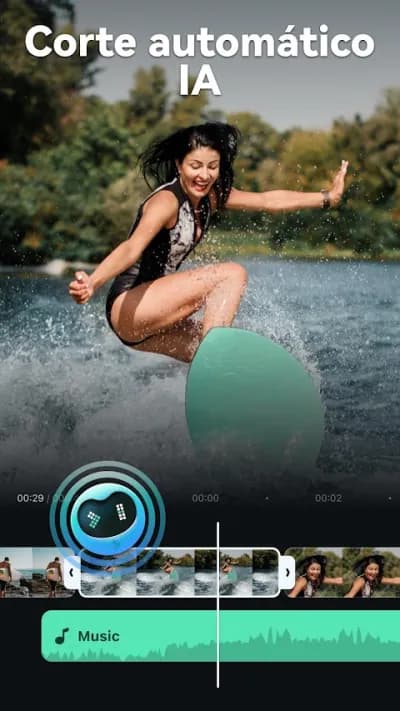
Filmora is the mobile version of Wondershare's popular desktop video editor. Recently revamped as FilmoraHD with AI tools for automatic editing and quality enhancement.

Pros
- AI tools for automatic editing
- Cinema-quality templates
- Integration with Filmora PC ecosystem
Cons
- 4.1★ rating
- Most premium templates and AI features require subscription
- Quite visible watermark in free version

Editor de Video - InShot
InShot Video Editor · Free (with purchases) · 500M+
For YouTube Shorts
4.9
24.3M reviews
TopApps analysis
If your YouTube channel is based on Shorts (9:16 format), InShot is the best option for its native support and 4.9★.
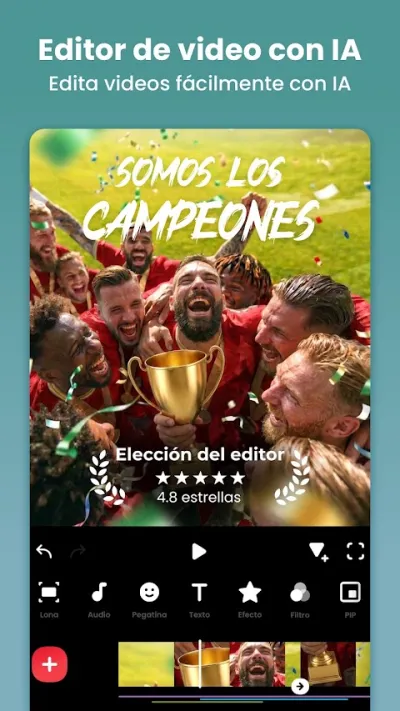
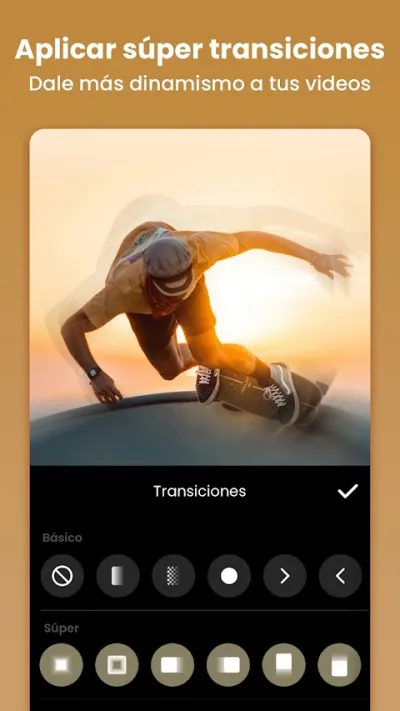
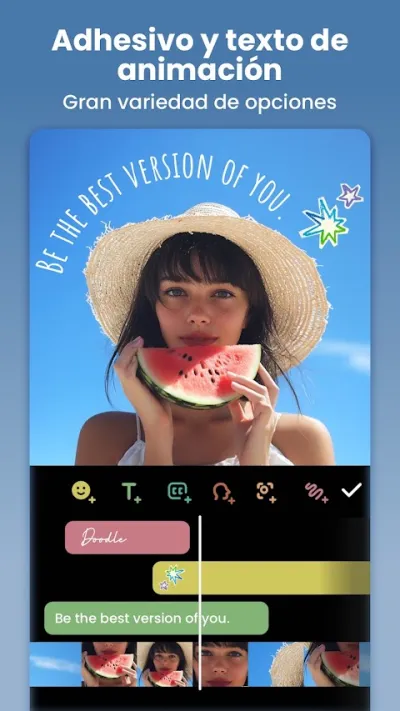
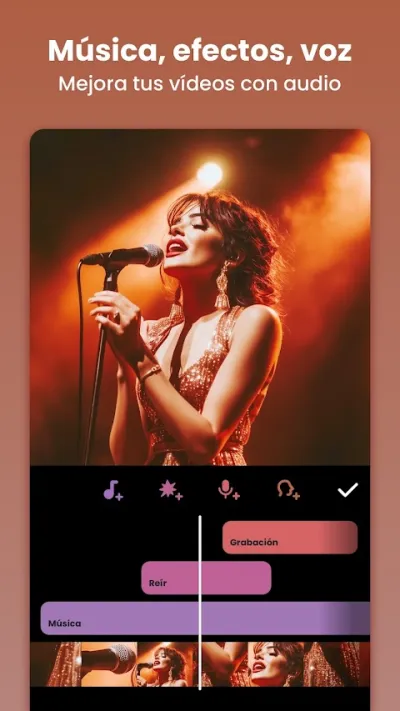
InShot is the highest-rated video editor on Google Play with 4.9★ and over 24 million reviews. It lets you cut, merge and add music to videos in seconds, with native support for Instagram Reels, TikTok and YouTube Shorts formats.
Pros
- Highest-rated video editor worldwide (4.9★, 24M+ reviews)
- Very intuitive interface
- Native Reels/TikTok/Shorts support
Cons
- Watermark in free version
- Advanced features require Pro subscription
- No multi-track timeline

CapCut - Editor de Vídeo
Bytedance Pte. Ltd · Free (with purchases) · 1.000M+
Best for viral YouTube Shorts
3.0
12.8M reviews
TopApps analysis
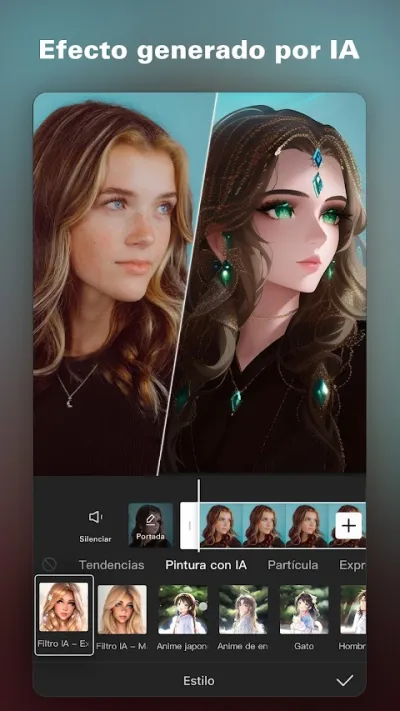
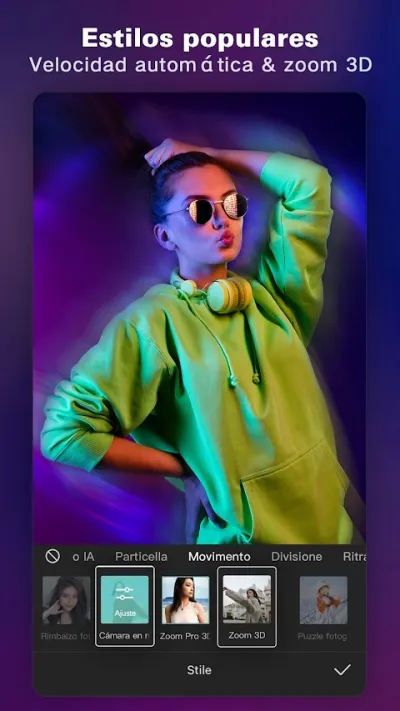
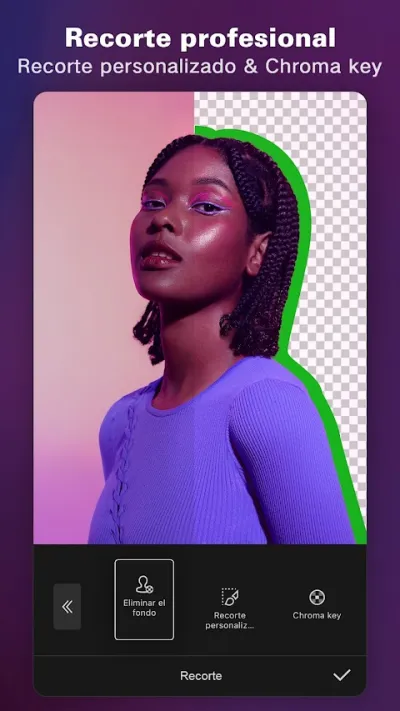
If you make YouTube Shorts with trending effects and automatic subtitles, CapCut has no rival. Free 4K export without watermark.
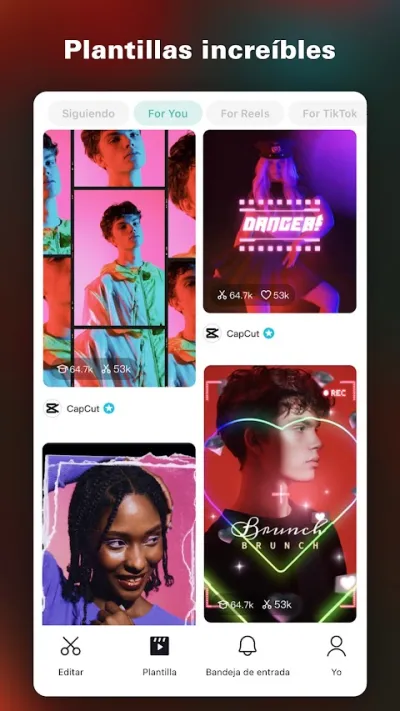
CapCut is the world's most downloaded video editor with over 1 billion downloads. Known for AI-powered auto-editing templates, automatic subtitles and trending effects.
Pros
- World's most downloaded video editor (1B+ downloads)
- AI auto-edit templates
- Accurate automatic subtitles
Cons
- Low Play Store rating (3.0★) due to Bytedance/TikTok privacy concerns
- Aggressive data collection
- TikTok ecosystem dependency

Videoleap: Editor de Vídeo IA
Lightricks Ltd. · Free (with purchases) · 10M+
For art channels
4.6
199K reviews
TopApps analysis
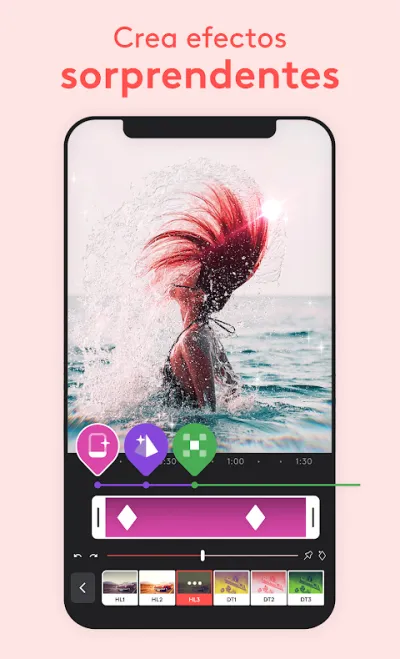
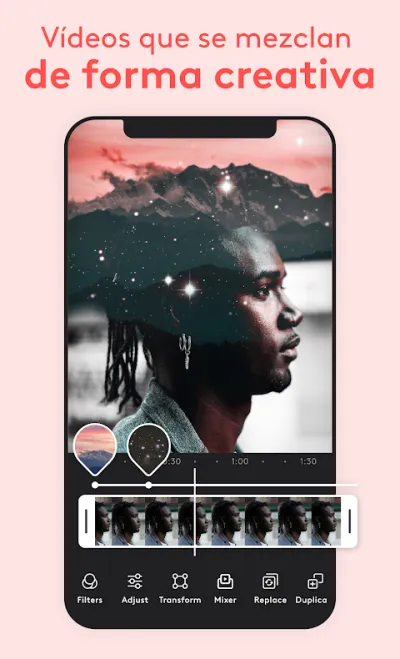
Unique double exposure visual effects for creative and artistic YouTube channels wanting to stand out.
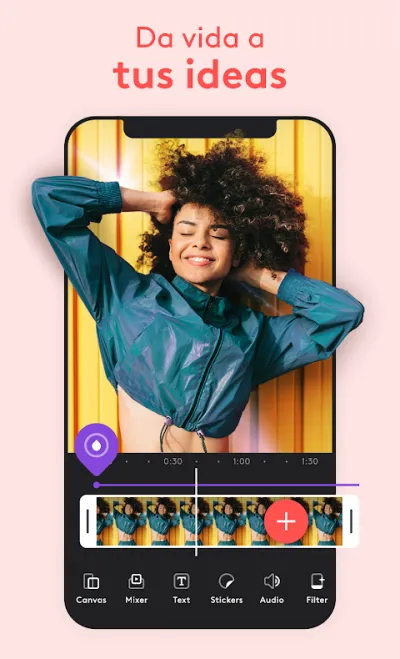
Videoleap by Lightricks features the best advanced creative tools: layer editing, double exposure, chroma composition, masks and high-level artistic effects.

Pros
- Advanced layer editing
- Double exposure and unique creative compositing
- Elegant, well-designed interface
Cons
- Pro subscription is one of the most expensive on the market
- Very limited free version
- Reported issues with export crashes in the free version
Frequently asked questions
What is the best app for editing YouTube videos from mobile?
For long horizontal YouTube videos (16:9), KineMaster is the best option: multi-track timeline, green screen and frame-by-frame control. For YouTube Shorts-based channels (9:16 vertical), InShot and CapCut are superior.
Can you edit a long YouTube video on a phone?
For videos up to ten or fifteen minutes with few tracks, yes, and these apps handle it well. Beyond that, with lots of cuts, several layers and 4K footage, a phone falls short on both power and comfort: the small screen makes fine work slow. For long videos, a computer is still the right tool.
What format and resolution should you use for YouTube?
Landscape 16:9 at 1080p is the safe standard, and 4K if you shoot at that quality and your phone can export it. For Shorts, vertical 9:16 and under sixty seconds. YouTube re-encodes everything you upload, so exporting at the highest possible quality leaves room for the platform's compression not to ruin the image.
Articles you might like


The 5 Best Cinema Ticket Apps in Spain in 2026
We compare the 5 best apps for buying cinema tickets in Spain: Cinesa, Cine Yelmo Go, Kinépolis, entradas.com and Odeon Multicines. Seats, discounts and fees.


The 8 Best Video Editing Apps for Mobile (2026): Real Comparison
We compare the best apps for editing videos on mobile in 2026: InShot, CapCut, KineMaster, PowerDirector, Filmora and more with real Google Play data.
The 7 Best Apps to Edit Videos for Instagram Reels (2026)
We compare the best apps for creating Instagram Reels in 2026: automatic 9:16 formats, trending effects, subtitles and watermark-free export.

The 7 Best Apps to Edit TikTok Videos (2026): Sounds, Effects and Virals
Best apps for creating viral TikTok videos in 2026: trending effects, viral sounds, clips under 60 seconds, duets and TikTok-specific formats.
The 6 Best Apps to Edit Videos Without Watermark in 2026 (Free and Paid)
We compare which video editing apps export without watermark in 2026: which are completely free and which require subscription.
The 7 Best Free Video Editing Apps for Android (2026)
The best free video editing apps for Android in 2026. We compare what InShot, CapCut, KineMaster and PowerDirector really let you do without paying.