The 6 Best Apps to Edit Videos Without Watermark in 2026 (Free and Paid)
Watermarks in videos are the biggest pain point of free mobile editors. In 2026, almost all popular apps add them in the free version — with one notable exception. We've reviewed which apps export clean videos without watermark.
Top apps for editing video without a watermark
Video editing apps that export your work clean, with no logos or watermarks, in both their free and paid versions.
Top pick

CapCut - Editor de Vídeo
Bytedance Pte. Ltd · Free (with purchases) · 1.000M+
The only free without watermark
3.0
12.8M reviews
TopApps analysis
CapCut exports in 4K without watermark completely free — the only app on this list to do so.
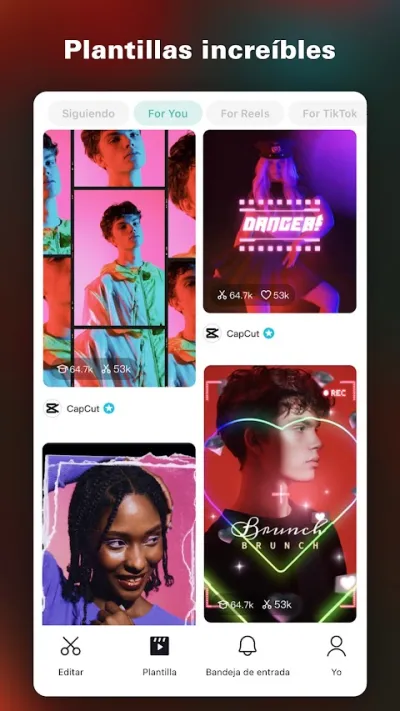
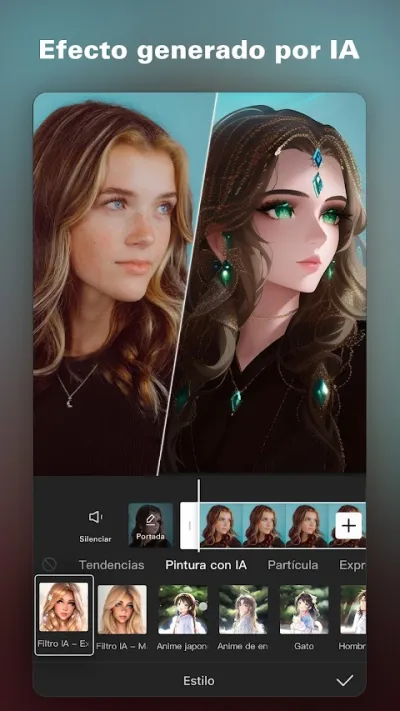
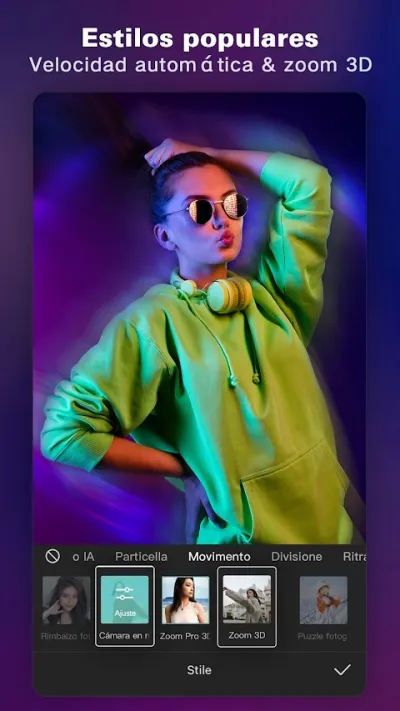
CapCut is the world's most downloaded video editor with over 1 billion downloads. Known for AI-powered auto-editing templates, automatic subtitles and trending effects.
Pros
- World's most downloaded video editor (1B+ downloads)
- AI auto-edit templates
- Accurate automatic subtitles
Cons
- Low Play Store rating (3.0★) due to Bytedance/TikTok privacy concerns
- Aggressive data collection
- TikTok ecosystem dependency

Editor de Video - InShot
InShot Video Editor · Free (with purchases) · 500M+
Best with Pro (cheapest)
4.9
24.3M reviews
TopApps analysis
InShot's watermark is discreet but removing it with Pro is one of the cheapest subscriptions on the market.
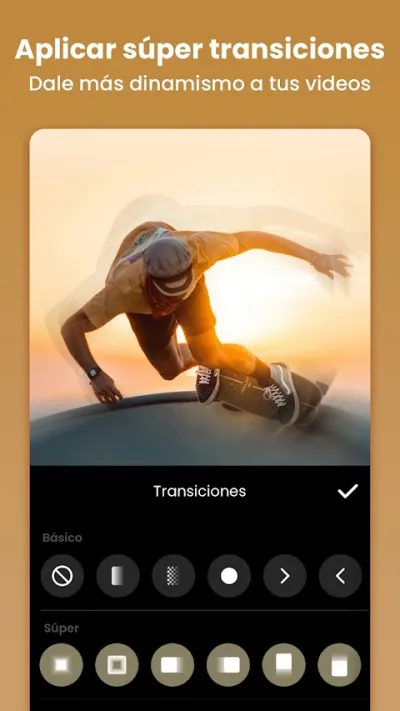
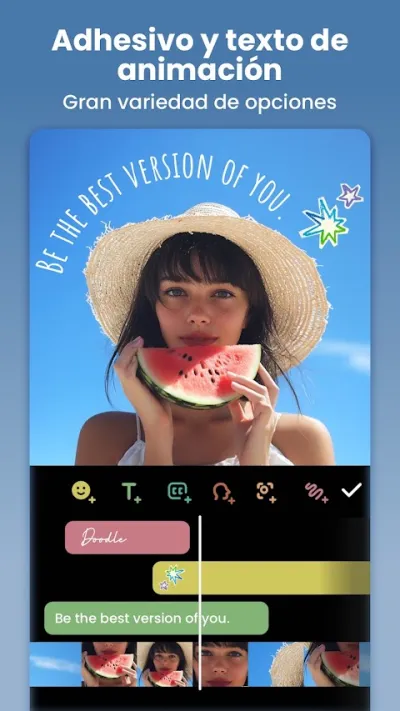
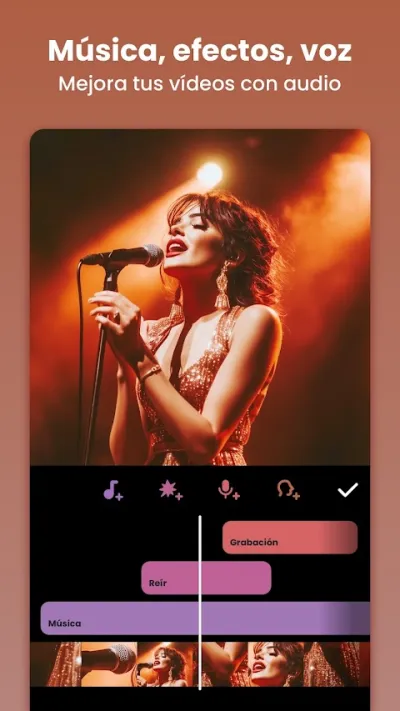
InShot is the highest-rated video editor on Google Play with 4.9★ and over 24 million reviews. It lets you cut, merge and add music to videos in seconds, with native support for Instagram Reels, TikTok and YouTube Shorts formats.

Pros
- Highest-rated video editor worldwide (4.9★, 24M+ reviews)
- Very intuitive interface
- Native Reels/TikTok/Shorts support
Cons
- Watermark in free version
- Advanced features require Pro subscription
- No multi-track timeline

KineMaster – Editor de Vídeo
KineMaster, Video Editor Experts Group · Free (with purchases) · 500M+
Largest watermark
4.4
6.1M reviews
TopApps analysis
KineMaster adds a large, prominent watermark in the free version. Subscription required to remove it.
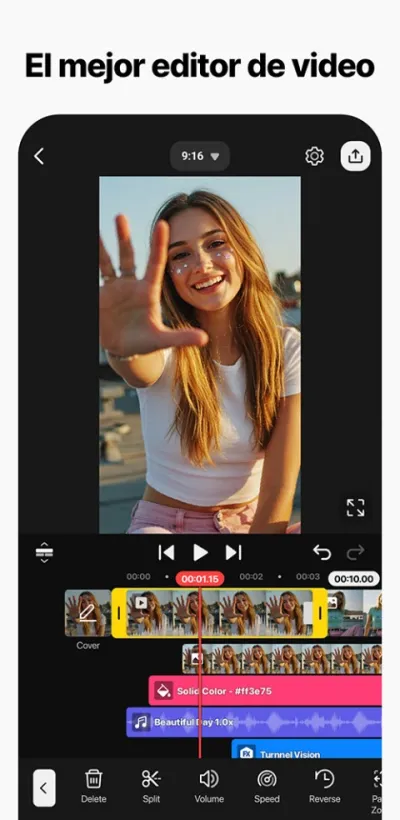
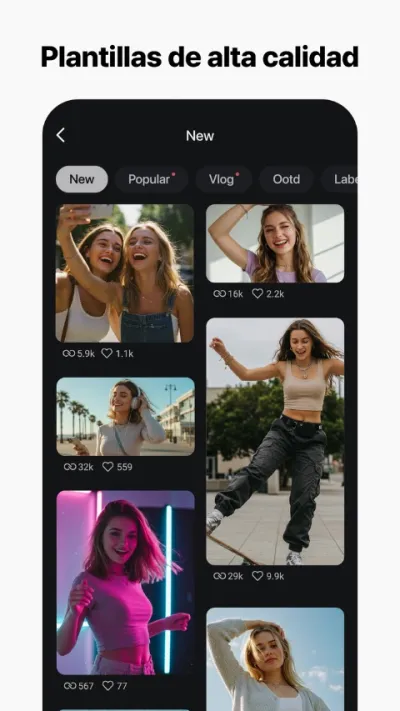
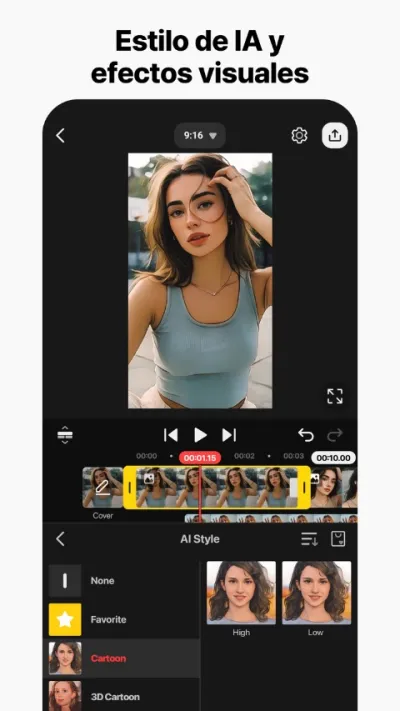
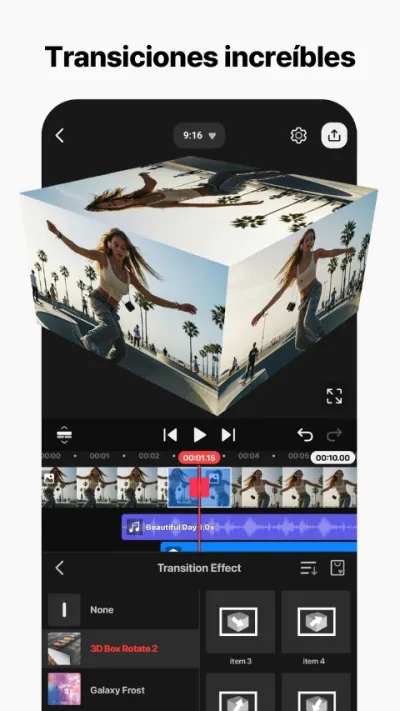
KineMaster is the most complete professional video editor for mobile: multi-track timeline, video overlay, frame-by-frame speed control, chroma key and 4K export.
Pros
- Real multi-track timeline
- Chroma key (green screen)
- Frame-by-frame speed control
Cons
- Prominent watermark in free version
- Higher learning curve than InShot or CapCut
- Somewhat cluttered interface

PowerDirector – Video Edición
CyberLink Corp · Free (with purchases) · 100M+
Watermark-free with subscription
4.4
1.7M reviews
TopApps analysis
PowerDirector adds watermark in the free version. Subscription removes it and adds 4K export.
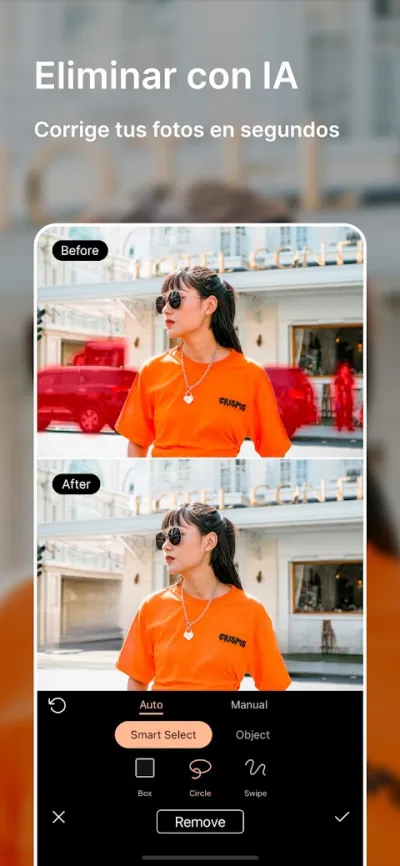
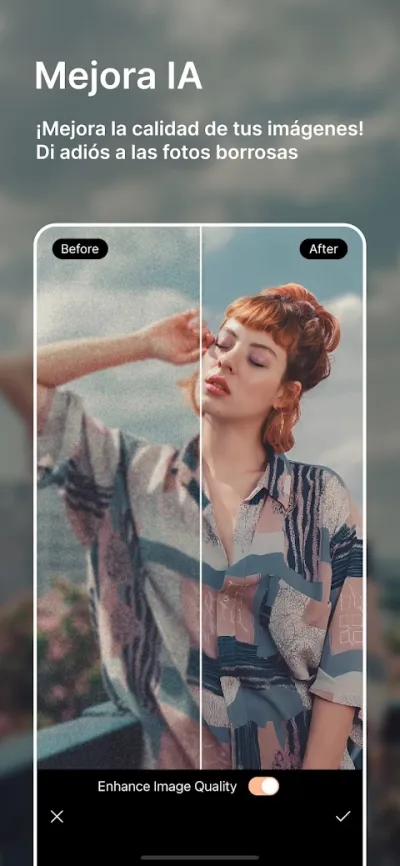
PowerDirector is CyberLink's mobile video editor, from the same company as professional PC editing software. Features multi-track timeline, chroma key, video stabilization and 4K export.


Pros
- Multi-track timeline and chroma key
- Built-in video stabilizer
- AI for automatic Reels generation
Cons
- Android only (no iOS version)
- Users report frustration with overlay object limits
- Somewhat cluttered interface for beginners
Last updated: 2026-06-15

Editor de Videos - VivaVideo
QuVideo Inc. · Free (with purchases) · 500M+
Watermark-free with Pro
4.0
12.3M reviews
TopApps analysis
VivaVideo in the free version exports with watermark. The VIP plan removes it completely.
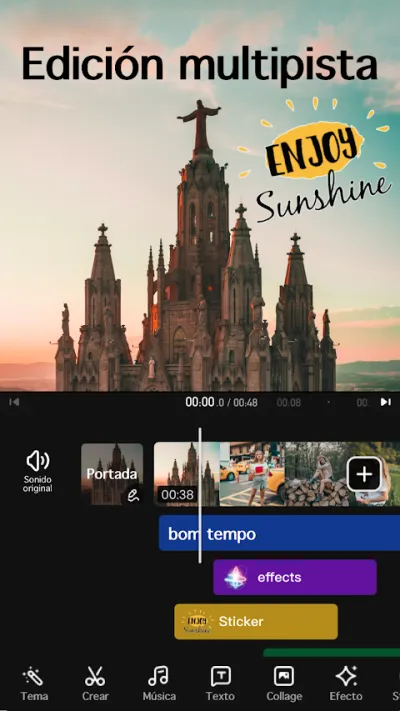
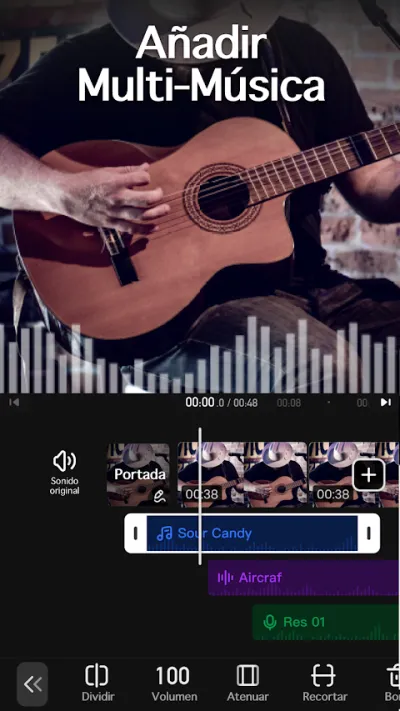
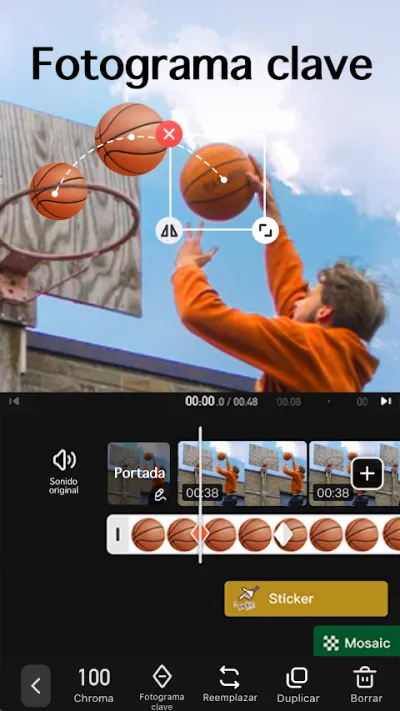
VivaVideo is one of the most established mobile video editors: 500M+ downloads and #3 in revenue in the Google Play video category.

Pros
- 500M+ downloads
- Excellent slideshow templates with music
- Very varied and eye-catching effects and transitions
Cons
- 4.0★ rating — below InShot or KineMaster
- User complaints about audio/video sync issues when exporting
- Subscription needed for full watermark-free use
Last updated: 2026-06-26

FilmoraHD - AI Video Creator
Shenzhen Wondershare Software Co., Ltd. · Free (with purchases) · 100M+
Very visible watermark
4.1
1.2M reviews
TopApps analysis
Filmora has one of the most visible watermarks in free mode. Subscription required for clean export.
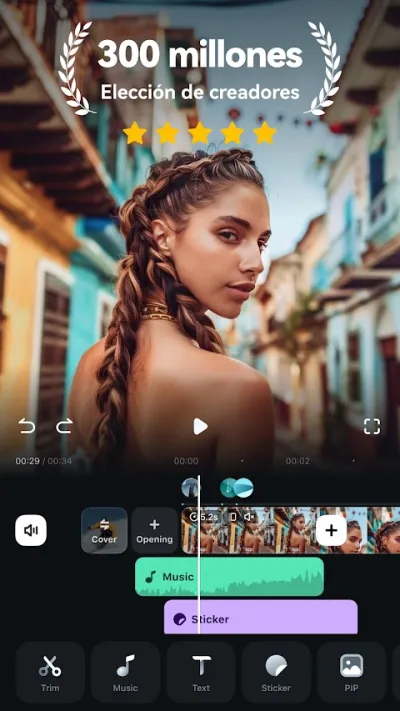
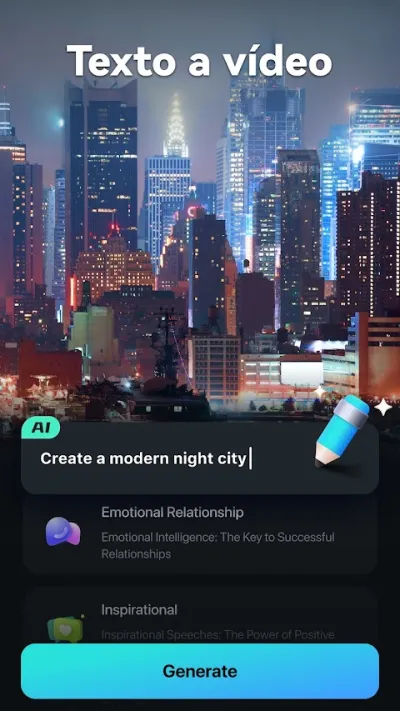
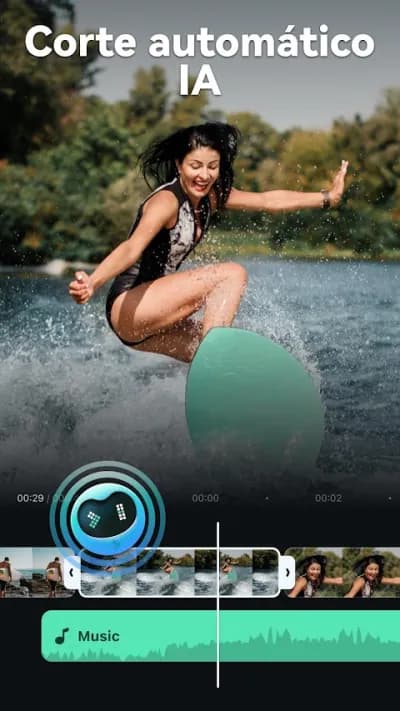
Filmora is the mobile version of Wondershare's popular desktop video editor. Recently revamped as FilmoraHD with AI tools for automatic editing and quality enhancement.

Pros
- AI tools for automatic editing
- Cinema-quality templates
- Integration with Filmora PC ecosystem
Cons
- 4.1★ rating
- Most premium templates and AI features require subscription
- Quite visible watermark in free version
Frequently asked questions
Which video editing app has no watermark for free?
CapCut (overseas version) is the only app on this list that allows exporting videos without watermark completely free, even in 4K resolution. The rest add watermarks in the free version and require a paid subscription.
How do I remove a watermark that is already in the video?
Once the file is exported the watermark is part of the image, and removing it entirely is not realistic: what the tools actually do is blur or fill that area, and it shows. The practical options are cropping the frame if the mark sits near an edge, or re-exporting from the original project with an app that does not add one.
Can I use a video made with the free version commercially?
It depends on each app's licence and it is worth reading, because several allow personal use but restrict commercial use on the free plan. The bigger problem is rarely the editor and usually the music: using a copyrighted track in a commercial video can trigger claims even if the app offered it to you. Stick to royalty-free tracks from their library.
Articles you might like


The 5 Best Cinema Ticket Apps in Spain in 2026
We compare the 5 best apps for buying cinema tickets in Spain: Cinesa, Cine Yelmo Go, Kinépolis, entradas.com and Odeon Multicines. Seats, discounts and fees.


The 8 Best Video Editing Apps for Mobile (2026): Real Comparison
We compare the best apps for editing videos on mobile in 2026: InShot, CapCut, KineMaster, PowerDirector, Filmora and more with real Google Play data.
The 7 Best Apps to Edit Videos for Instagram Reels (2026)
We compare the best apps for creating Instagram Reels in 2026: automatic 9:16 formats, trending effects, subtitles and watermark-free export.

The 7 Best Apps to Edit TikTok Videos (2026): Sounds, Effects and Virals
Best apps for creating viral TikTok videos in 2026: trending effects, viral sounds, clips under 60 seconds, duets and TikTok-specific formats.
The 7 Best Free Video Editing Apps for Android (2026)
The best free video editing apps for Android in 2026. We compare what InShot, CapCut, KineMaster and PowerDirector really let you do without paying.

The 6 Best Video Editing Apps for Beginners (2026): No Learning Curve
Best video editing apps for beginners in 2026: simple interface, built-in tutorials, professional results from first use. No complicated timeline or overwhelming options.