The 7 Best Apps to Edit TikTok Videos (2026): Sounds, Effects and Virals
TikTok isn't just another vertical video format: it has its own visual language, with fast cuts on the beat, animated on-screen text effects, viral sounds and the duet feature. Unlike Instagram Reels, TikTok videos tend to be shorter (15-60s) and more dynamic.
Top apps for creating and editing TikTok videos
The best apps for editing viral TikTok videos, with trending effects, sounds, transitions and editing tools built around the vertical format.
Top pick

CapCut - Editor de Vídeo
Bytedance Pte. Ltd · Free (with purchases) · 1.000M+
TikTok's official editor
3.0
12.8M reviews
TopApps analysis
Made by Bytedance, TikTok's company. Immediate access to globally trending viral sounds and effects.
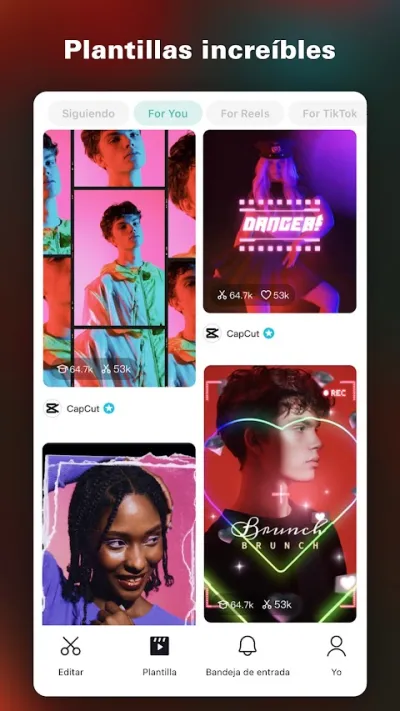
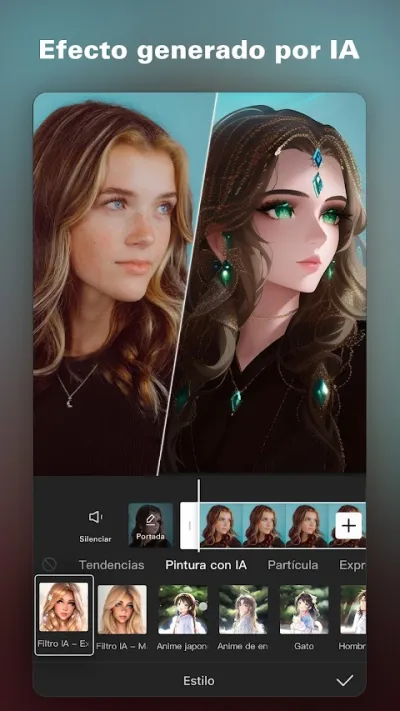
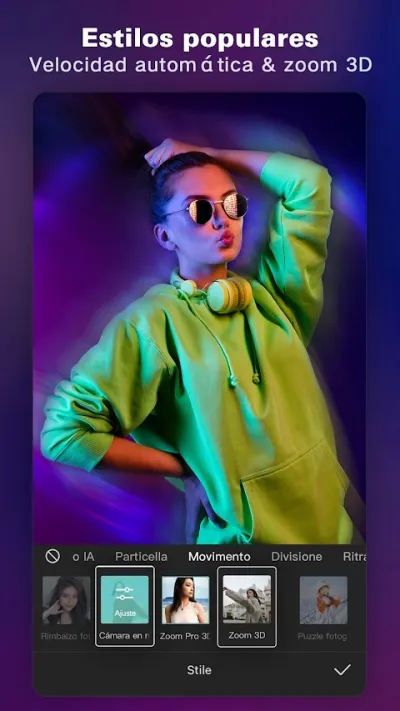
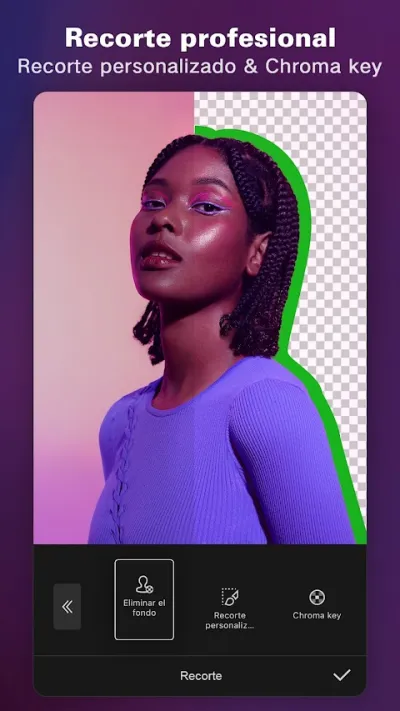
CapCut is the world's most downloaded video editor with over 1 billion downloads. Known for AI-powered auto-editing templates, automatic subtitles and trending effects.
Pros
- World's most downloaded video editor (1B+ downloads)
- AI auto-edit templates
- Accurate automatic subtitles
Cons
- Low Play Store rating (3.0★) due to Bytedance/TikTok privacy concerns
- Aggressive data collection
- TikTok ecosystem dependency

Editor de Video - InShot
InShot Video Editor · Free (with purchases) · 500M+
Best TikTok-free option
4.9
24.3M reviews
TopApps analysis
If you don't want Bytedance apps, InShot is the highest-rated alternative (4.9★) with native TikTok format support.
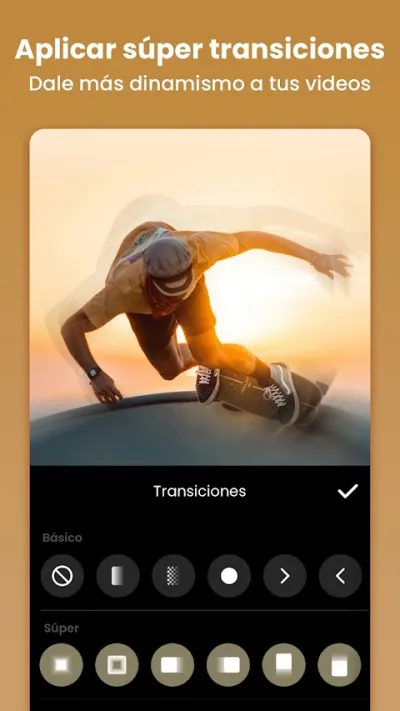
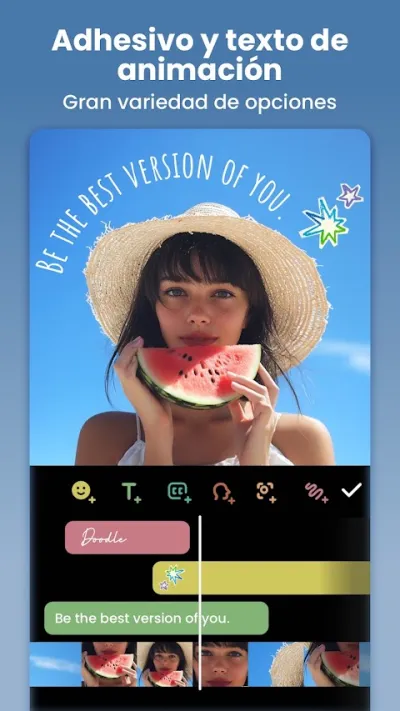
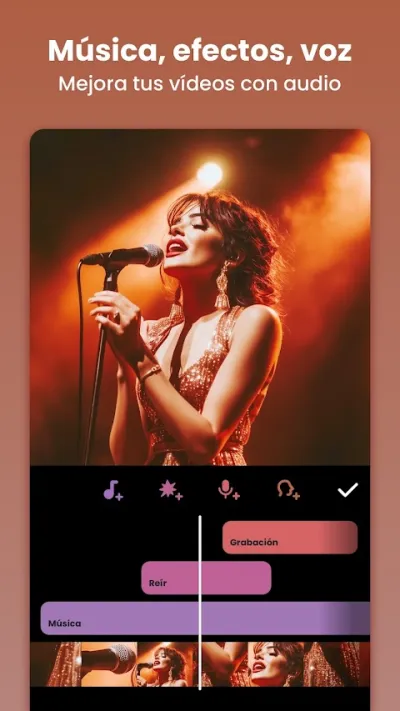
InShot is the highest-rated video editor on Google Play with 4.9★ and over 24 million reviews. It lets you cut, merge and add music to videos in seconds, with native support for Instagram Reels, TikTok and YouTube Shorts formats.

Pros
- Highest-rated video editor worldwide (4.9★, 24M+ reviews)
- Very intuitive interface
- Native Reels/TikTok/Shorts support
Cons
- Watermark in free version
- Advanced features require Pro subscription
- No multi-track timeline

Editor de Videos - VivaVideo
QuVideo Inc. · Free (with purchases) · 500M+
Best for music clips
4.0
12.3M reviews
TopApps analysis
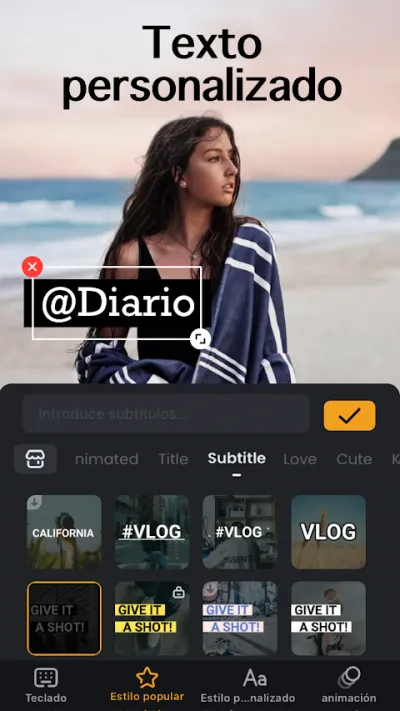
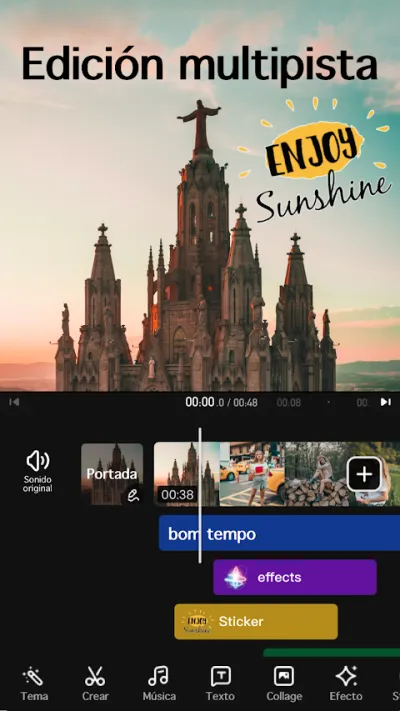
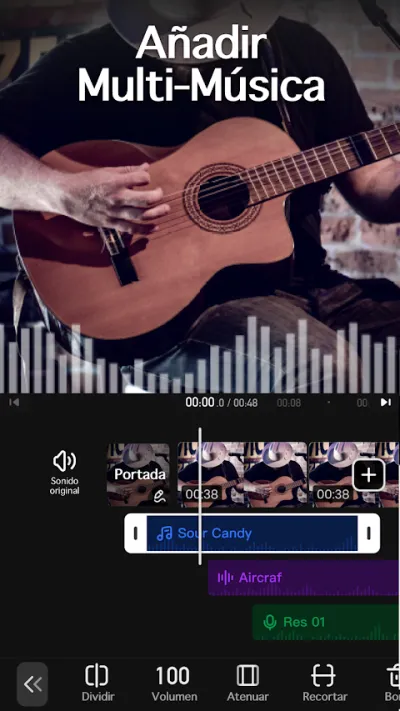
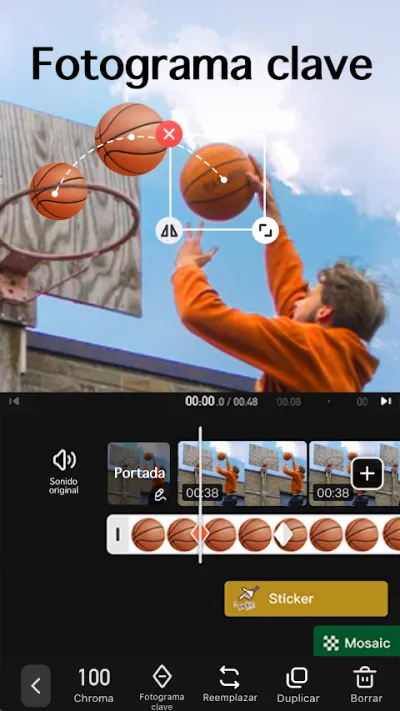
Rhythmic photo + video montages synced to the beat. Star app for viral 'photo with music' type videos.
VivaVideo is one of the most established mobile video editors: 500M+ downloads and #3 in revenue in the Google Play video category.
Pros
- 500M+ downloads
- Excellent slideshow templates with music
- Very varied and eye-catching effects and transitions
Cons
- 4.0★ rating — below InShot or KineMaster
- User complaints about audio/video sync issues when exporting
- Subscription needed for full watermark-free use
Last updated: 2026-06-26

KineMaster – Editor de Vídeo
KineMaster, Video Editor Experts Group · Free (with purchases) · 500M+
For advanced TikTokers
4.4
6.1M reviews
TopApps analysis
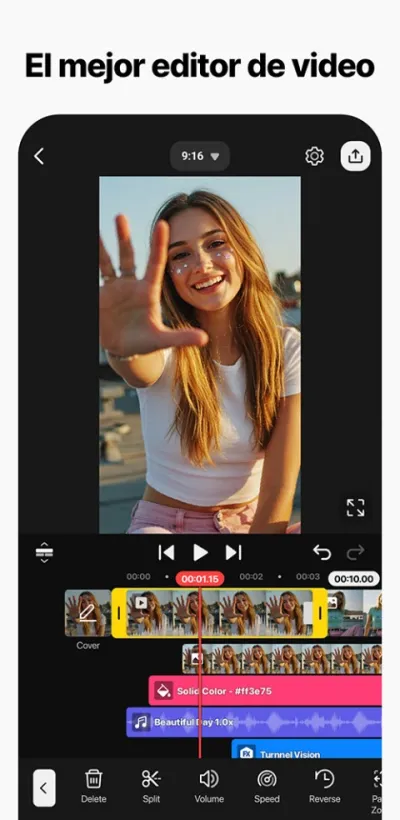
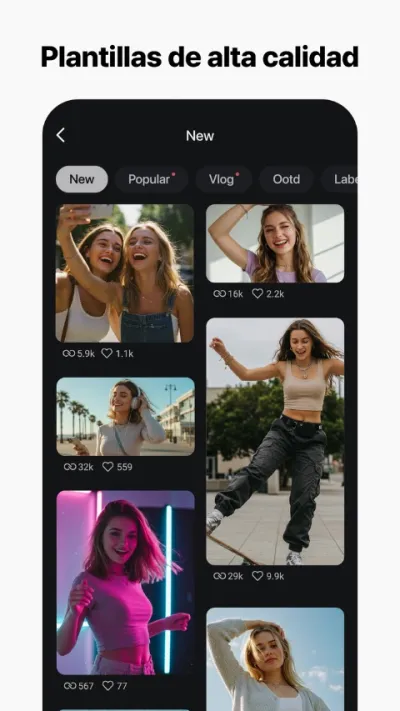
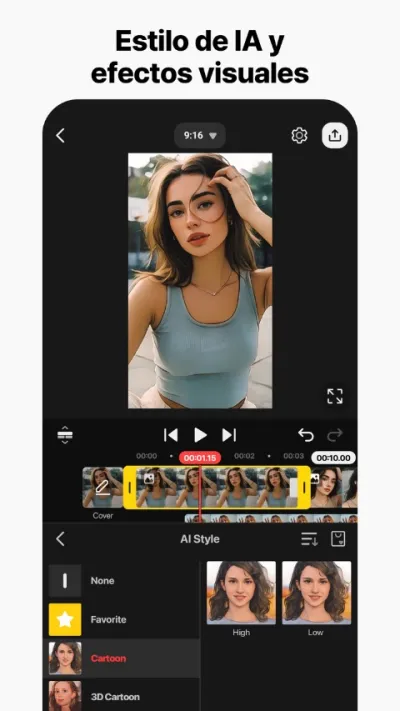
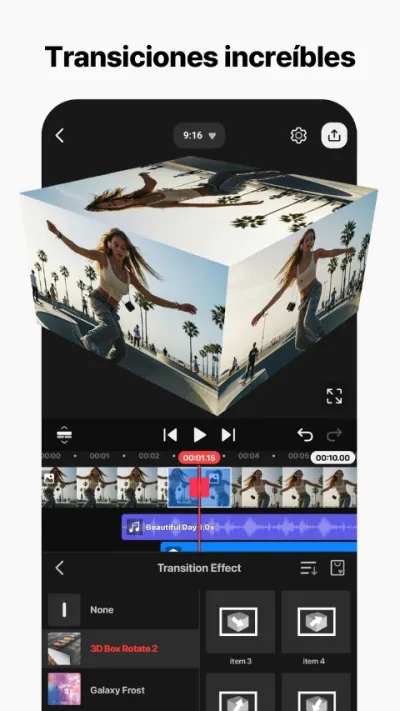
Multi-track timeline for precise beat cuts with frame-by-frame control.
KineMaster is the most complete professional video editor for mobile: multi-track timeline, video overlay, frame-by-frame speed control, chroma key and 4K export.
Pros
- Real multi-track timeline
- Chroma key (green screen)
- Frame-by-frame speed control
Cons
- Prominent watermark in free version
- Higher learning curve than InShot or CapCut
- Somewhat cluttered interface

PowerDirector – Video Edición
CyberLink Corp · Free (with purchases) · 100M+
Best AI for TikTok
4.4
1.7M reviews
TopApps analysis
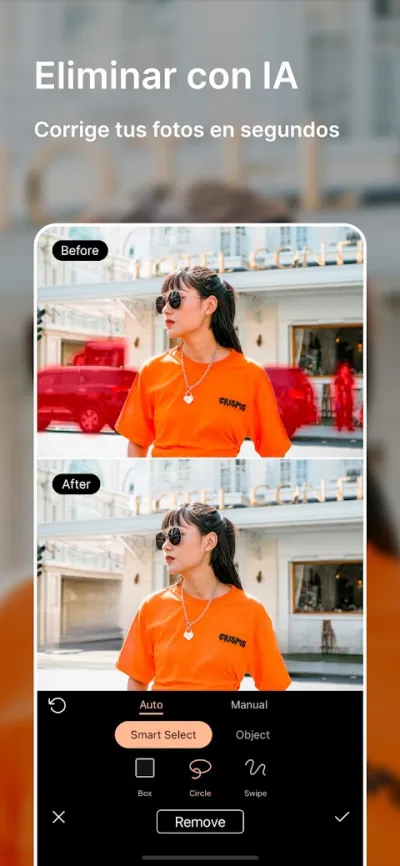
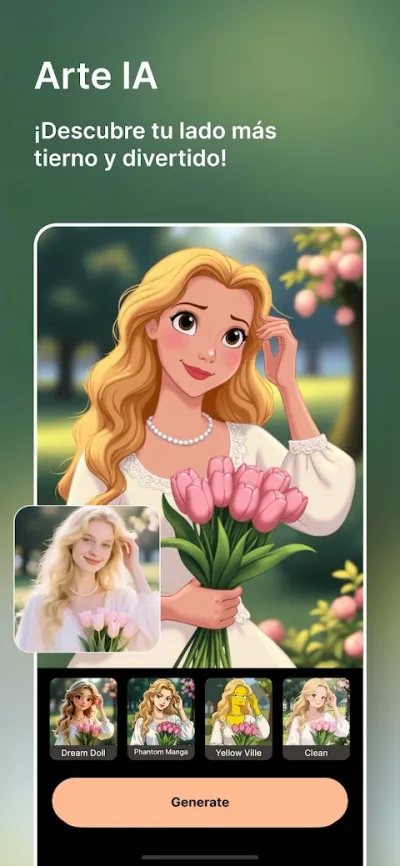
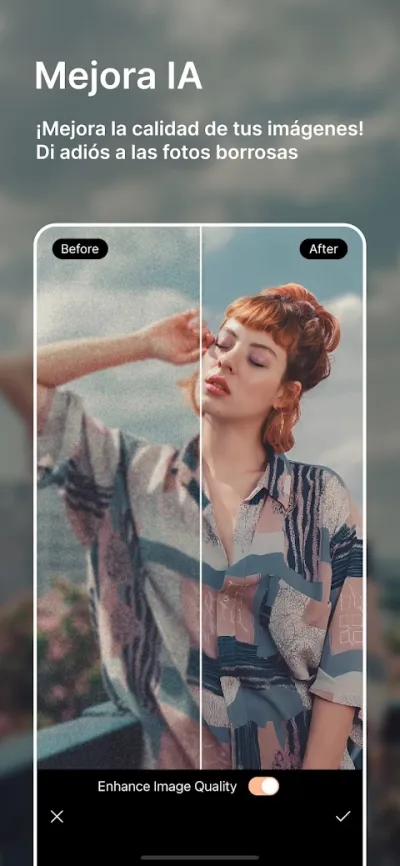
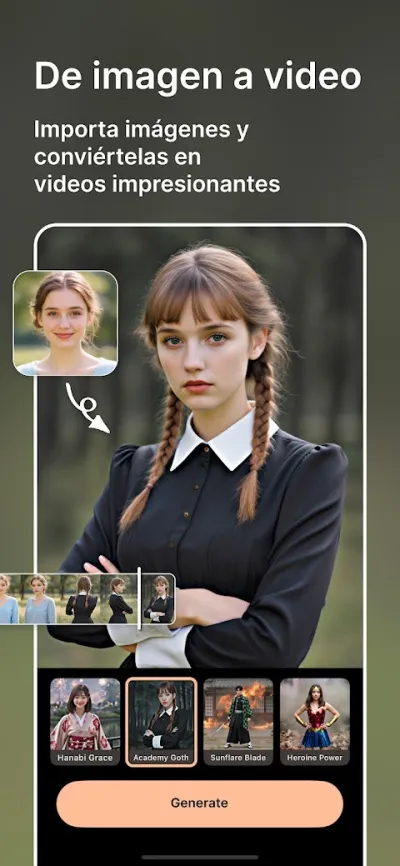
Automatically generates short TikTok videos with AI + Spanish voice-over.
PowerDirector is CyberLink's mobile video editor, from the same company as professional PC editing software. Features multi-track timeline, chroma key, video stabilization and 4K export.
Pros
- Multi-track timeline and chroma key
- Built-in video stabilizer
- AI for automatic Reels generation
Cons
- Android only (no iOS version)
- Users report frustration with overlay object limits
- Somewhat cluttered interface for beginners
Last updated: 2026-06-15

FilmoraHD - AI Video Creator
Shenzhen Wondershare Software Co., Ltd. · Free (with purchases) · 100M+
Most original templates
4.1
1.2M reviews
TopApps analysis
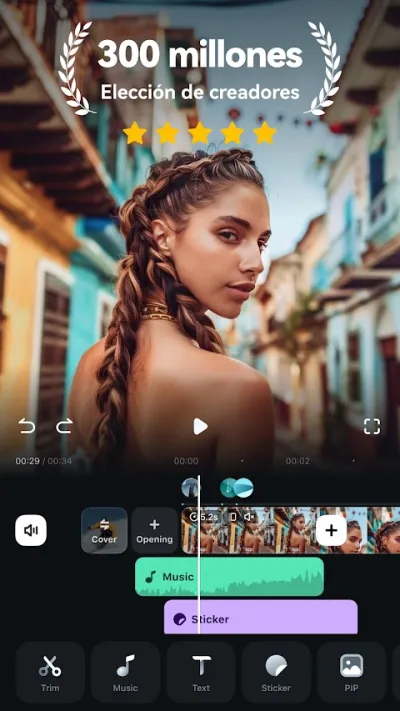
High visual quality TikTok templates for brands wanting to stand out from amateur content.
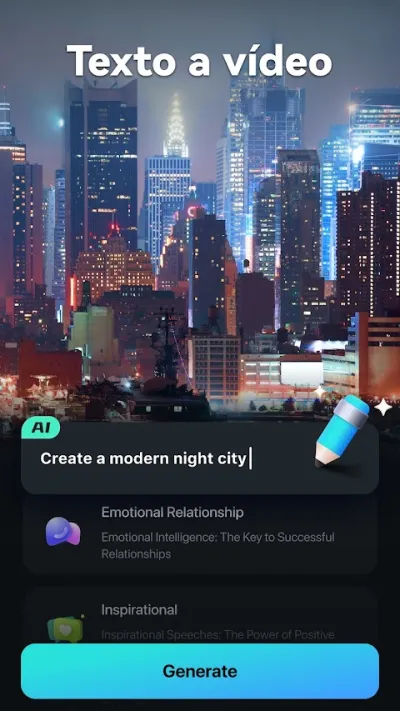
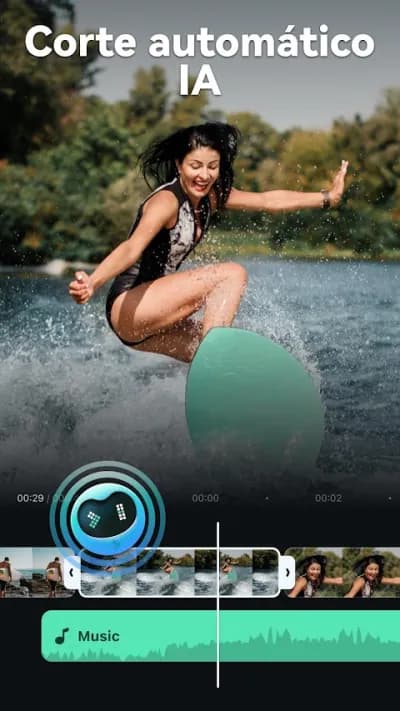
Filmora is the mobile version of Wondershare's popular desktop video editor. Recently revamped as FilmoraHD with AI tools for automatic editing and quality enhancement.

Pros
- AI tools for automatic editing
- Cinema-quality templates
- Integration with Filmora PC ecosystem
Cons
- 4.1★ rating
- Most premium templates and AI features require subscription
- Quite visible watermark in free version

Videoleap: Editor de Vídeo IA
Lightricks Ltd. · Free (with purchases) · 10M+
Most exclusive effects
4.6
199K reviews
TopApps analysis
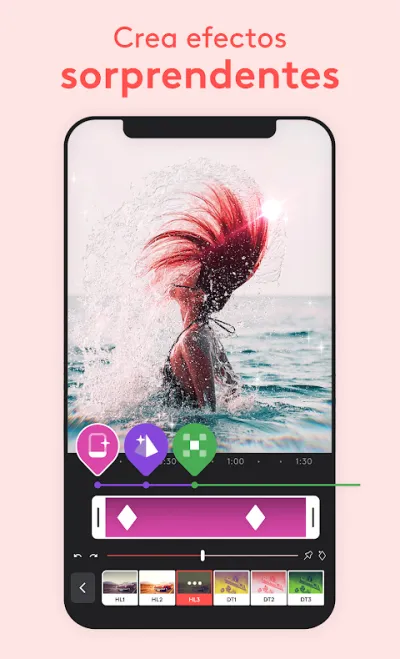
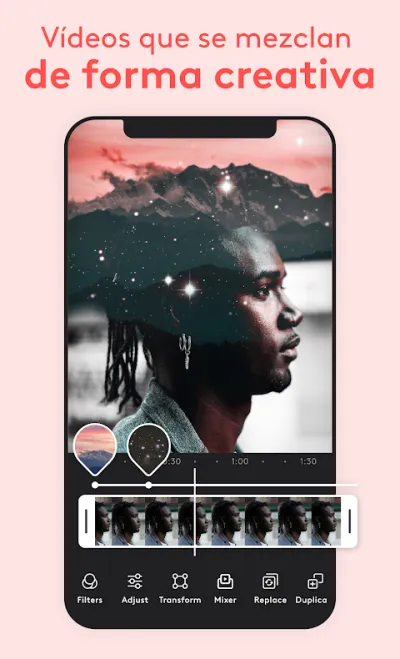
Double exposure and creative compositing for visually unique and differentiating TikTok videos.
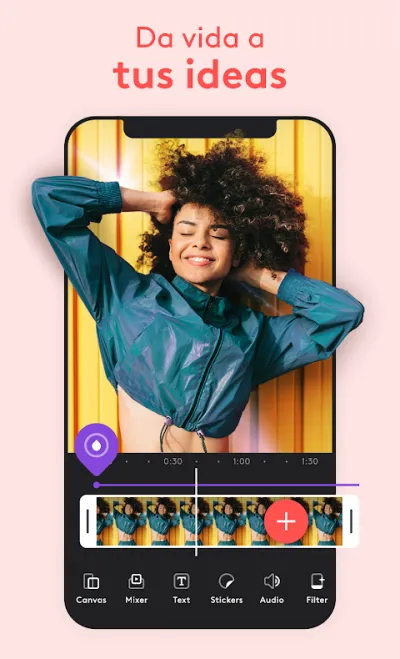
Videoleap by Lightricks features the best advanced creative tools: layer editing, double exposure, chroma composition, masks and high-level artistic effects.

Pros
- Advanced layer editing
- Double exposure and unique creative compositing
- Elegant, well-designed interface
Cons
- Pro subscription is one of the most expensive on the market
- Very limited free version
- Reported issues with export crashes in the free version
Frequently asked questions
What is the best app for editing TikTok videos?
CapCut is the best app for TikTok because it was developed by Bytedance, the same company. It has immediate access to globally trending TikTok sounds and effects, 4K export without watermark for free and automatic Spanish subtitles.
How are TikTok videos different from Instagram Reels?
TikTok videos tend to be shorter (15-60s vs. up to 3 minutes on Reels), more dynamic with faster cuts, and rely much more on viral sounds and effects native to the platform. TikTok has its own built-in editor with access to real-time trends, while Instagram Reels has fewer native effects but tighter integration with the photo feed and Stories.
How do I export a TikTok video without losing quality?
Always export in vertical 1080p at 30 or 60 fps, and avoid re-exporting a video that has already been exported, because every pass compresses the image again. The most common mistake is editing in an app, saving to the gallery, then re-uploading and editing again inside TikTok: that compresses it twice. Edit outside, export once, and upload that file.
Do videos carrying another app's watermark get penalised on TikTok?
TikTok reduces the reach of videos carrying a watermark from competing platforms, especially the Reels or Shorts one, because they are recycled content. A watermark from an editor like InShot doesn't have that problem, although it does look less professional. Of the apps in this guide, CapCut is the only one that exports without a watermark for free; the rest only remove it with a subscription.
Articles you might like


The 5 Best Cinema Ticket Apps in Spain in 2026
We compare the 5 best apps for buying cinema tickets in Spain: Cinesa, Cine Yelmo Go, Kinépolis, entradas.com and Odeon Multicines. Seats, discounts and fees.


The 8 Best Video Editing Apps for Mobile (2026): Real Comparison
We compare the best apps for editing videos on mobile in 2026: InShot, CapCut, KineMaster, PowerDirector, Filmora and more with real Google Play data.
The 7 Best Apps to Edit Videos for Instagram Reels (2026)
We compare the best apps for creating Instagram Reels in 2026: automatic 9:16 formats, trending effects, subtitles and watermark-free export.
The 6 Best Apps to Edit Videos Without Watermark in 2026 (Free and Paid)
We compare which video editing apps export without watermark in 2026: which are completely free and which require subscription.
The 7 Best Free Video Editing Apps for Android (2026)
The best free video editing apps for Android in 2026. We compare what InShot, CapCut, KineMaster and PowerDirector really let you do without paying.


The 6 Best Video Editing Apps for Beginners (2026): No Learning Curve
Best video editing apps for beginners in 2026: simple interface, built-in tutorials, professional results from first use. No complicated timeline or overwhelming options.