The 4 Best Wallpaper Apps in 2026
Your wallpaper is the part of your phone you look at most, and it deserves better than the factory photo. From the giant with millions of options to curated collections signed by real artists, this guide compares the 4 best wallpaper apps in 2026, including the option of creating your own.
Top wallpaper apps to personalize your phone
Wallpaper apps in 4K, AMOLED and animated formats: millions of backgrounds, artist collections and tools for designing your own.
Top pick

ZEDGE: Fondos de Pantalla
Free (with purchases) · 500M+
The giant
4.6
17.8M reviews
TopApps analysis
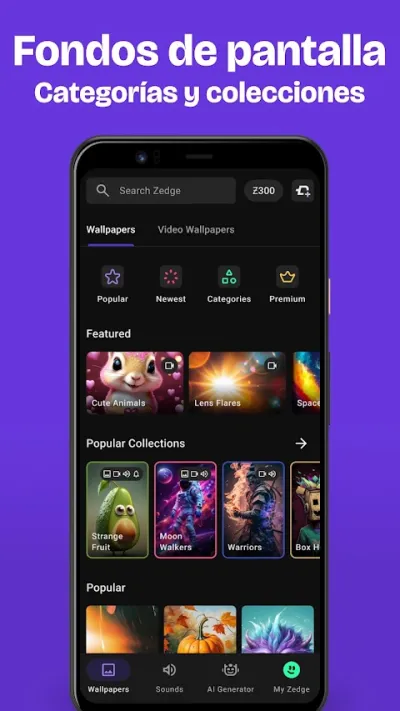
ZEDGE has it all: millions of backgrounds, animated and in 4K, plus ringtones, with a search by theme and color that always finds something.
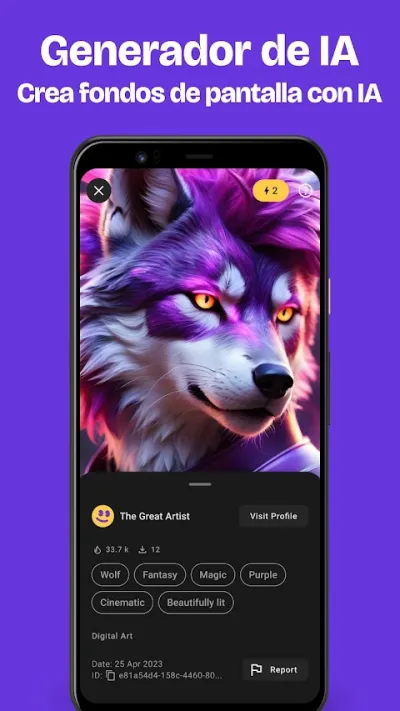
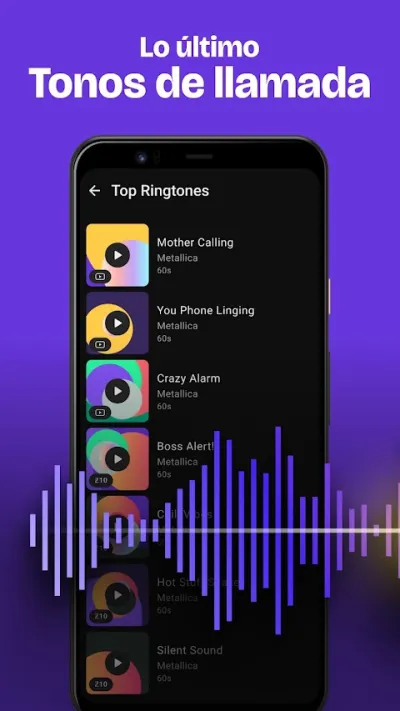
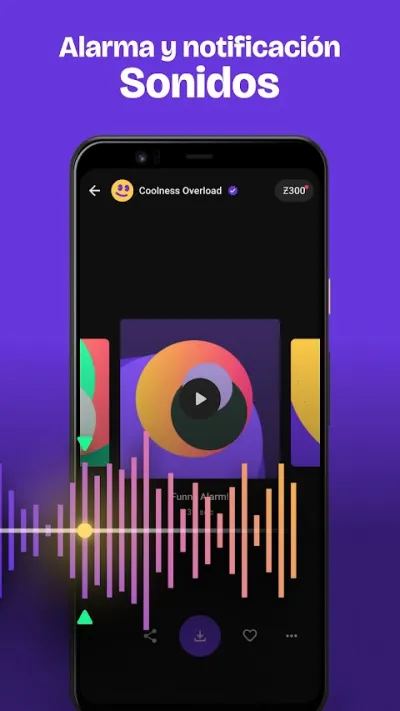
ZEDGE is the giant of phone personalisation: millions of wallpapers, live wallpapers, ringtones and notification sounds in one place, backed by 500 million downloads. Its search by theme and colour finds something for every taste, from minimalism to anime.
Pros
- Millions of wallpapers and ringtones
- Live and 4K wallpapers
- Search by theme and colour
Cons
- Plenty of ads in the free version
- Premium content locked behind coins
- Quality varies as it's community-made

Walli: Fondos de Pantalla 4K
Walli Wallpapers · Free (with purchases) · 10M+
Signed artwork
4.5
896K reviews
TopApps analysis
Walli offers backgrounds created by real artists who get paid for their work: a curated collection with style, far from generic stock.
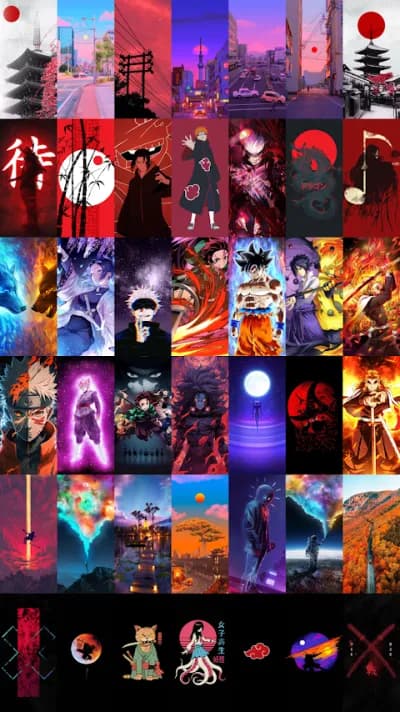
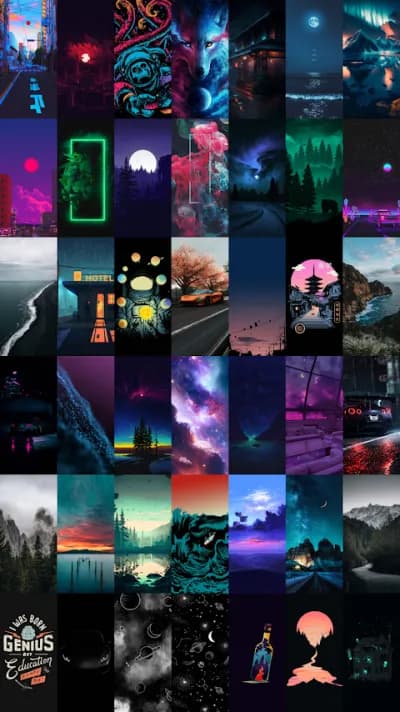
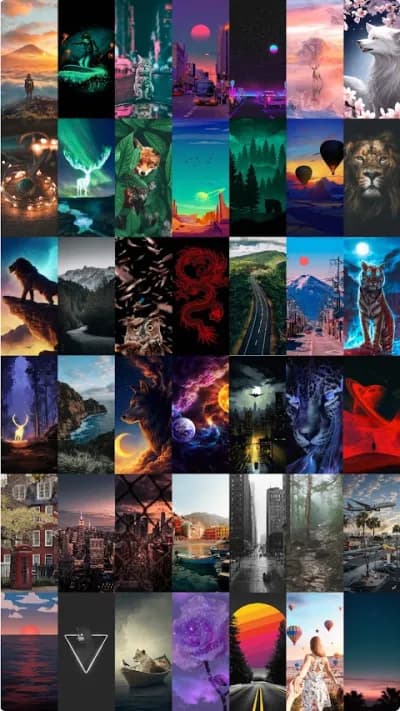
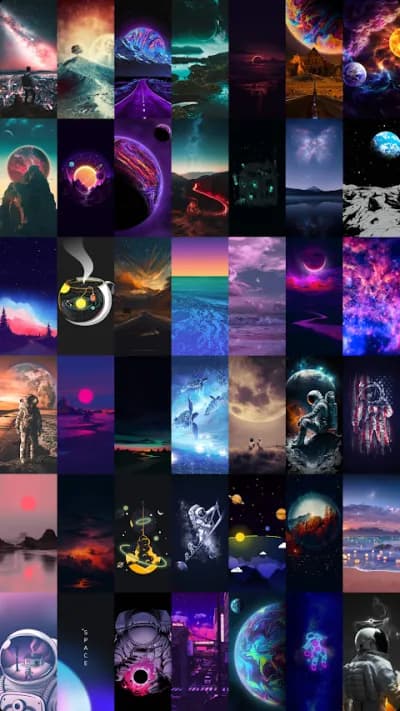
Walli sets itself apart on artistic quality: its wallpapers are works by real artists and illustrators who get paid when their work is downloaded. The result is a curated collection with a look of its own, far from the jumble of other repositories. For anyone who wants a wallpaper with a signature, not a stock photo.
Pros
- Wallpapers created by real artists
- Curated, high-quality collection
- Artists get paid for their work
Cons
- Smaller catalogue than ZEDGE
- No ringtones or extras
- Ads in the free version

Backdrops: Fondos de Pantalla
Free (with purchases) · 5M+
Best minimal design
4.6
83K reviews
TopApps analysis
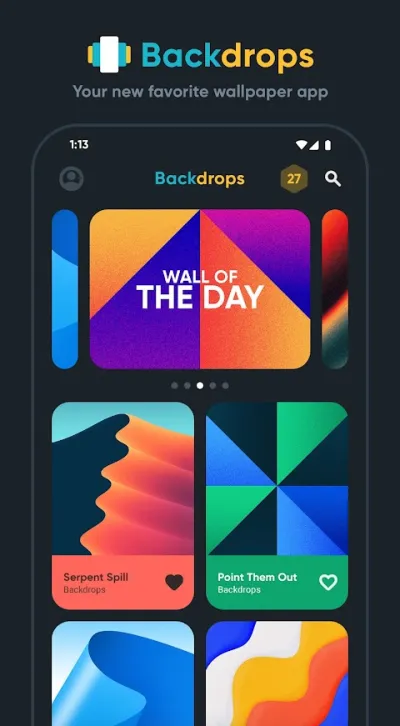
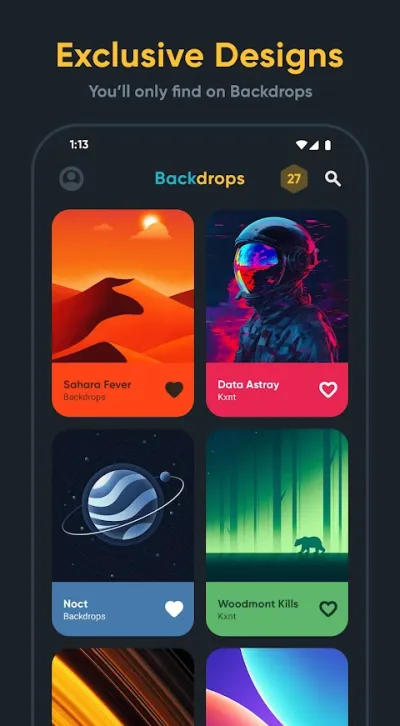
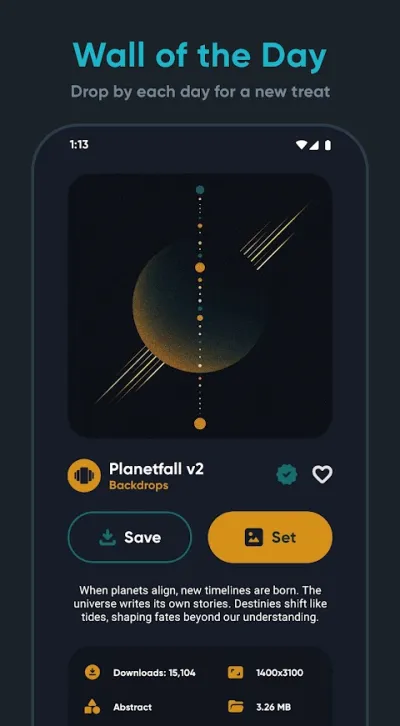
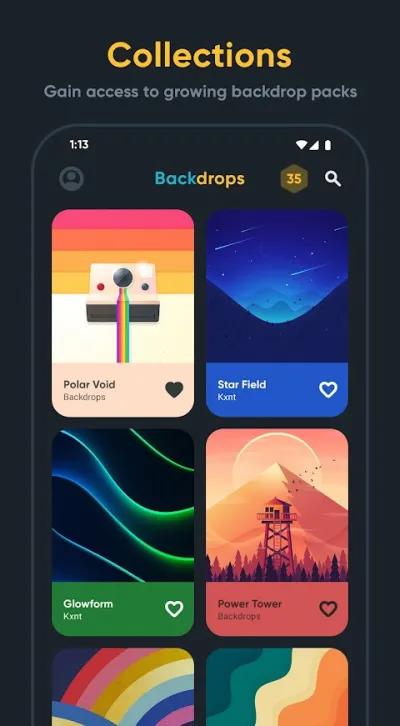
Backdrops creates its own backgrounds with flawless Android aesthetics, including pure black AMOLED ones that save battery on OLED screens.
Backdrops is the favourite among fans of clean design: original wallpapers made in-house, sorted into themed collections (minimal, amoled, gradients, abstract) that sit perfectly with the Android look. The pure-black amoled wallpapers also save battery on OLED screens.
Pros
- Original wallpapers designed in-house
- Amoled collections that save battery
- Carefully crafted minimal aesthetic
Cons
- Smaller catalogue than ZEDGE
- The pro collections cost money
- Less variety in photographic styles

Canva: Diseño IA, foto y vídeo
Free (with purchases) · 500M+
Make your own
4.8
25.9M reviews
TopApps analysis
Canva lets you design exactly the background you want: your quote, your colors, your photos, with templates sized for the phone screen.
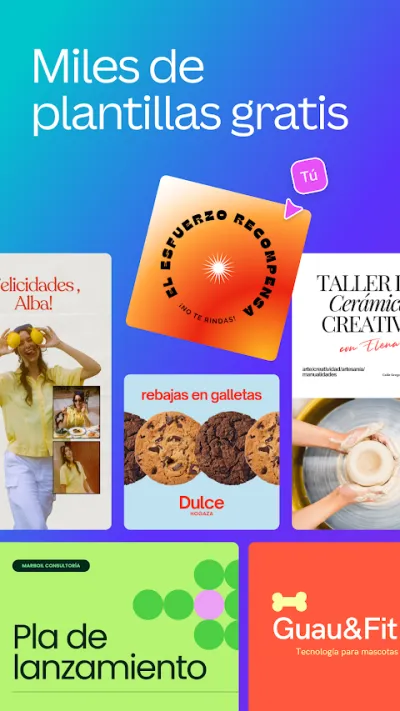
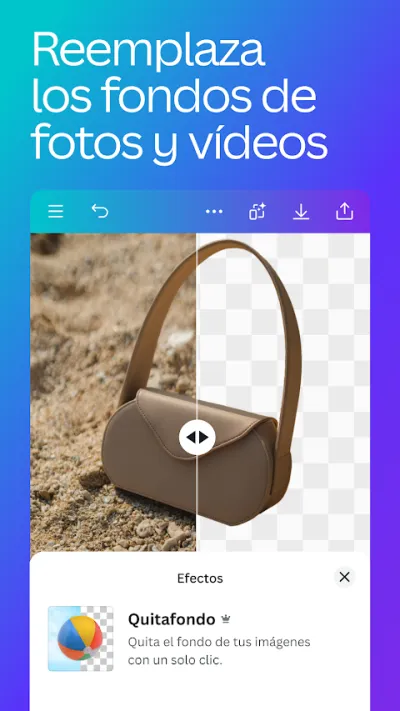
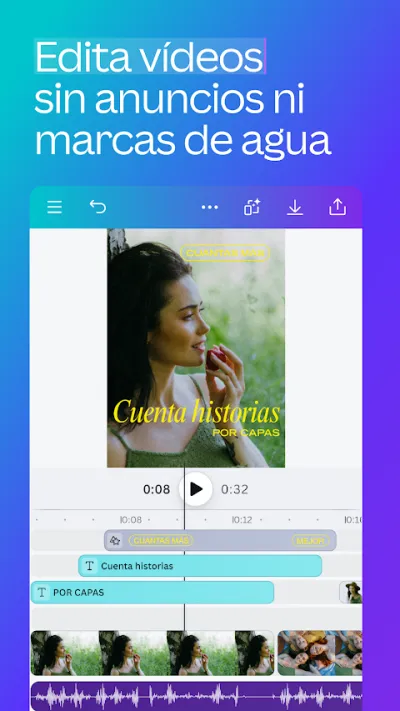
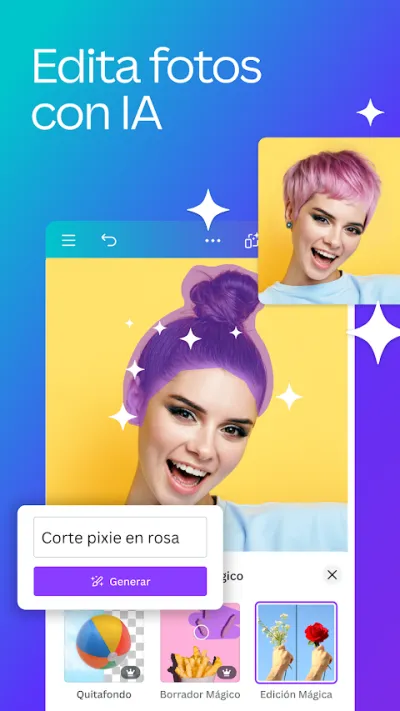
Canva is the easiest graphic design app around, ideal for making social content without knowing design. With thousands of templates for Instagram, TikTok, stories, posters or presentations, you can edit photos, add styled text and use AI tools. A solid choice for small businesses, students and content creators.
Pros
- Thousands of templates for social media and presentations
- Easy to use with no design background
- AI tools for text and images
Cons
- Many templates and elements are paid (Canva Pro)
- More about design than advanced photo retouching
- Needs a connection for most features
Frequently asked questions
Do live wallpapers drain a lot of battery?
A bit more than a static one, but less than people fear: a well-made live wallpaper only moves when you unlock the phone or scroll, with a marginal battery impact on modern handsets. What really saves power on OLED screens is a pure black AMOLED wallpaper (black pixels literally switch off): the AMOLED collections in Backdrops are the logical choice if your battery is tight.
What resolution does my wallpaper need?
As a reference, equal to or higher than your screen (current phones are around 1080x2400 or more). The apps in this guide serve wallpapers adapted to your device automatically, so it is rarely a problem; the warning applies when you use your own photos or images downloaded from the internet, where a low resolution turns into blur. When in doubt, look for 4K tags and crop it yourself.
How do I make a custom wallpaper?
Canva is the easy route: pick the 'phone wallpaper' size, start from a template or from scratch, add your photo, quote or pattern and download it. Tricks that work: keep the clock and icon areas clear (top and bottom), use colors that contrast with the white system text, and check the result in both light and dark mode. In five minutes you have a wallpaper nobody else is using.
Articles you might like


The 5 Best Cinema Ticket Apps in Spain in 2026
We compare the 5 best apps for buying cinema tickets in Spain: Cinesa, Cine Yelmo Go, Kinépolis, entradas.com and Odeon Multicines. Seats, discounts and fees.


The 8 Best Video Editing Apps for Mobile (2026): Real Comparison
We compare the best apps for editing videos on mobile in 2026: InShot, CapCut, KineMaster, PowerDirector, Filmora and more with real Google Play data.
The 7 Best Apps to Edit Videos for Instagram Reels (2026)
We compare the best apps for creating Instagram Reels in 2026: automatic 9:16 formats, trending effects, subtitles and watermark-free export.

The 7 Best Apps to Edit TikTok Videos (2026): Sounds, Effects and Virals
Best apps for creating viral TikTok videos in 2026: trending effects, viral sounds, clips under 60 seconds, duets and TikTok-specific formats.
The 6 Best Apps to Edit Videos Without Watermark in 2026 (Free and Paid)
We compare which video editing apps export without watermark in 2026: which are completely free and which require subscription.
The 7 Best Free Video Editing Apps for Android (2026)
The best free video editing apps for Android in 2026. We compare what InShot, CapCut, KineMaster and PowerDirector really let you do without paying.