The 5 Best Selfie Editing Apps in 2026
The problem with selfie retouching is not that it shows too little: it shows too much. Plastic skin and enlarged eyes give the app away from a mile off, and what separates these five is exactly how much control they give you to stop in time. In this guide we compare the 5 best selfie editing apps in 2026.
Apps for face retouching and photo beautifying
Apps for editing selfies with adjustable skin smoothing, facial light correction, spot removal of blemishes, virtual makeup and face reshaping.
Top pick

BeautyPlus: Editor de Fotos
PIXOCIAL TECHNOLOGY (SINGAPORE) PTE. LTD. · Free (with purchases) · 500M+
Best overall
4.6
5.0M reviews
TopApps analysis
BeautyPlus is the best rated and the one that balances retouching and naturalness best: it smooths skin while keeping the texture instead of turning it into plastic.
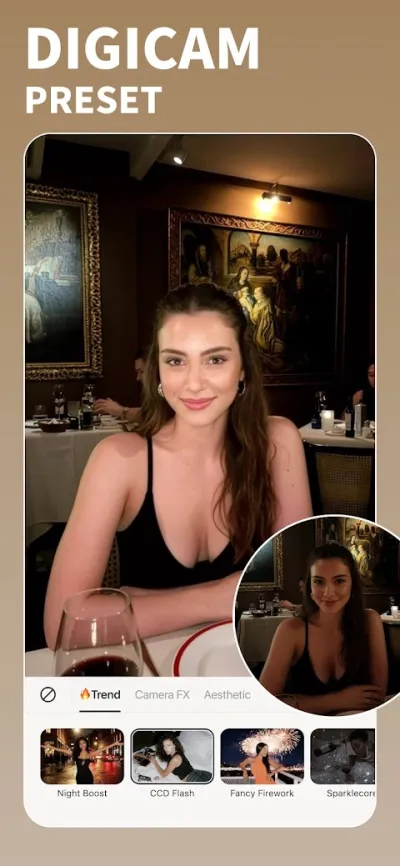
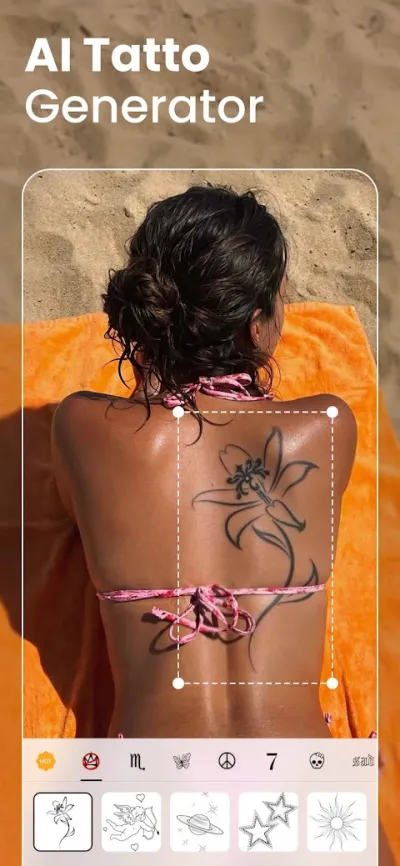
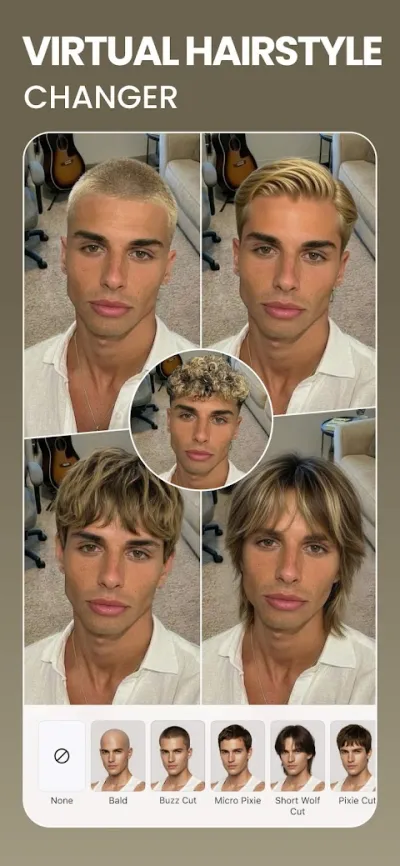
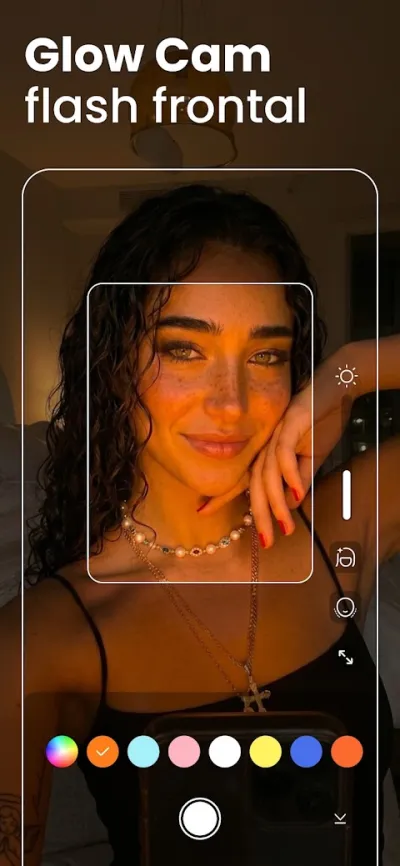
BeautyPlus is the highest-rated app in its category and the one that best balances retouching with a natural look: its skin filters preserve texture instead of turning faces into plastic, and its light correction for indoor selfies works remarkably well.
Pros
- Highest-rated app in its category
- Retouching that preserves skin texture
- Very good light correction indoors
Cons
- Watermark unless you turn it off in settings
- Pushes the subscription fairly hard
- Asks for broad access to your gallery

Facetune: Editor de Fotos
Lightricks Ltd. · Free (with purchases) · 50M+
Most professional
4.6
819K reviews
TopApps analysis
Facetune gives you brush-level control over every area of the face and is the one many creators use, though its subscription is among the most expensive.
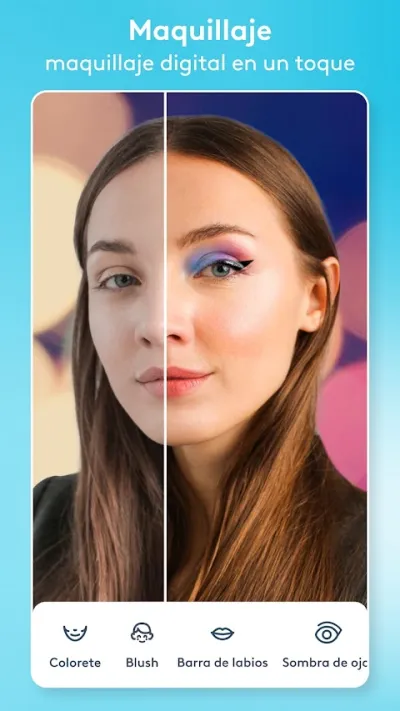
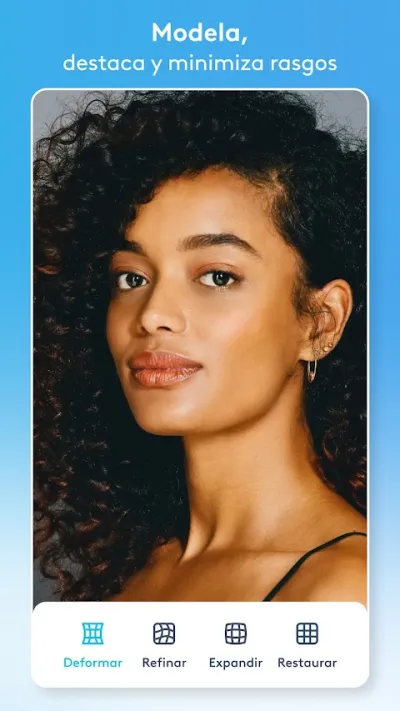
Facetune, from Lightricks, is the professional benchmark for facial retouching and the app many creators actually use: brush-level control over every area, precise reshaping, plus makeup and hair tools. It is the most powerful option and also one of the priciest.


Pros
- Brush control over every area of the face
- Very precise facial reshaping
- Hair, makeup and teeth tools
Cons
- Expensive subscription, effectively unavoidable
- Takes some learning to use properly
- Makes it easy to overdo the retouching

AirBrush: Editor de Fotos
PIXOCIAL TECHNOLOGY (SINGAPORE) PTE. LTD. · Free (with purchases) · 50M+
Most discreet
3.9
1.6M reviews
TopApps analysis
AirBrush is built for spot fixes — a spot, dark circles, teeth — rather than global filters, and that is why its results are the most believable.
AirBrush is built for discreet retouching: whitening teeth, removing a single blemish, lightening under-eye shadows or fine-tuning the light without touching the rest of the face. Because it works on specific corrections rather than the whole image, it avoids the heavy-filter look that gives other apps away.




Pros
- Targeted fixes instead of blanket filters
- Very precise blemish removal tool
- Good control over facial light and shadow
Cons
- Modest rating, blamed on its subscription model
- Plenty of tools locked behind payment
- Ads in the free version

YouCam Perfect: Editor de Selfies
Perfect Mobile Corp. · Free (with purchases) · 100M+
Most complete
3.9
2.1M reviews
TopApps analysis
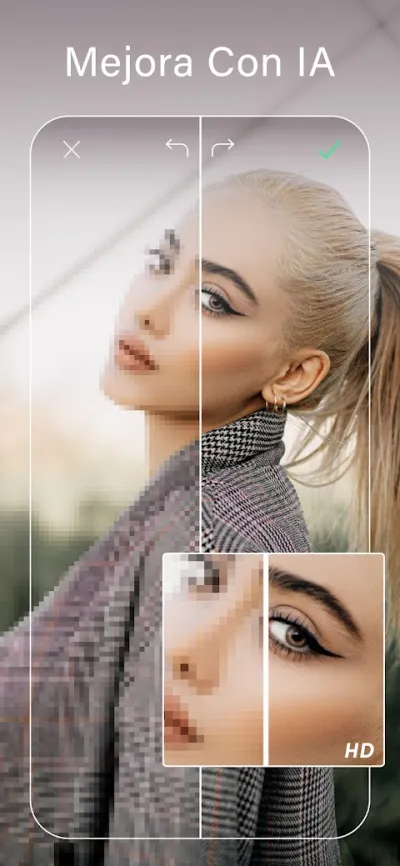
YouCam Perfect adds body reshaping, background object removal and a real-time preview of the retouching before you take the shot.
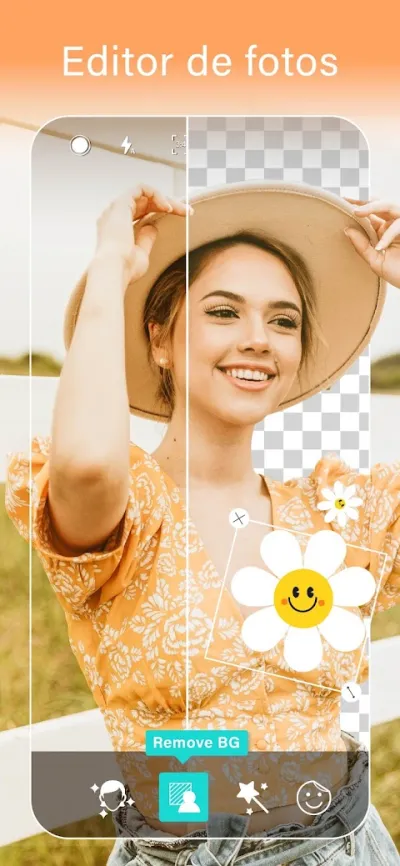
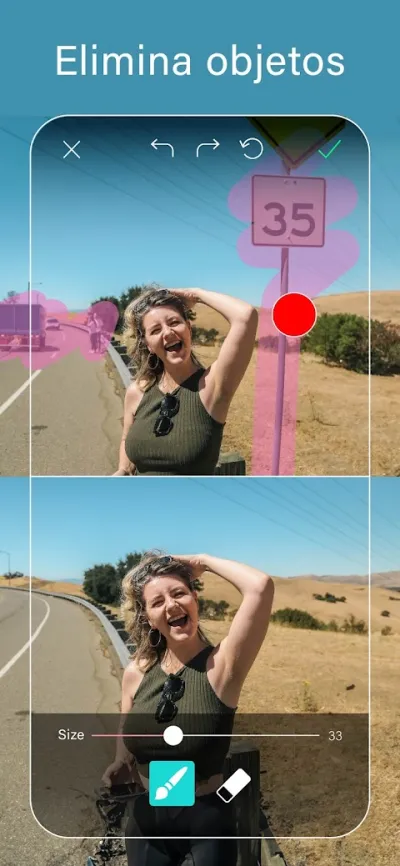
YouCam Perfect is the veteran of selfie retouching and the one that gives you the most control: adjustable skin smoothing, face and body reshaping, object removal and a camera that previews the retouching in real time before you take the shot.

Pros
- Real-time retouch preview while shooting
- Adjustable control, not all or nothing
- Removes objects and people from the background
Cons
- Rating has slipped because of the aggressive subscription push
- Frequent ads in the free version
- Easy to overdo it and end up looking artificial

FaceApp: Editor Facial
FaceApp Technology Ltd · Free (with purchases) · 500M+
Best for transformations
4.5
5.3M reviews
TopApps analysis
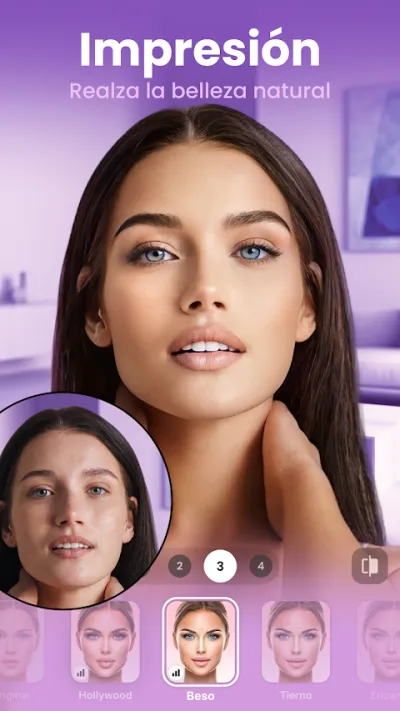
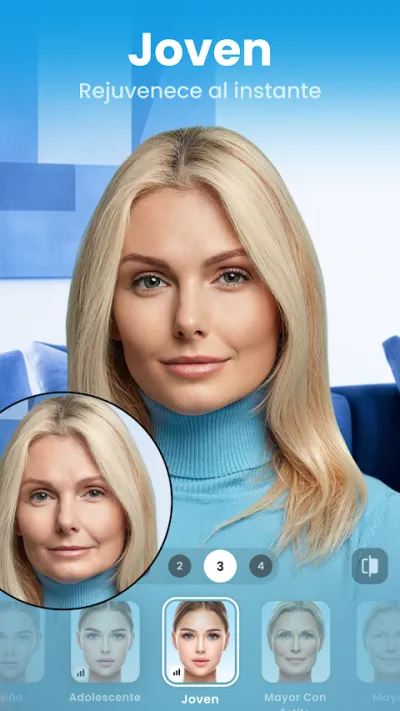
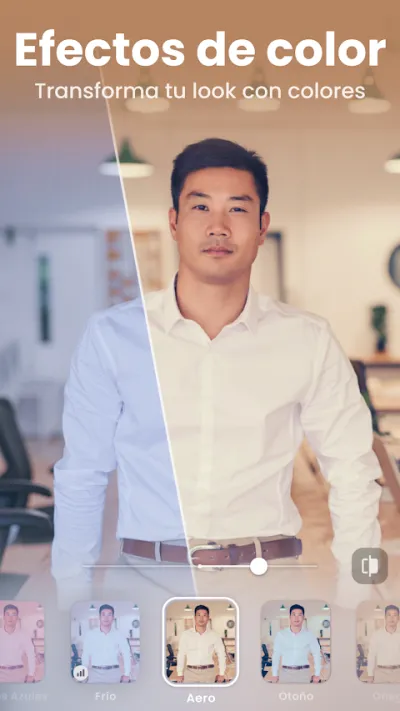
FaceApp is unbeatable at changing age, hairstyle or expression with striking realism, though it processes photos on its servers rather than on the phone.
FaceApp made its name with transformations — ageing, de-ageing, changing hairstyle or expression — and it is still the best at them thanks to strikingly realistic results. Worth knowing: it processes photos on its own servers, not on your phone.

Pros
- The most realistic transformations around
- Changes age, hairstyle and expression
- Conventional facial retouching included too
Cons
- Processes photos on its servers, not locally
- Has raised privacy concerns in the past
- A subscription is needed for almost every effect
Frequently asked questions
How do I keep the retouching from showing?
Three practical rules. First: fix the light before the skin, because most of what bothers you in a selfie is bad lighting, not your face. Second: use spot tools on specific things instead of a global filter. Third: always halve the intensity you feel like applying, because on a small screen everything looks subtle and then it isn't.
What is the best free selfie editing app?
BeautyPlus is the most generous in its free version and the best rated, though it adds a watermark that you can turn off in the settings. AirBrush and YouCam Perfect have usable free versions but with plenty of tools locked. Facetune is practically unworkable without paying.
Do these apps upload my photos to the internet?
It depends. Conventional retouching is processed on the phone itself in most of them. The AI features — changing your age, generating a hairstyle, one-tap enhance — usually require sending the image to a server. FaceApp processes in the cloud, which has earned it privacy criticism. If that worries you, avoid the AI features on photos you would not share.
Does retouching photos affect self-esteem?
It is worth keeping in mind, especially with teenagers: adjusting the light in a photo is one thing, systematically reshaping your own features until you no longer recognise yourself is another. There is nothing wrong with retouching a photo, but it is a fair reason to prefer apps that correct discreetly over those that rebuild the whole face.
Articles you might like


The 5 Best Cinema Ticket Apps in Spain in 2026
We compare the 5 best apps for buying cinema tickets in Spain: Cinesa, Cine Yelmo Go, Kinépolis, entradas.com and Odeon Multicines. Seats, discounts and fees.


The 8 Best Video Editing Apps for Mobile (2026): Real Comparison
We compare the best apps for editing videos on mobile in 2026: InShot, CapCut, KineMaster, PowerDirector, Filmora and more with real Google Play data.
The 7 Best Apps to Edit Videos for Instagram Reels (2026)
We compare the best apps for creating Instagram Reels in 2026: automatic 9:16 formats, trending effects, subtitles and watermark-free export.

The 7 Best Apps to Edit TikTok Videos (2026): Sounds, Effects and Virals
Best apps for creating viral TikTok videos in 2026: trending effects, viral sounds, clips under 60 seconds, duets and TikTok-specific formats.
The 6 Best Apps to Edit Videos Without Watermark in 2026 (Free and Paid)
We compare which video editing apps export without watermark in 2026: which are completely free and which require subscription.
The 7 Best Free Video Editing Apps for Android (2026)
The best free video editing apps for Android in 2026. We compare what InShot, CapCut, KineMaster and PowerDirector really let you do without paying.