The 4 Best Podcast Apps in 2026
Podcasts have become a daily habit for millions of people, and the app you pick makes a real difference: some win on catalogue depth in a given language, others on advanced organisation tools. In this guide we compare the 4 best podcast apps of 2026.
Top apps for listening to podcasts on your phone
Apps for listening to and organising podcasts on your phone, with wide catalogues, advanced playback controls and downloads for offline listening.
Top pick

iVoox: Podcasts y Radios
Free (with purchases) · 10M+
Best for Spanish-language shows
4.4
361K reviews
TopApps analysis
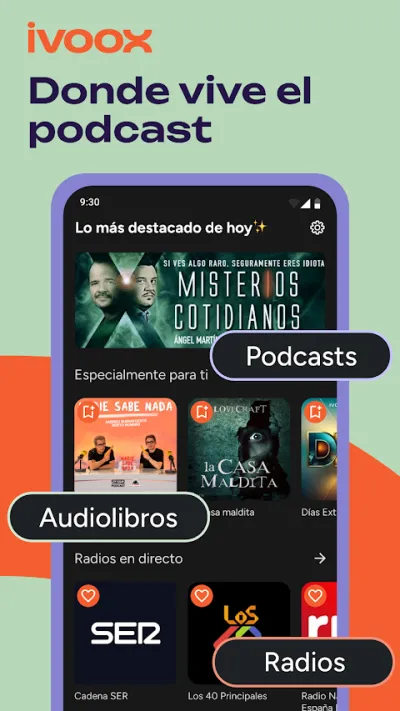
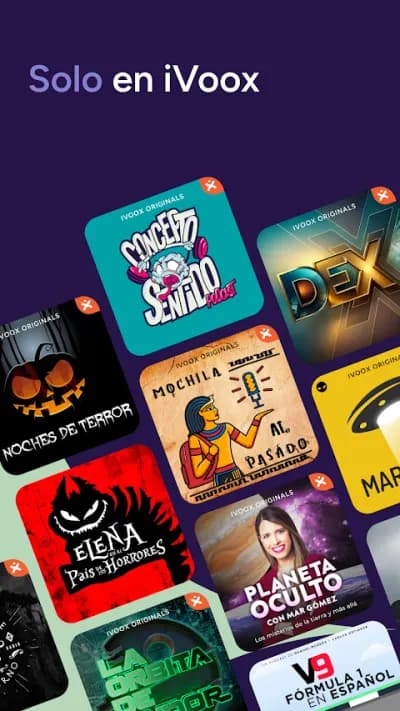
iVoox is the leading Spanish-language podcast platform, with the largest catalogue of Spanish-speaking creators and live radio included.
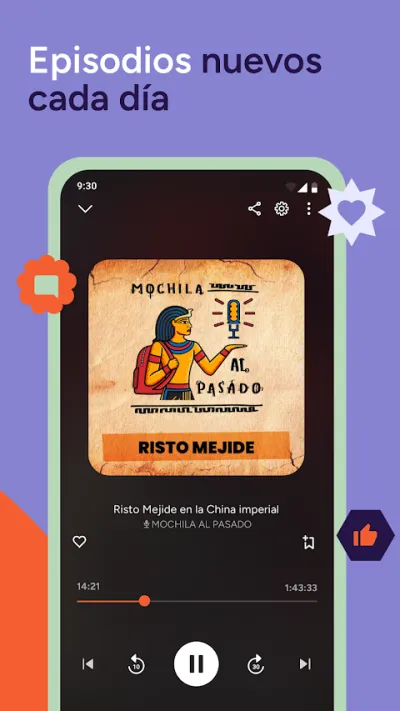
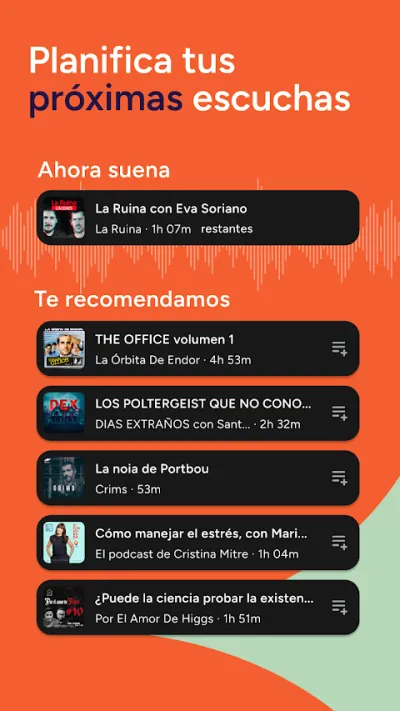
iVoox is the leading Spanish-language podcast platform, with the largest catalogue of Spanish-speaking creators. You can listen to live radio, build playlists and download episodes for offline listening. Its Premium plan removes ads and syncs across devices. The best option if you're after podcasts in Spanish.
Pros
- The largest catalogue of Spanish-language podcasts
- Live radio included
- Download episodes for offline listening
Cons
- The free plan includes ads
- Fewer international podcasts than Spotify
- Syncing across devices requires Premium

Pocket Casts: Podcast Player
Automattic · Free (with purchases) · 1M+
Most complete for power users
4.8
123K reviews
TopApps analysis
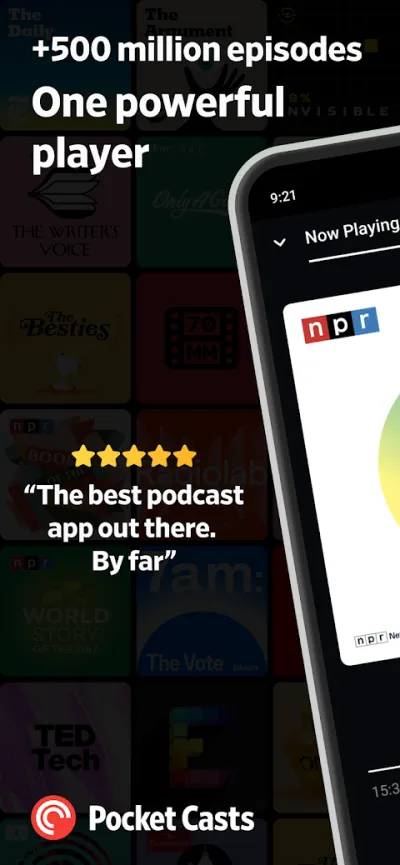
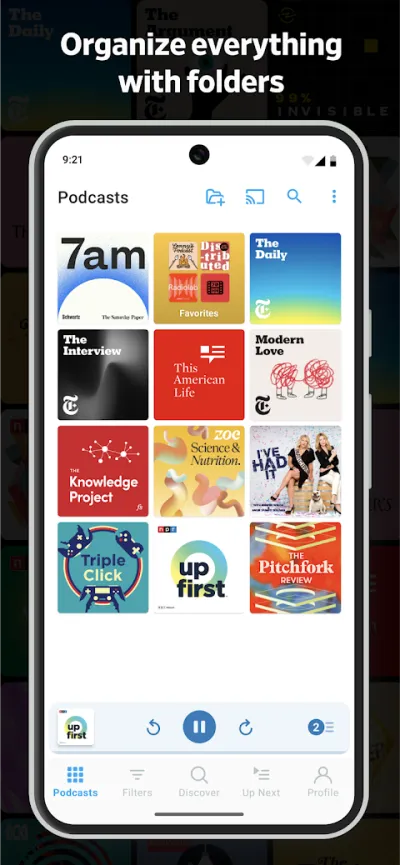
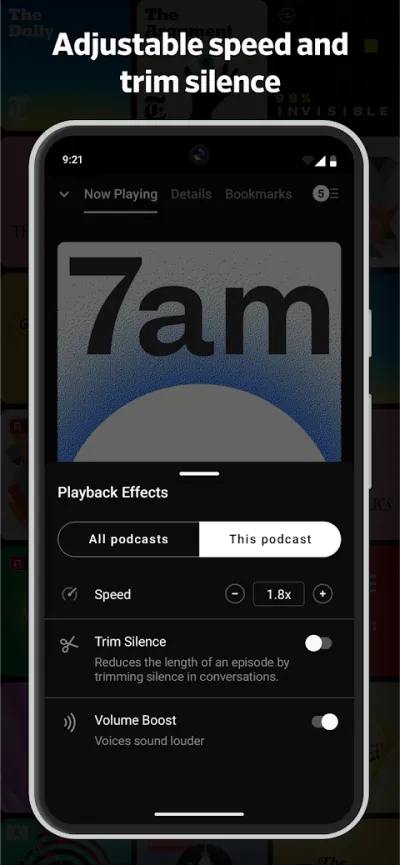
Pocket Casts has the best organisation tools: folders, automatic silence trimming and very precise playback speed control.
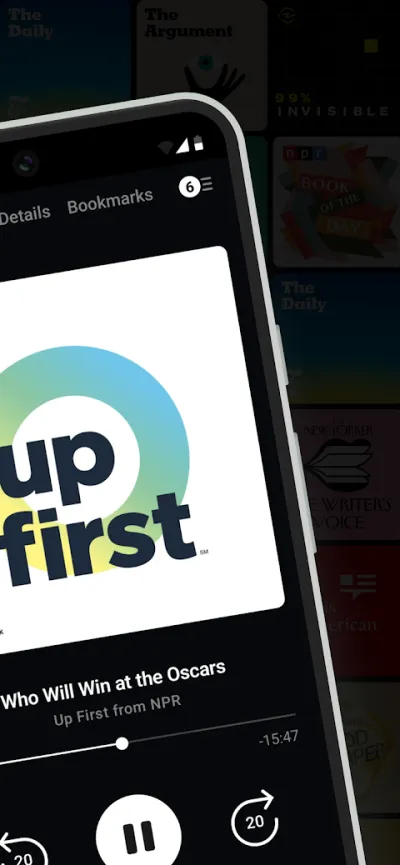
Pocket Casts is the podcast player power users swear by, with the best organisation tools around: custom folders, precise speed control and automatic silence trimming. It is one of the highest-rated podcast apps (4.8★), ideal if you follow a lot of different shows and want full control.
Pros
- The best organisation tools (folders)
- Automatic silence trimming
- Very precise speed control
Cons
- Interface is less straightforward for casual listeners
- Some advanced features require a subscription
- Smaller Spanish-language catalogue than iVoox

Podcast & Radio Addict
Xavier Rene Bell · Free (with purchases) · 10M+
Most customisable
4.6
594K reviews
TopApps analysis
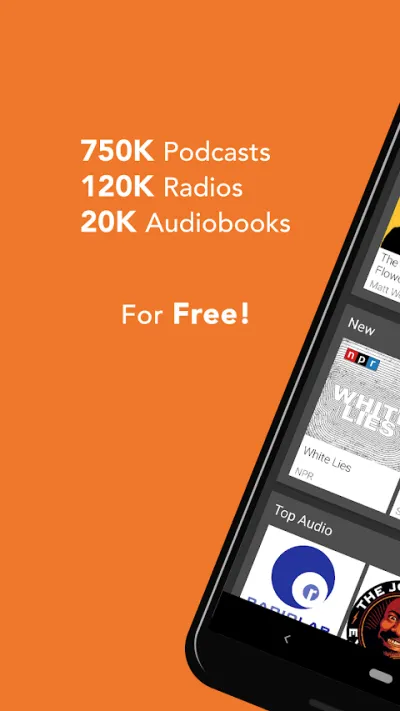
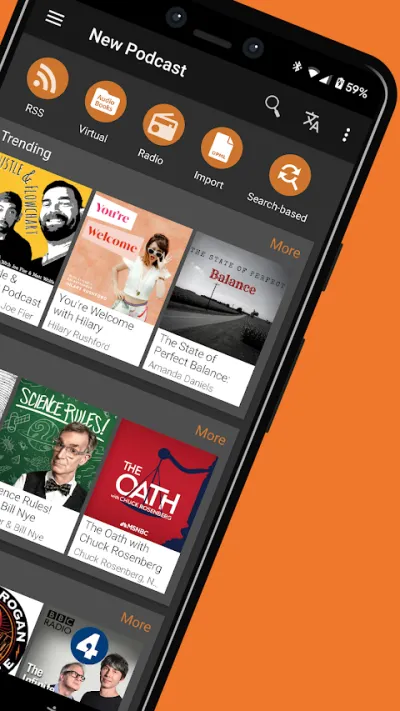
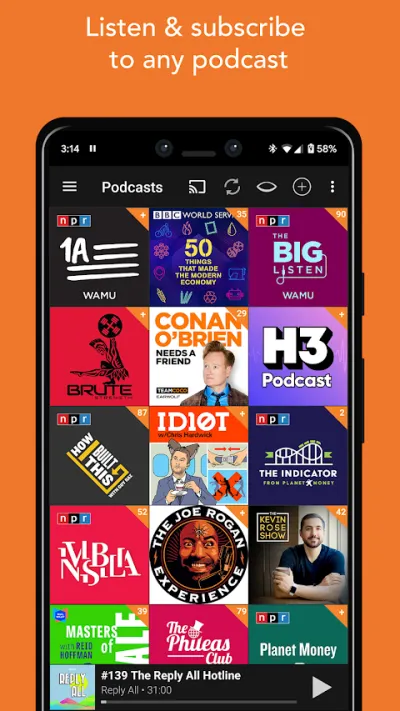
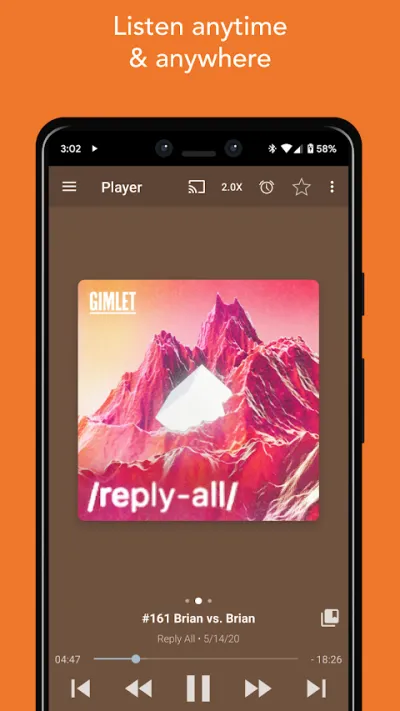
Podcast Addict combines podcasts, radio and audiobooks with extremely detailed playback control, and is a favourite among advanced Android users.
Podcast Addict is one of the most complete and customisable podcast apps on Android, handling podcasts, live radio and audiobooks in a single place. It offers extreme control over playback (speed, noise filters, automatic skips) and is a firm favourite among advanced Android users for its flexibility.
Pros
- Extremely customisable and complete
- Combines podcasts, radio and audiobooks
- Advanced playback control and filters
Cons
- Android only
- Less modern interface, with a learning curve
- Contains ads in the free version
Last updated: 2026-06-16

Spotify: Música y Podcasts
Spotify AB · Free (with purchases) · 1.000M+
Best if you already use it for music
4.2
35.8M reviews
TopApps analysis
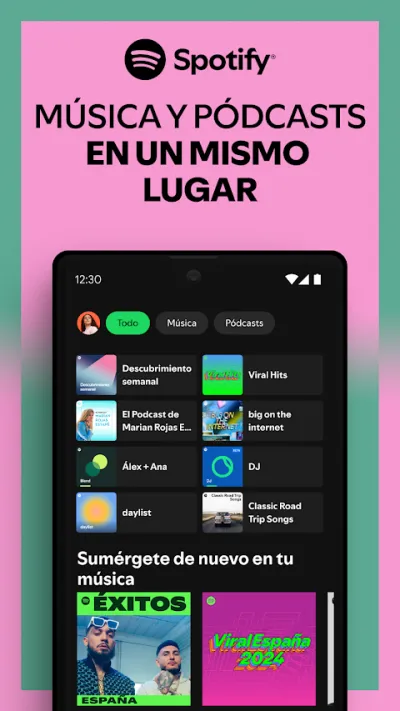
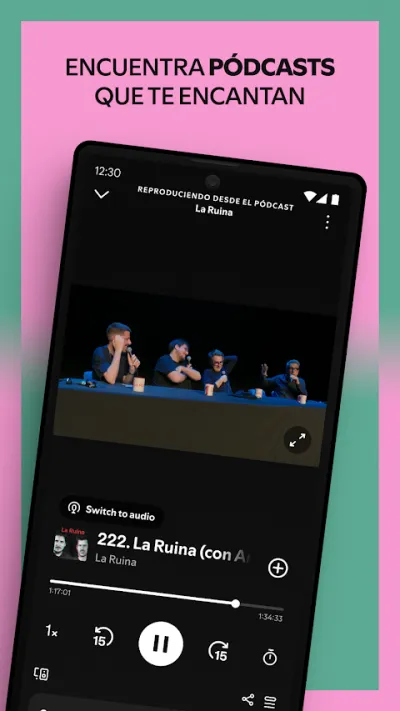
Spotify puts a huge podcast catalogue right next to your music, ideal if you would rather not run a separate app just for podcasts.
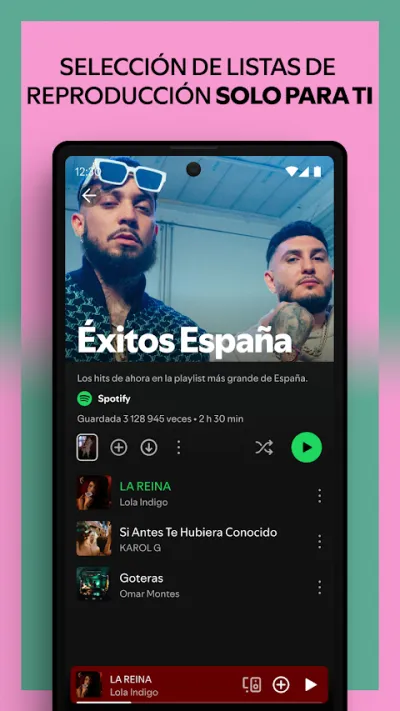
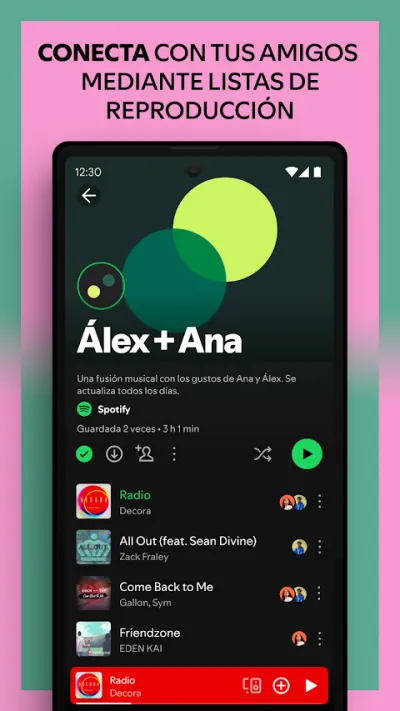
Spotify is the most popular music streaming app in the world, with millions of songs and podcasts. The free tier lets you listen with ads and on shuffle, and its real strength is personalised recommendations and playlists (Discover Weekly, Daily Mix). It remains the universal reference for listening to music on your phone.
Pros
- Enormous catalogue of music and podcasts
- Free tier available (with ads)
- The best recommendations and playlists
Cons
- The free plan means ads and shuffle only
- Still no lossless audio (HiFi) on the free tier
- Downloads require Premium
Frequently asked questions
Which podcast app has the best catalogue in my language?
Almost every podcast app pulls from the same public RSS feeds, so the raw catalogue is broadly the same everywhere; the difference is in discovery and curation. iVoox is the strongest option for Spanish-language shows and adds live radio on top. Spotify is the exception, because it hosts exclusive shows you will not find in other apps.
Do I need a dedicated podcast app, or is Spotify enough?
If you listen occasionally, Spotify is enough and convenient, since you already have it installed for music. If you listen daily and want advanced features (silence trimming, folders, fine-grained speed control), dedicated apps like Pocket Casts or Podcast Addict give you a far better experience.
Pocket Casts or Podcast Addict: which should I choose?
Pocket Casts has the more polished design and syncs better across devices (phone, web, watch), which makes it the pick if you move between iOS and Android. Podcast Addict is Android-only but offers more customisation and control, and bundles radio and audiobooks into the same app. Both are excellent; it comes down to how much control you want.
Articles you might like


The 5 Best Cinema Ticket Apps in Spain in 2026
We compare the 5 best apps for buying cinema tickets in Spain: Cinesa, Cine Yelmo Go, Kinépolis, entradas.com and Odeon Multicines. Seats, discounts and fees.


The 8 Best Video Editing Apps for Mobile (2026): Real Comparison
We compare the best apps for editing videos on mobile in 2026: InShot, CapCut, KineMaster, PowerDirector, Filmora and more with real Google Play data.
The 7 Best Apps to Edit Videos for Instagram Reels (2026)
We compare the best apps for creating Instagram Reels in 2026: automatic 9:16 formats, trending effects, subtitles and watermark-free export.

The 7 Best Apps to Edit TikTok Videos (2026): Sounds, Effects and Virals
Best apps for creating viral TikTok videos in 2026: trending effects, viral sounds, clips under 60 seconds, duets and TikTok-specific formats.
The 6 Best Apps to Edit Videos Without Watermark in 2026 (Free and Paid)
We compare which video editing apps export without watermark in 2026: which are completely free and which require subscription.
The 7 Best Free Video Editing Apps for Android (2026)
The best free video editing apps for Android in 2026. We compare what InShot, CapCut, KineMaster and PowerDirector really let you do without paying.