The 4 Best Apps to Improve Photo Quality in 2026
There are two very different ways to improve a photo: adjust it properly, with real light, contrast and sharpening, or rebuild it with artificial intelligence, which invents plausible detail where there was none. The second is more impressive, and it pays to know exactly what it is doing. In this guide we compare the 4 best apps to improve photo quality in 2026.
Apps to restore and enhance photographs
Apps to improve the quality of blurry, pixelated or old photos, with AI reconstruction, manual light and colour adjustment, and resolution upscaling.
Top pick

Remini: Mejorar Calidad de Fotos
Bending Spoons · Free (with purchases) · 500M+
Best for old photos
3.9
5.8M reviews
TopApps analysis
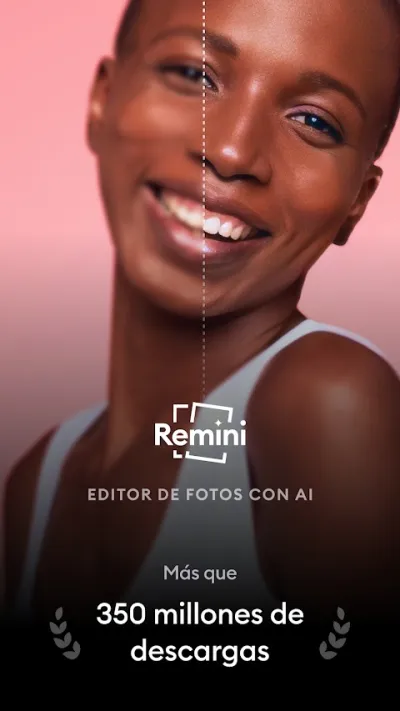
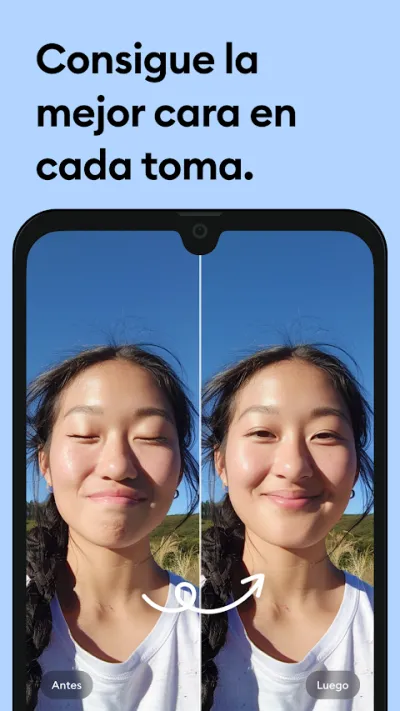
Remini rebuilds scanned or blurry portraits with spectacular results on faces, though it is worth knowing it invents detail rather than recovering it.
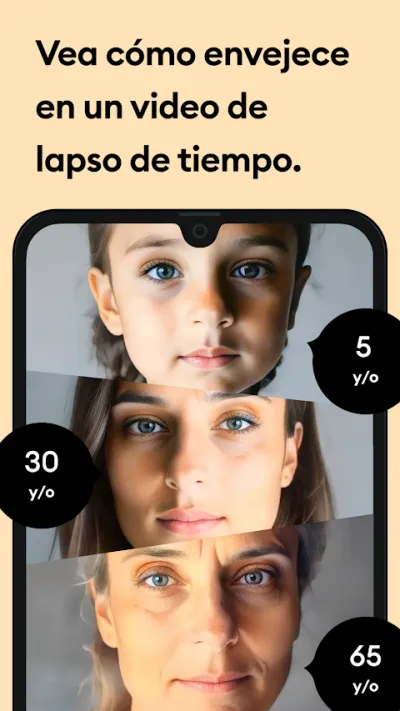
Remini uses artificial intelligence to rebuild blurry, pixelated or old photos, and it is especially effective with faces: it brings detail back to portraits scanned decades ago. Worth knowing: it rebuilds rather than recovers, inventing plausible detail that was never in the original.

Pros
- Spectacular results on old portraits
- Brings back detail in pixelated or blurry photos
- Very easy to use, no settings to fiddle with
Cons
- It invents detail: not a faithful recovery
- Very few free enhancements per day
- Very insistent ads and subscription prompts

PhotoApp: Mejorar Fotos con IA
ScaleUp · Free (with purchases) · 10M+
The most versatile
4.1
479K reviews
TopApps analysis
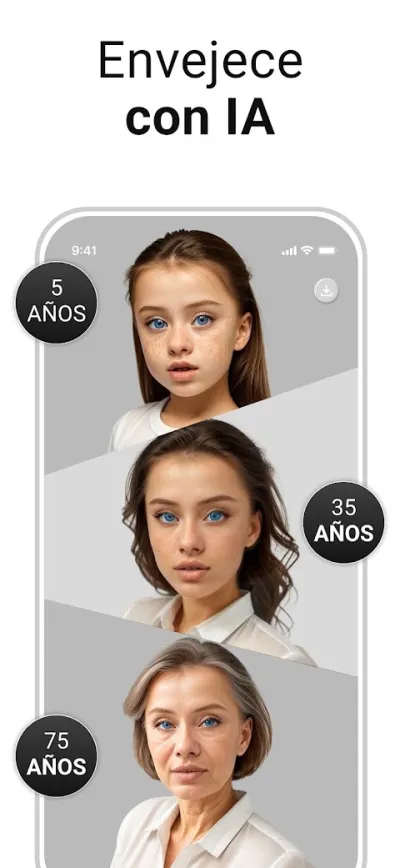
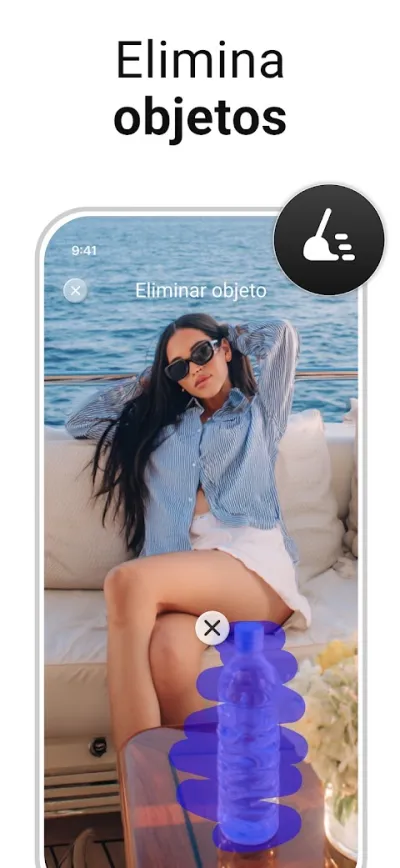
PhotoApp bundles several AI tools in one app: sharpening, colourising black and white photos, removing objects and upscaling resolution.
PhotoApp bundles several AI tools into one app: sharpening, colourising black-and-white photos, removing objects from the background and upscaling resolution. Its edge over Remini is the range on offer, even if each individual tool is a little weaker.


Pros
- Several AI tools in a single app
- Colourises old black-and-white photos
- Removes unwanted objects from the background
Cons
- Slightly weaker than Remini on portraits
- Low cap on free uses
- Subscription is pricey for occasional use

Snapseed
Google LLC · Free · 100M+
The genuinely free one
4.0
1.7M reviews
TopApps analysis
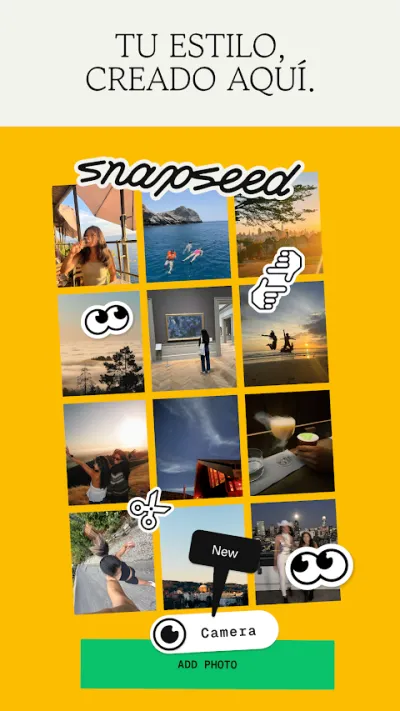
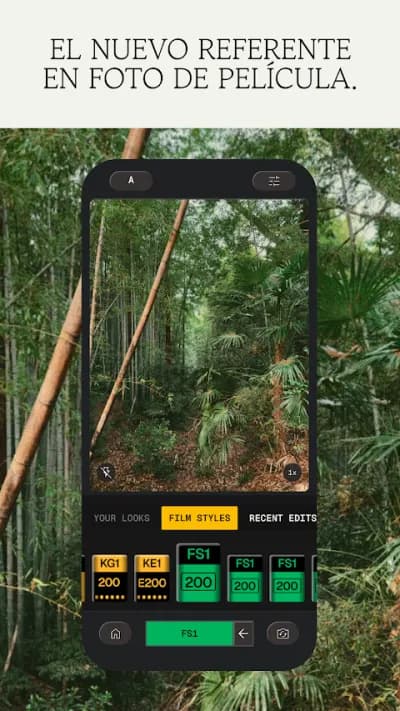
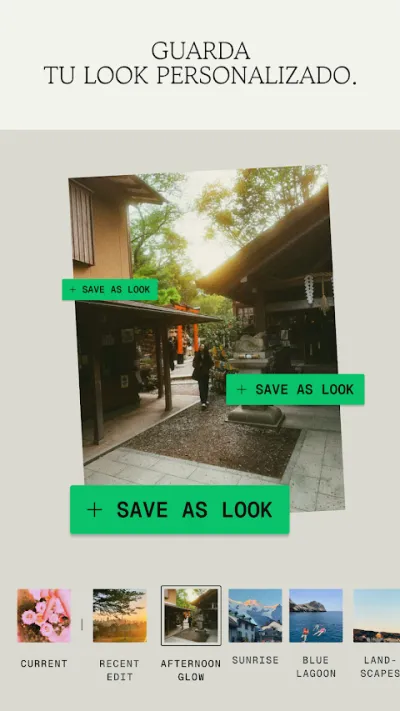
Snapseed is free and ad-free, and its detail, structure and curves tools improve the photo for real, without making anything up.
Snapseed is the best free professional photo editor, and it belongs to Google. Completely free and ad-free, it offers professional-grade tools: selective adjustment, curves, retouching, perspective correction and quality filters. Its non-destructive editing and its "brushes" make it the benchmark for anyone after serious results without paying.

Pros
- Completely free, with no ads or subscription
- Professional-grade editing tools
- Selective adjustment and non-destructive editing
Cons
- Learning curve for the advanced tools
- No social or publishing features
- Built for photos, not for design or collages

Lightroom: Editor de fotos
Adobe · Free (with purchases) · 100M+
The most professional
4.5
3.6M reviews
TopApps analysis
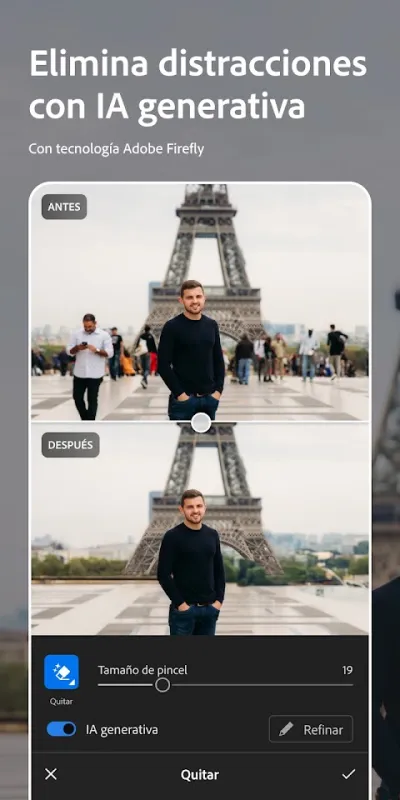
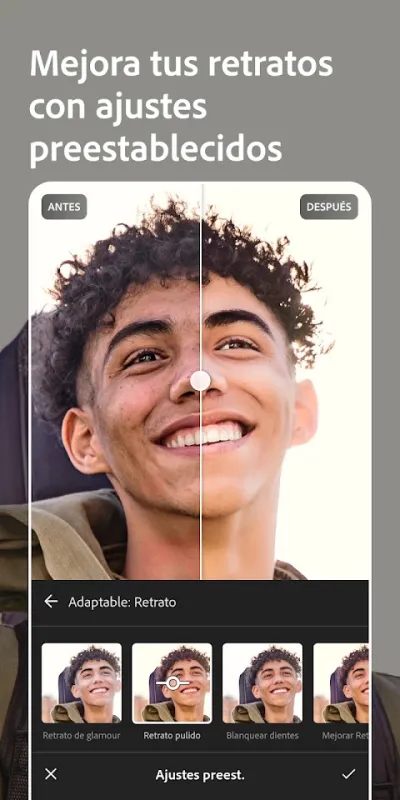
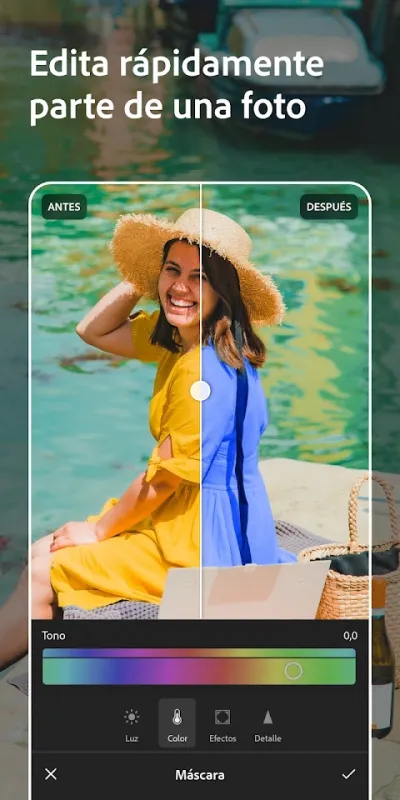
Lightroom lets you edit RAW from your phone with full control over light and colour, which is how you improve a photo when the original holds enough information.
Adobe Lightroom is the best app for editing the colour and light of your photos to a professional standard. It offers precise control over exposure, colour, curves and profiles, plus one-tap presets for a consistent look. Edit in RAW without losing quality and sync your photos across devices.

Pros
- Professional colour and light editing
- RAW support with no quality loss
- One-tap presets for a consistent style
Cons
- Premium features require an Adobe subscription
- Fewer creative tools than Picsart
- Cloud sync needs a paid plan
Frequently asked questions
Does Remini restore the photo or invent it?
It rebuilds, which is not the same as restoring. The model has learned what human faces look like and fills in plausible detail the original photo never contained. The result is usually very convincing, but fine features may not match the real person. For family memories it is wonderful; for any use where accuracy matters, it is not valid.
What is the best free app to improve photos?
Snapseed, no argument: free, ad-free and unlimited, and its structure, detail and curves tools are professional grade. Remini and PhotoApp restrict free use heavily because AI processing costs them money in servers.
Can a badly pixelated photo be recovered?
Only up to a point. If the information is not in the file, no tool can genuinely recover it; what AI apps do is generate coherent detail. With a very small or heavily compressed photo the result is an interpretation, and in portraits it can subtly change the face. The better the original, the more faithful the result.
Can I colourise a black and white photo?
Yes. PhotoApp and other AI tools do it automatically and the result is often surprisingly believable on skin and landscapes. The colours are a statistical estimate, not the real ones: the app has no idea what colour the dress was. As a recreation it works very well; as a historical document, it does not.
Articles you might like


The 5 Best Cinema Ticket Apps in Spain in 2026
We compare the 5 best apps for buying cinema tickets in Spain: Cinesa, Cine Yelmo Go, Kinépolis, entradas.com and Odeon Multicines. Seats, discounts and fees.


The 8 Best Video Editing Apps for Mobile (2026): Real Comparison
We compare the best apps for editing videos on mobile in 2026: InShot, CapCut, KineMaster, PowerDirector, Filmora and more with real Google Play data.
The 7 Best Apps to Edit Videos for Instagram Reels (2026)
We compare the best apps for creating Instagram Reels in 2026: automatic 9:16 formats, trending effects, subtitles and watermark-free export.

The 7 Best Apps to Edit TikTok Videos (2026): Sounds, Effects and Virals
Best apps for creating viral TikTok videos in 2026: trending effects, viral sounds, clips under 60 seconds, duets and TikTok-specific formats.
The 6 Best Apps to Edit Videos Without Watermark in 2026 (Free and Paid)
We compare which video editing apps export without watermark in 2026: which are completely free and which require subscription.
The 7 Best Free Video Editing Apps for Android (2026)
The best free video editing apps for Android in 2026. We compare what InShot, CapCut, KineMaster and PowerDirector really let you do without paying.