The 4 Best Offline Music Apps in 2026
Flights, the underground, dead zones or simply saving data: listening offline still matters, and every major platform allows it by letting you download your library. The differences are in the limits and the conditions. In this guide we compare the 4 best offline music apps in 2026.
Top apps for downloading music and listening offline
Music apps with an offline mode: download playlists and albums legally to play them without data, on a plane or wherever there is no coverage.
Top pick

Spotify: Música y Podcasts
Spotify AB · Free (with purchases) · 1.000M+
The standard
4.2
35.8M reviews
TopApps analysis
Spotify Premium downloads up to 10,000 songs per device with one tap on each playlist: the most polished and widespread offline mode.
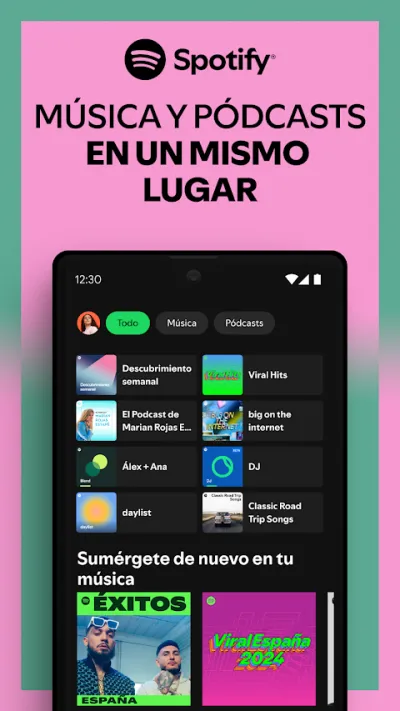
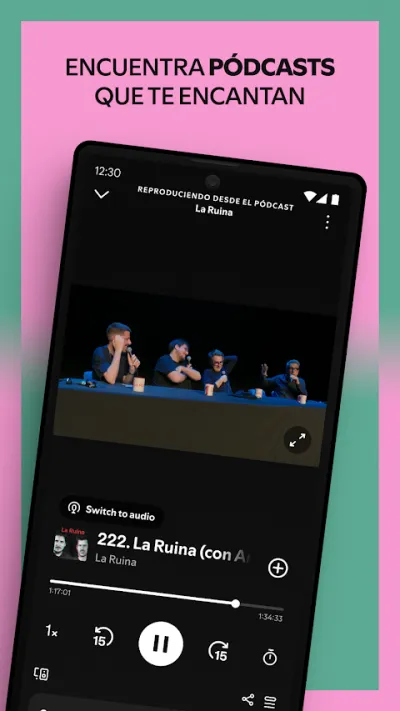
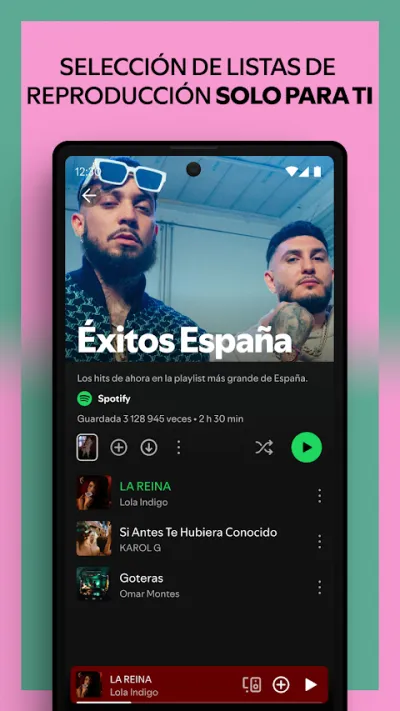
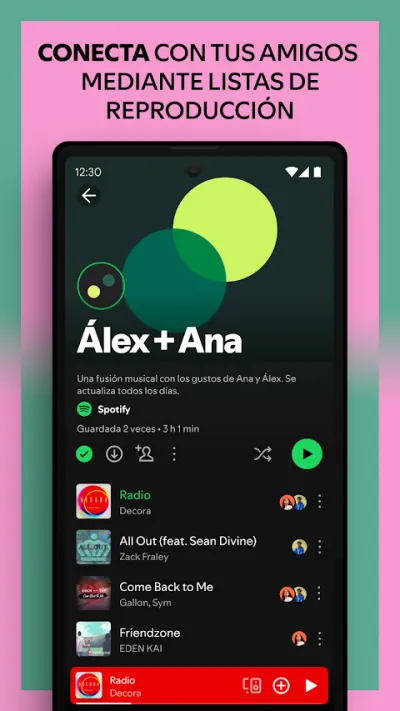
Spotify is the most popular music streaming app in the world, with millions of songs and podcasts. The free tier lets you listen with ads and on shuffle, and its real strength is personalised recommendations and playlists (Discover Weekly, Daily Mix). It remains the universal reference for listening to music on your phone.
Pros
- Enormous catalogue of music and podcasts
- Free tier available (with ads)
- The best recommendations and playlists
Cons
- The free plan means ads and shuffle only
- Still no lossless audio (HiFi) on the free tier
- Downloads require Premium

YouTube Music
Google LLC · Free (with purchases) · 5.000M+
Smart downloads
4.3
7.7M reviews
TopApps analysis
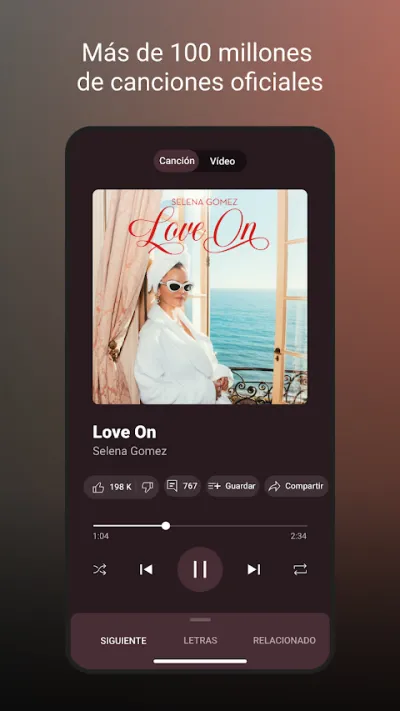
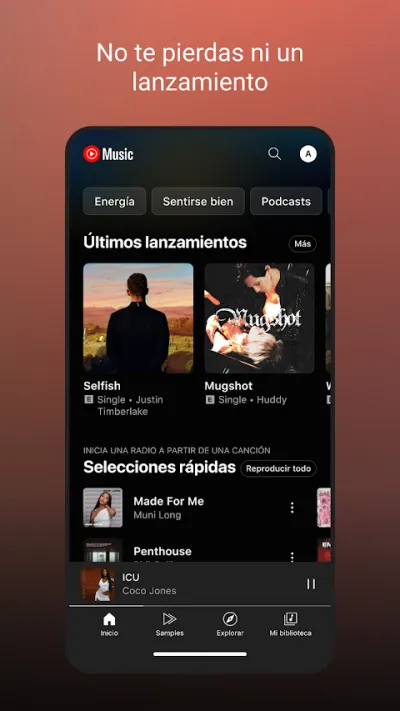
YouTube Music Premium downloads the music you play most automatically with its smart downloads feature, so you never have to think about it.
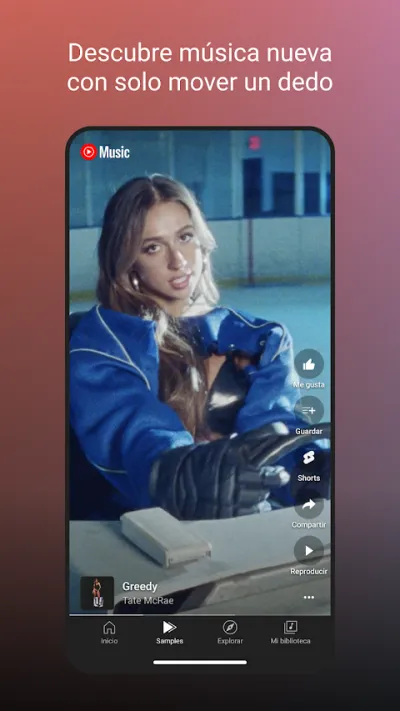
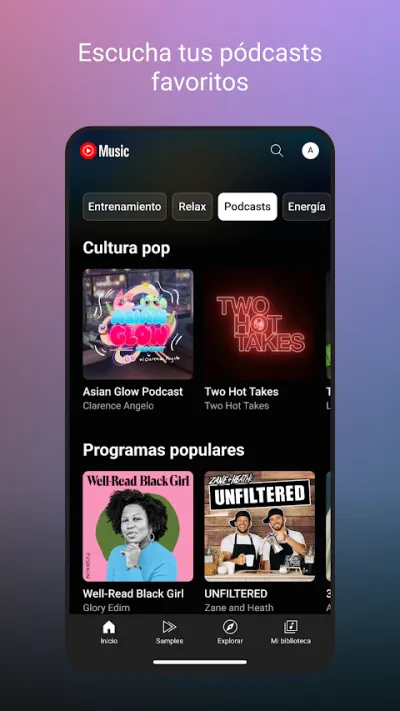
YouTube Music taps into the whole YouTube catalogue: on top of official tracks you get remixes, live versions, covers and rarities you won't find in other apps. The free tier lets you listen with ads. It's the best option if you already consume a lot of music on YouTube and want it all in one app.
Pros
- Includes remixes, live sets and covers from YouTube
- Free version with ads
- Huge catalogue that goes beyond official releases
Cons
- Background playback only with Premium
- Interface less polished for music than Spotify
- The free plan has ads

Amazon Music
Amazon Mobile LLC · Free (with purchases) · 100M+
Best with Prime
4.3
3.4M reviews
TopApps analysis
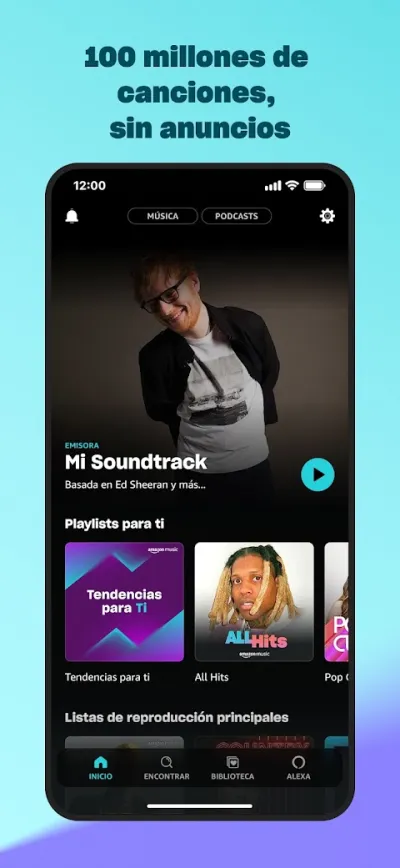
Amazon Music allows downloads with the Prime subscription you may already pay for, including offline listening to all-catalogue playlists in shuffle mode.
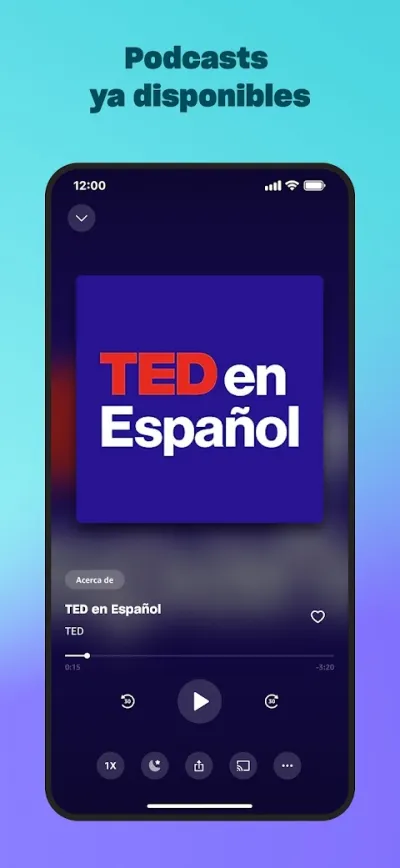
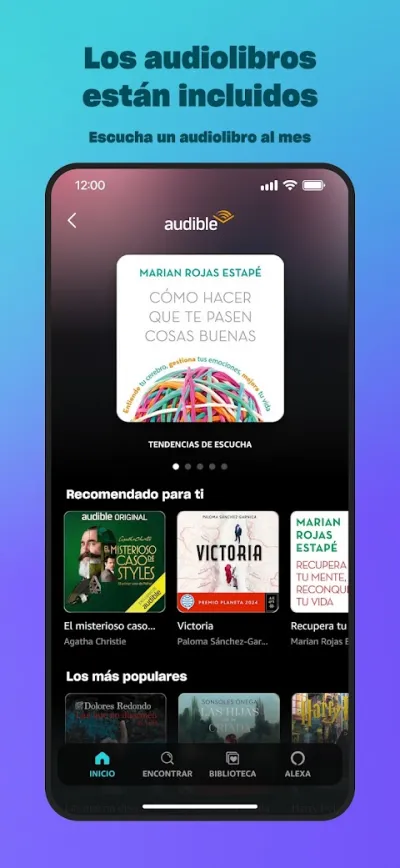
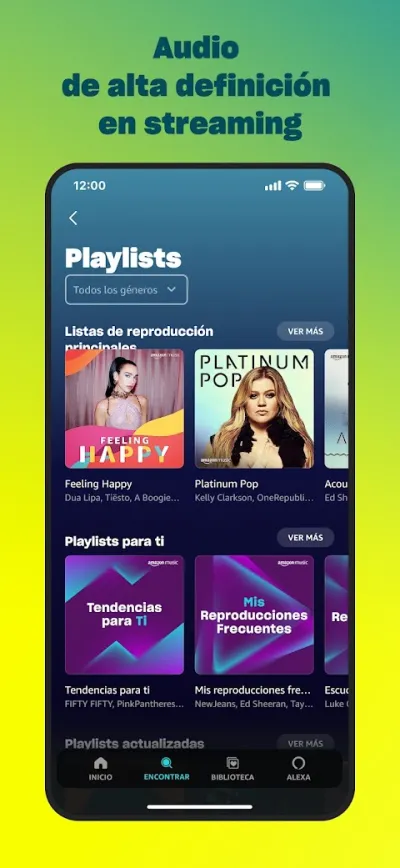
Amazon Music offers millions of songs and podcasts, and its big advantage is that it already comes with the Amazon Prime subscription many people have, albeit with a limited catalogue. The Unlimited plan adds the full library and high-quality audio. A sensible choice if you are already Prime and would rather not pay for yet another subscription.
Pros
- Included with Amazon Prime (limited catalogue)
- Unlimited plan with the full catalogue
- High-quality audio (HD and Ultra HD)
Cons
- The Prime Music catalogue is limited
- The full catalogue requires Unlimited
- Somewhat cluttered interface

Deezer: Música y Podcasts
Free (with purchases) · 100M+
The alternative
4.0
3.6M reviews
TopApps analysis
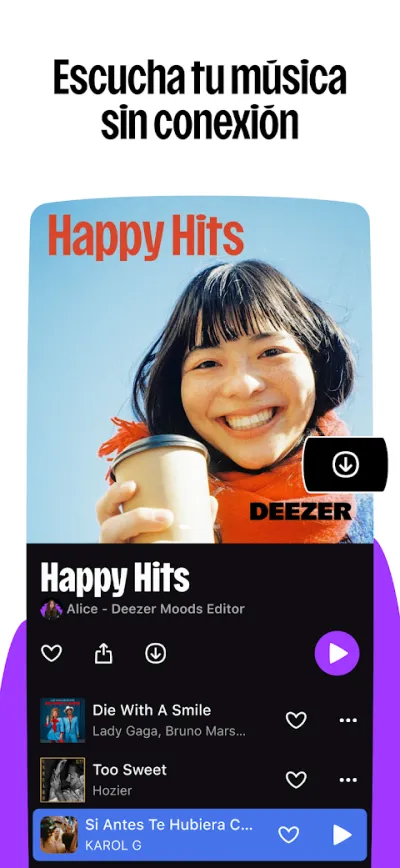
Deezer Premium downloads your whole library with optional HiFi quality, the solid alternative with built-in song recognition.
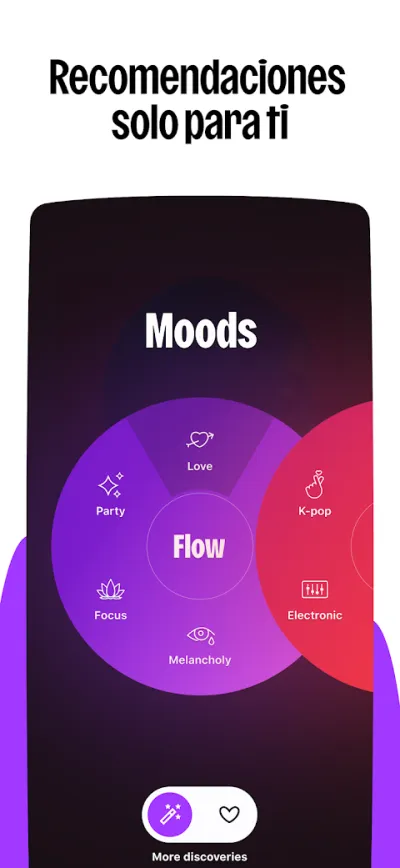
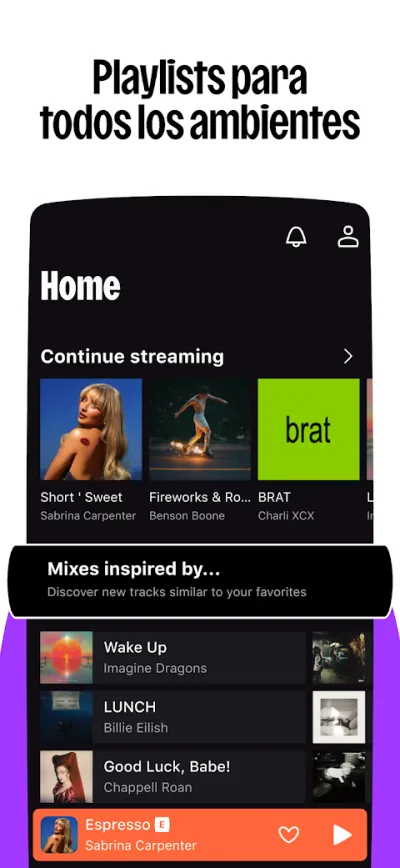
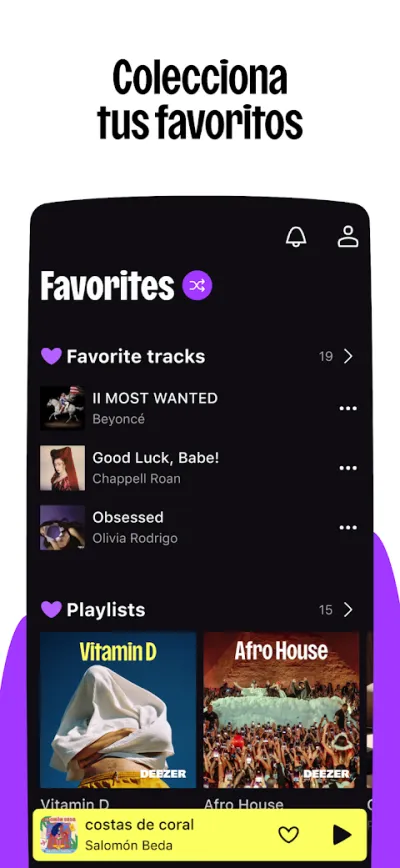
Deezer is a solid alternative to Spotify, with over 90 million tracks and its Flow feature, an endless mix that adapts to your taste. It offers high-fidelity (HiFi) audio and a built-in song identifier. A good pick for anyone after a huge catalogue and a different approach to discovery.
Pros
- Over 90 million tracks
- Flow: an endless mix built around your taste
- High-fidelity (HiFi) audio
Cons
- Less popular, smaller music social network
- The free mobile plan is limited
- Recommendations lag slightly behind Spotify
Frequently asked questions
Can I download music for free in these apps?
Offline downloads are a paid feature in all four: they are part of the Premium deal, along with removing ads and picking any track. The partial exception is Amazon: if you already have Prime, its included music tier allows certain downloads at no extra cost. Apps promising free music downloads from the internet operate outside the law and are usually a nest of ads and risks: better avoided.
How much space do downloaded songs take up?
It depends on the quality you set: at normal quality a song is around 3-4 MB, at high quality 7-10 MB. A 500-song playlist therefore takes between 2 and 5 GB. Every app lets you choose the download quality (and store files on an SD card on Android): normal is enough for the commute; with good headphones and space to spare, go high. Streaming at home costs no storage, so download only what you listen to on the move.
Do downloads expire? What happens if I stop paying?
Downloads are part of the rental: when the subscription ends, the downloaded music stops playing (they are not your MP3s, they are encrypted inside the app). The apps also ask you to go online at least once every 30 days to verify the subscription and keep downloads active, worth keeping in mind on long stretches without a connection. While you keep paying, your downloads travel with you with no practical limit.
Articles you might like


The 5 Best Cinema Ticket Apps in Spain in 2026
We compare the 5 best apps for buying cinema tickets in Spain: Cinesa, Cine Yelmo Go, Kinépolis, entradas.com and Odeon Multicines. Seats, discounts and fees.


The 8 Best Video Editing Apps for Mobile (2026): Real Comparison
We compare the best apps for editing videos on mobile in 2026: InShot, CapCut, KineMaster, PowerDirector, Filmora and more with real Google Play data.
The 7 Best Apps to Edit Videos for Instagram Reels (2026)
We compare the best apps for creating Instagram Reels in 2026: automatic 9:16 formats, trending effects, subtitles and watermark-free export.

The 7 Best Apps to Edit TikTok Videos (2026): Sounds, Effects and Virals
Best apps for creating viral TikTok videos in 2026: trending effects, viral sounds, clips under 60 seconds, duets and TikTok-specific formats.
The 6 Best Apps to Edit Videos Without Watermark in 2026 (Free and Paid)
We compare which video editing apps export without watermark in 2026: which are completely free and which require subscription.
The 7 Best Free Video Editing Apps for Android (2026)
The best free video editing apps for Android in 2026. We compare what InShot, CapCut, KineMaster and PowerDirector really let you do without paying.