The 4 Best Apps for Reading Books in 2026
The phone in your pocket is also an endless library: millions of ebooks a tap away, your exact page synced across devices, and text as large as your eyes need. The app you pick matters, because each one ties you (or doesn't) to its ecosystem. In this guide we compare the 4 best apps for reading books in 2026.
Top ebook and audiobook reading apps
Apps for reading ebooks and listening to audiobooks on your phone, with cross-device syncing, reading settings and subscription options.
Top pick

Amazon Kindle
Amazon Mobile LLC · Free (with purchases) · 100M+
The leading ecosystem
4.7
4.8M reviews
TopApps analysis
Kindle gives you the world's largest bookstore with flawless syncing between your phone and an e-reader. The de facto standard for digital reading.
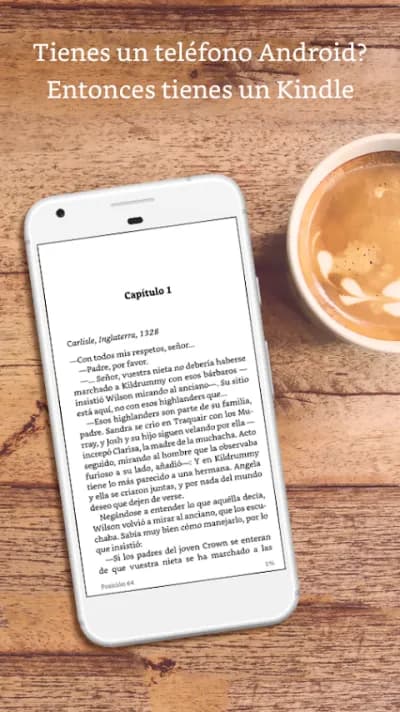
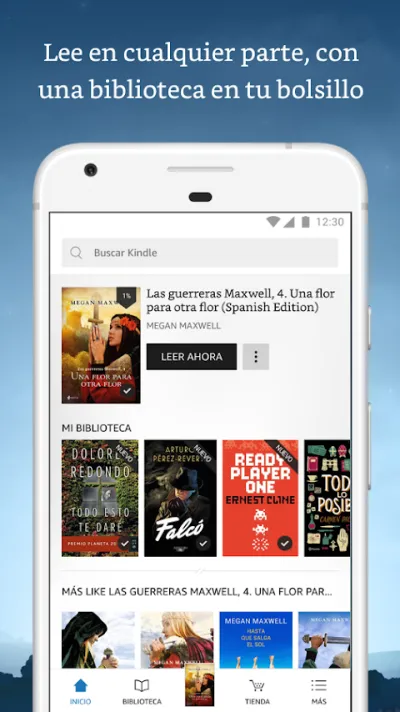
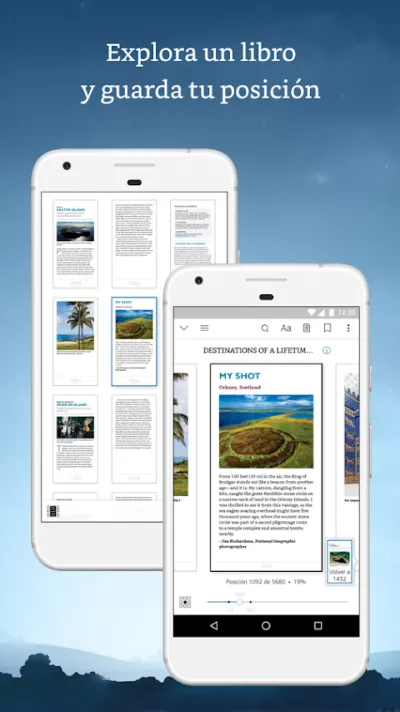
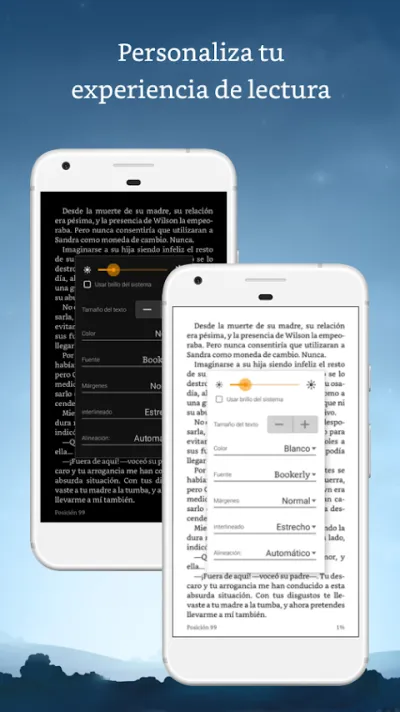
Kindle is the reading app with the biggest bookstore in the world: millions of ebooks, including Amazon exclusives, with seamless syncing between phone, tablet and Kindle e-reader (you pick up on the exact page you left off on another device). Font and background settings, a built-in dictionary and Kindle Unlimited for unlimited reading by subscription.
Pros
- The largest ebook catalogue in the world
- Seamless syncing across devices
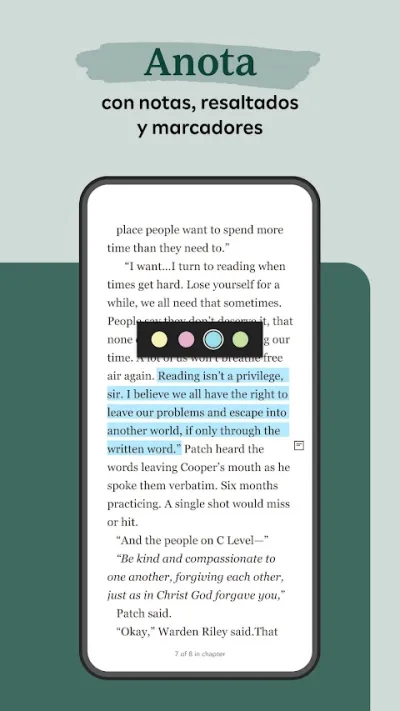
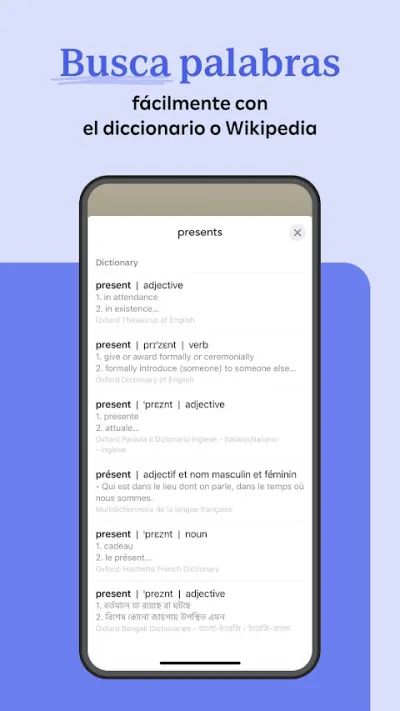
- Built-in dictionary and notes
Cons
- Closed Amazon ecosystem (proprietary format)
- Won't read ePubs bought elsewhere directly
- Kindle Unlimited is a separate subscription

Google Play Libros
Google LLC · Free (with purchases) · 1.000M+
The most flexible
4.7
3.2M reviews
TopApps analysis
Google Play Books takes your own ePub and PDF files alongside its store, with no subscription: the freest option for a library built from several sources.
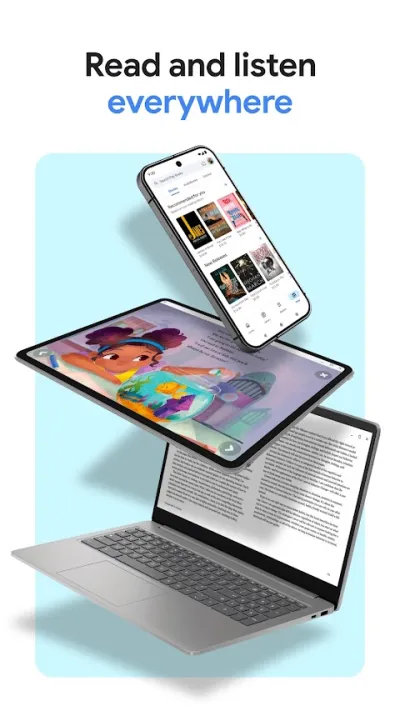
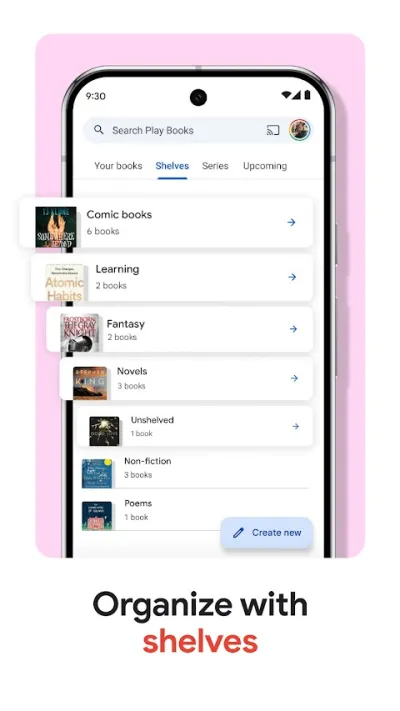
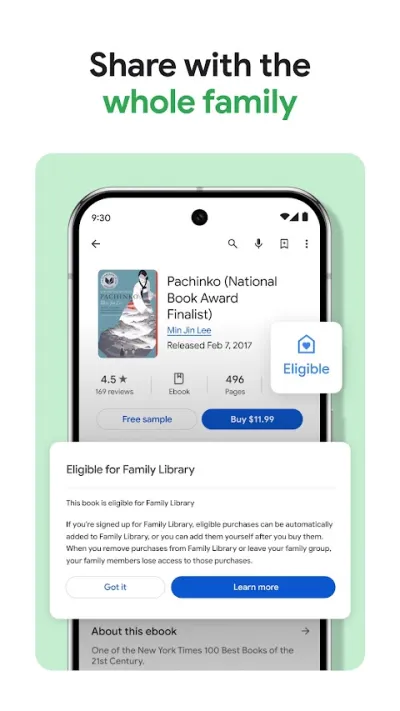
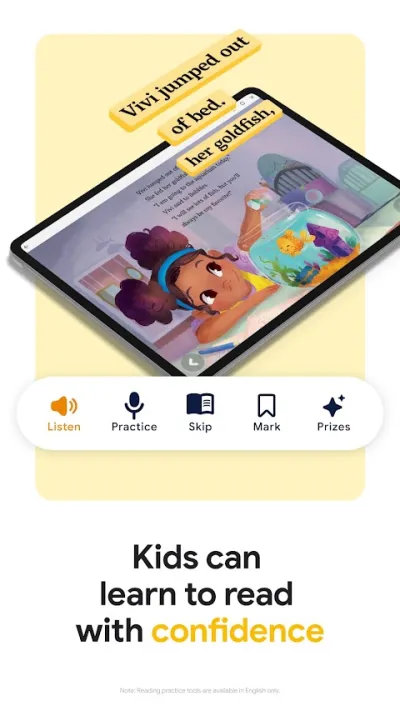
Google Play Libros is Google's bookstore, with one clear advantage over Kindle: it takes your own ePub and PDF files, uploads them to your library and syncs them across devices. You buy books and audiobooks outright, with no subscription required and the usual Play Store deals. The most flexible option if your books come from several places.
Pros
- Reads your own ePub and PDF files
- No subscription: you buy only what you want
- Audiobooks built in
Cons
- Smaller catalogue than Amazon on exclusives
- No e-reader of its own like the Kindle
- Limited social features

Kobo Books
Rakuten Kobo · Free (with purchases) · 10M+
The open alternative
4.6
305K reviews
TopApps analysis
Kobo backs the standard ePub format with a large catalogue and its own e-readers: the serious alternative to Amazon.
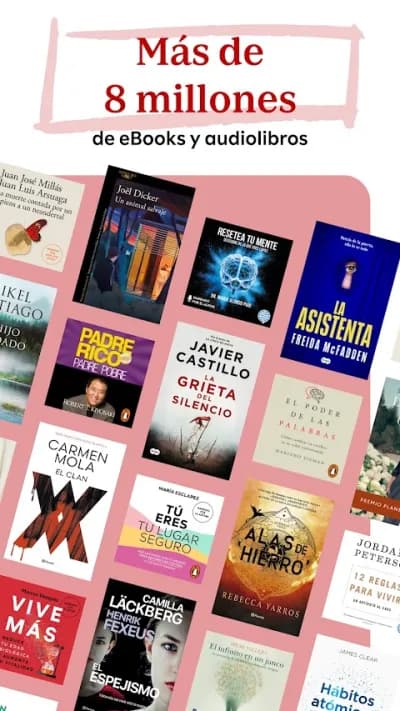
Kobo, from Rakuten, is the big alternative to Kindle: millions of ebooks and audiobooks in the standard ePub format (the one used by almost every bookshop in the world), with its own line of e-readers. Its Rakuten points scheme and frequent promotions make it appealing for heavy readers who don't want to be tied to Amazon.
Pros
- Standard, open ePub format
- Large catalogue of ebooks and audiobooks
- Ecosystem of Kobo e-readers
Cons
- Less well known in Spain than Kindle
- Somewhat smaller Spanish-language catalogue
- The app could be smoother

Everand: Libros y Audiolibros
Scribd · Free (with purchases) · 10M+
Best subscription
4.4
615K reviews
TopApps analysis
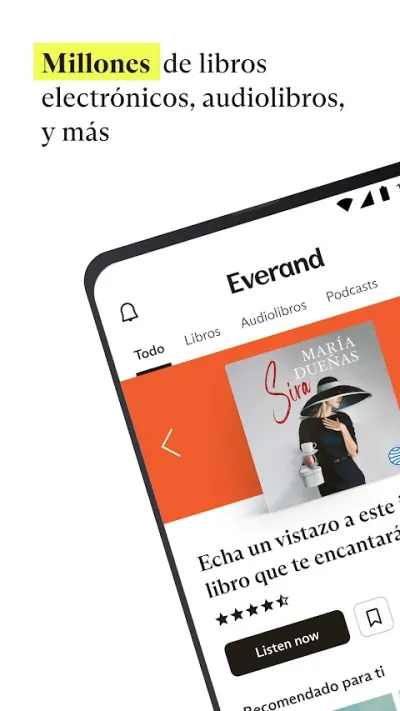
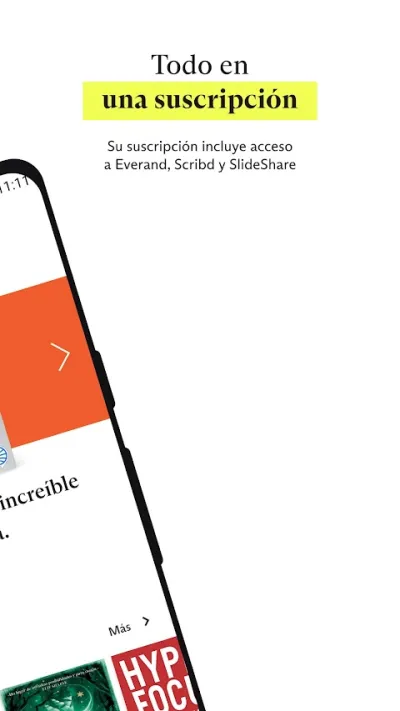
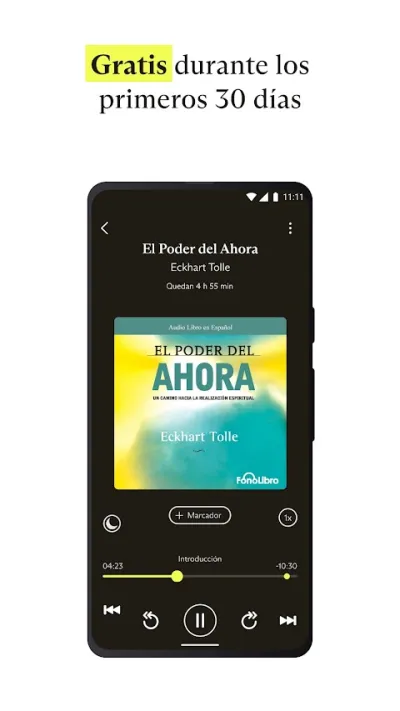
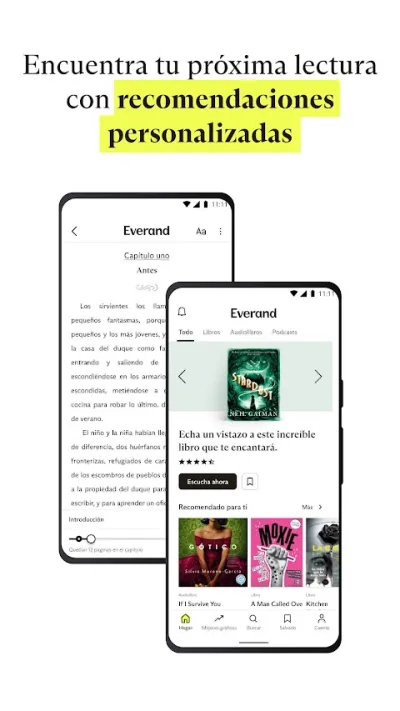
Everand offers unlimited ebooks, audiobooks and magazines for a monthly fee: the streaming model applied to reading, for people who devour books.
Everand (formerly Scribd) is the Netflix of reading: one monthly subscription gets you a huge catalogue of ebooks, audiobooks, magazines and podcasts without buying title by title. Ideal for anyone who gets through several books a month, for whom the flat rate works out far cheaper than buying each one.
Pros
- Flat rate: ebooks + audiobooks + magazines
- Pays off if you read 2 or more books a month
- Varied catalogue, Spanish titles included
Cons
- No access without a subscription
- Some bestsellers take a while to arrive
- The catalogue rotates over time
Frequently asked questions
Doesn't reading on a phone strain your eyes?
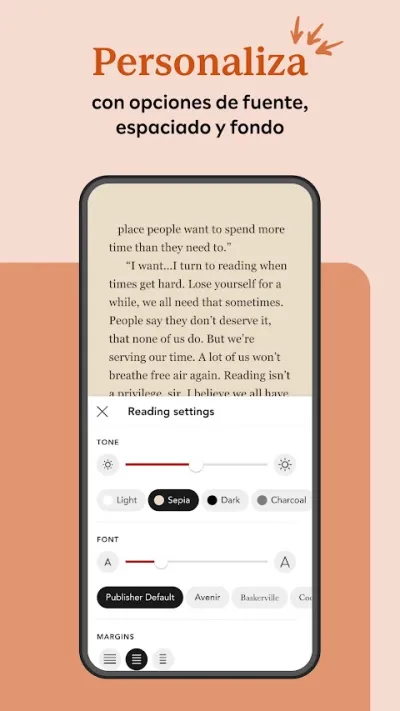
More than an e-ink reader, yes; less than people assume if you set it up properly: turn on dark mode or the sepia background, drop the brightness at night (or use your system's warm-light filter) and raise the font size without embarrassment. For long daily sessions a Kindle or Kobo e-reader is still the better buy; for reading in gaps (commutes, waiting rooms, bed), the phone is more than enough.
Kindle or Google Play Books?
Kindle if you want the biggest catalogue, the daily deals and the option to move to an e-reader while keeping your library. Google Play Books if you value freedom: read the ePubs you already own from other stores or from your public library, without locking yourself into a closed ecosystem. Everything else (notes, dictionary, syncing) is a tie. Plenty of readers end up with both: Kindle to buy, Play Books for everything else.
Is a subscription like Everand or Kindle Unlimited worth it?
Do the maths: if you read two or more books a month from the included catalogue, a flat monthly fee of roughly $10-12 beats buying them. The catch is the catalogue: new releases and big-publisher bestsellers often arrive late or never, so it works better for genre readers (romance, thriller, fantasy) and backlist browsers than for people chasing new titles.
Articles you might like


The 5 Best Cinema Ticket Apps in Spain in 2026
We compare the 5 best apps for buying cinema tickets in Spain: Cinesa, Cine Yelmo Go, Kinépolis, entradas.com and Odeon Multicines. Seats, discounts and fees.


The 8 Best Video Editing Apps for Mobile (2026): Real Comparison
We compare the best apps for editing videos on mobile in 2026: InShot, CapCut, KineMaster, PowerDirector, Filmora and more with real Google Play data.
The 7 Best Apps to Edit Videos for Instagram Reels (2026)
We compare the best apps for creating Instagram Reels in 2026: automatic 9:16 formats, trending effects, subtitles and watermark-free export.

The 7 Best Apps to Edit TikTok Videos (2026): Sounds, Effects and Virals
Best apps for creating viral TikTok videos in 2026: trending effects, viral sounds, clips under 60 seconds, duets and TikTok-specific formats.
The 6 Best Apps to Edit Videos Without Watermark in 2026 (Free and Paid)
We compare which video editing apps export without watermark in 2026: which are completely free and which require subscription.
The 7 Best Free Video Editing Apps for Android (2026)
The best free video editing apps for Android in 2026. We compare what InShot, CapCut, KineMaster and PowerDirector really let you do without paying.