The 4 Best Apps to Remove a Photo Background in 2026
Cutting a background out of a photo used to be half an hour of work in professional software. Now it takes one tap, and the result holds up reasonably well even on hair and fine edges. It is the step that separates a second-hand listing that sells from one that does not. In this guide we compare the 4 best background remover apps of 2026.
Apps for cutting the background out of your photos
Apps that erase the background of an image automatically or by hand, with transparent PNG export, background replacement and templates for selling or posting.
Top pick

Photoroom: Editor con IA
Photoroom AI Photo Editor · Free (with purchases) · 100M+
The most accurate
4.7
4.0M reviews
TopApps analysis
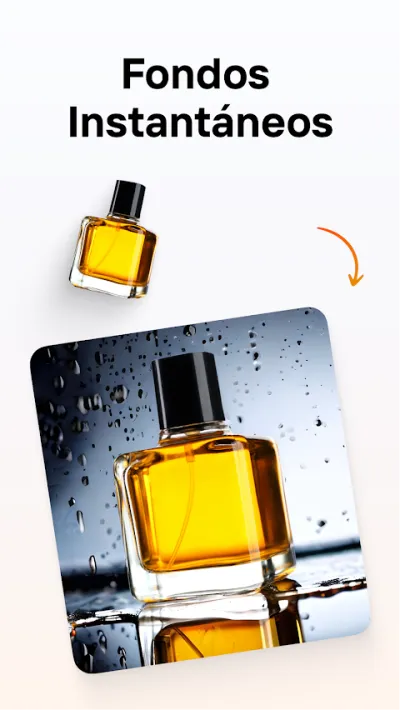
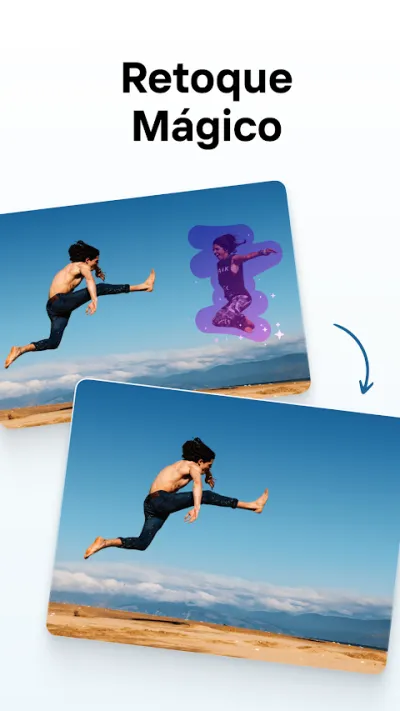
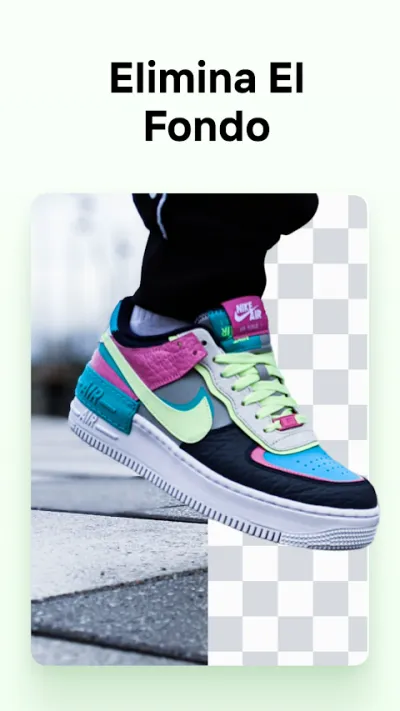
Photoroom cuts out with notable accuracy even on hair and tricky edges, and adds studio backgrounds designed for selling products.
Photoroom cuts the background out of a photo with remarkable precision, even around hair or awkward edges, and lets you swap it for a colour, a generated scene or a studio backdrop. It is the standard tool for anyone selling on Vinted or eBay who wants clean pictures.

Pros
- Very precise background cutout, hair included
- Studio backdrops ready for selling products
- Batch processing of several photos at once
Cons
- High-resolution export is paid
- Watermark on some free templates
- The AI features burn through credits

Quitar Fondo de las Fotos
Photo Editor & Collage Maker · Free (with purchases) · 50M+
Best free option
4.9
843K reviews
TopApps analysis
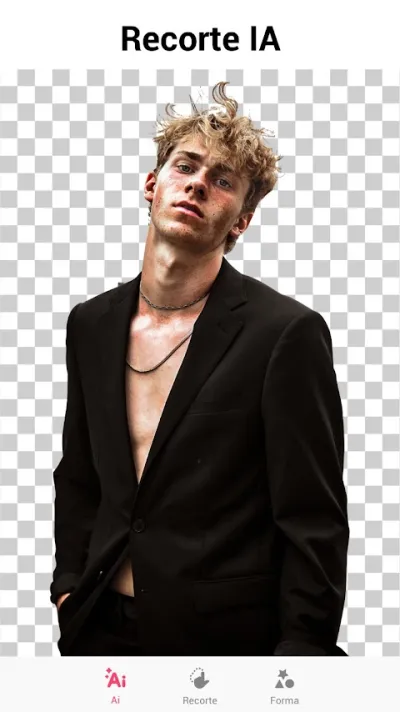
Quitar Fondo de las Fotos pairs automatic erasing with a manual brush to fix whatever the algorithm gets wrong, and is the best-rated app in its category.
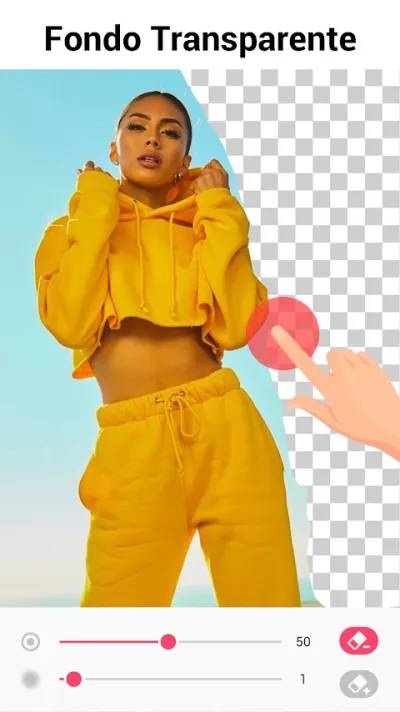
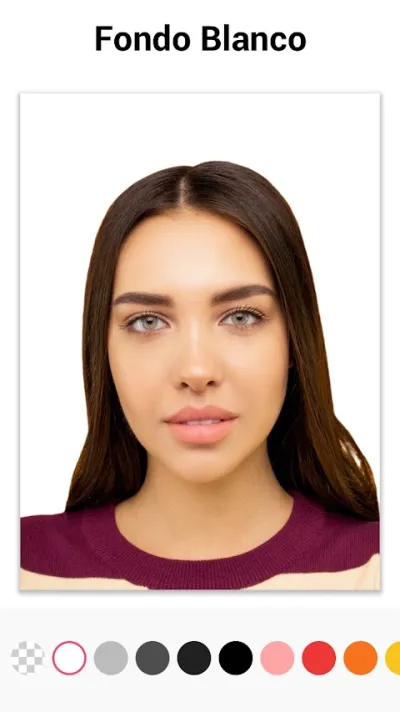
This app does one thing: remove the background, either automatically or by hand with a brush to fix whatever the algorithm gets wrong. That manual control is precisely what automatic tools lack, and it is the highest-rated app in its category on Google Play.

Pros
- Automatic removal plus manual brush work
- Highest-rated app in its category
- Fixes what the automatic cutout misses
Cons
- Frequent ads in the free version
- Fewer templates than Photoroom
- Unattractive interface
Last updated: 2026-07-23

Picsart Editor de Fotos IA
PicsArt, Inc. · Free (with purchases) · 1.000M+
The most complete
3.9
12.2M reviews
TopApps analysis
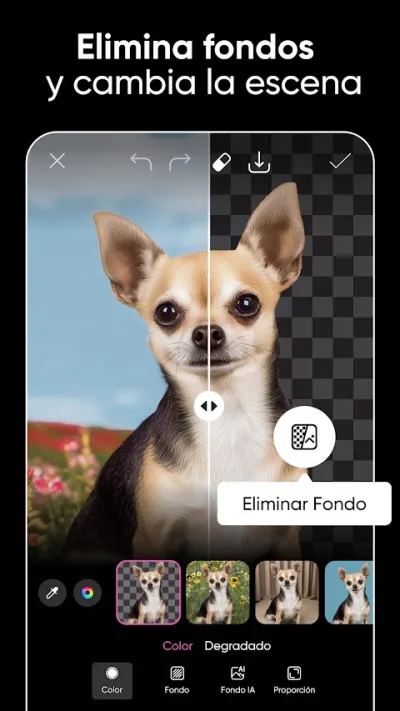
PicsArt removes the background and then lets you keep editing right there with layers, filters and text, without switching apps.
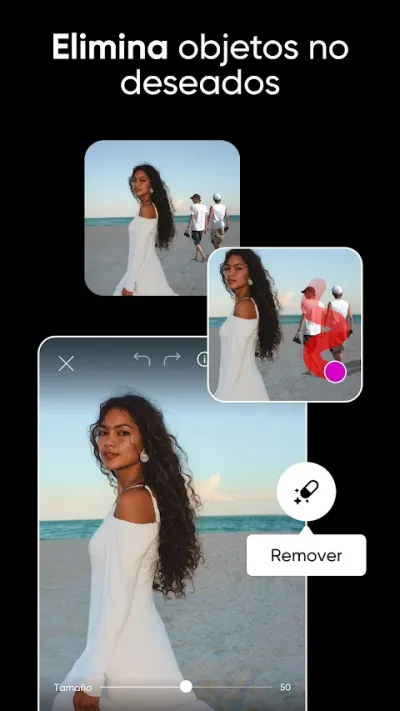
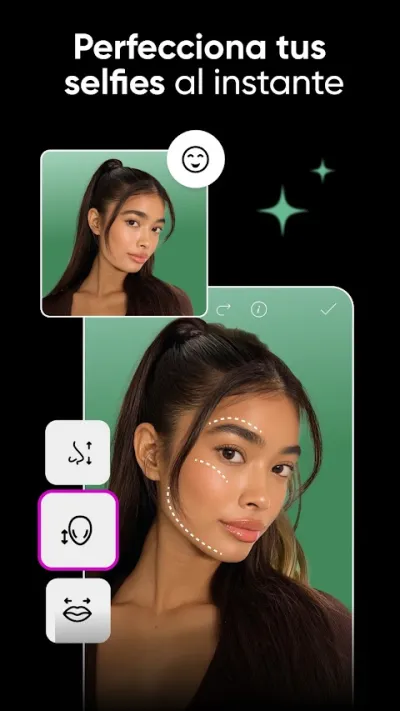
Picsart is an all-in-one photo editor with serious AI tools. It removes backgrounds in one tap, builds collages, applies artistic filters, adds stickers and even generates images with AI. It is the most complete app for creative editing and social media content, backed by a huge community.

Pros
- One-tap AI background removal
- Collage maker and artistic filters
- AI image generator
Cons
- The best features require Picsart Gold
- The free version shows ads
- Can run slowly on older phones

Canva: Diseño IA, foto y vídeo
Free (with purchases) · 500M+
Best for designing afterwards
4.8
25.9M reviews
TopApps analysis
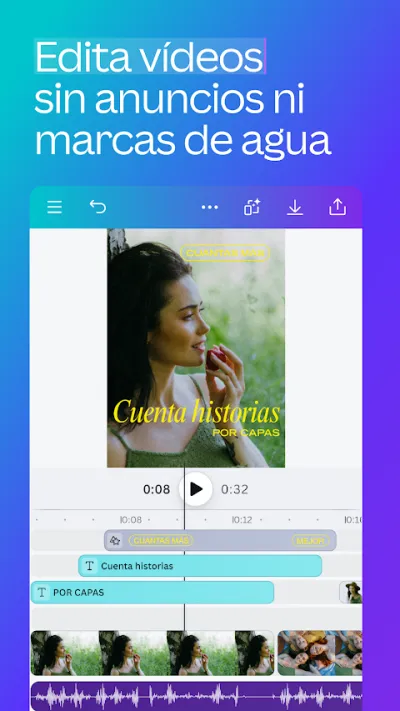
Canva removes the background and drops the image straight into a ready-made poster, social post or presentation template.
Canva is the easiest graphic design app around, ideal for making social content without knowing design. With thousands of templates for Instagram, TikTok, stories, posters or presentations, you can edit photos, add styled text and use AI tools. A solid choice for small businesses, students and content creators.



Pros
- Thousands of templates for social media and presentations
- Easy to use with no design background
- AI tools for text and images
Cons
- Many templates and elements are paid (Canva Pro)
- More about design than advanced photo retouching
- Needs a connection for most features
Frequently asked questions
What is the best free app to remove a background?
Quitar Fondo de las Fotos is the most generous: it does the automatic cutout and, more importantly, lets you fix it by hand with a brush, which is exactly what automatic-only tools lack when the algorithm eats an ear. Photoroom gives better results out of the box but keeps high-resolution export behind its paid plan.
How do I get a transparent background?
You have to export as PNG, the only widely used format that supports transparency. If you save as JPG, the transparent background turns white. All of these apps let you pick PNG on export, though some reserve it for the paid version.
Why does the cutout fail on hair and fine edges?
Because in those areas each pixel is a blend of subject and background, and the algorithm has to decide which one it belongs to. Photoroom handles it best. If the result is not convincing, the practical approach is to run the automatic cutout and then go over those areas with the manual brush, which is what Quitar Fondo de las Fotos allows.
Are they good enough for product photos I plan to sell?
Yes, and it is one of their main uses. Photoroom includes studio backgrounds and batch processing, which helps a lot if you are about to list twenty items on eBay or Vinted. A clean, uniform background noticeably improves how the product reads compared with a photo taken on the sofa.
Articles you might like


The 5 Best Cinema Ticket Apps in Spain in 2026
We compare the 5 best apps for buying cinema tickets in Spain: Cinesa, Cine Yelmo Go, Kinépolis, entradas.com and Odeon Multicines. Seats, discounts and fees.


The 8 Best Video Editing Apps for Mobile (2026): Real Comparison
We compare the best apps for editing videos on mobile in 2026: InShot, CapCut, KineMaster, PowerDirector, Filmora and more with real Google Play data.
The 7 Best Apps to Edit Videos for Instagram Reels (2026)
We compare the best apps for creating Instagram Reels in 2026: automatic 9:16 formats, trending effects, subtitles and watermark-free export.

The 7 Best Apps to Edit TikTok Videos (2026): Sounds, Effects and Virals
Best apps for creating viral TikTok videos in 2026: trending effects, viral sounds, clips under 60 seconds, duets and TikTok-specific formats.
The 6 Best Apps to Edit Videos Without Watermark in 2026 (Free and Paid)
We compare which video editing apps export without watermark in 2026: which are completely free and which require subscription.
The 7 Best Free Video Editing Apps for Android (2026)
The best free video editing apps for Android in 2026. We compare what InShot, CapCut, KineMaster and PowerDirector really let you do without paying.