The 7 Best Apps to Add Music to Your Videos (2026): Royalty-Free
Adding music to your videos can ruin or boost your social media content: a popular song can make Instagram or YouTube mute or remove your video due to copyright. The best 2026 apps include royalty-free music libraries designed for social media.
Top apps for adding music to your videos
Apps for giving your videos a soundtrack with royalty-free music, syncing cuts to the beat and avoiding copyright problems on social media.
Top pick

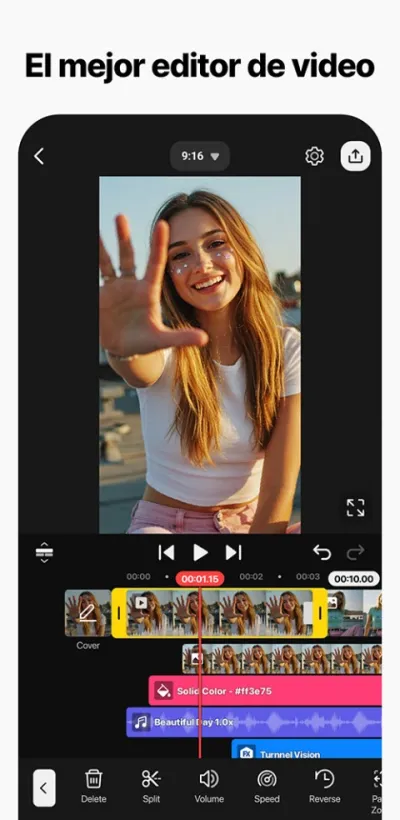
Editor de Videos - VivaVideo
QuVideo Inc. · Free (with purchases) · 500M+
Best music library
4.0
12.3M reviews
TopApps analysis
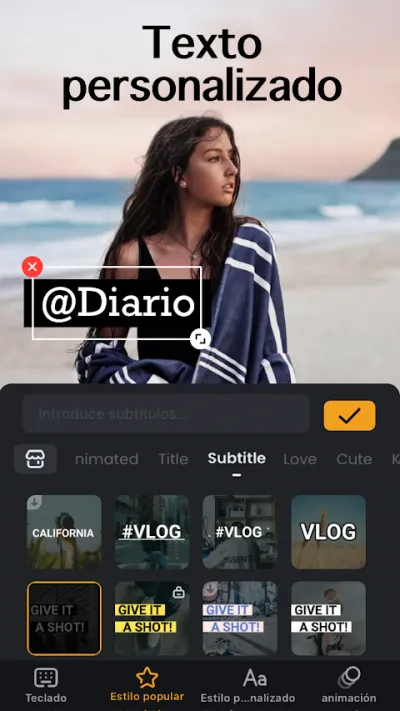
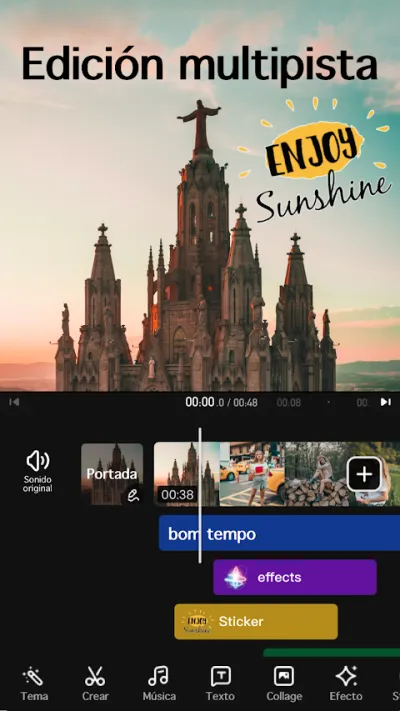
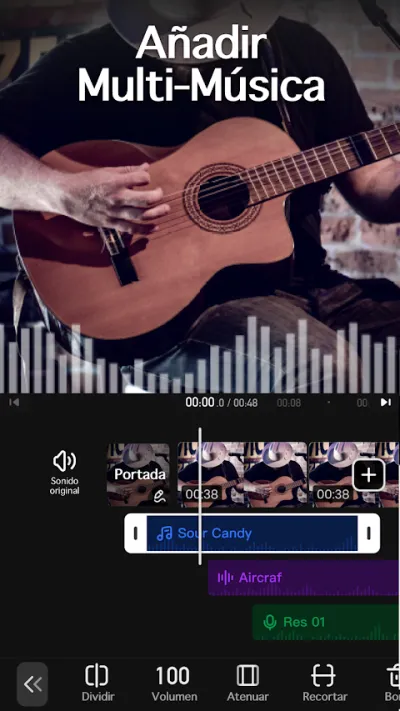
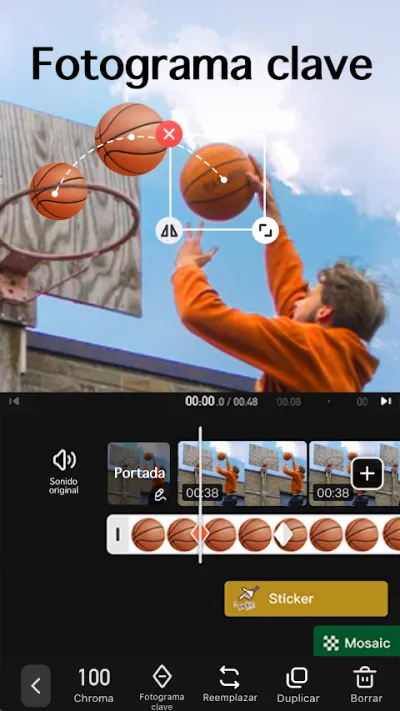
VivaVideo has the most extensive royalty-free music library and the most eye-catching musical montages on the market.
VivaVideo is one of the most established mobile video editors: 500M+ downloads and #3 in revenue in the Google Play video category.
Pros
- 500M+ downloads
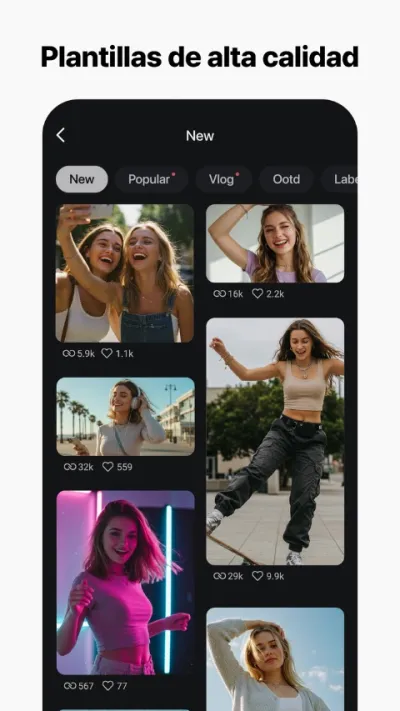
- Excellent slideshow templates with music
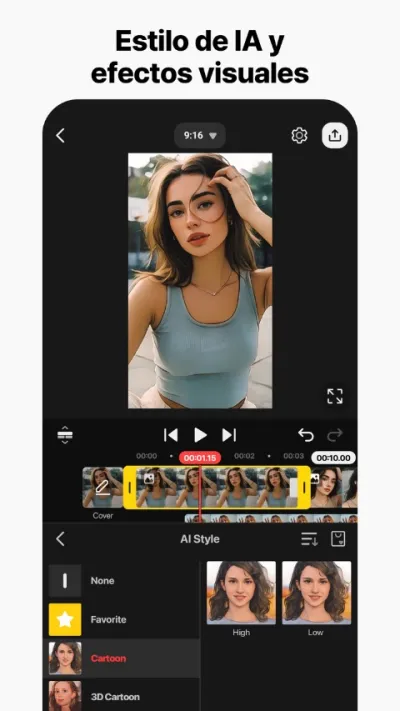
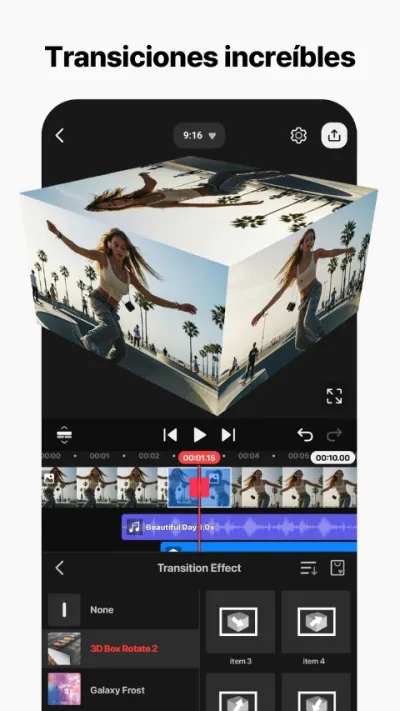
- Very varied and eye-catching effects and transitions
Cons
- 4.0★ rating — below InShot or KineMaster
- User complaints about audio/video sync issues when exporting
- Subscription needed for full watermark-free use
Last updated: 2026-06-26

Editor de Video - InShot
InShot Video Editor · Free (with purchases) · 500M+
Beat synchronization
4.9
24.3M reviews
TopApps analysis
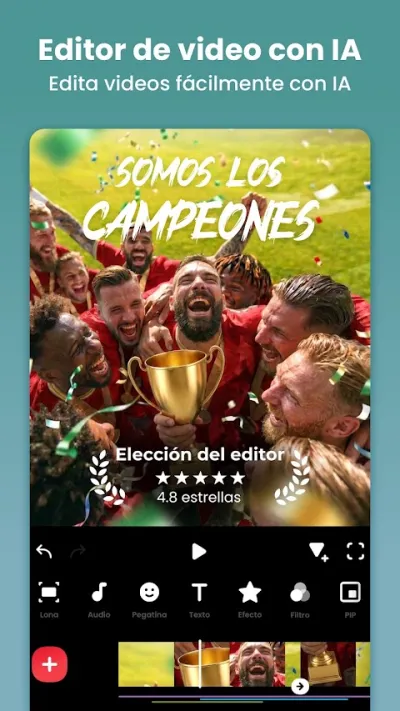
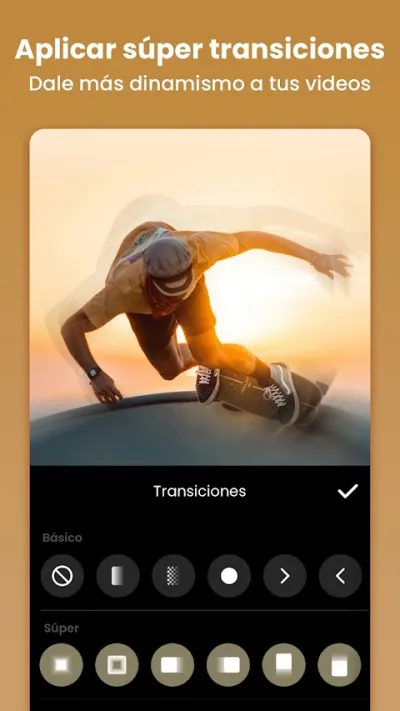
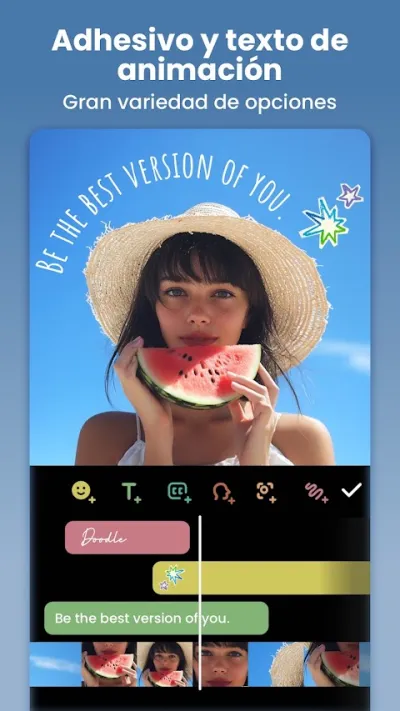
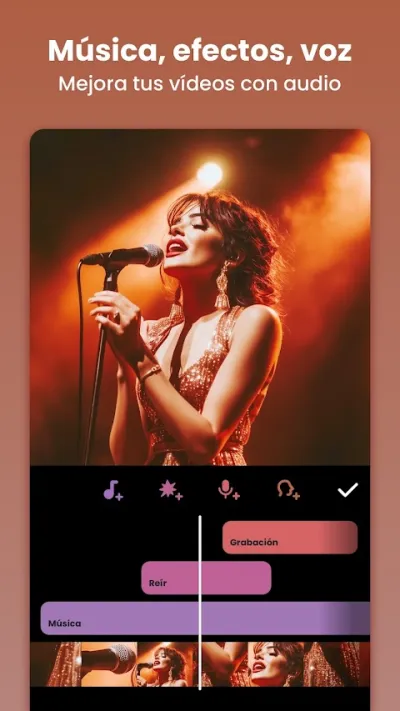
InShot includes automatic beat synchronization tool — adjusts cuts to the music beat automatically.
InShot is the highest-rated video editor on Google Play with 4.9★ and over 24 million reviews. It lets you cut, merge and add music to videos in seconds, with native support for Instagram Reels, TikTok and YouTube Shorts formats.
Pros
- Highest-rated video editor worldwide (4.9★, 24M+ reviews)
- Very intuitive interface
- Native Reels/TikTok/Shorts support
Cons
- Watermark in free version
- Advanced features require Pro subscription
- No multi-track timeline

CapCut - Editor de Vídeo
Bytedance Pte. Ltd · Free (with purchases) · 1.000M+
Most viral sounds
3.0
12.8M reviews
TopApps analysis
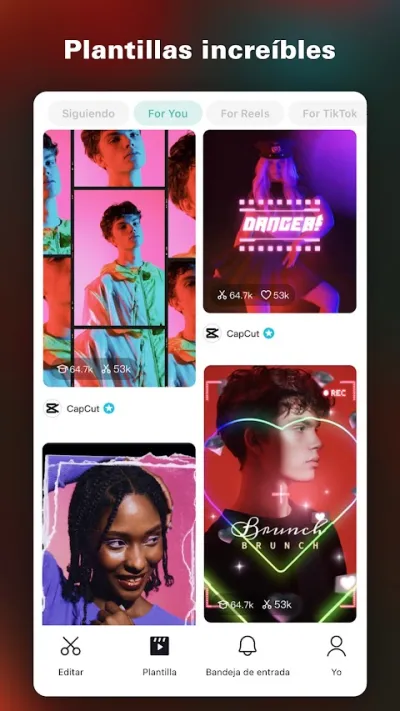
Real-time access to TikTok and Instagram viral sounds — the week's trending music always available.
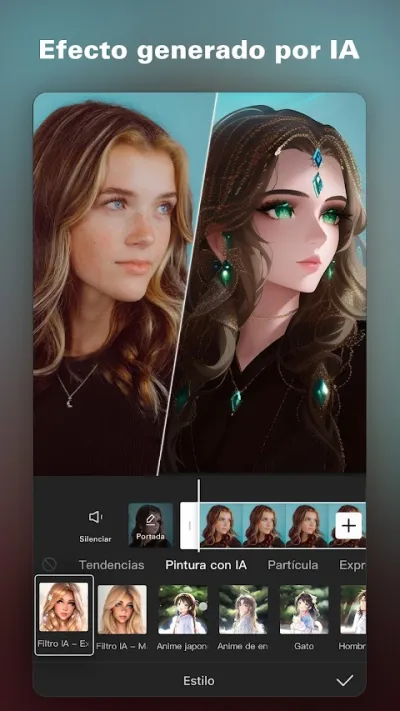
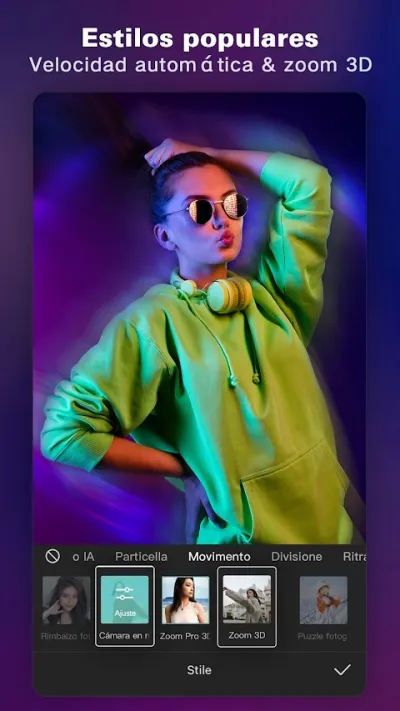
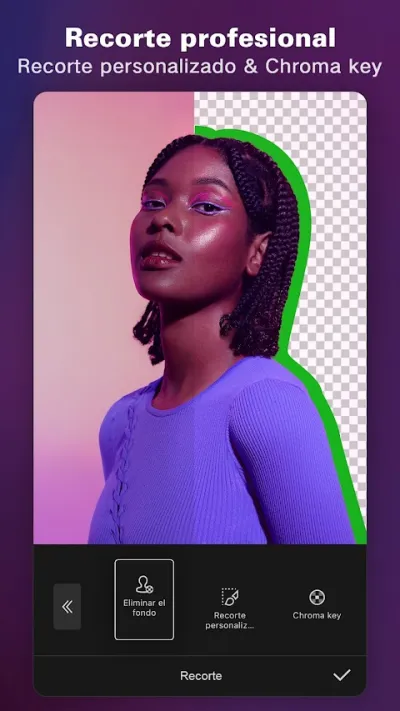
CapCut is the world's most downloaded video editor with over 1 billion downloads. Known for AI-powered auto-editing templates, automatic subtitles and trending effects.
Pros
- World's most downloaded video editor (1B+ downloads)
- AI auto-edit templates
- Accurate automatic subtitles
Cons
- Low Play Store rating (3.0★) due to Bytedance/TikTok privacy concerns
- Aggressive data collection
- TikTok ecosystem dependency

KineMaster – Editor de Vídeo
KineMaster, Video Editor Experts Group · Free (with purchases) · 500M+
Best audio control
4.4
6.1M reviews
TopApps analysis
Advanced audio control: multiple music tracks, per-section volume adjustment and professional audio effects.
KineMaster is the most complete professional video editor for mobile: multi-track timeline, video overlay, frame-by-frame speed control, chroma key and 4K export.
Pros
- Real multi-track timeline
- Chroma key (green screen)
- Frame-by-frame speed control
Cons
- Prominent watermark in free version
- Higher learning curve than InShot or CapCut
- Somewhat cluttered interface

FilmoraHD - AI Video Creator
Shenzhen Wondershare Software Co., Ltd. · Free (with purchases) · 100M+
Best for brands
4.1
1.2M reviews
TopApps analysis
Filmora includes premium royalty-free music packs for commercial use — ideal for brands and companies creating product videos.
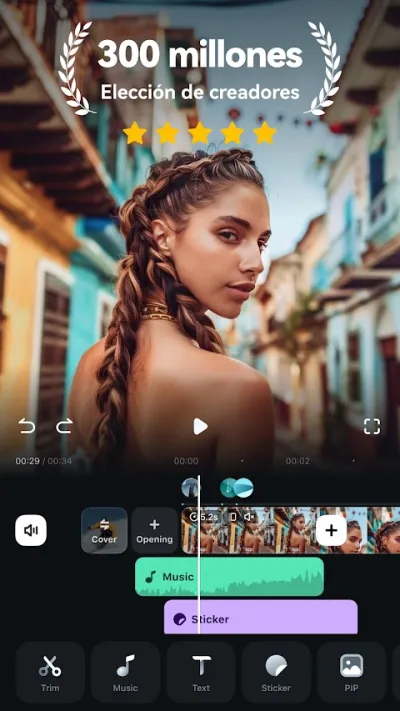
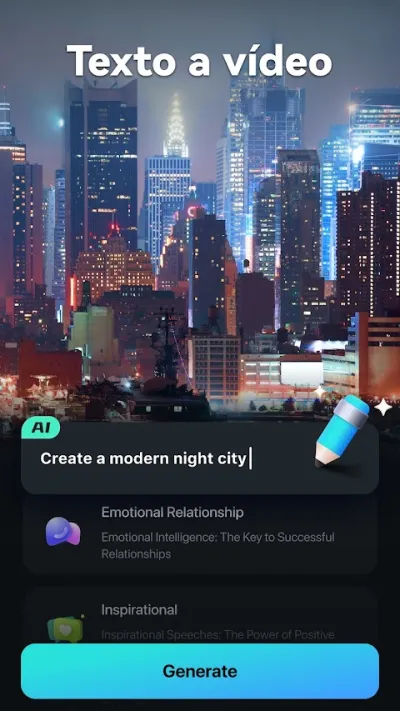
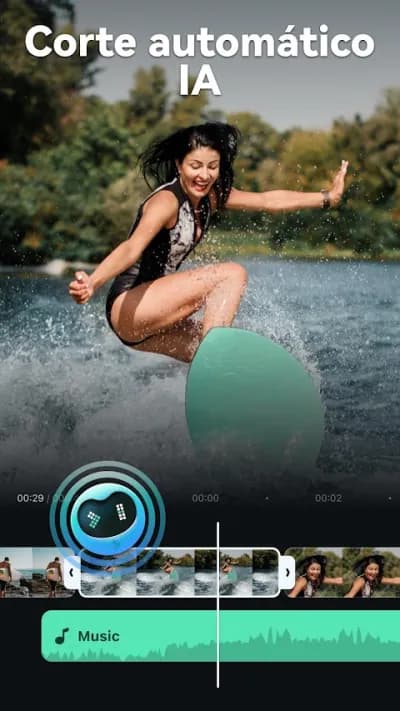
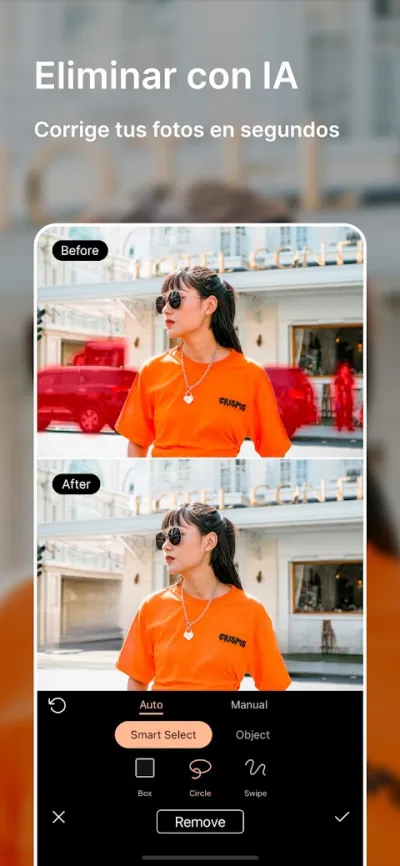
Filmora is the mobile version of Wondershare's popular desktop video editor. Recently revamped as FilmoraHD with AI tools for automatic editing and quality enhancement.

Pros
- AI tools for automatic editing
- Cinema-quality templates
- Integration with Filmora PC ecosystem
Cons
- 4.1★ rating
- Most premium templates and AI features require subscription
- Quite visible watermark in free version

PowerDirector – Video Edición
CyberLink Corp · Free (with purchases) · 100M+
100+ free tracks
4.4
1.7M reviews
TopApps analysis
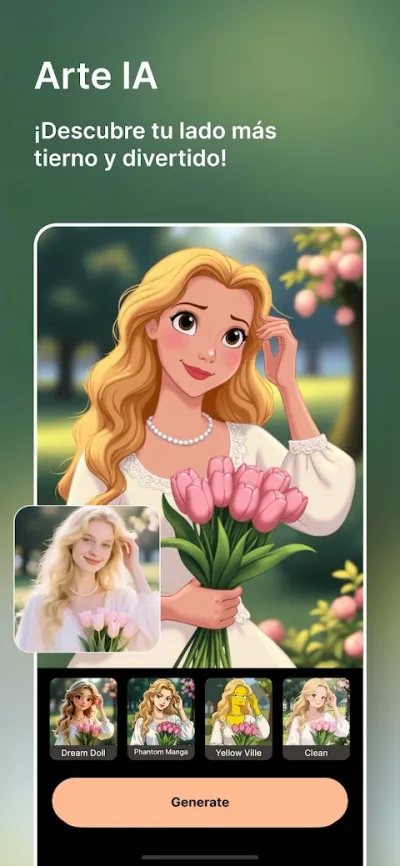
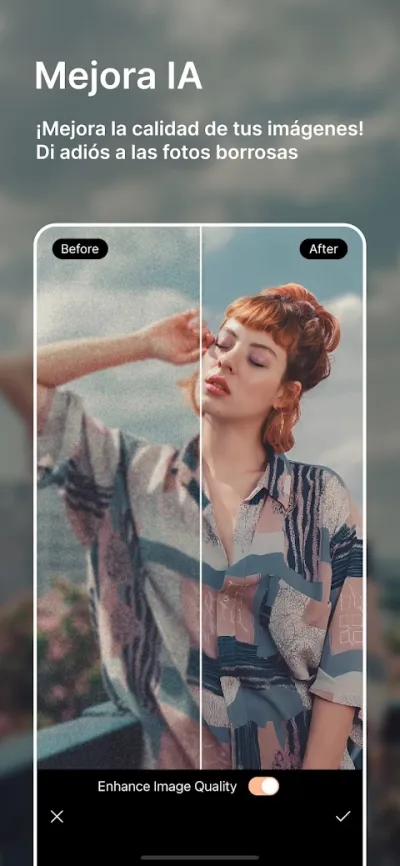
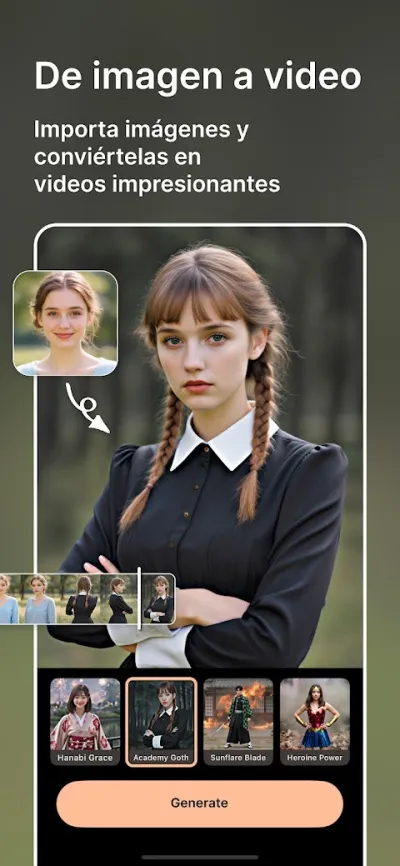
PowerDirector includes over 100 free royalty-free music tracks ready to use in YouTube videos.
PowerDirector is CyberLink's mobile video editor, from the same company as professional PC editing software. Features multi-track timeline, chroma key, video stabilization and 4K export.
Pros
- Multi-track timeline and chroma key
- Built-in video stabilizer
- AI for automatic Reels generation
Cons
- Android only (no iOS version)
- Users report frustration with overlay object limits
- Somewhat cluttered interface for beginners
Last updated: 2026-06-15

Movavi Clips - Editor de vídeo
Movavi Software Inc. · Free (with purchases) · 10M+
Basic built-in library
4.4
276K reviews
TopApps analysis
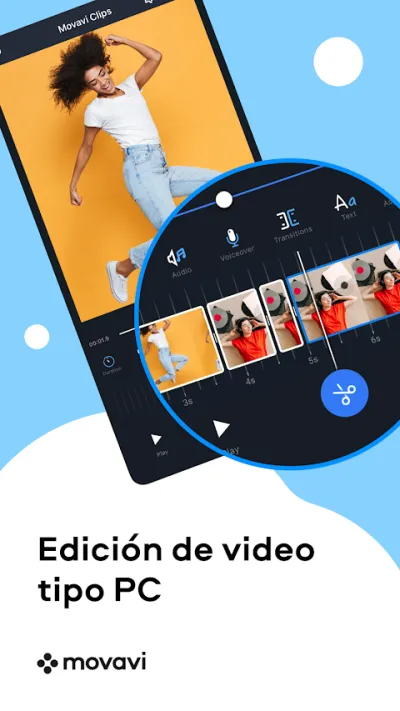
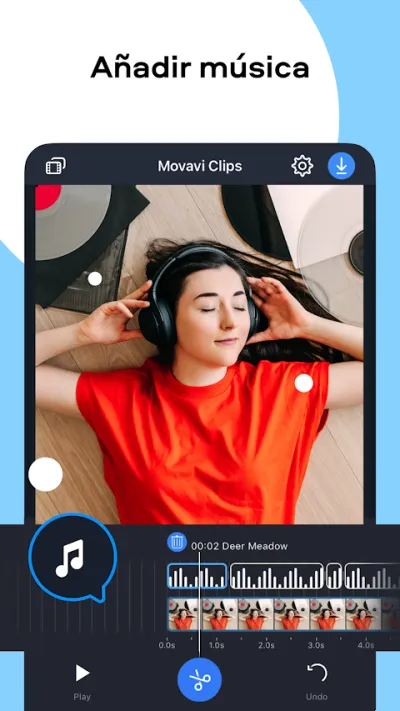
Movavi Clips includes a built-in music library for basic use. For more variety, allows importing local music from the device.
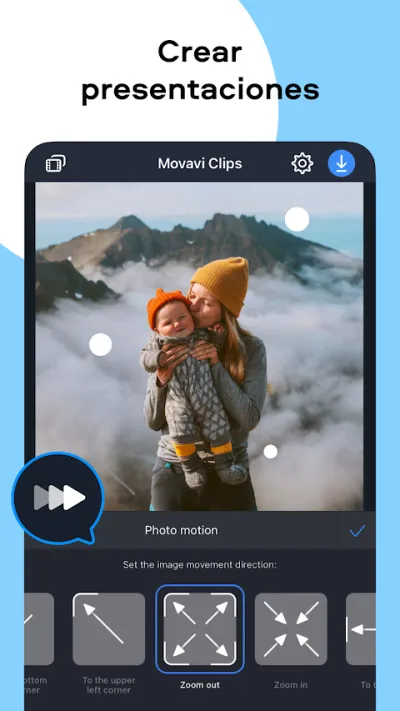
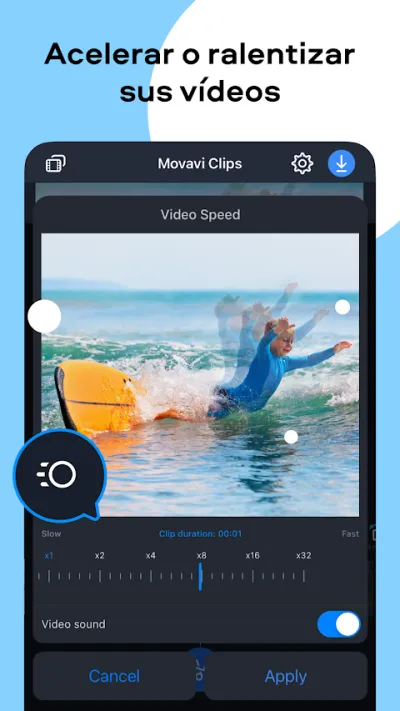
Movavi Clips is the mobile version of the popular Movavi editing software, known for its balance between ease of use and professional features.
Pros
- Clean and intuitive interface
- 4.4★ with 276K reviews
- Precise editing tools
Cons
- Free version only exports 1-minute videos
- High subscription price for the feature level offered
- Last update: October 2025
Last updated: 2025-10-24
Frequently asked questions
How can I add music to my videos without having them removed for copyright?
The safest way is to use royalty-free music from the libraries included in InShot, VivaVideo, PowerDirector or CapCut. These libraries have tracks specifically licensed for use on Instagram, TikTok and YouTube without removal risk.
Can I use any song in my video?
Not without permission. Using copyrighted music on YouTube or Instagram triggers claims that can mute the video, block it or divert its revenue to the rights holder. The exceptions are royalty-free music, the libraries built into these apps and the catalogues the platforms themselves offer for personal use within their own service.
How do I set the music so it doesn't drown out voices?
Keep the music track well below the voice, at roughly a fifth of its volume, and use the auto-ducking feature several of these apps include, which lowers the music automatically when someone speaks. That detail is what most separates an amateur video from one that sounds good.
Articles you might like


The 5 Best Cinema Ticket Apps in Spain in 2026
We compare the 5 best apps for buying cinema tickets in Spain: Cinesa, Cine Yelmo Go, Kinépolis, entradas.com and Odeon Multicines. Seats, discounts and fees.


The 8 Best Video Editing Apps for Mobile (2026): Real Comparison
We compare the best apps for editing videos on mobile in 2026: InShot, CapCut, KineMaster, PowerDirector, Filmora and more with real Google Play data.
The 7 Best Apps to Edit Videos for Instagram Reels (2026)
We compare the best apps for creating Instagram Reels in 2026: automatic 9:16 formats, trending effects, subtitles and watermark-free export.

The 7 Best Apps to Edit TikTok Videos (2026): Sounds, Effects and Virals
Best apps for creating viral TikTok videos in 2026: trending effects, viral sounds, clips under 60 seconds, duets and TikTok-specific formats.
The 6 Best Apps to Edit Videos Without Watermark in 2026 (Free and Paid)
We compare which video editing apps export without watermark in 2026: which are completely free and which require subscription.
The 7 Best Free Video Editing Apps for Android (2026)
The best free video editing apps for Android in 2026. We compare what InShot, CapCut, KineMaster and PowerDirector really let you do without paying.