The 4 Best Video Call Apps in 2026
Choosing a video call app is rarely a technical decision: it is guessing which one the other person already has installed and how long they will take to join. That is why the winners are the ones that work from a link, with no sign-up. In this guide we compare the 4 best video call apps in 2026, with their real time and participant limits on the free plan.
Apps for video calls and online meetings
Mobile video call apps with link-based rooms, screen sharing, automatic captions, meeting recording and different limits on time and participants.
Top pick

Zoom Workplace
zoom.com · Free (with purchases) · 1.000M+
The most stable
4.0
4.6M reviews
TopApps analysis
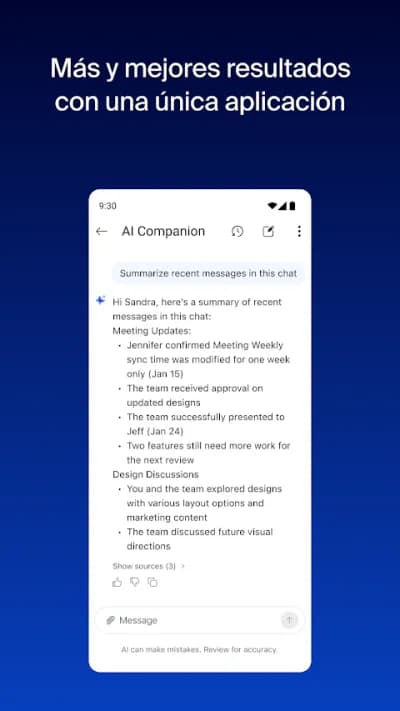
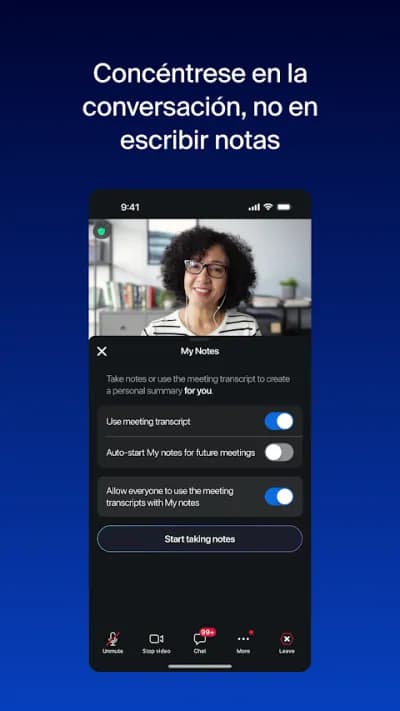
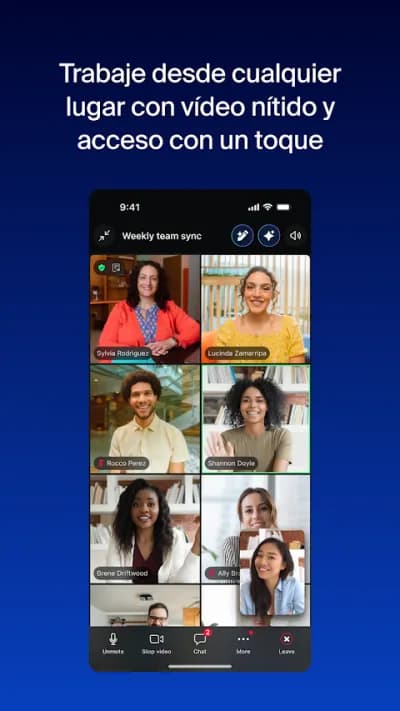
Zoom handles slow connections better than anyone, and a guest joins with just a link, without having to create an account.
Zoom became a byword for video calls for a reason: it holds up on poor connections and works just the same when the other person has no account, with nothing but a link. The free plan allows meetings of up to a hundred people, with the well-known forty-minute cap on group calls.

Pros
- Very stable on slow connections
- Guests join with just a link, no account needed
- Up to a hundred participants on the free plan
Cons
- Forty-minute cap on free group meetings
- Fairly heavy on battery and data
- Has carried privacy controversies in the past

Google Meet
Google LLC · Free · 10.000M+
The most convenient
4.1
11.9M reviews
TopApps analysis
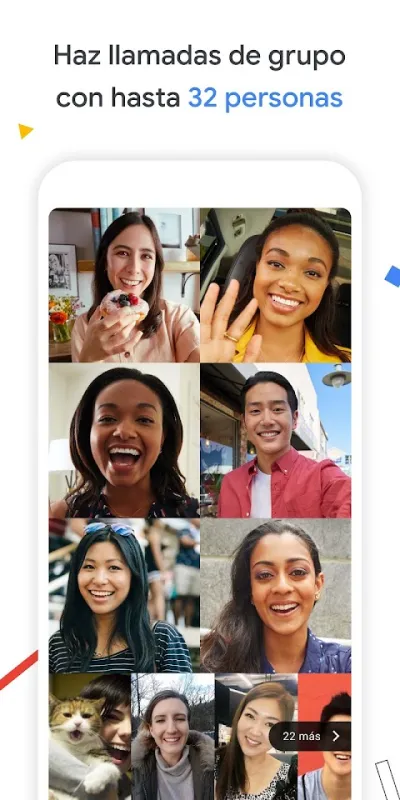
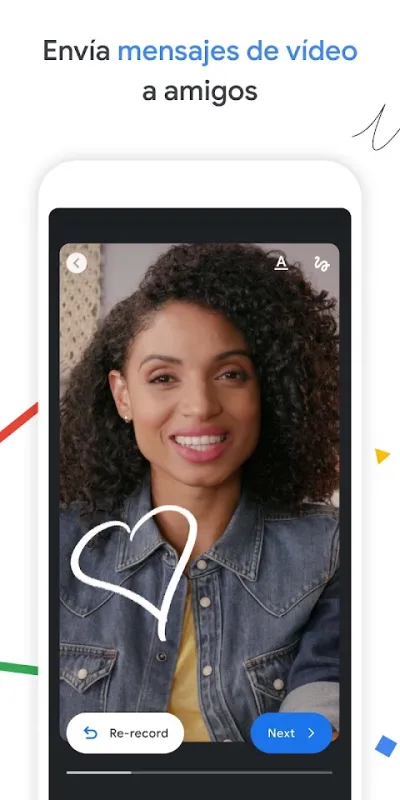
Google Meet runs in the browser with nothing to install and ties into Gmail and Calendar, so setting up a meeting takes seconds.
Google Meet is the easiest way to run a video call when everyone else already uses Gmail: setting up a meeting means sending a link, nothing more, and there's nothing to install on a computer because it runs in the browser. The free plan allows up to a hundred people, with a one-hour cap on group calls.

Pros
- Runs in the browser, nothing to install
- Direct integration with Gmail and Google Calendar
- Automatic live captions
Cons
- One-hour cap on free group meetings
- Fewer moderation controls than Zoom
- A Google account is required to host

Microsoft Teams
Microsoft Corporation · Free (with purchases) · 500M+
Best for teams
4.6
8.7M reviews
TopApps analysis
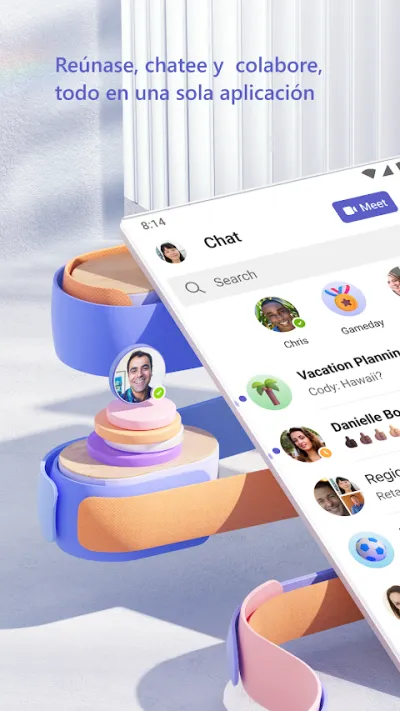
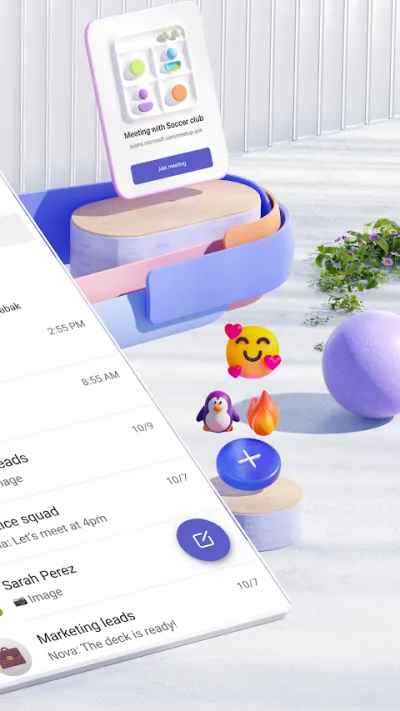
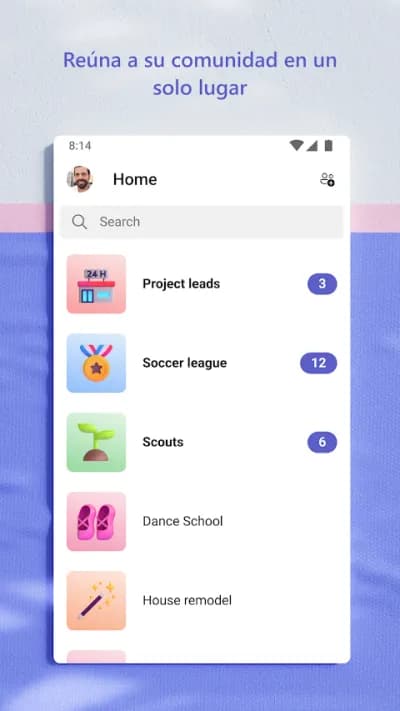
Teams is more than video calls: it adds chat, files and channels by topic, which makes it the natural choice if the team already runs on Microsoft 365.
Teams is not just video calls: it's chat, shared files and meetings inside one workspace, and that's where it beats Zoom and Meet for teams that work together long-term. If the company already runs Microsoft 365, everything is wired into Outlook, SharePoint and Office with nothing to set up.

Pros
- Chat, files and meetings in one place
- Full integration with Outlook and Office
- Long meetings on the free plan
Cons
- Heavy and sometimes slow on modest phones
- Confusing interface at first
- Overkill for purely personal use

Jitsi Meet
8x8, Inc · Free · 10M+
Best with no sign-up
3.7
53K reviews
TopApps analysis
Jitsi Meet asks nobody for an account and sets no time limit, and its code is open for anyone who wants to run their own server.
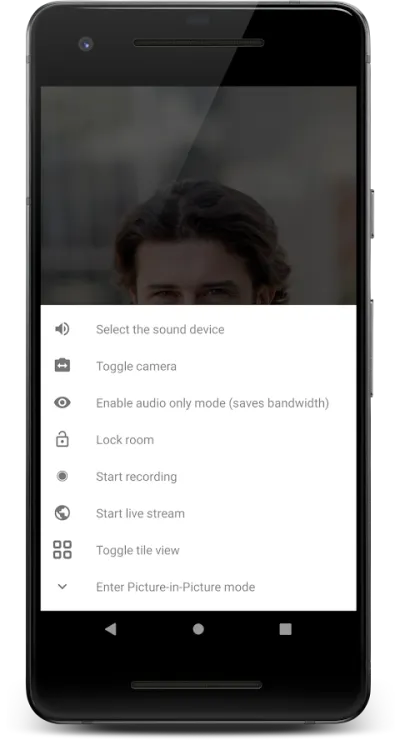
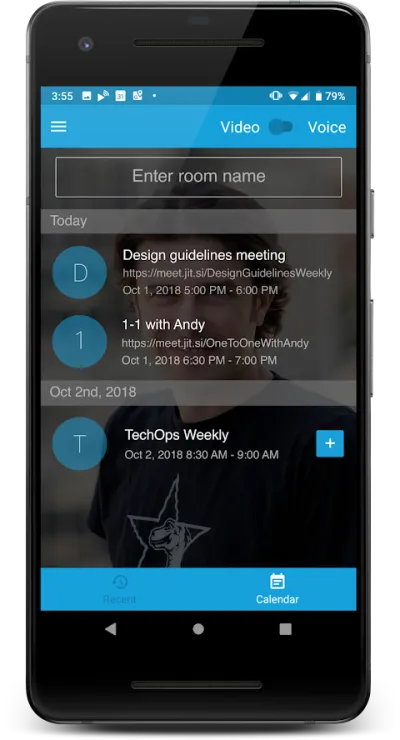
Jitsi Meet is the free, no-account option: open the app, type a room name and share the link. Nobody has to sign up, there's no time limit and the code is open source, so anyone can run their own server. The trade-off is that stability depends heavily on the server you use.


Pros
- No sign-up or account for anyone
- No time limit on meetings
- Open source and auditable
Cons
- Stability varies depending on the server
- Low rating on Google Play
- Fewer features than Zoom or Teams
Frequently asked questions
How long do free video calls last?
Zoom caps free group meetings at forty minutes and Google Meet at one hour; one-to-one calls run longer on both. Microsoft Teams is more generous on duration within its free plan, and Jitsi Meet imposes no time limit at all. If you need long meetings without paying, Jitsi is the answer.
Which video call app is best if the other person has no account?
Zoom and Jitsi Meet. With both, you just send a link and the other person joins without registering or installing anything on a computer. Google Meet lets guests join without a Google account, but you do need one to host the meeting. Teams creates the most friction for external guests.
Which one uses the least mobile data?
They all use a fair amount, between 500 MB and 1.5 GB per hour at medium video quality. To cut that down, turn your camera off when you are not speaking: audio alone uses a tiny fraction. Zoom adapts best, automatically lowering quality when it detects low bandwidth, which prevents dropouts on poor connections.
Can video calls be recorded?
Yes, with conditions. Zoom allows local recording even on the free plan if you are the host; Google Meet and Teams reserve recording for paid or business plans. Bear in mind that recording other people means telling them first, and the rules on consent differ by country, and in the US by state, so check before you hit record.
Articles you might like


The 5 Best Invoicing Apps for Freelancers in Spain in 2026
We compare the 5 best invoicing apps for freelancers in Spain: Holded, TS Facturas (Billin), Quipu, Anfix and STEL Order. Verifactu, taxes and prices.


The 4 Best Time Clock Apps in Spain in 2026
We compare the 4 best time clock apps in Spain: Factorial, Sesame HR, Bixpe and Jibble. Clocking in by phone, geolocation and reports for labour inspections.


The 5 Best Parcel Tracking Apps in Spain in 2026
We compare the 5 best parcel tracking apps in Spain: Correos, 17TRACK, AfterShip, GLS and Seguimiento de Envíos. Track packages from any carrier.


The 6 Best Productivity and Organization Apps in 2026
We compare the best productivity apps: Notion, Todoist, TickTick, Microsoft To Do, Trello and Google Keep. Pick the one that fits your workflow.


The 4 Best Document Scanner Apps in 2026
We compare the best apps for scanning documents with your phone: Adobe Scan, CamScanner, Genius Scan and Tiny Scanner. Turn photos into quality PDFs.


The 4 Best VPN Apps in 2026
We compare the best VPN apps: NordVPN, ExpressVPN, Surfshark and Proton VPN. Browse privately, protect your data and reach more content.