The 5 Best Translation Apps in 2026
Understanding a station sign in Tokyo is not the same job as writing an email in German that a client will read. The first needs a camera; the second needs a translation engine that sounds human. No app wins at both at once. In this guide we compare the 5 best translation apps in 2026 and what each one is really good for.
Apps for translating text, speech and photos from your phone
Mobile translation apps with text, voice and camera translation, conversation mode, downloadable languages for offline use and document translation.
Top pick

Traductor de Google
Google LLC · Free · 1.000M+
The most complete
4.2
9.0M reviews
TopApps analysis
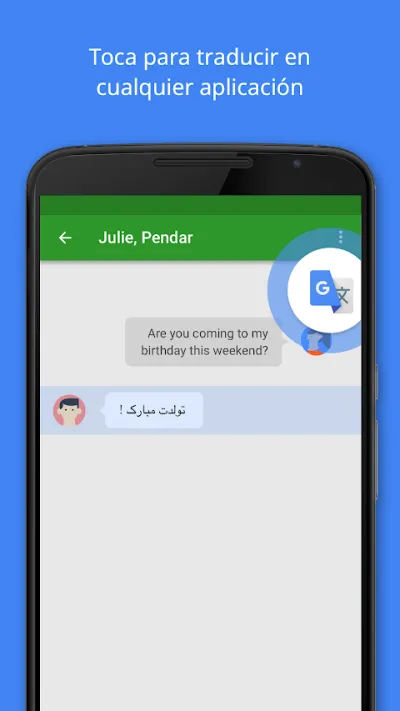
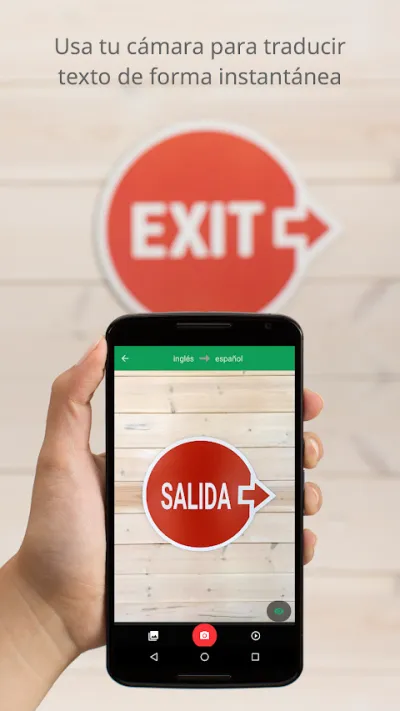
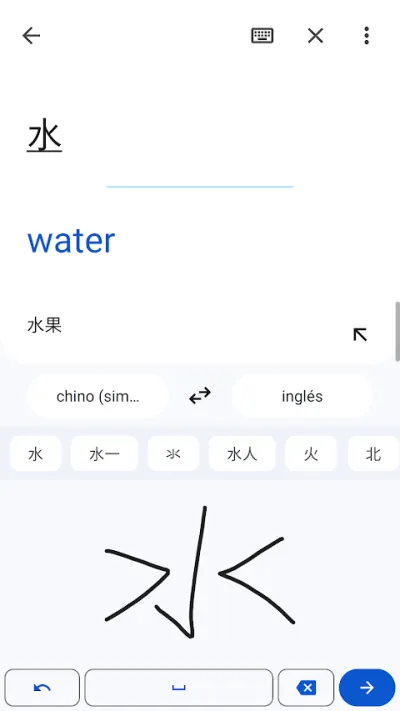
Google Translate covers more than a hundred languages and translates by pointing the camera at a sign or a menu, and it works offline if you download the language.
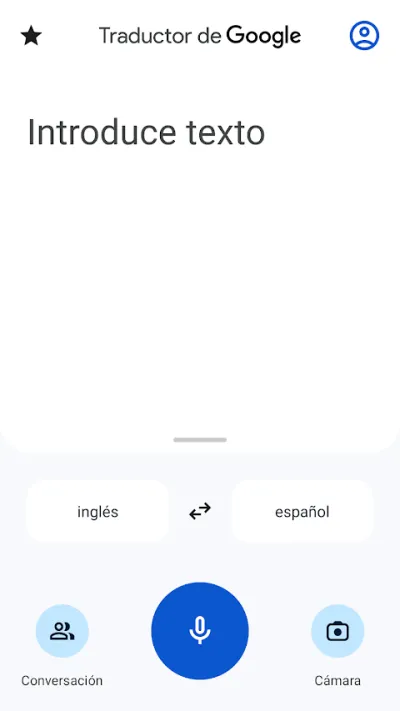
Traductor de Google is the Swiss army knife of mobile translation: over a hundred languages, camera translation you can point at a sign or a menu, a two-way conversation mode and downloadable languages for offline use. DeepL beats it on raw quality, but nothing comes close on coverage and features.
Pros
- Over a hundred languages available
- Instant translation through the camera
- Conversation mode for talking face to face
Cons
- Translations read less naturally than DeepL's
- Quality drops sharply in minority languages
- Requires broad camera and microphone permissions

Traductor de DeepL
DeepL SE · Free (with purchases) · 10M+
The best quality
4.7
422K reviews
TopApps analysis
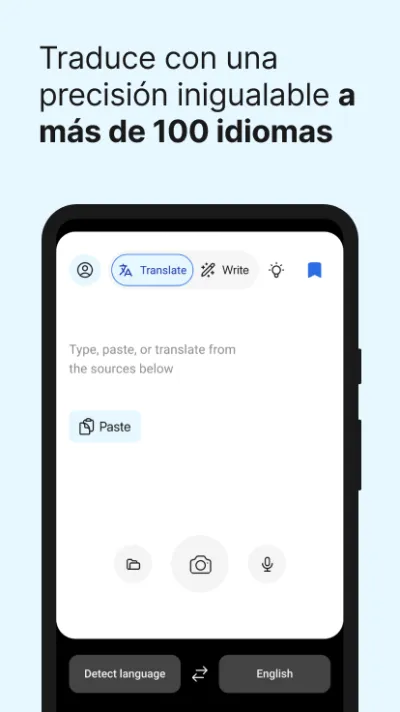
DeepL produces translations that read as if a person wrote them, above all between English, German, French and Spanish; it is the choice for text others will read.
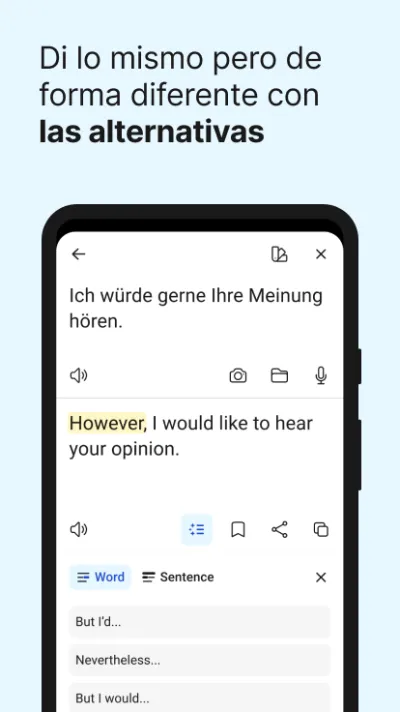
DeepL is the highest-quality translation you can carry on your phone: its output reads as if a person wrote it rather than a machine, especially between Spanish, English, German and French. It covers fewer languages than Google and its offline mode is limited, but for text other people will read it is the best option.
Pros
- The most natural translation on the market
- Excellent with long and formal texts
- Lets you choose a formal or informal tone
Cons
- Far fewer languages than Google Translate
- Character limits in the free version
- Very limited offline features

Microsoft Translator
Microsoft Corporation · Free · 100M+
Best for group conversations
4.5
792K reviews
TopApps analysis
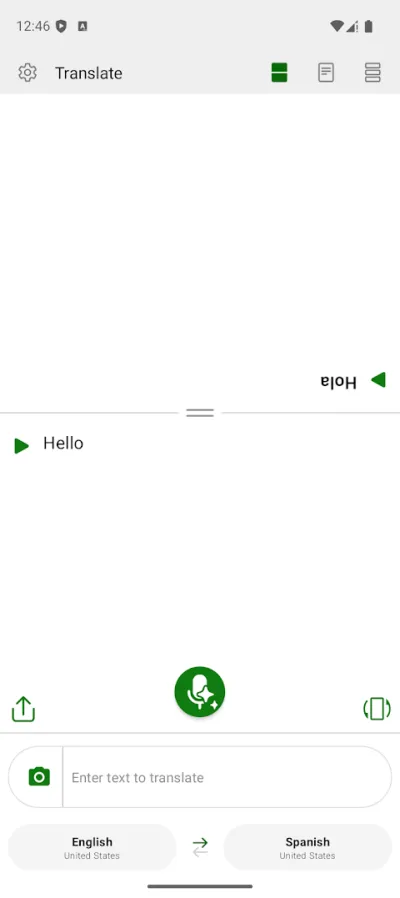
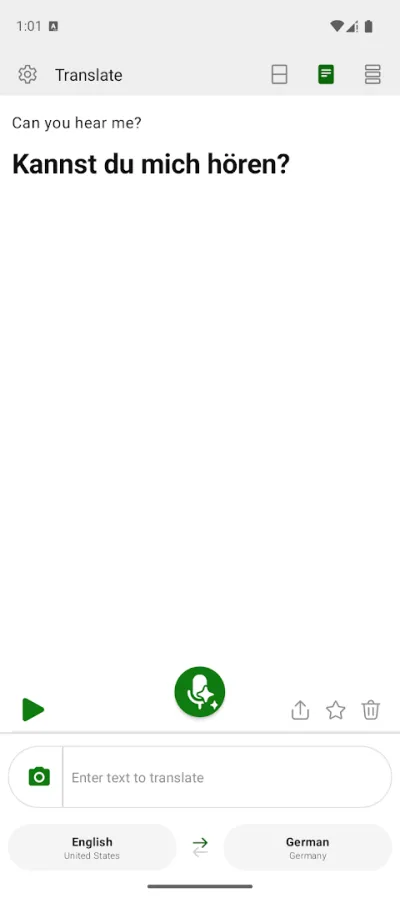
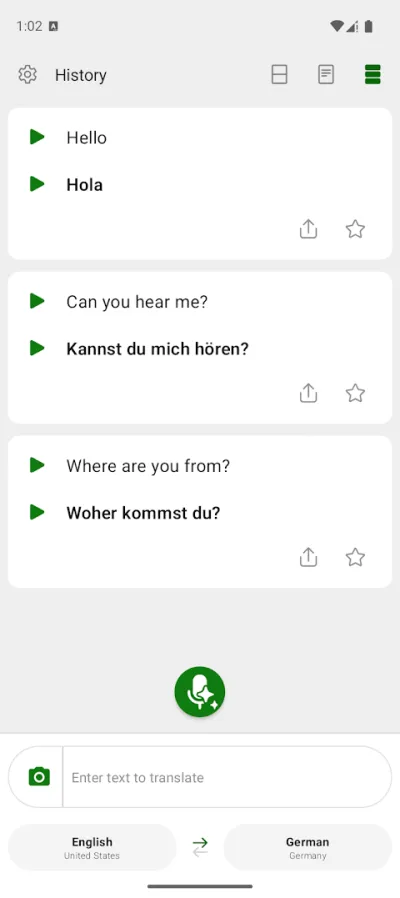
Microsoft Translator lets several people join a room with a code and each read in their own language, something no other app does for free.
Microsoft Translator is the most underrated free option, and it has one feature the others lack: multi-device conversations, where several people join a room with a code and each reads in their own language. Genuinely useful in meetings or classes with people from different countries.
Pros
- Group conversations across several devices
- Completely free, with no paid features
- Camera and voice translation
Cons
- Quality a notch below DeepL
- Less polished interface
- Slower development than the competition

iTranslate Traductor
Mosaic Srl · Free (with purchases) · 50M+
Best for other alphabets
3.6
396K reviews
TopApps analysis
iTranslate includes transliteration, which shows how text in Cyrillic, Arabic or Japanese is pronounced using the Latin alphabet.
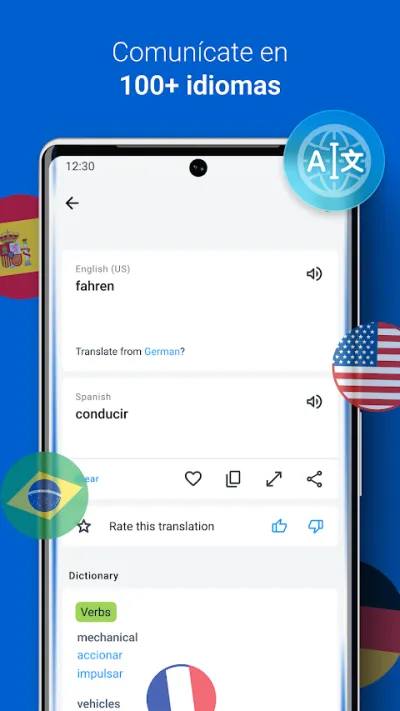
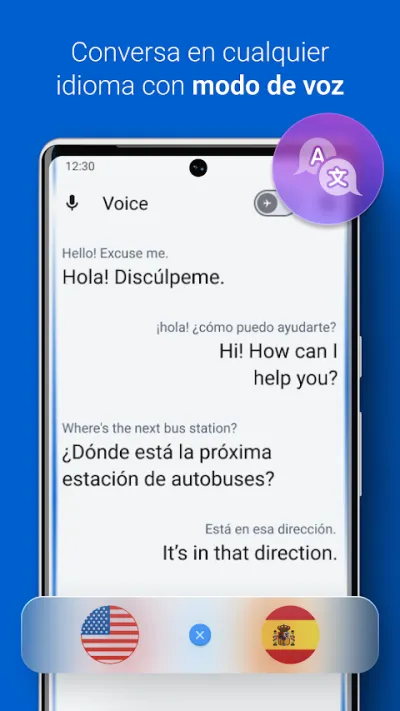
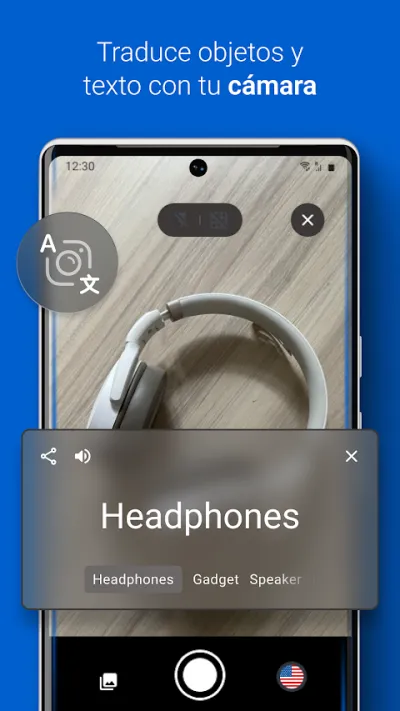
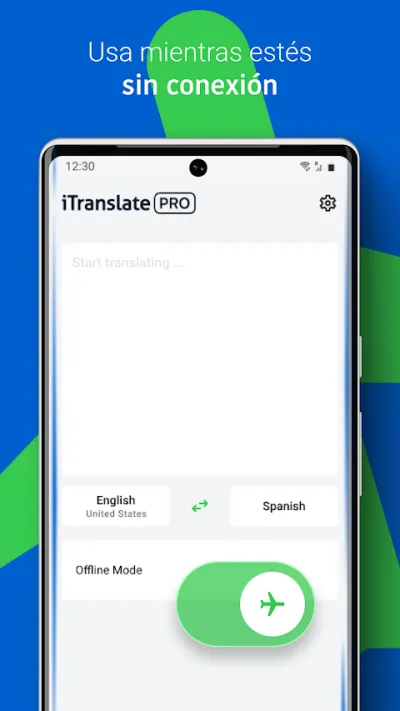
iTranslate has been in the stores for over a decade and offers text, voice and camera translation across more than a hundred languages, including transliteration for scripts such as Cyrillic and Arabic. Its current Google Play rating is low, and most of the genuinely useful features sit behind the Pro subscription.
Pros
- More than a hundred languages with voice mode
- Transliteration for non-Latin scripts
- Dictionary with synonyms and usage examples
Cons
- Low user rating on Google Play
- Almost everything worthwhile needs the Pro subscription
- Frequent ads in the free version

Reverso: Traductor y Diccionario
Free (with purchases) · 10M+
The best for seeing real examples
4.8
281K reviews
TopApps analysis
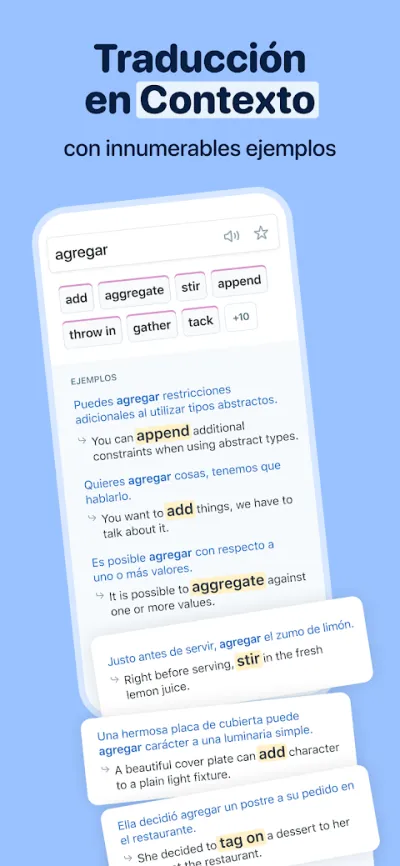
Reverso does more than translate: it shows the word used in real sentences taken from authentic texts, which is how you actually learn the nuance.
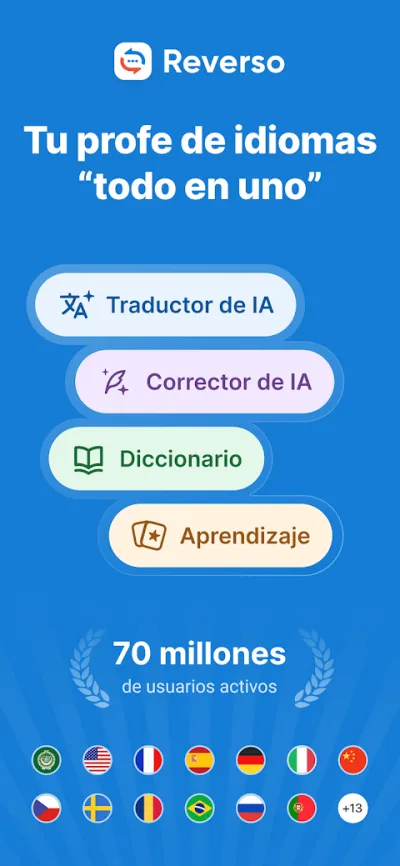
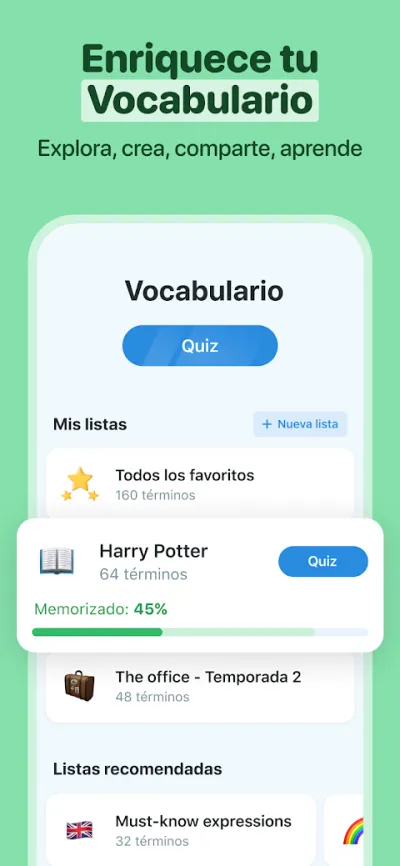
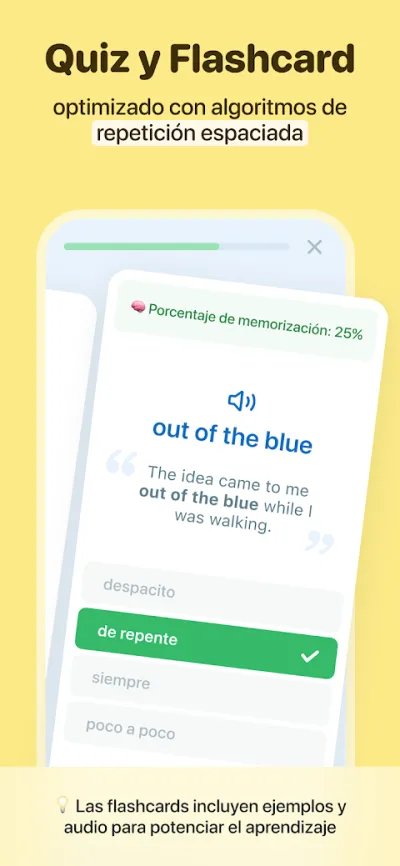
Reverso is the language learner's translator of choice because it does more than translate: it shows real examples of how a phrase is used in context, plus conjugations, synonyms and pronunciation. Seeing an expression inside actual sentences is what sets it apart from every other translator. Made for learning as you translate, not just getting by.
Pros
- Real usage examples in context
- Built-in conjugations and synonyms
- Ideal for language learners
Cons
- Fewer languages than Google Translate
- Offline mode is paid only
- Ads in the free version
Frequently asked questions
Which translator is more accurate, Google or DeepL?
DeepL produces more natural and more accurate translations in the languages it covers, especially between English, German, French and Spanish, which makes it the sensible choice for text somebody else will read. Google Translate covers far more languages and wins on features you use out in the field, like the camera or conversation mode. The logical answer is to have both.
Can I translate without an internet connection?
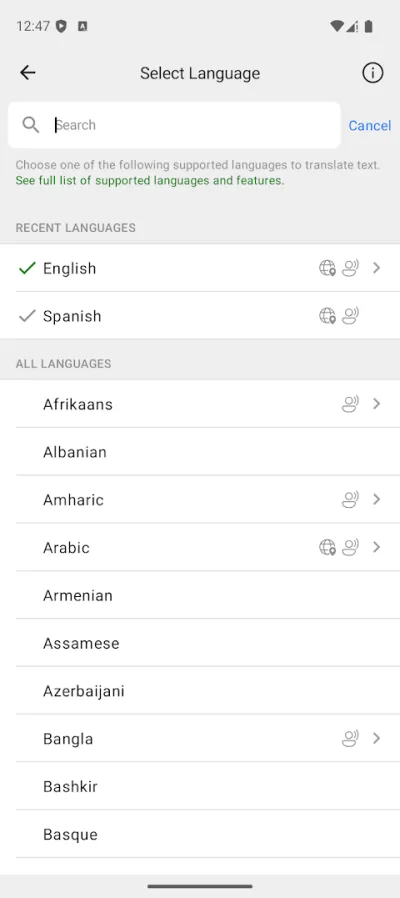
Yes, if you download the languages first. Google Translate and Microsoft Translator let you download language packs to translate text with no signal, which is very useful abroad without data. Offline quality is a step below what you get online, and DeepL is the most limited here.
How do I translate a sign or a restaurant menu?
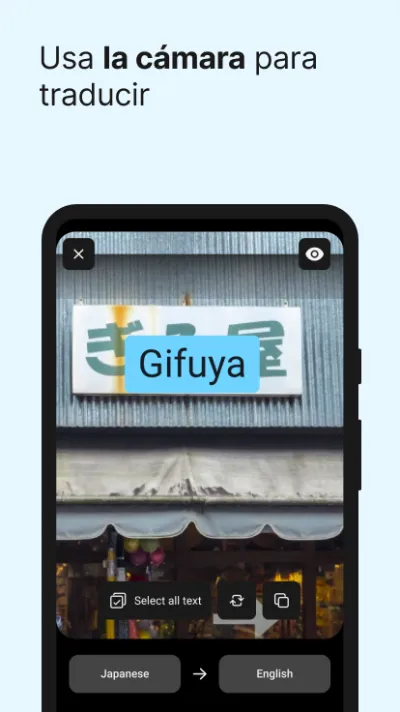
With Google Translate's camera: open the app, tap the camera icon and point it at the text, which appears translated as an overlay in real time. It also works on photos already in your gallery. Microsoft Translator and iTranslate have similar features, but Google's is the fastest and the best at reading awkward typefaces.
Are they reliable for translating work documents?
They work as a first draft, not as a final version. DeepL produces the text closest to publishable and lets you pick a formal or informal tone, but any document with legal, commercial or technical weight should be reviewed by somebody fluent in the language. Machine translation still slips on nuance, proper names and industry jargon.
Articles you might like


The 5 Best Invoicing Apps for Freelancers in Spain in 2026
We compare the 5 best invoicing apps for freelancers in Spain: Holded, TS Facturas (Billin), Quipu, Anfix and STEL Order. Verifactu, taxes and prices.


The 4 Best Time Clock Apps in Spain in 2026
We compare the 4 best time clock apps in Spain: Factorial, Sesame HR, Bixpe and Jibble. Clocking in by phone, geolocation and reports for labour inspections.


The 5 Best Parcel Tracking Apps in Spain in 2026
We compare the 5 best parcel tracking apps in Spain: Correos, 17TRACK, AfterShip, GLS and Seguimiento de Envíos. Track packages from any carrier.


The 6 Best Productivity and Organization Apps in 2026
We compare the best productivity apps: Notion, Todoist, TickTick, Microsoft To Do, Trello and Google Keep. Pick the one that fits your workflow.


The 4 Best Document Scanner Apps in 2026
We compare the best apps for scanning documents with your phone: Adobe Scan, CamScanner, Genius Scan and Tiny Scanner. Turn photos into quality PDFs.


The 4 Best VPN Apps in 2026
We compare the best VPN apps: NordVPN, ExpressVPN, Surfshark and Proton VPN. Browse privately, protect your data and reach more content.