The 4 Best Audio to Text Transcription Apps in 2026
Transcribing an hour-long interview by hand takes three to four hours. An app does it in minutes, and even with half an hour of clean-up afterwards the saving is huge. What really separates these apps is how accurate they are outside clean English audio, because most are tuned for English first. In this guide we compare the 4 best transcription apps in 2026.
Apps that turn recordings into text
Apps that transcribe audio to text with speech recognition, speaker identification, support for both existing files and live recording, and export to several formats.
Top pick

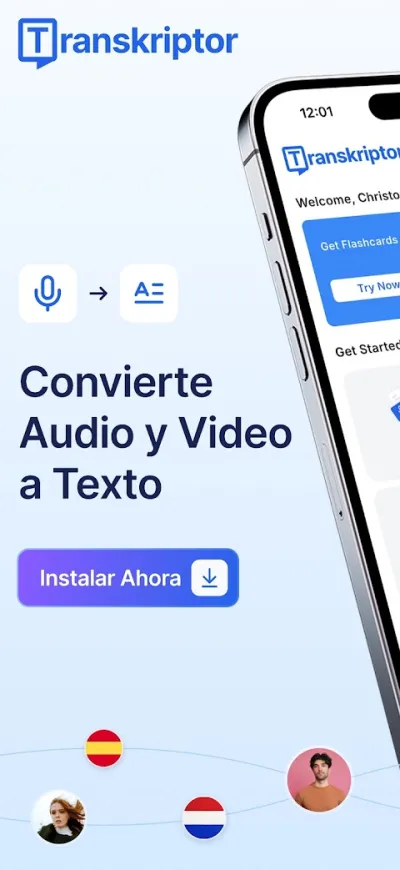
Transkriptor: Voz a Texto
Tor.App · Free (with purchases) · 5M+
Best all-round accuracy
4.4
50K reviews
TopApps analysis
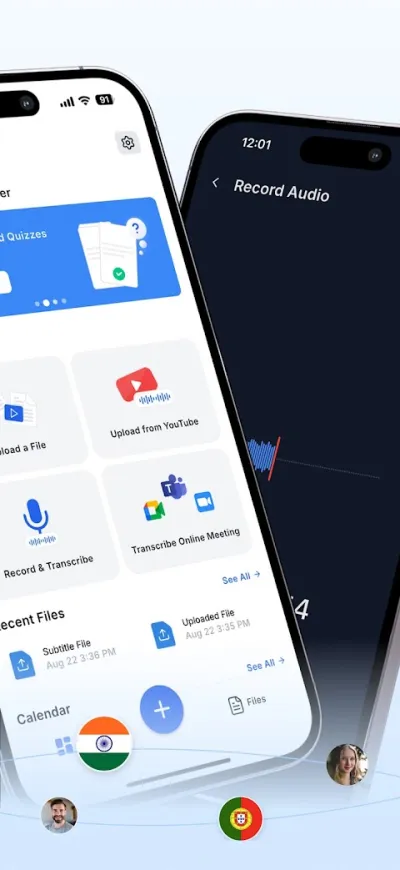
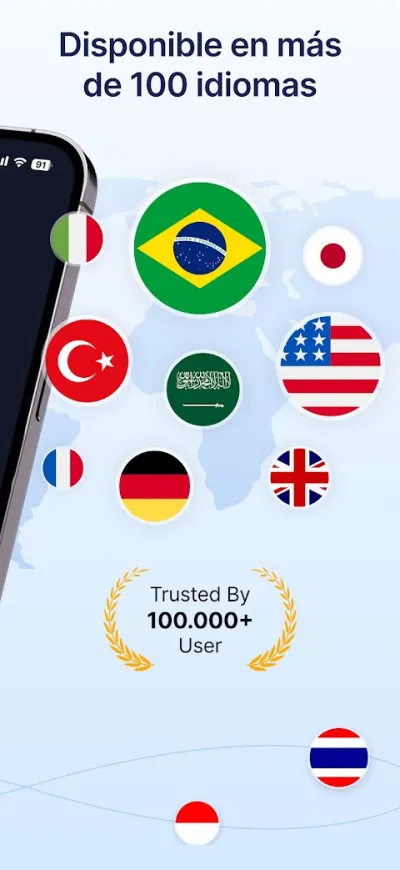
Transkriptor transcribes accurately across languages, tells several speakers apart and accepts audio files you already have, not just live recording.
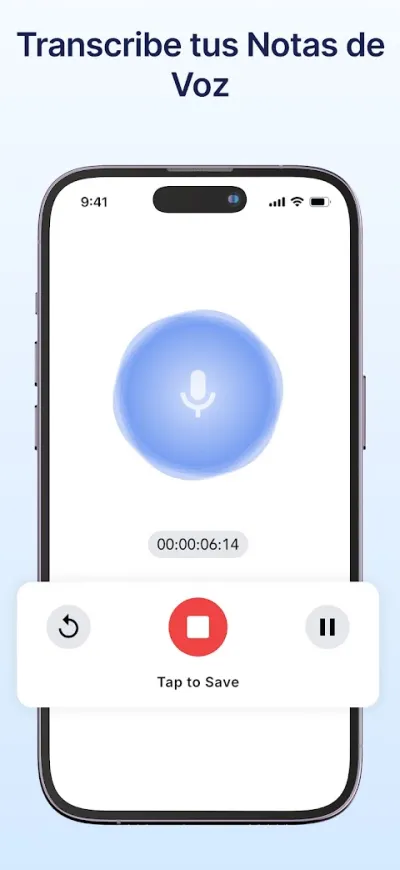
Transkriptor turns recordings into text with solid accuracy in Spanish and tells different speakers apart in a conversation. It takes existing audio files as well as recording live, which makes it handy for transcribing interviews or meetings that already happened.
Pros
- Good accuracy transcribing Spanish
- Tells different speakers apart
- Accepts audio files you already recorded
Cons
- Very limited free minutes
- Audio is processed on their servers
- Subscription is pricey for regular use
Last updated: 2026-07-06

Otter: Transcribir Notas de Voz
Otter.ai · Free (with purchases) · 5M+
Best for meetings
4.5
40K reviews
TopApps analysis
Otter transcribes live as people speak, connects to Zoom, Meet and Teams, and then generates a summary with the key points.
Otter is the benchmark for meeting transcription and offers something the rest don't: it transcribes live as you speak, with the text appearing on screen, then generates a summary of the key points afterwards. Its accuracy in English is noticeably better than what it manages in Spanish.
Pros
- Transcribes live while you speak
- Generates a summary of the key points
- Connects to Zoom, Meet and Teams
Cons
- Considerably better in English than in Spanish
- Needs an internet connection
- The app is in English

Notta: Voz a Texto
NOTTA PTE. LTD. · Free (with purchases) · 1M+
Best for translation
3.9
21K reviews
TopApps analysis
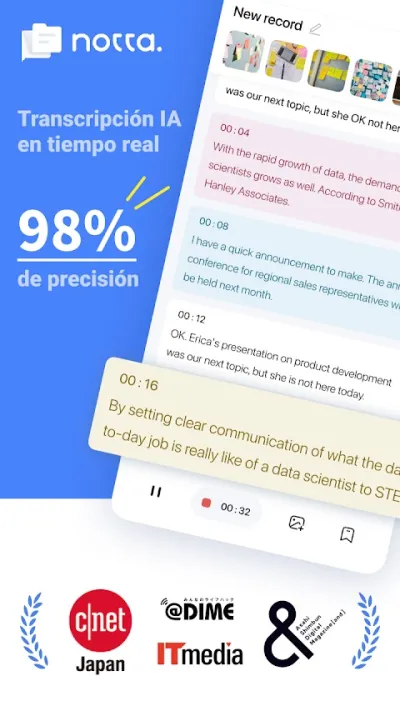
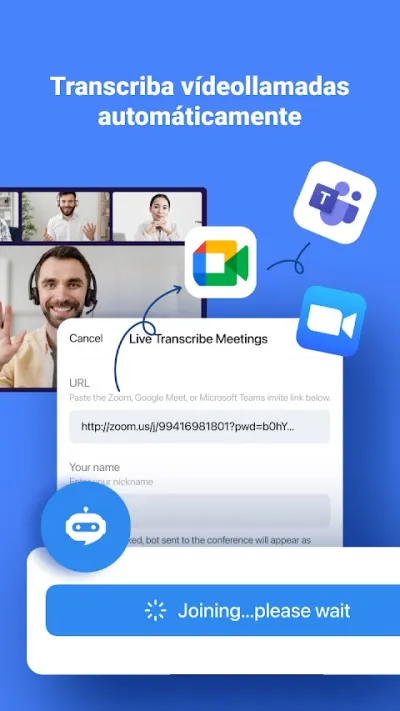
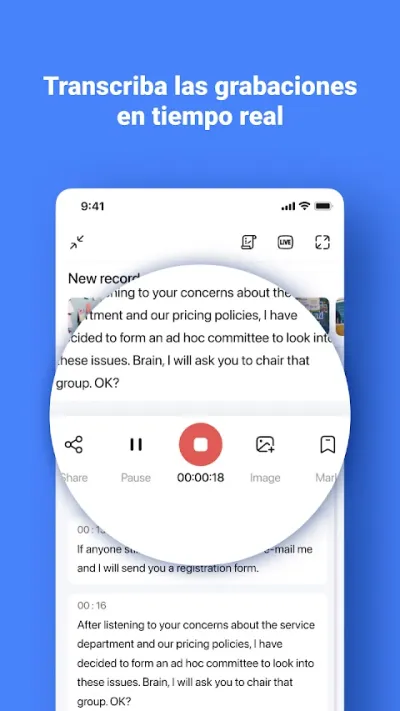
Notta covers more than fifty languages and translates the transcript on the fly, useful if you record in one language and need the text in another.
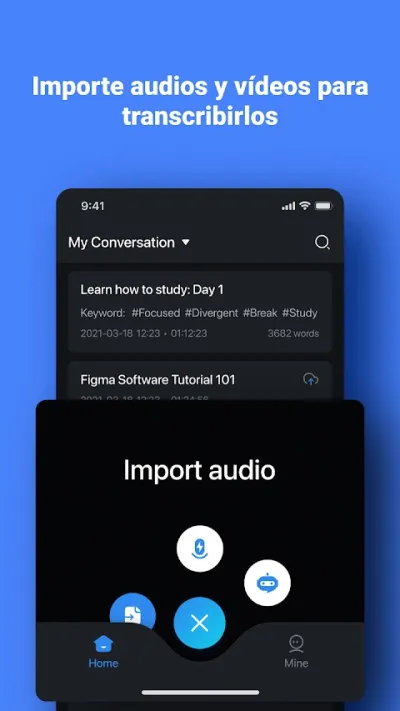
Notta transcribes in more than fifty languages, and its real strength is simultaneous translation: you can record in Spanish and get the transcript straight back in English. It syncs between phone and browser, which helps when you want to review and edit the text with a keyboard.
Pros
- More than fifty languages supported
- Simultaneous translation of the transcript
- Syncs between phone and browser
Cons
- Modest rating on Google Play
- Limited free minutes
- Patchy accuracy with poor-quality audio
Last updated: 2026-07-29

Transcribir Audio a Texto
DKTLabs · Free (with purchases) · 100K+
The most straightforward
4.4
7K reviews
TopApps analysis
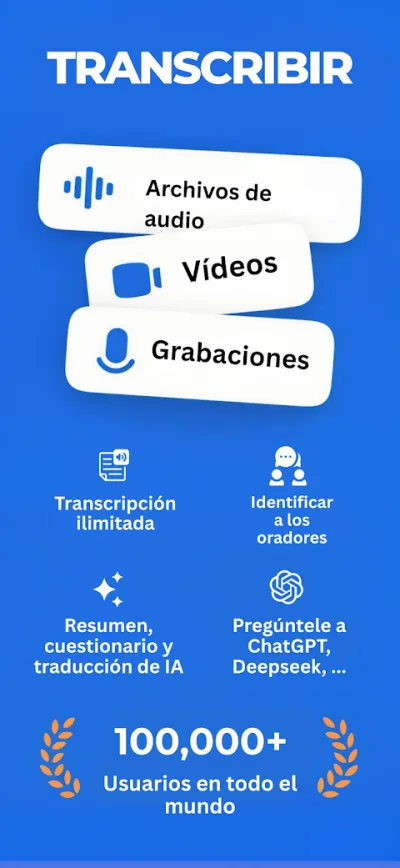
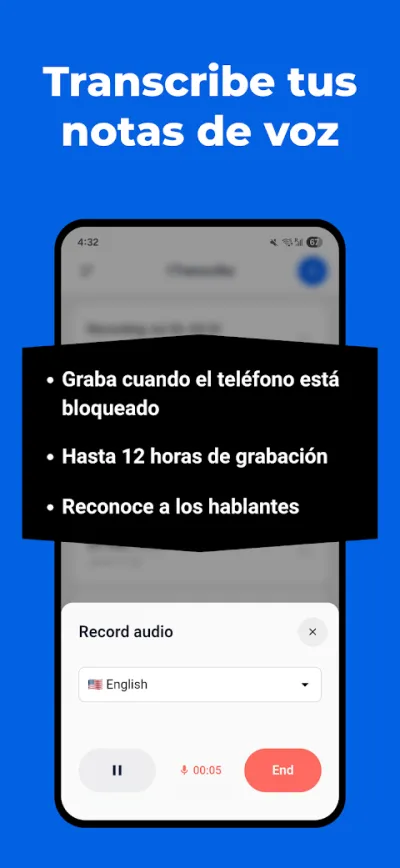
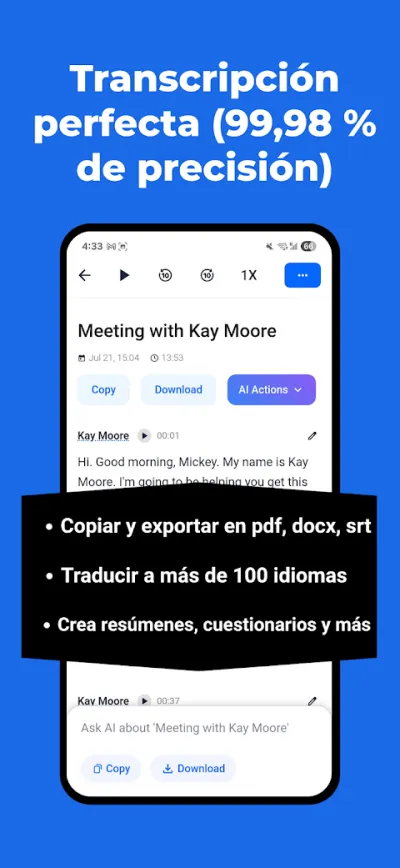
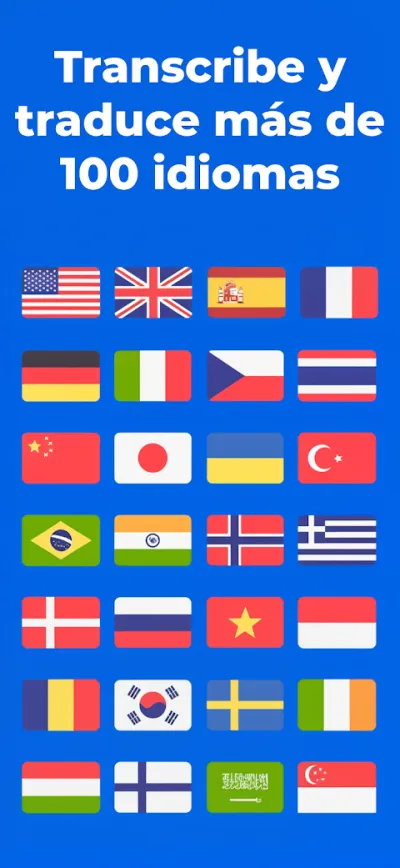
Transcribir Audio a Texto does the basics with no sign-up and no aggressive subscription: you pick a file from your phone and it turns it into text.
This app does the basics well and without fuss: you pick an audio or video file from your phone and it turns it into text, with no accounts and no pushy subscriptions. It's the option for a one-off transcription when you'd rather not sign up to anything.
Pros
- No sign-up needed to start using it
- Takes audio and video straight from your phone
- Very straightforward interface
Cons
- Less accurate than Transkriptor or Otter
- Small user base
- No summaries and no speaker identification
Last updated: 2026-07-23
Frequently asked questions
Which transcription app is the most accurate?
Transkriptor gives the most consistent results across languages and separates speakers, which matters in interviews. Otter has more features, but its accuracy is clearly tuned for English and it makes noticeably more mistakes in other languages.
Can you transcribe a recording you already have?
Yes. All of these apps let you pick an audio or video file already on your phone, not just record live. That is the usual case when you want to transcribe an old interview, a WhatsApp voice note or a lecture recording.
How accurate should you expect it to be?
With clean audio, one speaker and no background noise, accuracy is high and the review is quick. With several people talking over each other, a strong accent, technical jargon or ambient noise, it drops a lot. Automatic transcription is a draft that saves most of the work, never a finished text you can publish unchecked.
Is what I transcribe private?
Worth thinking about: almost all of them process the audio on their servers, not on the phone, which means uploading the recording. For a confidential interview, a medical consultation or a meeting with sensitive data, read the privacy policy first and check how long they keep the file.
Articles you might like


The 5 Best Invoicing Apps for Freelancers in Spain in 2026
We compare the 5 best invoicing apps for freelancers in Spain: Holded, TS Facturas (Billin), Quipu, Anfix and STEL Order. Verifactu, taxes and prices.


The 4 Best Time Clock Apps in Spain in 2026
We compare the 4 best time clock apps in Spain: Factorial, Sesame HR, Bixpe and Jibble. Clocking in by phone, geolocation and reports for labour inspections.


The 5 Best Parcel Tracking Apps in Spain in 2026
We compare the 5 best parcel tracking apps in Spain: Correos, 17TRACK, AfterShip, GLS and Seguimiento de Envíos. Track packages from any carrier.


The 6 Best Productivity and Organization Apps in 2026
We compare the best productivity apps: Notion, Todoist, TickTick, Microsoft To Do, Trello and Google Keep. Pick the one that fits your workflow.


The 4 Best Document Scanner Apps in 2026
We compare the best apps for scanning documents with your phone: Adobe Scan, CamScanner, Genius Scan and Tiny Scanner. Turn photos into quality PDFs.


The 4 Best VPN Apps in 2026
We compare the best VPN apps: NordVPN, ExpressVPN, Surfshark and Proton VPN. Browse privately, protect your data and reach more content.