The 5 Best To-Do List Apps in 2026
A to-do list only works if you open it every day, and that depends less on features than on how well it fits the way you think. Some apps shine at organising projects with dozens of steps; others win precisely because they barely do anything. In this guide we compare the 5 best to-do list apps in 2026 and the kind of user each one suits.
Apps for managing your pending tasks from your phone
Apps for handling tasks and reminders on your phone, with projects, labels, due dates, recurring tasks and sync with your computer.
Top pick

Todoist: lista de tareas
Doist Inc. · Free (with purchases) · 10M+
Best overall
4.6
301K reviews
TopApps analysis
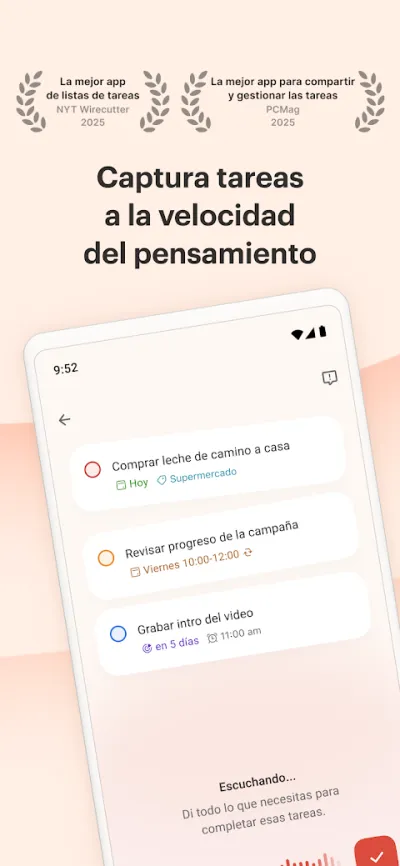
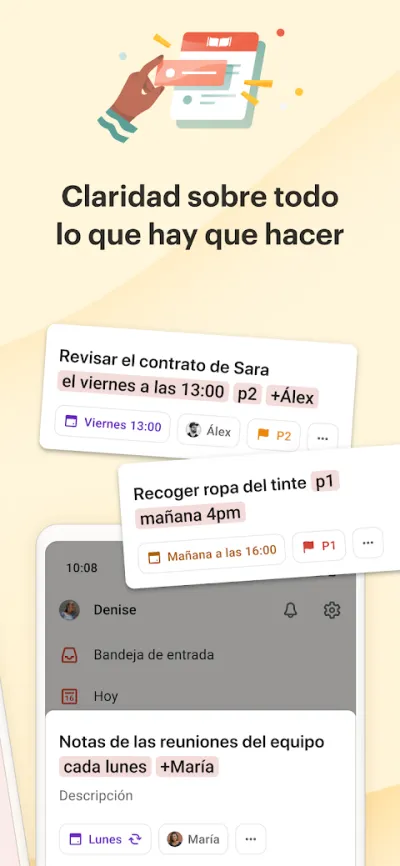
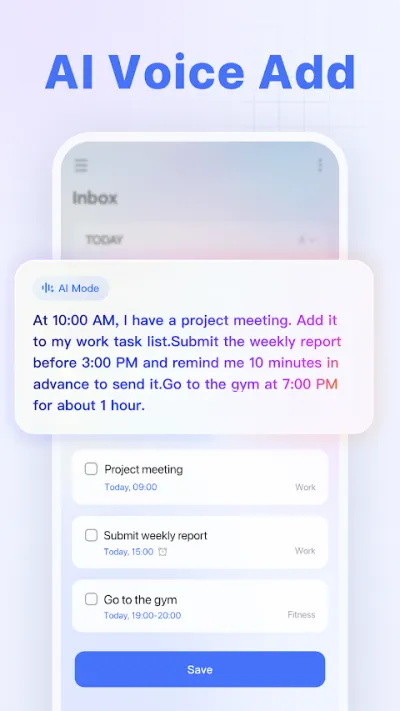
Todoist nails natural-language task entry: you type "pay the bill Monday at 9" and the app sets the date and the reminder on its own.
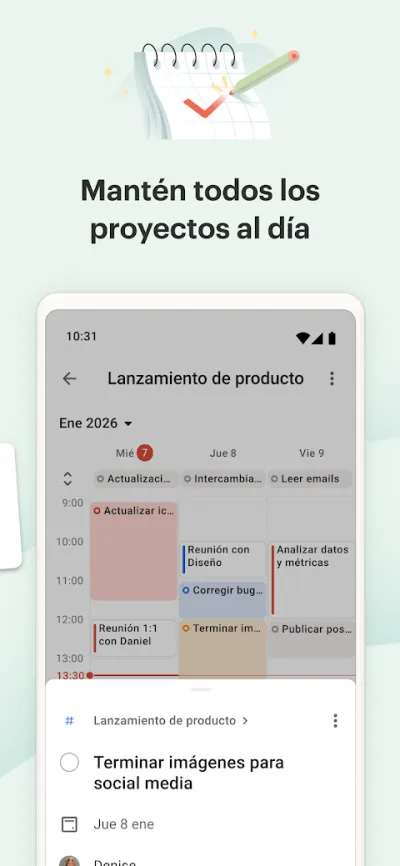
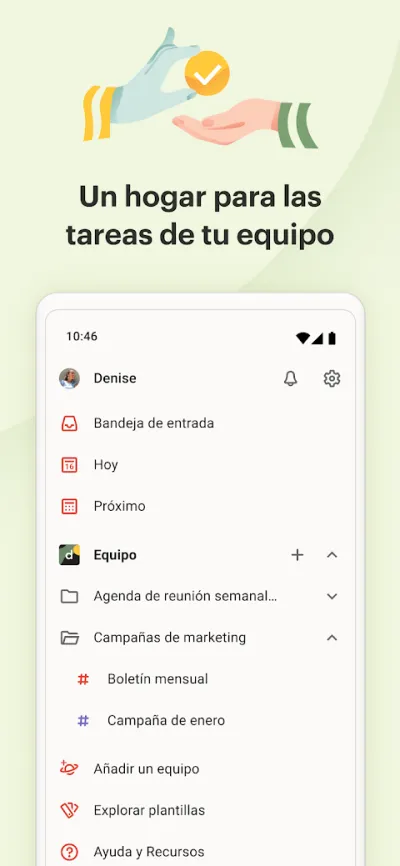
Todoist is one of the best to-do list apps thanks to its balance between power and simplicity. Add tasks in plain language ("buy bread tomorrow at 9"), organise them by projects, labels and priorities, and sync across all your devices. Ideal for running your day without overthinking it.
Pros
- Clean interface, very easy to use
- Recognises dates written in plain language
- Projects, labels, priorities and reminders
Cons
- The free plan limits projects and features
- No full calendar view on the free plan
- Less flexible than Notion for complex projects

TickTick: lista de tareas
Appest Inc. · Free (with purchases) · 10M+
Most complete for the price
4.6
161K reviews
TopApps analysis
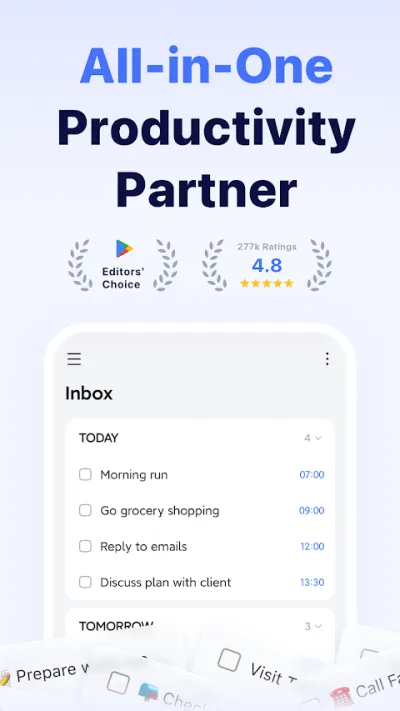
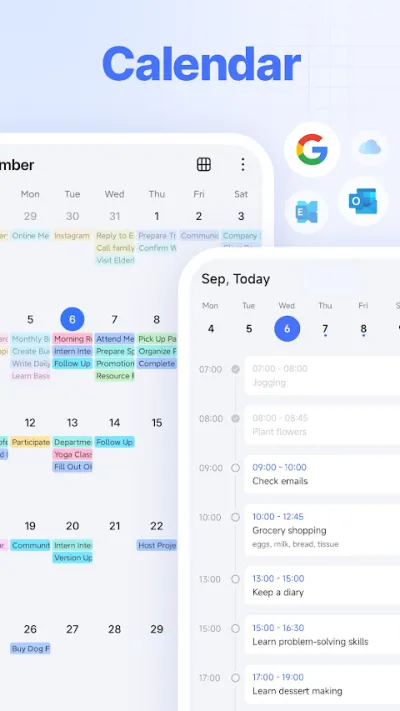
TickTick packs a to-do list, calendar, Pomodoro timer and habit tracking into a single app — something rivals charge several subscriptions for.
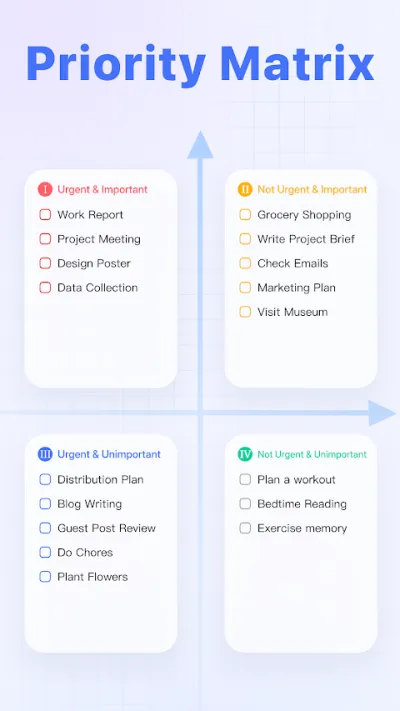
TickTick is a thorough task app that brings to-do lists, calendar, habits and a Pomodoro timer together in one tool. Add tasks in plain language, sort them by folders and priorities, and see everything laid out on a calendar. The right pick if you want productivity and habit tracking in the same place.
Pros
- Combines tasks, calendar, habits and Pomodoro
- Task entry in natural language
- Built-in calendar view
Cons
- Calendar and some features need the premium plan
- So many features can be overwhelming at first
- Smaller community than Todoist

Microsoft To Do: tareas y listas
Microsoft Corporation · Free · 10M+
Best free option
4.7
475K reviews
TopApps analysis
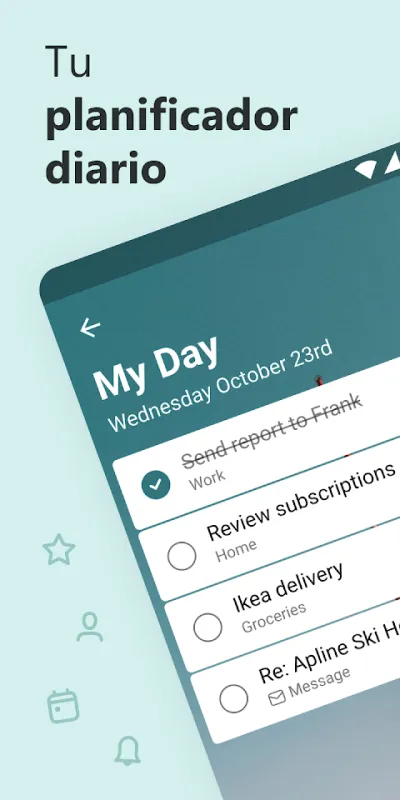
Microsoft To Do is completely free with no limits, syncs with Outlook, and its "My Day" view forces you to choose each morning what you will really do.
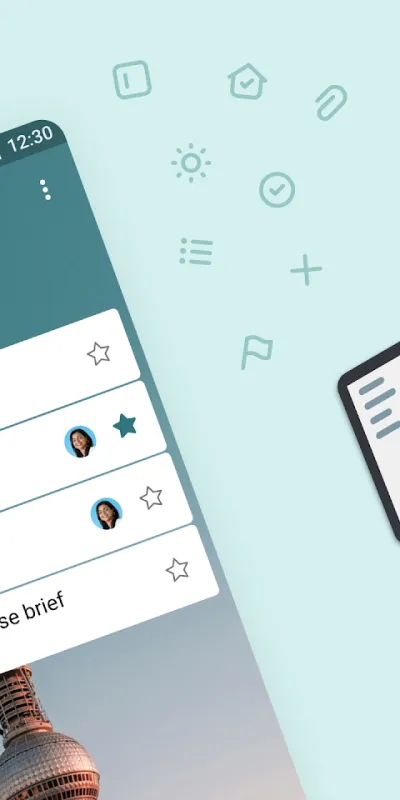
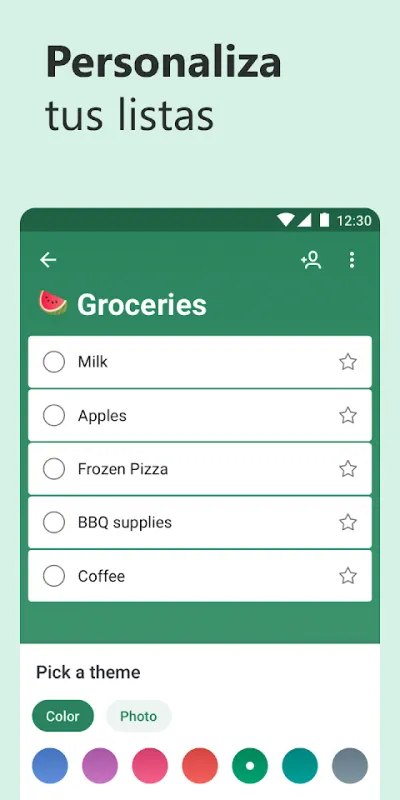
Microsoft To Do is a free task app that is clean and genuinely capable. Its standout feature, "My Day", helps you plan each day realistically. It handles lists, steps, reminders and attachments, and slots neatly into Outlook and the rest of the Microsoft 365 ecosystem.
Pros
- Completely free, with no artificial limits
- "My Day" for planning the day ahead
- Lists, steps, reminders and attachments
Cons
- Less capable for projects than Notion or Todoist
- Only pays off fully inside the Microsoft ecosystem
- Few visual customisation options

Any.do: Lista de Tareas
Any.do To-do list & Calendar · Free (with purchases) · 10M+
Best for family tasks
4.3
505K reviews
TopApps analysis
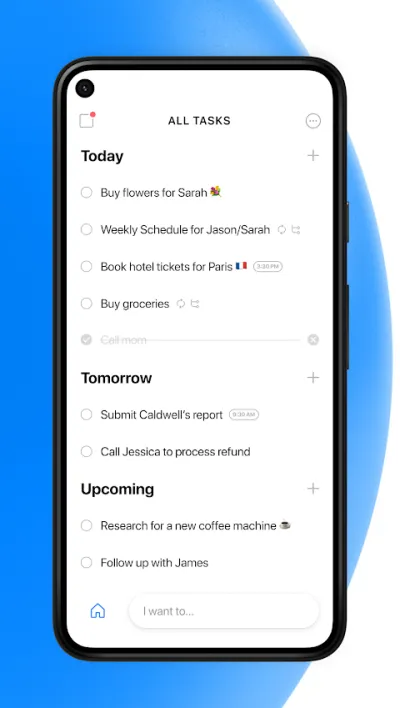
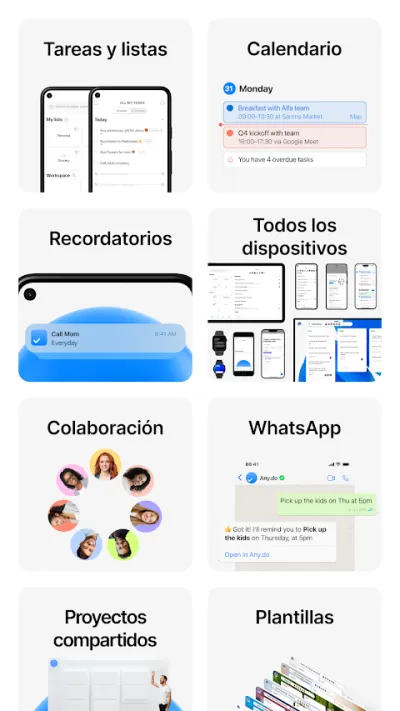
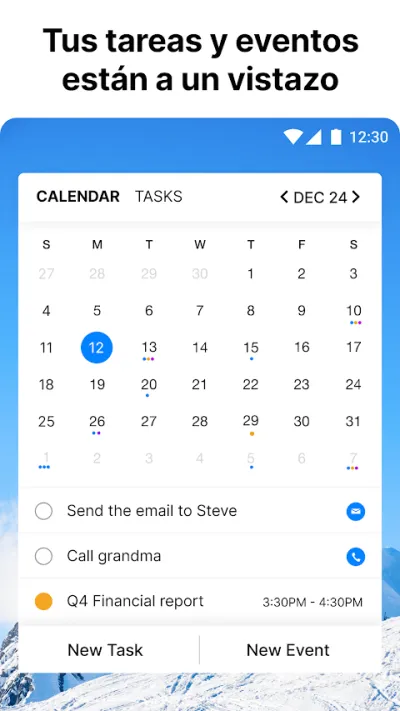
Any.do combines tasks, calendar and a shared shopping list, which makes it very practical for running the household with a partner or family.
Any.do rolls a to-do list, a calendar and a shopping list into one carefully designed app. Its signature feature is the daily "My Day" review, which forces you to decide each morning what you'll actually get done. It works well on your own and just as well for sharing household chores with a partner or the family.
Pros
- To-do list and calendar in the same view
- Daily planner that helps you set priorities
- Shopping list shared with the whole family
Cons
- The most useful features sit behind the Premium plan
- The free plan limits recurring reminders
- Less powerful than Todoist for complex projects

Google Keep: notas y listas
Google LLC · Free · 1.000M+
The simplest
4.7
2.5M reviews
TopApps analysis
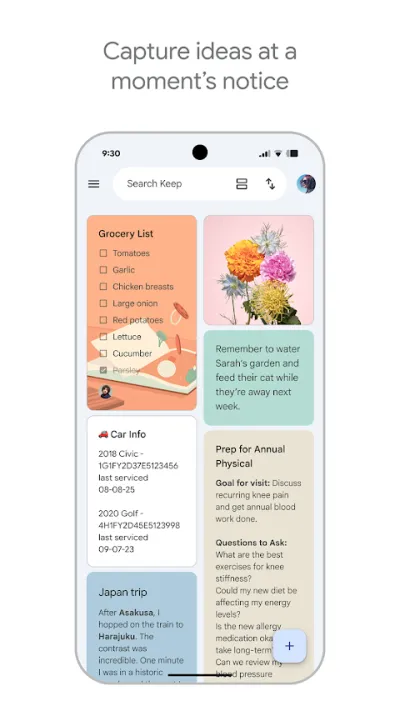
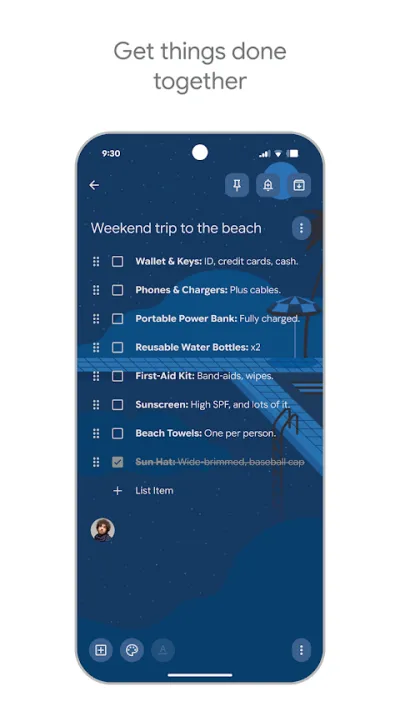
Google Keep does not pretend to manage projects: they are lists with boxes you tick, which is why it has the least friction for anyone who hates configuring things.
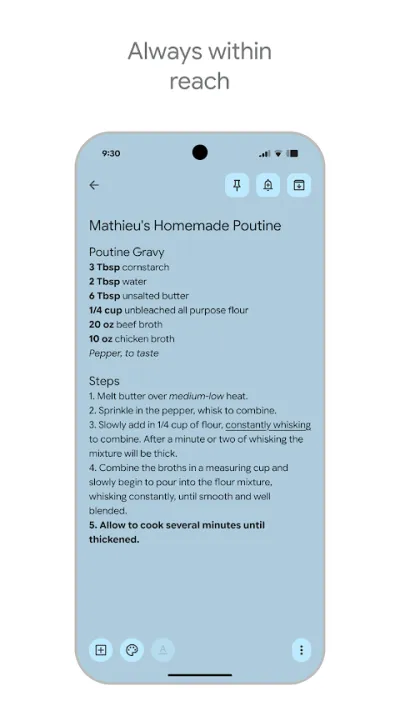
Google Keep is the simplest, fastest note-taking app around, and one of the best rated (4.7★). Ideal for jotting down ideas on the fly, building shopping lists, saving voice notes or setting reminders by time and place. It's completely free and syncs instantly with your Google account.
Pros
- Lightning fast for jotting down ideas and lists
- Completely free and ad-free
- Voice notes, images and checkbox lists
Cons
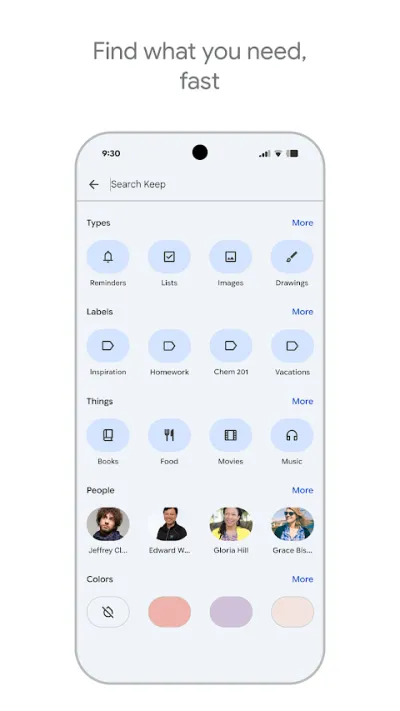
- Few organisation options (no folders or sub-notes)
- Not suited to long notes or project management
- Very basic text formatting
Frequently asked questions
What is the best free to-do list app?
Microsoft To Do is the best fully free option: no limits on tasks or lists, sync between phone and computer, and integration with Outlook. TickTick and Todoist also have free plans, but they cap things like the number of projects, reminders or advanced filters.
Todoist or TickTick — which should I choose?
Todoist is more polished and its recognition of dates written in natural language is the best on the market, plus it connects to more services. TickTick gives you more for the same money because it adds a calendar, Pomodoro and habits inside the same app. If you only want to manage tasks, Todoist; if you want one app covering everything, TickTick.
Is a task app worth it if I only have four things a day?
Yes, but pick a simple one. With few daily tasks, apps like Google Keep or Microsoft To Do work better than Todoist or TickTick, because the time spent organising the list is not worth it. The rule of thumb: the app should never cost you more effort than it saves.
Can I share task lists with other people?
Yes. Todoist, TickTick, Microsoft To Do and Any.do all let you share lists or projects and assign tasks to other people, and all include that in their free plans with some limit. Any.do is the most household-oriented, with a shared shopping list in real time.
Articles you might like


The 5 Best Invoicing Apps for Freelancers in Spain in 2026
We compare the 5 best invoicing apps for freelancers in Spain: Holded, TS Facturas (Billin), Quipu, Anfix and STEL Order. Verifactu, taxes and prices.


The 4 Best Time Clock Apps in Spain in 2026
We compare the 4 best time clock apps in Spain: Factorial, Sesame HR, Bixpe and Jibble. Clocking in by phone, geolocation and reports for labour inspections.


The 5 Best Parcel Tracking Apps in Spain in 2026
We compare the 5 best parcel tracking apps in Spain: Correos, 17TRACK, AfterShip, GLS and Seguimiento de Envíos. Track packages from any carrier.


The 4 Best Cleaning Schedule Apps in 2026
We compare the best cleaning apps: Tody, Sweepy, Google Keep and Microsoft To Do. Split the chores and keep the house in order without arguments.


The 4 Best Packing List Apps in 2026
We compare the best apps for packing your luggage: PackPoint, Wanderlog, Google Keep and TripIt. Smart lists so you forget nothing.


The 4 Best Grocery List Apps in 2026
We compare the best grocery list apps: Bring!, Listonic, OurGroceries and Google Keep. Shared shopping lists that sync in real time.