The 4 Best Secure Messaging Apps in 2026
Almost every messaging app claims to be secure, and almost all of them are, in the narrow sense that nobody can read your message in transit. The real difference lies elsewhere: in how much data the company keeps about you even when it cannot read the content. In this guide we compare the 4 best secure messaging apps in 2026.
Messaging apps with encryption and privacy
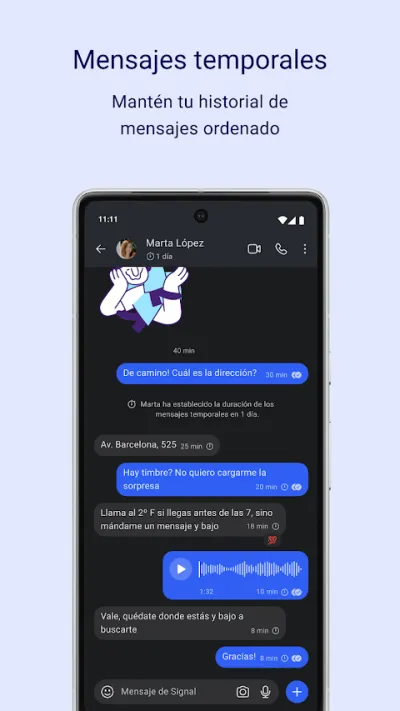
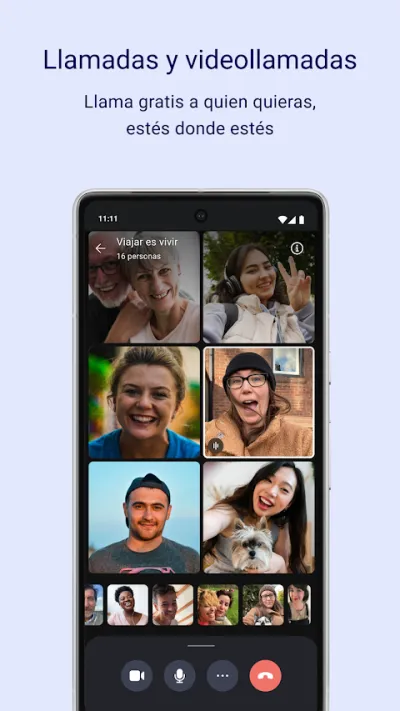
Messaging apps with end-to-end encryption, disappearing messages, encrypted calls and video calls, and very different levels of metadata collection by the company.
Top pick

Signal: Mensajería Privada
Signal Foundation · Free (with purchases) · 100M+
The most secure
4.6
2.9M reviews
TopApps analysis
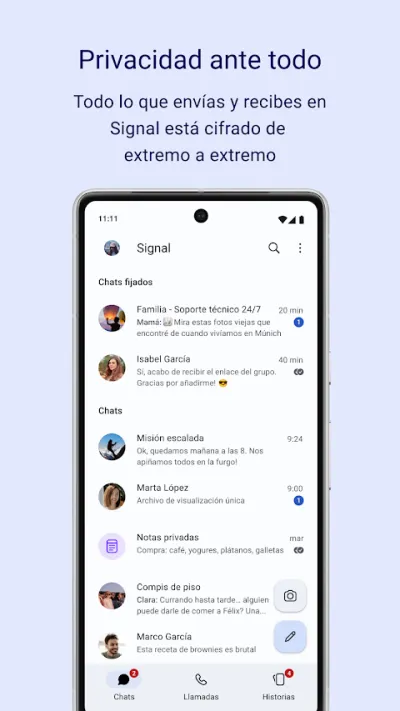
Signal encrypts everything end to end by default, is run by a non-profit, and keeps so little data about you that it has almost nothing to hand over if asked.
Signal is the benchmark for secure messaging: end-to-end encryption by default on everything, an open protocol that has been publicly audited, and a non-profit behind it that doesn't live off your data. It keeps so little information about you that there's almost nothing to hand over if anyone asks.
Pros
- End-to-end encryption on everything by default
- Non-profit, doesn't live off your data
- Open protocol, publicly audited
Cons
- Your contacts have to install it too
- Fewer social features than Telegram
- Requires a phone number to sign up
Last updated: 2026-08-05

WhatsApp Messenger
WhatsApp LLC · Free · 10.000M+
The one your contacts already use
4.6
240.0M reviews
TopApps analysis
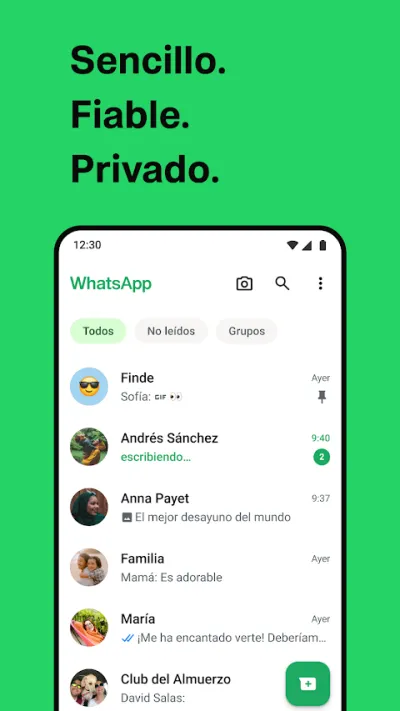
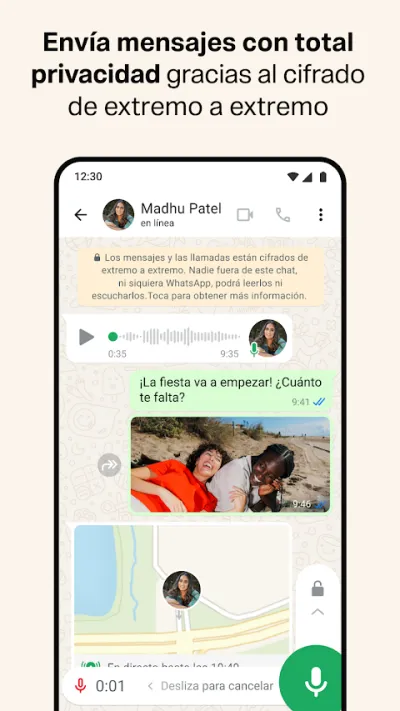
WhatsApp encrypts messages and calls end to end, and its decisive advantage is reach: it is the default messenger across Europe and Latin America, though in the US iMessage and SMS still dominate.
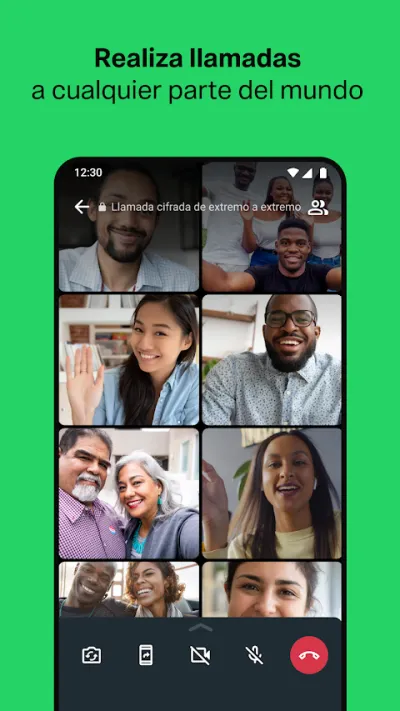
WhatsApp is the most used messaging and calling app in Spain: practically everyone has it, which makes it the most practical way to set up a family video call without having to explain anything to anyone. Video calls with up to 32 people, end-to-end encrypted, free, from the phone or the computer.

Pros
- Everyone in Spain already has it
- Free video calls with up to 32 people
- End-to-end encryption
Cons
- No professional features (limited screen sharing)
- Requires a phone number
- Owned by Meta (data policy)

Telegram
Free (with purchases) · 1.000M+
The most powerful
3.6
17.1M reviews
TopApps analysis
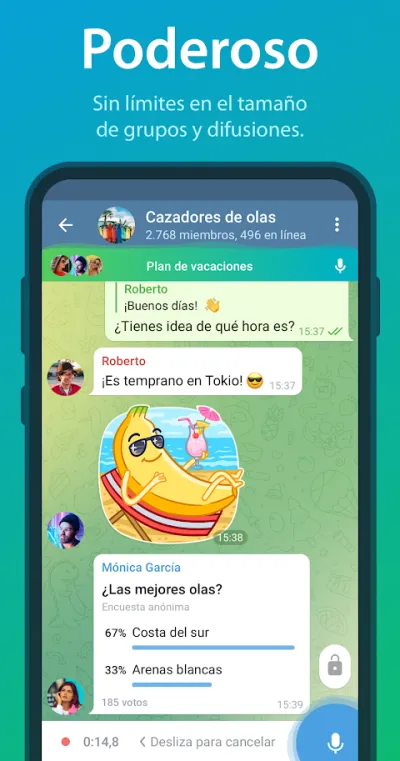
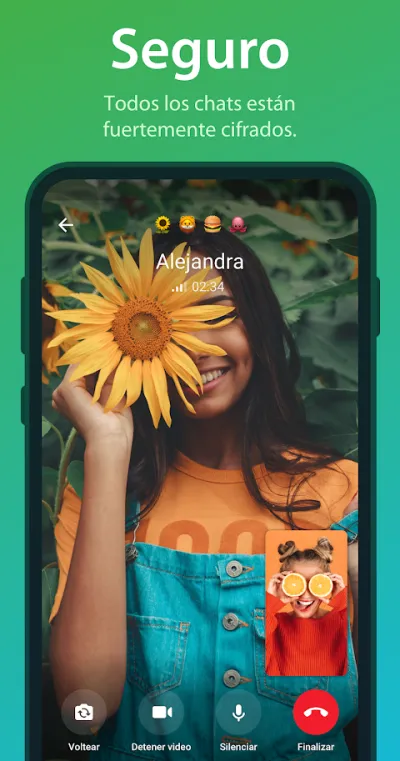
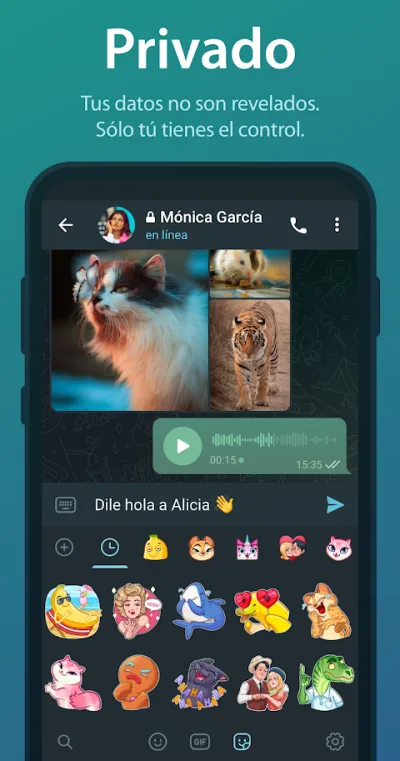
Telegram wins on features, huge files, channels, bots, but it is worth knowing that its normal chats are not end-to-end encrypted, only secret chats are.
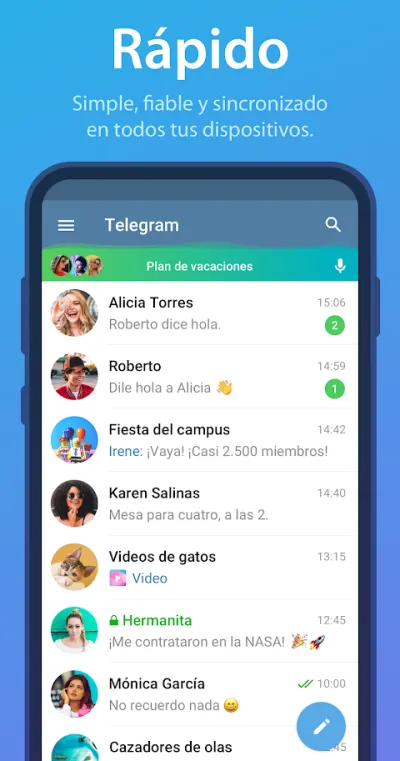
Telegram is the most powerful in terms of features: groups of hundreds of thousands of people, channels, bots, very large file transfers and flawless syncing across devices. The important caveat on privacy is that end-to-end encryption only applies to secret chats, not to normal ones.
Pros
- Send very large files without compression
- Huge groups and channels with moderation
- Flawless syncing across all your devices
Cons
- Normal chats aren't end-to-end encrypted
- Uneven ratings after recent changes
- Channel moderation is a known problem

Session: Mensajería Anónima
Session Foundation · Free (with purchases) · 5M+
The most anonymous
4.8
32K reviews
TopApps analysis
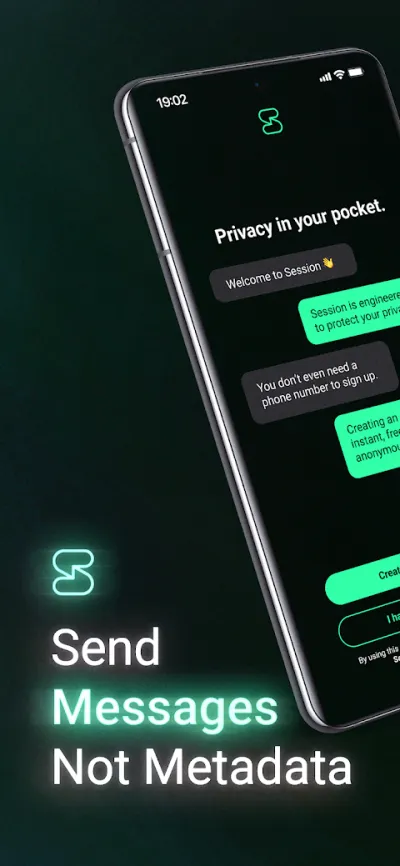
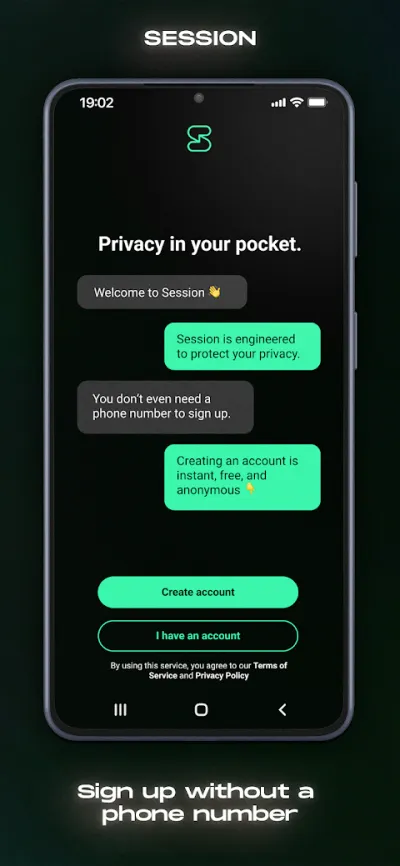
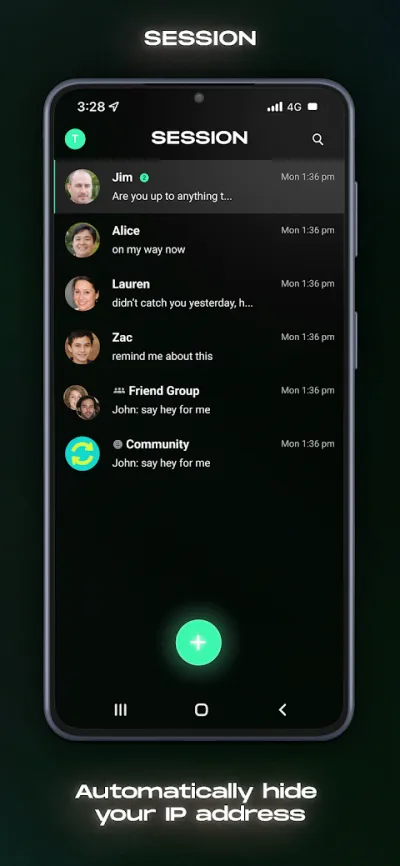
Session asks for no phone number and no email: it generates a random ID and routes messages through a decentralised network with no central servers.
Session takes privacy a step further than Signal: it asks for no phone number and no email, it simply generates a random identifier, and it routes messages through a decentralised network of nodes so no trace is left of who is talking to whom.
Pros
- Asks for no phone number or email
- Decentralised network, no central servers
- End-to-end encryption by default
Cons
- Tiny community, almost nobody uses it
- Slower message delivery
- No stable video calls
Last updated: 2026-07-09
Frequently asked questions
Which is the most secure messaging app?
Signal, by fairly broad consensus among security specialists. It encrypts everything end to end by default, its protocol is open and audited (so much so that WhatsApp uses it), and as a non-profit foundation it has no incentive to exploit your data. Session goes further on anonymity, but almost nobody uses it.
Is WhatsApp secure?
The content of your messages is: it travels end-to-end encrypted and Meta cannot read it. What it does collect is metadata, meaning who you talk to, when and how often, which reveals far more than people assume. For everyday conversations it is perfectly reasonable; for anything genuinely sensitive, Signal is the better choice.
Are Telegram messages encrypted?
Only secret chats, which you have to switch on deliberately and which work solely between two specific devices. Normal chats, groups and channels are encrypted between your phone and the server, but Telegram can access their content. It is an important nuance many people miss, because Telegram has a reputation as a secure app.
What good is a secure app if nobody around me uses it?
Not much, and that is the real problem with Signal and Session. A conversation can only be secure if both sides use the same app. What most people do is keep their default messenger for everyday chat, WhatsApp in Europe and Latin America, iMessage or SMS in the US, and use Signal for the specific conversations where privacy matters, persuading only the people involved.
Articles you might like


The 5 Best Invoicing Apps for Freelancers in Spain in 2026
We compare the 5 best invoicing apps for freelancers in Spain: Holded, TS Facturas (Billin), Quipu, Anfix and STEL Order. Verifactu, taxes and prices.


The 4 Best Time Clock Apps in Spain in 2026
We compare the 4 best time clock apps in Spain: Factorial, Sesame HR, Bixpe and Jibble. Clocking in by phone, geolocation and reports for labour inspections.


The 5 Best Parcel Tracking Apps in Spain in 2026
We compare the 5 best parcel tracking apps in Spain: Correos, 17TRACK, AfterShip, GLS and Seguimiento de Envíos. Track packages from any carrier.


The 6 Best Productivity and Organization Apps in 2026
We compare the best productivity apps: Notion, Todoist, TickTick, Microsoft To Do, Trello and Google Keep. Pick the one that fits your workflow.


The 4 Best Document Scanner Apps in 2026
We compare the best apps for scanning documents with your phone: Adobe Scan, CamScanner, Genius Scan and Tiny Scanner. Turn photos into quality PDFs.


The 4 Best VPN Apps in 2026
We compare the best VPN apps: NordVPN, ExpressVPN, Surfshark and Proton VPN. Browse privately, protect your data and reach more content.