The 4 Best News Apps in 2026
Getting your news from social media means reading whatever an algorithm decides will keep you hooked, which is not the same as what matters. The alternative exists and predates social networks: pick your own sources and read them in order. In this guide we compare the 4 best news apps in 2026.
Apps for following the news and organising your sources
News apps and RSS readers with your own choice of sources, chronological order, topic folders, offline reading and side-by-side comparison of how different outlets cover the same story.
Top pick

Google Noticias
Google LLC · Free · 1000M+
The most convenient
4.2
2.0M reviews
TopApps analysis
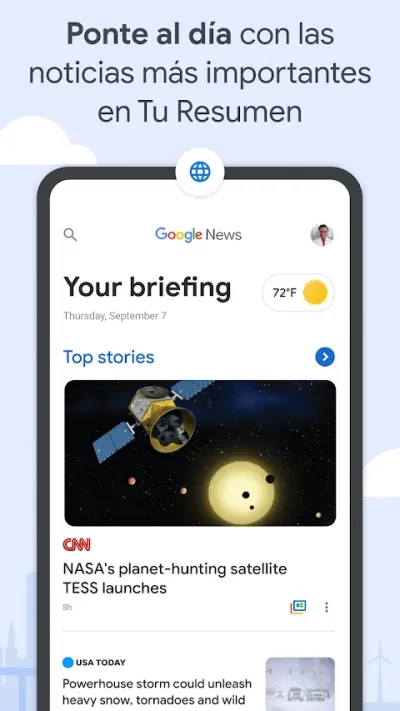
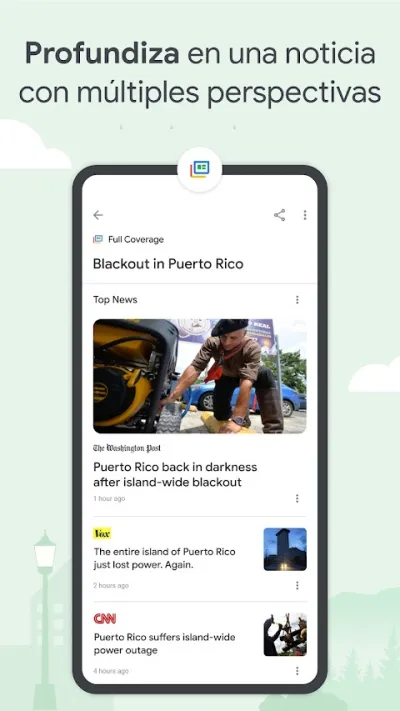
Google News organises stories by topic, and its full coverage view shows how each outlet tells the same story, which is genuinely useful for comparing angles.
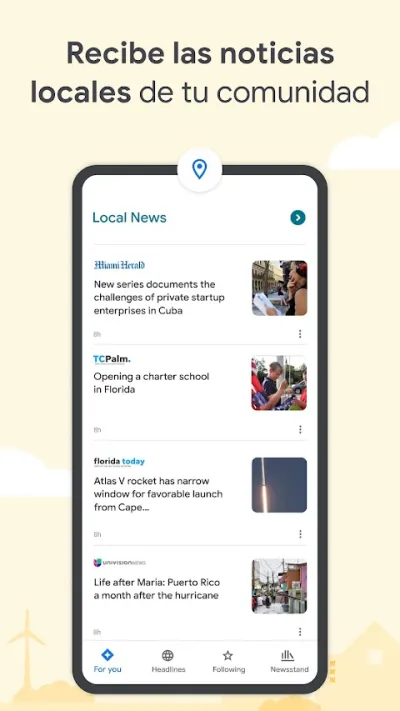
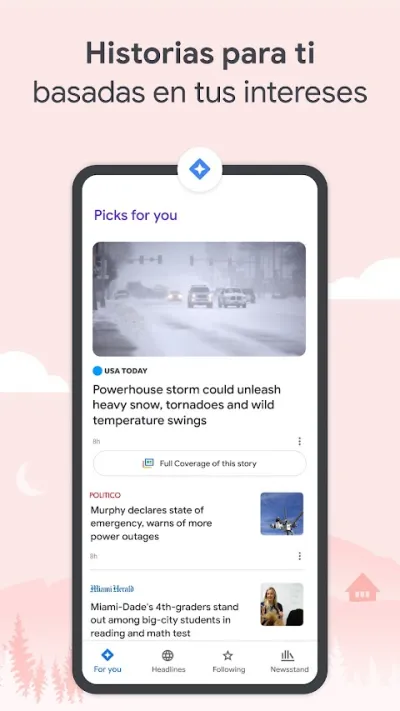
Google Noticias pulls together what thousands of outlets publish and sorts it by topic, with a full coverage view that shows how different newsrooms report the same story — handy for comparing angles. It's free and comes preinstalled on many Android phones.
Pros
- Full coverage: the same story across several outlets
- Personalised selection based on your interests
- Free, with no subscription
Cons
- The algorithm tends to reinforce your own biases
- Some outlets demand a subscription for the full article
- Little transparency about how it ranks stories

Feedly: Lector RSS
Feedly Team · Free (with purchases) · 5M+
The best RSS reader
4.5
317K reviews
TopApps analysis
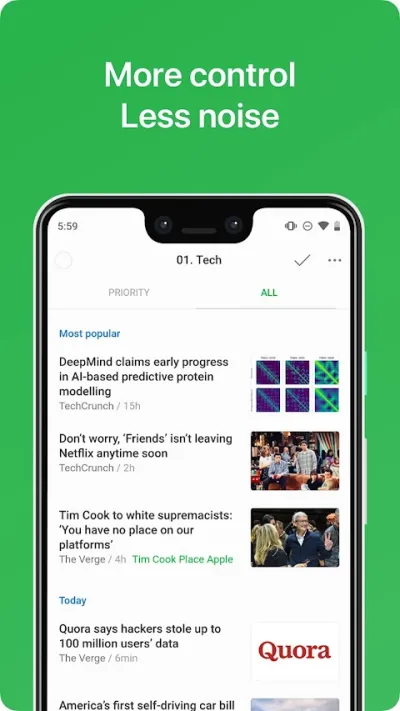
Feedly is the alternative to the algorithm: you choose the sources and see them in chronological order, with nobody deciding what deserves your attention.
Feedly is the most widely used RSS reader and the alternative to the algorithm: you decide exactly which sources you follow and read them in chronological order, with nobody deciding what counts as relevant. It is the way to follow blogs, news outlets and publications without depending on social media.


Pros
- You choose the sources, no algorithm in between
- Chronological order, no hidden filters
- Organises sources into topic folders
Cons
- You have to build the list of sources yourself
- Source limit on the free plan
- The AI features are paid
Last updated: 2026-07-06

Inoreader: Lector RSS
Innologica · Free (with purchases) · 500K+
The most powerful
4.0
10K reviews
TopApps analysis
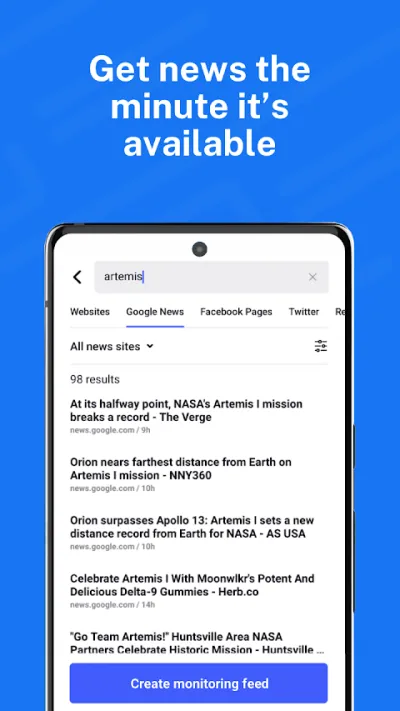
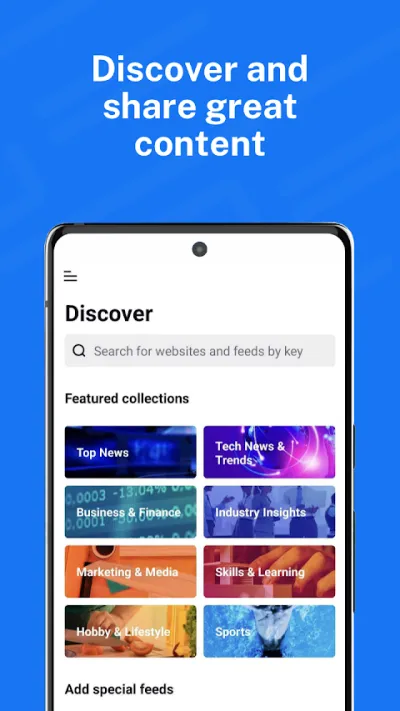
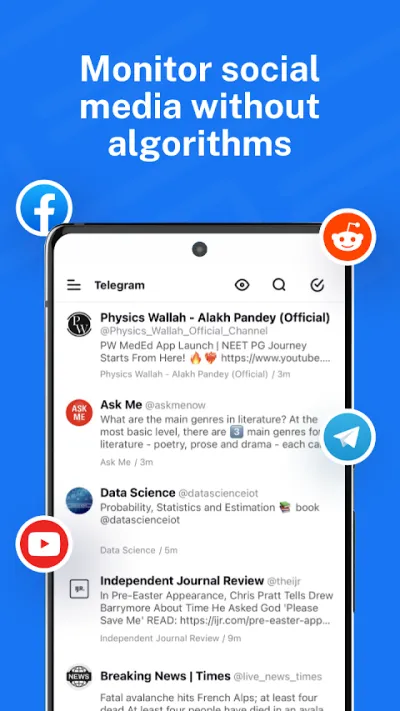
Inoreader adds automation rules for filtering and tagging, saved searches that work as feeds, and tracking for sites with no RSS of their own.
Inoreader is the most capable alternative to Feedly for heavy readers: automatic rules to filter and tag articles, saved searches that behave like feeds, and tracking for websites that have no RSS feed of their own.
Pros
- Automatic rules to filter and tag
- Saved searches that work as a feed
- Follows sites with no RSS feed of their own
Cons
- Dense interface with a learning curve
- Small user base
- Advanced rules are paid-only

Free · 500M+
The nicest to browse
3.7
1.4M reviews
TopApps analysis
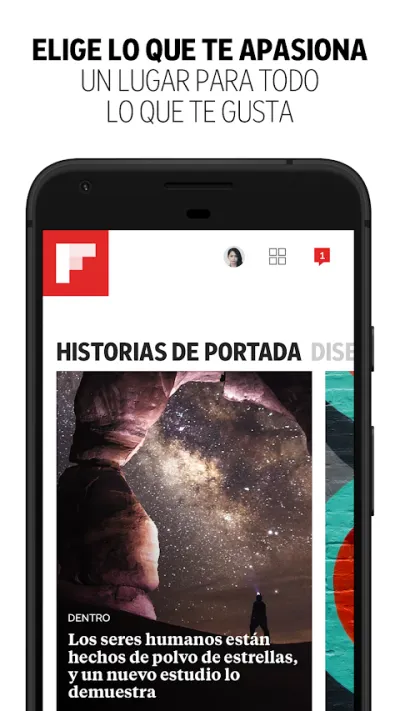
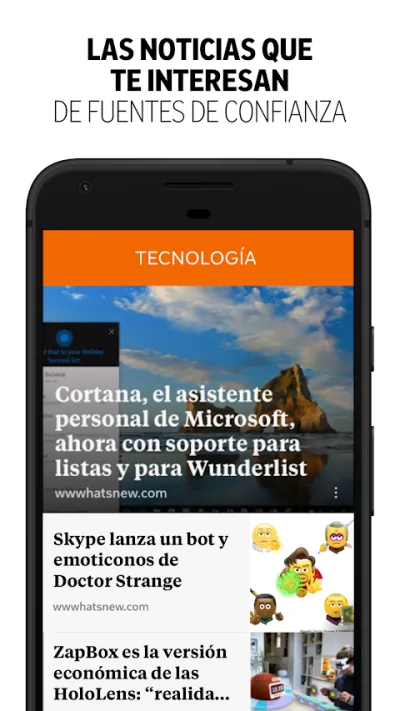
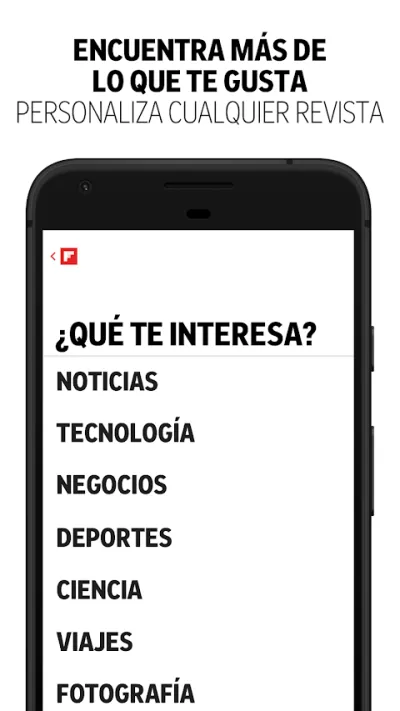
Flipboard presents the news as a magazine you flip through with your finger, with themed collections curated by other users.
Flipboard lays the news out like a magazine you flip through with your thumb, and its real appeal is the themed magazines put together by users: people collecting the best of a given subject. It's slower paced than a news feed and far nicer to browse.

Pros
- Magazine layout, easy to browse
- Themed magazines curated by users
- You can build your own collections
Cons
- Rating has slipped in recent years
- Ads slotted in between articles
- Less useful for following breaking news
Frequently asked questions
What is RSS and why does it still make sense?
It's a format most outlets and blogs publish with their latest articles, which a reader like Feedly or Inoreader picks up automatically. Its value is exactly what social media took away: you get everything a source you chose publishes, in chronological order, with no algorithm, no ads mixed in and nobody deciding what to hide from you.
What's the best free news app?
Google News if you want something instant with nothing to set up and broad coverage of the outlets you already read. Inoreader if you prefer control: its free plan is more generous than Feedly's, which caps the number of sources. Both let you read already-downloaded articles offline.
Can I read paywalled press with these apps?
The apps show you headlines and a summary, but the full article from a paywalled outlet still needs a subscription with that outlet. No RSS reader gets around it, and apps promising otherwise tend to be dodgy. What you do gain is never losing sight of what they publish.
How do I avoid a filter bubble?
The risk is real in Google News, whose algorithm reinforces what you already read. Two habits help: use its full coverage view, which shows the same event as told by outlets with different editorial lines, and build a deliberately varied source list in an RSS reader, including one or two you disagree with. Manual curation is the antidote.
Articles you might like


The 5 Best Invoicing Apps for Freelancers in Spain in 2026
We compare the 5 best invoicing apps for freelancers in Spain: Holded, TS Facturas (Billin), Quipu, Anfix and STEL Order. Verifactu, taxes and prices.


The 4 Best Time Clock Apps in Spain in 2026
We compare the 4 best time clock apps in Spain: Factorial, Sesame HR, Bixpe and Jibble. Clocking in by phone, geolocation and reports for labour inspections.


The 5 Best Parcel Tracking Apps in Spain in 2026
We compare the 5 best parcel tracking apps in Spain: Correos, 17TRACK, AfterShip, GLS and Seguimiento de Envíos. Track packages from any carrier.


The 6 Best Productivity and Organization Apps in 2026
We compare the best productivity apps: Notion, Todoist, TickTick, Microsoft To Do, Trello and Google Keep. Pick the one that fits your workflow.


The 4 Best Document Scanner Apps in 2026
We compare the best apps for scanning documents with your phone: Adobe Scan, CamScanner, Genius Scan and Tiny Scanner. Turn photos into quality PDFs.


The 4 Best VPN Apps in 2026
We compare the best VPN apps: NordVPN, ExpressVPN, Surfshark and Proton VPN. Browse privately, protect your data and reach more content.