The 4 Best Android Widget Apps in 2026
A good widget saves you opening three apps a day: your next event, your watch battery or the song that's playing, without unlocking anything. The real decision is whether you want to design it yourself from scratch or drop in a ready-made one and get on with your life. In this guide we compare the 4 best Android widget apps in 2026.
Apps to add and customise widgets on your home screen
Android widget apps with ready-made templates or a full editor, widgets for clock, calendar, battery and weather, and control over colours and fonts.
Top pick

Color Widgets
AI Photo Team · Free (with purchases) · 50M+
The easiest
4.6
579K reviews
TopApps analysis
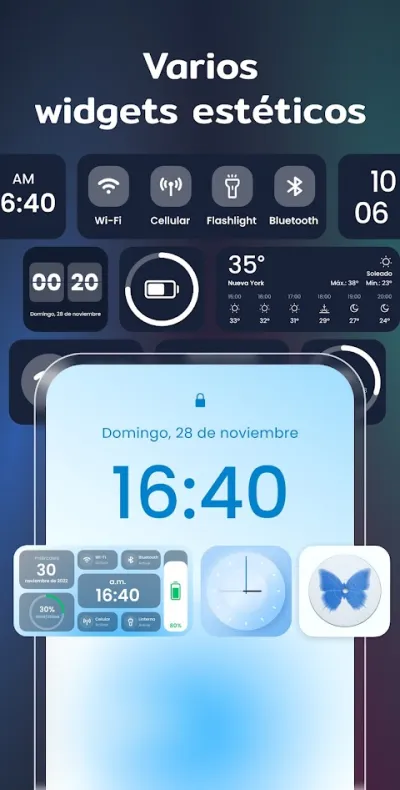
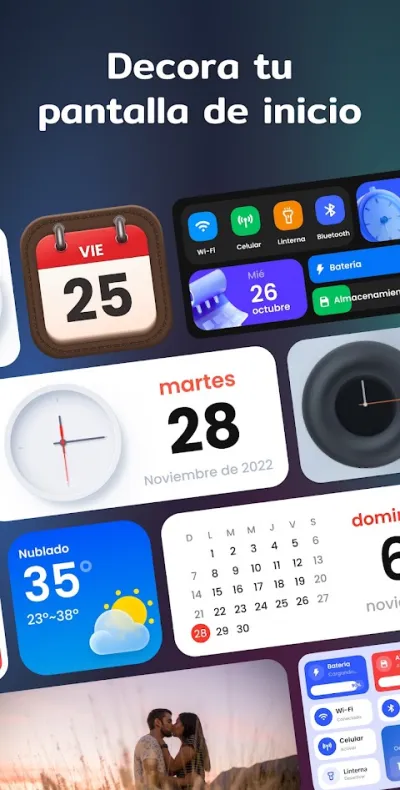
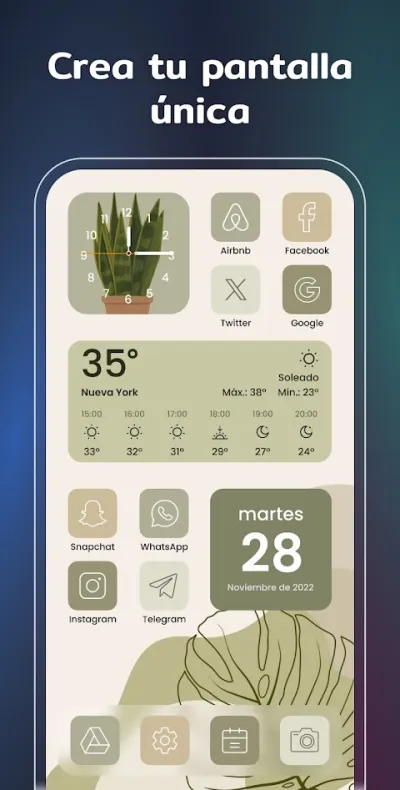
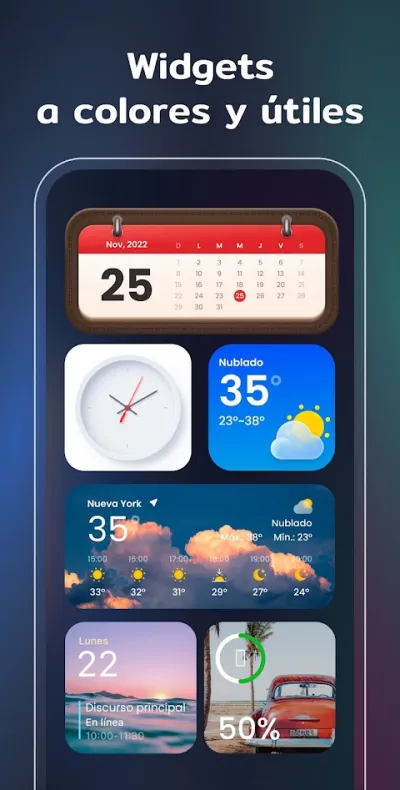
Color Widgets comes with hundreds of ready-made widgets that you place and customise in two taps, with nothing to learn.
Color Widgets is the opposite of KWGT: hundreds of ready-made widgets — clock, battery, calendar, photos — that you drop onto the screen and customise in two taps. It's the option for a good-looking home screen without losing an afternoon to it.
Pros
- Hundreds of ready-made widgets to drop in
- Simple colour and font customisation
- Nothing to learn
Cons
- Frequent ads in the free version
- Less control than KWGT
- Some widgets drain the battery
Last updated: 2026-04-21

KWGT: Creador de Widgets
Kustom Industries · Free (with purchases) · 10M+
The most powerful
4.2
50K reviews
TopApps analysis
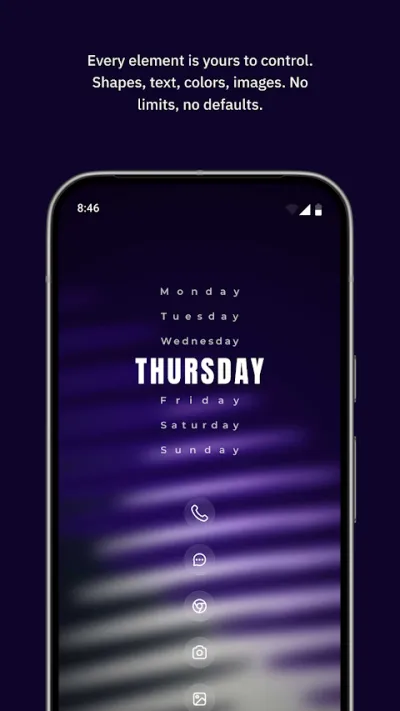
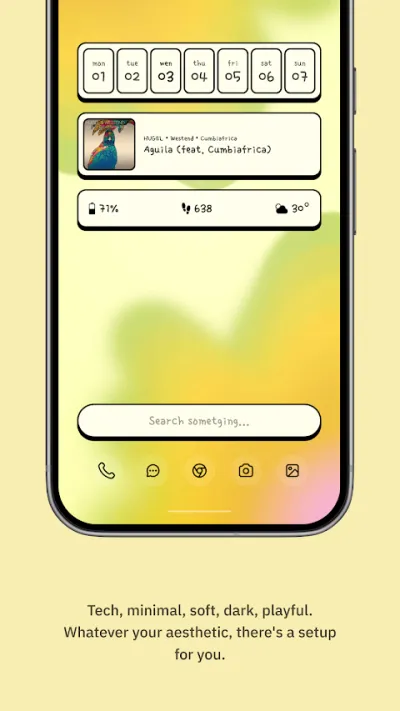
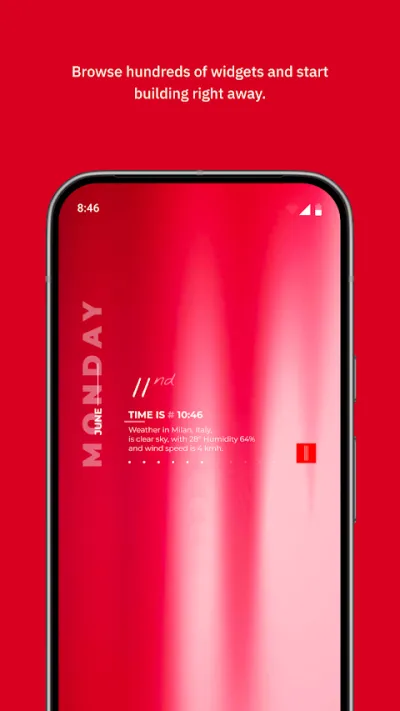
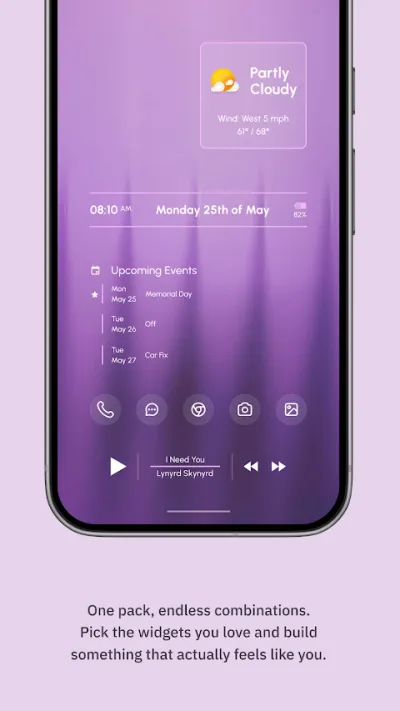
KWGT is an editor for designing your own widgets with layers and formulas: it is what sits behind almost every spectacular home screen you see going around.
KWGT doesn't come with widgets: it comes with an editor so you can design them yourself from scratch, using layers, formulas and system data. It is what sits behind most of the spectacular home screens circulating online, and it has a real learning curve.
Pros
- Total control over the widget's design
- Can display any system data
- Huge community sharing designs
Cons
- Considerable learning curve
- Saving your designs requires the Pro version
- Complex widgets drain battery
Last updated: 2026-07-30

Widgeet: Widgets Personalizables
Hello Widget · Free (with purchases) · 10M+
The best middle ground
4.5
143K reviews
TopApps analysis
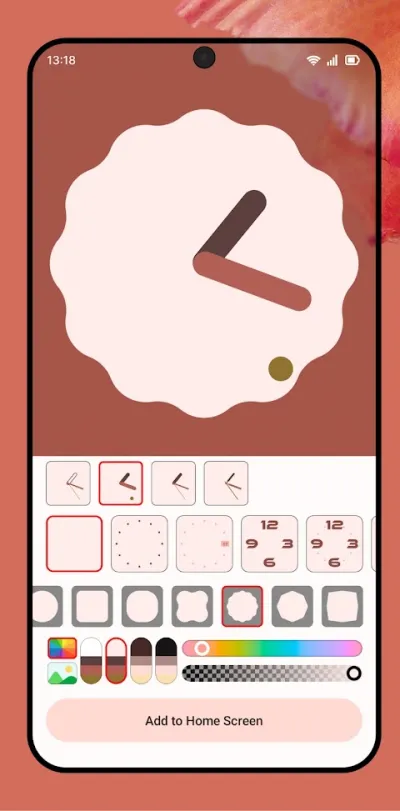
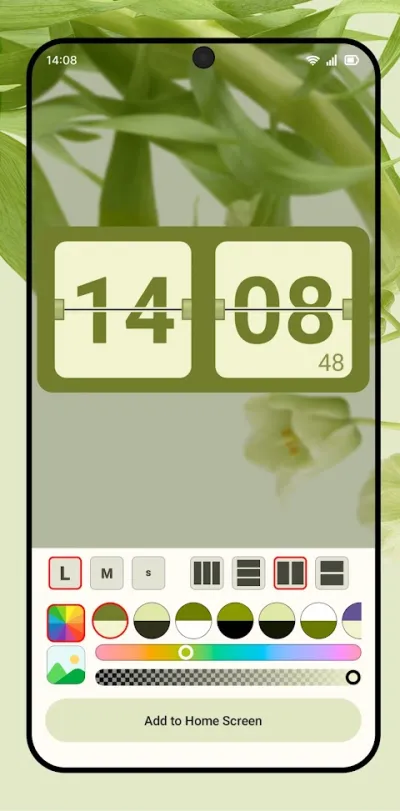
Widgeet offers templates you can genuinely edit in depth, with control over colours and data, without KWGT's complexity.
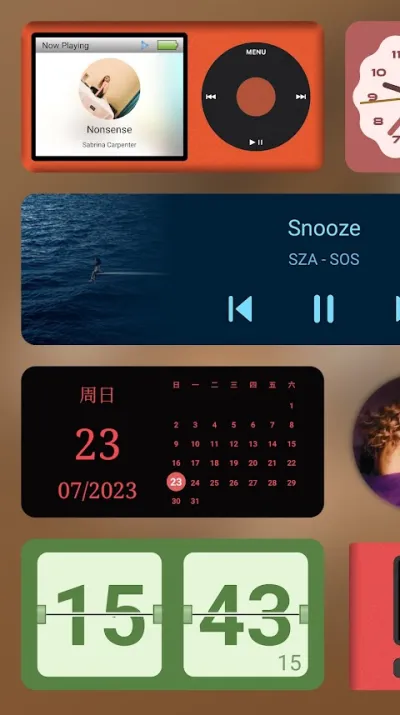
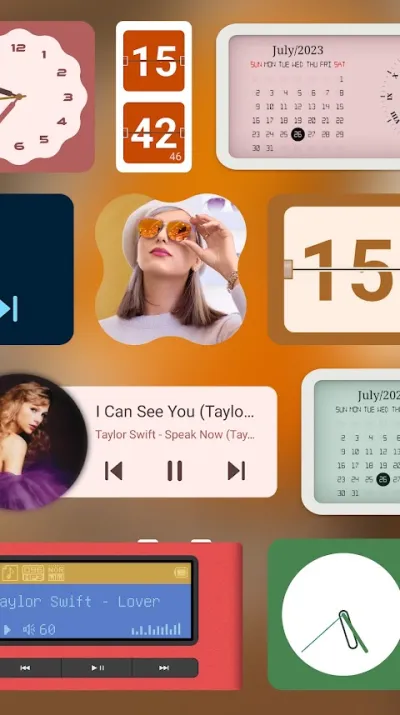
Widgeet aims for the middle ground: ready-made templates that you can actually edit in depth, with control over colours, fonts and the data on show, without the complexity of KWGT. It includes working calendar, weather and battery widgets.
Pros
- Middle ground between templates and real customisation
- Useful calendar, weather and battery widgets
- Editor you can figure out without a manual
Cons
- Fewer templates than Color Widgets
- Some features behind a subscription
- Small community compared with KWGT
Last updated: 2026-06-02

Sectograph Planificador de día
Laboratory 27 · Free (with purchases) · 5M+
Most useful at a glance
4.7
100K reviews
TopApps analysis
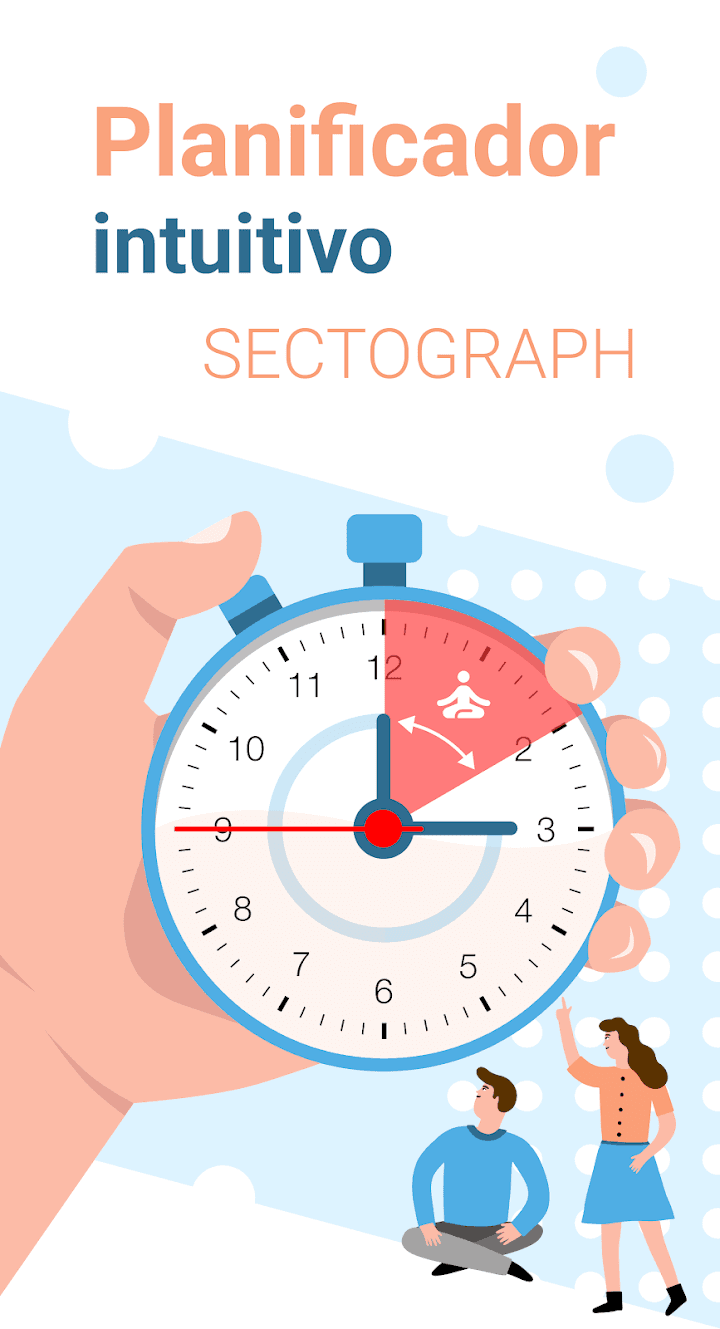
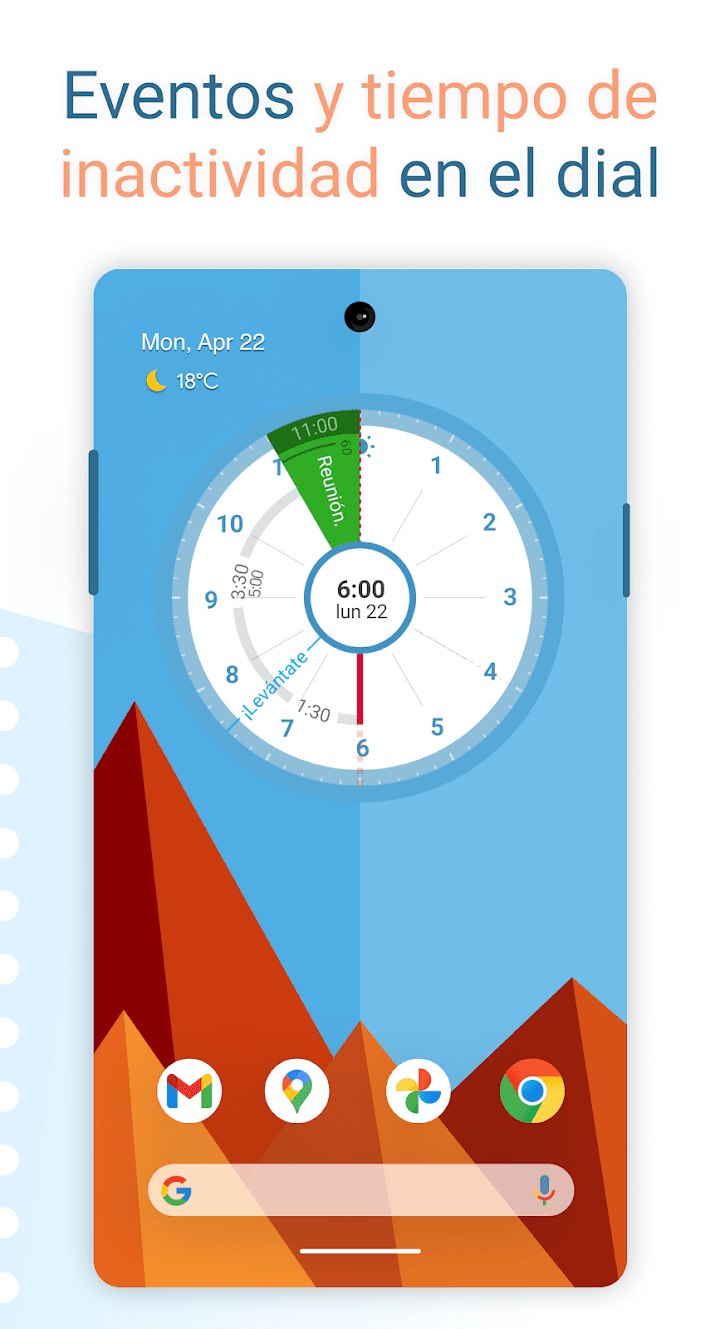
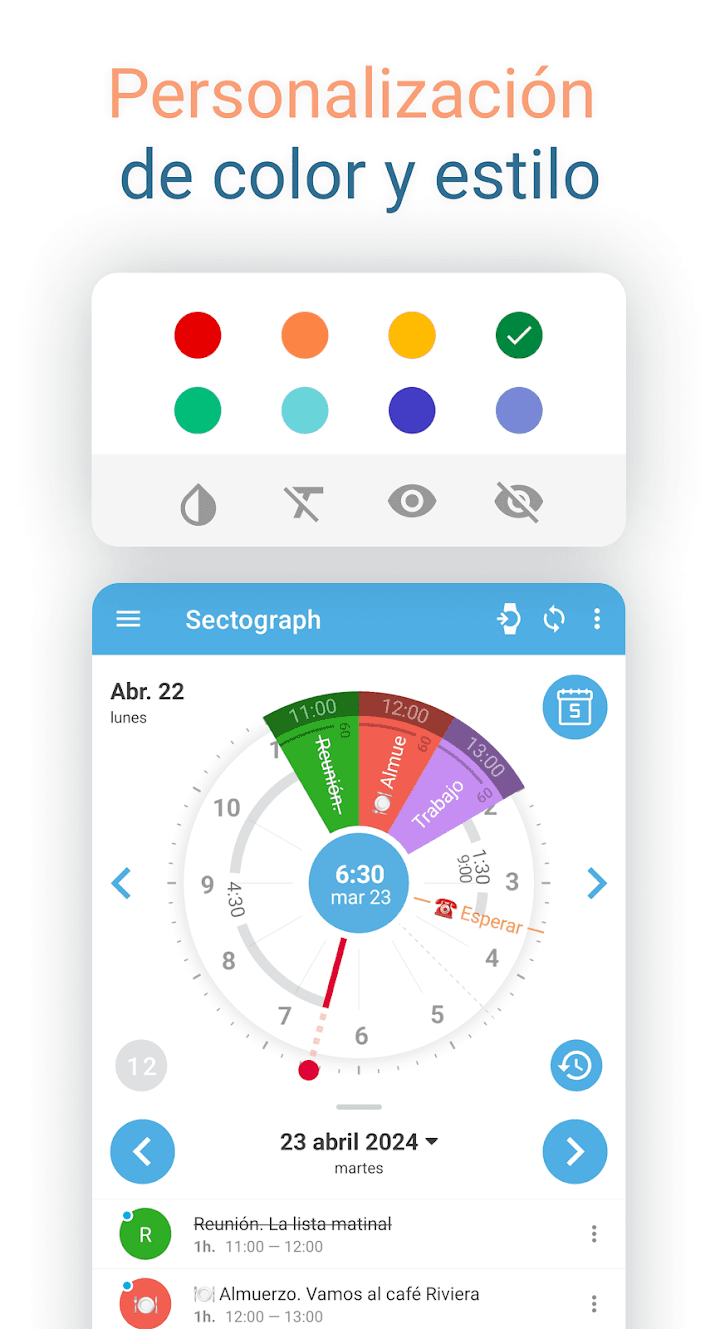
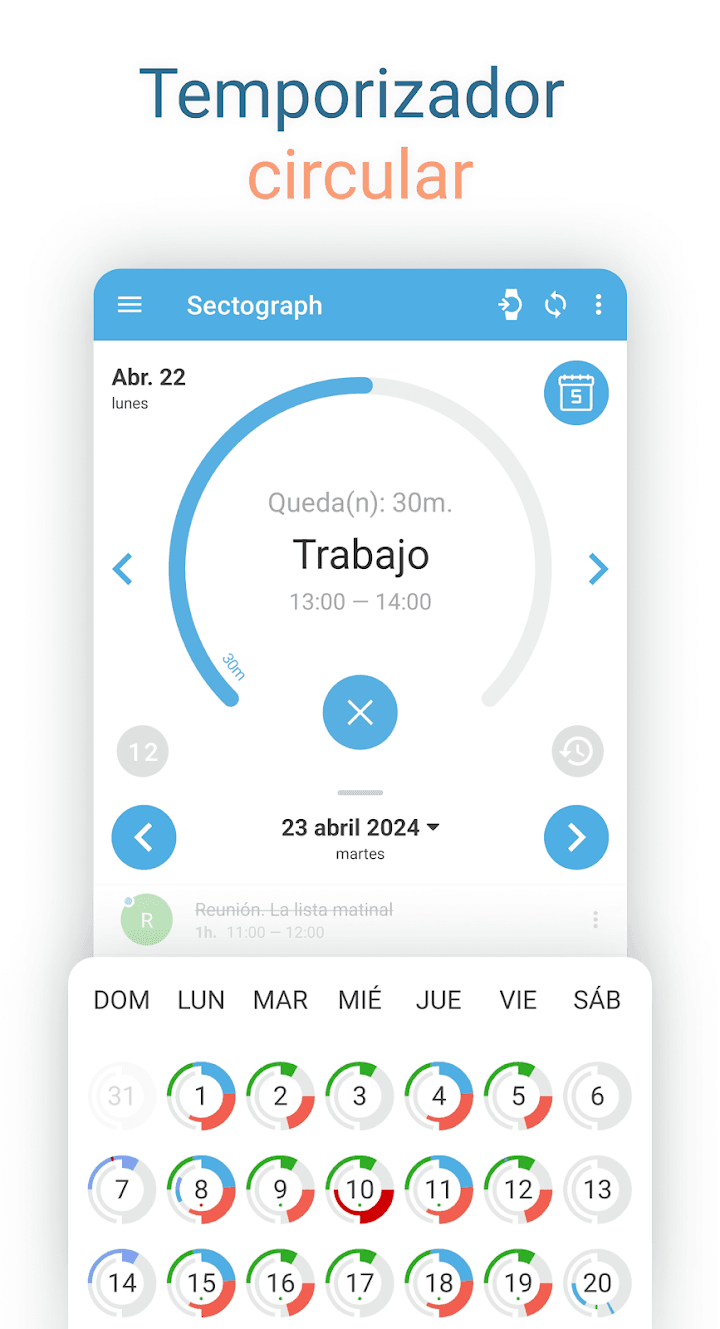
Sectograph draws your day onto a clock face: each appointment fills its slice and you can see the gap before the next one without reading a single time.
Sectograph takes your calendar and draws it onto a twelve-hour clock face: each appointment fills its own slice, so you can see at a glance how much free time is left before the next one. It is the widget that turns a list of times into something you grasp without reading.
Pros
- Readable at a glance, with no times to read
- Syncs with Google Calendar and the phone's own calendar
- Shows the free time between events, not just the events
Cons
- The free version limits customisation
- The twelve-hour dial is confusing at first
- It does not replace a full calendar app
Last updated: 2026-05-22
Frequently asked questions
Do widgets drain a lot of battery?
Simple ones, barely any. The ones that refresh constantly or show live data — weather every few minutes, audio visualisers, animated clocks — do have a noticeable cost. The practical advice is to keep self-refreshing widgets down to one or two and leave the rest on static information.
KWGT or Color Widgets?
Color Widgets if you want something that looks good this afternoon: pick it, place it, done. KWGT if you fancy designing and have patience, because the learning curve is real but the control is total. Plenty of people start with Color Widgets and end up on KWGT once they hit the limits of templates.
Do you need a different launcher to use them?
No, they work on whatever launcher came with your phone. That said, some custom launchers give you more freedom to place and resize widgets than certain manufacturers' stock skins, which sometimes impose rigid grids. If you run into that limit, switching is worth it.
Why does my widget stop updating?
Android's battery optimisation, which suspends background processes. If a widget shows stale information, you need to exclude both the widget app and the app it pulls its data from. It is behind most complaints about widgets that freeze.
Articles you might like


The 5 Best Invoicing Apps for Freelancers in Spain in 2026
We compare the 5 best invoicing apps for freelancers in Spain: Holded, TS Facturas (Billin), Quipu, Anfix and STEL Order. Verifactu, taxes and prices.


The 4 Best Time Clock Apps in Spain in 2026
We compare the 4 best time clock apps in Spain: Factorial, Sesame HR, Bixpe and Jibble. Clocking in by phone, geolocation and reports for labour inspections.


The 5 Best Parcel Tracking Apps in Spain in 2026
We compare the 5 best parcel tracking apps in Spain: Correos, 17TRACK, AfterShip, GLS and Seguimiento de Envíos. Track packages from any carrier.


The 6 Best Productivity and Organization Apps in 2026
We compare the best productivity apps: Notion, Todoist, TickTick, Microsoft To Do, Trello and Google Keep. Pick the one that fits your workflow.


The 4 Best Document Scanner Apps in 2026
We compare the best apps for scanning documents with your phone: Adobe Scan, CamScanner, Genius Scan and Tiny Scanner. Turn photos into quality PDFs.


The 4 Best VPN Apps in 2026
We compare the best VPN apps: NordVPN, ExpressVPN, Surfshark and Proton VPN. Browse privately, protect your data and reach more content.