The 4 Best Android Launchers in 2026
The home screen is the first thing you see every time you unlock your phone, dozens of times a day, and on Android you can replace it entirely. Some people want to customise every last pixel; others want the opposite, fewer things competing for their attention. In this guide we compare the 4 best Android launchers in 2026.
Apps for changing the Android home screen
Android launchers with configurable grids and gestures, automatic app sorting, icon packs, universal search and approaches ranging from minimalism to total customisation.
Top pick

Niagara Launcher
Mellowdrop Studio · Free (with purchases) · 10M+
Best minimalist option
4.8
213K reviews
TopApps analysis
Niagara replaces the icon grid with a vertical list you can reach with your thumb, designed for large phones, and it is the highest-rated launcher in its category.
Niagara rethinks the home screen: instead of a grid of icons, a vertical alphabetical list you can work with one thumb, designed for large phones. It is genuinely minimalist and the highest-rated app in its category.
Pros
- Designed for one-handed use
- Real minimalism, cuts down distractions
- Highest-rated app in its category
Cons
- A sharp break from the classic home screen
- Limited visual customisation
- Advanced features are paid
Last updated: 2026-08-05

Microsoft Launcher
Microsoft Corporation · Free · 50M+
Best free option
4.7
1.7M reviews
TopApps analysis
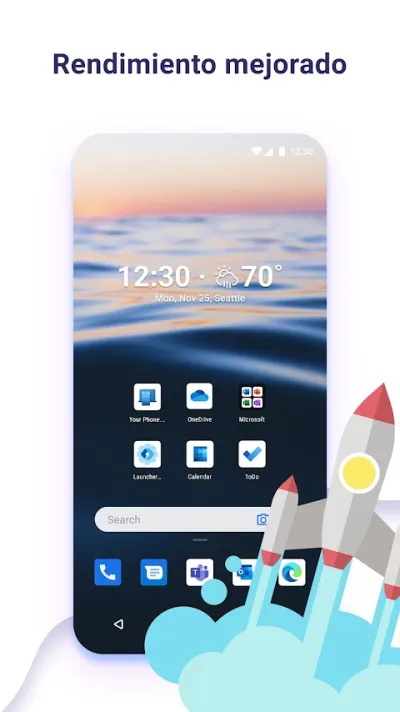
Microsoft Launcher is free and ad-free, very complete, and lets you pick up on your computer what you were looking at on your phone if you use Windows.
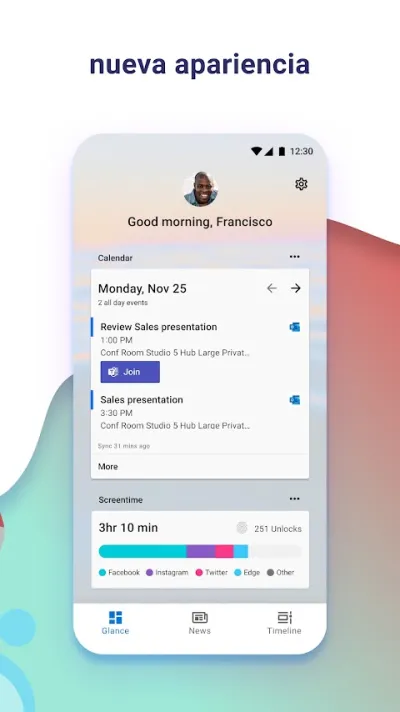
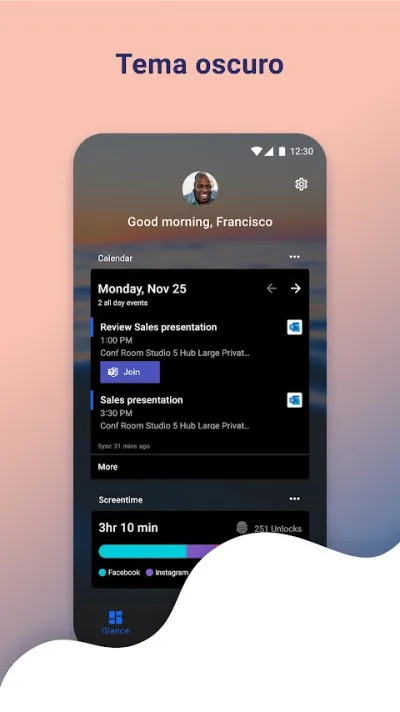
Microsoft Launcher is free, ad-free and remarkably complete, with a feed screen that gathers calendar, tasks and email in one place. Its biggest advantage is continuity with Windows: whatever you're looking at on the phone can be pushed straight to the computer.
Pros
- Free and ad-free
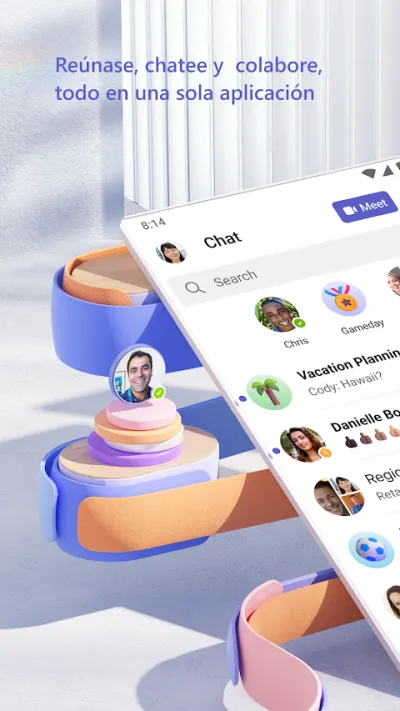
- Continuity with Windows and Microsoft 365
- Feed screen with calendar and tasks
Cons
- Heavier on resources than minimalist launchers
- Very much built around the Microsoft ecosystem
- Some features require a Microsoft account
Last updated: 2026-05-08

Smart Launcher
Free (with purchases) · 50M+
The most practical
4.5
683K reviews
TopApps analysis
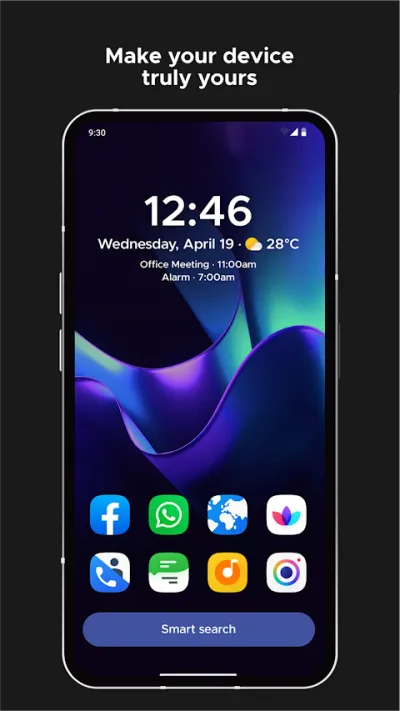
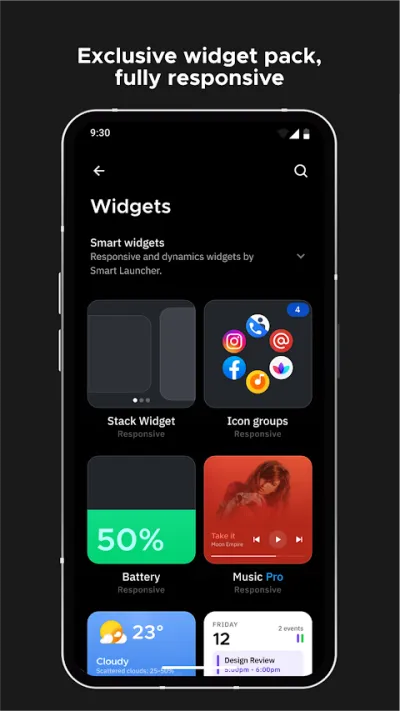
Smart Launcher sorts your apps into categories on its own, with no folders to create, and uses a flower-shaped grid designed for thumb reach.
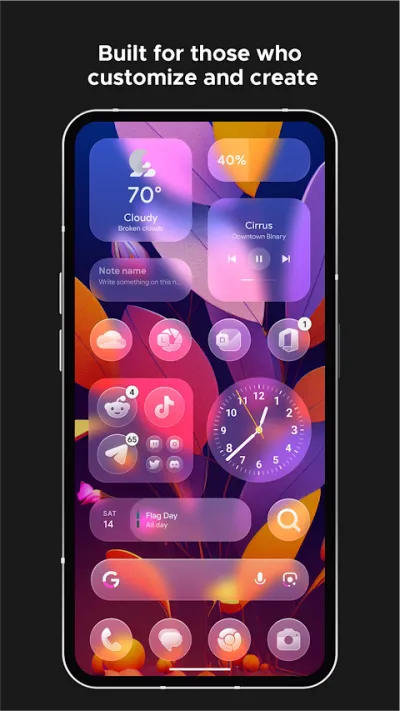
Smart Launcher sorts your apps into categories on its own — communication, games, media — without you having to build folders, and its flower grid puts everything within thumb's reach. It strikes the balance between automation and customisation.
Pros
- Sorts apps into categories automatically
- Grid designed around thumb reach
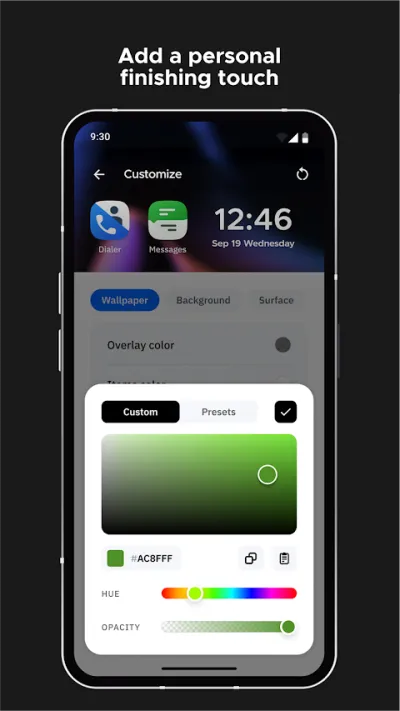
- Wide range of themes and customisation
Cons
- Automatic sorting doesn't always get it right
- The best features are in the Pro version
- Ads in the free version
Last updated: 2026-07-27

Nova Launcher
Instabridge Sweden AB · Free (with purchases) · 100M+
The most customisable
3.5
1.4M reviews
TopApps analysis
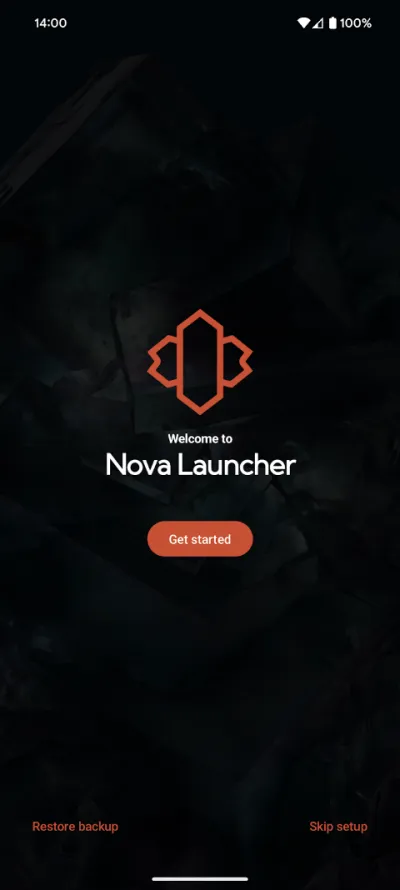
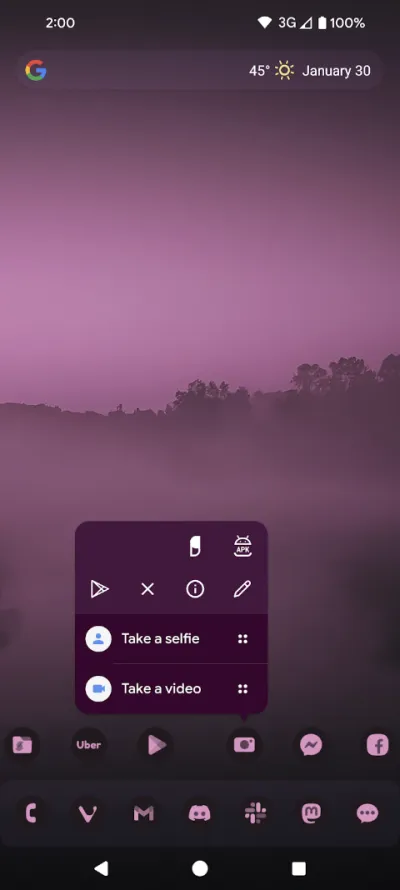
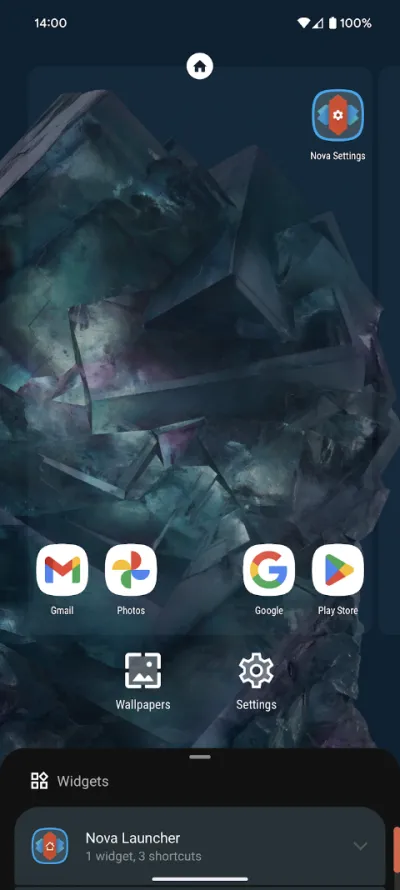
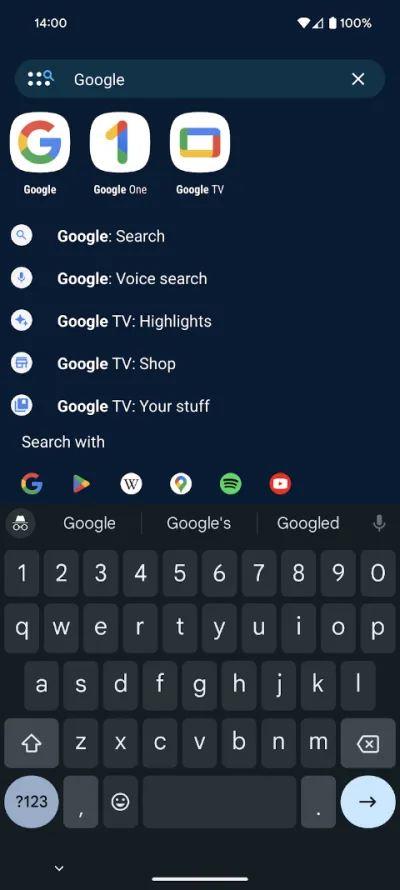
Nova is still the most configurable of the lot, although development slowed after the change of ownership and its rating has fallen over privacy concerns.
Nova was for years the reference launcher on Android thanks to how far you could customise it: grids, gestures, icons and animations tunable down to the last detail. Since it was bought by a data analytics company and staff were laid off, development has stalled and its rating has fallen.
Pros
- The highest level of customisation in its class
- Configurable gestures for almost any action
- Backups of your entire setup
Cons
- Development stalled after the change of ownership
- Rating dropped over privacy concerns
- Many options require the Prime version
Last updated: 2026-07-28
Frequently asked questions
Does changing launcher slow the phone down?
A well-built launcher does not: Niagara and Smart Launcher are very light, and some users find the system feels smoother than with the manufacturer's skin. What can happen is that you lose brand-specific integrations, such as certain gestures or exclusive widgets, and that the system animations no longer line up perfectly.
What happened to Nova Launcher?
For years it was the undisputed benchmark for customisation. In 2022 it was bought by Branch, a data analytics company, and after subsequent layoffs on the team development slowed considerably. That, together with user concern over who owns it, explains the drop in its rating. It still works well, but it is no longer the safe bet it used to be.
Can I go back if I do not like it?
Yes, with no risk at all. A launcher is just another app: you install it, try it, and if it does not convince you, you uninstall it and the system returns to the stock one. It does not touch your data, your apps or your settings. Android asks which one you want as default, and you can change that choice in the settings whenever you like.
Which one should I choose if I want to use my phone less?
Niagara, by some distance. Its approach, a short list rather than a grid of icons demanding attention, cuts down impulsive use, which is why most people unlock their phone without actually needing anything. There are also more radical launchers, black and white and text only, if you want to take it to the extreme.
Articles you might like


The 5 Best Invoicing Apps for Freelancers in Spain in 2026
We compare the 5 best invoicing apps for freelancers in Spain: Holded, TS Facturas (Billin), Quipu, Anfix and STEL Order. Verifactu, taxes and prices.


The 4 Best Time Clock Apps in Spain in 2026
We compare the 4 best time clock apps in Spain: Factorial, Sesame HR, Bixpe and Jibble. Clocking in by phone, geolocation and reports for labour inspections.


The 5 Best Parcel Tracking Apps in Spain in 2026
We compare the 5 best parcel tracking apps in Spain: Correos, 17TRACK, AfterShip, GLS and Seguimiento de Envíos. Track packages from any carrier.


The 6 Best Productivity and Organization Apps in 2026
We compare the best productivity apps: Notion, Todoist, TickTick, Microsoft To Do, Trello and Google Keep. Pick the one that fits your workflow.


The 4 Best Document Scanner Apps in 2026
We compare the best apps for scanning documents with your phone: Adobe Scan, CamScanner, Genius Scan and Tiny Scanner. Turn photos into quality PDFs.


The 4 Best VPN Apps in 2026
We compare the best VPN apps: NordVPN, ExpressVPN, Surfshark and Proton VPN. Browse privately, protect your data and reach more content.