The 4 Best Android Keyboards in 2026
The keyboard is the app you interact with most on your phone, and almost nobody ever changes it. It is worth a moment's thought, because everything goes through it, from the shopping list to your passwords, and not every keyboard treats that information the same way. In this guide we compare the 4 best Android keyboards in 2026.
Alternative keyboards for typing better on Android
Android keyboards with text prediction, glide typing, voice dictation, simultaneous multilingual support and very different levels of access to what you write.
Top pick

Gboard: el Teclado de Google
Google LLC · Free · 10.000M+
Best overall
4.5
18.8M reviews
TopApps analysis
Gboard has the best voice typing on the market, and it works offline too, with prediction and glide typing that are very well tuned in English.
Gboard is the default keyboard on most Android phones and it's still the best at the basics: prediction, glide typing and voice dictation, which works offline and with remarkable accuracy in Spanish. It also packs search, translation and emoji into the keyboard itself.
Pros
- Very accurate voice dictation, offline too
- Finely tuned glide typing
- Translator built into the keyboard
Cons
- Sends usage data to Google
- Limited visual customisation
- Takes up a fair amount of memory

Teclado Microsoft SwiftKey
SwiftKey · Free · 1.000M+
Best for multiple languages
4.6
4.6M reviews
TopApps analysis
SwiftKey lets you keep up to five languages active at once and corrects each one properly, ideal if you mix English and another language in the same message.
SwiftKey is the main alternative to Gboard, and its biggest strength is multilingual typing: write in up to five languages at once without switching keyboards, with each one corrected properly. It's the natural pick for anyone mixing Spanish and English in the same message.

Pros
- Up to five languages active at once
- Prediction that learns how you write
- Lots of themes and visual customisation
Cons
- Owned by Microsoft, with data collection
- Voice dictation worse than Gboard's
- Uses more battery than Gboard
Last updated: 2026-07-21

Typewise: Teclado Hexagonal
Free (with purchases) · 1M+
The most original
3.8
15K reviews
TopApps analysis
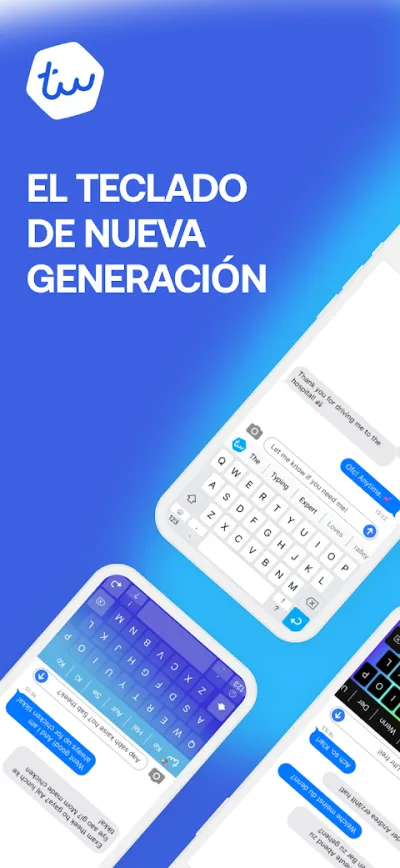
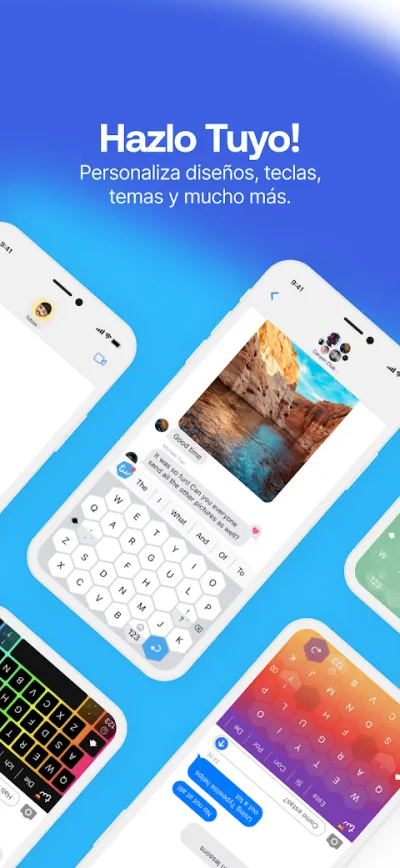
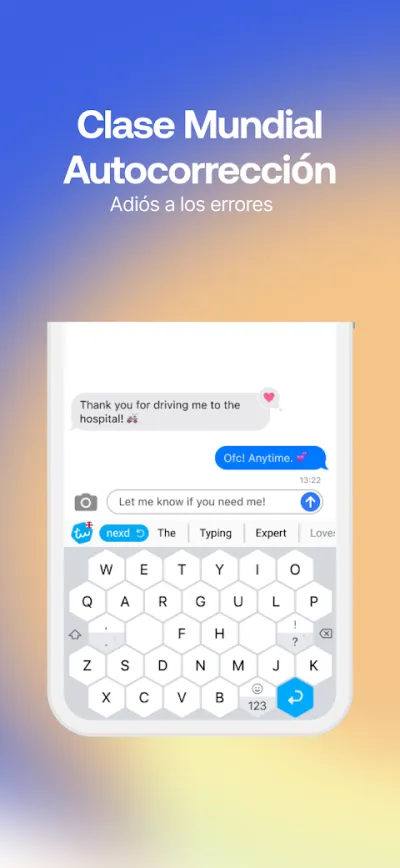
Typewise replaces the keys with large hexagons and drops the space bar in favour of gestures, aiming to cut typos; it processes text on the phone itself.
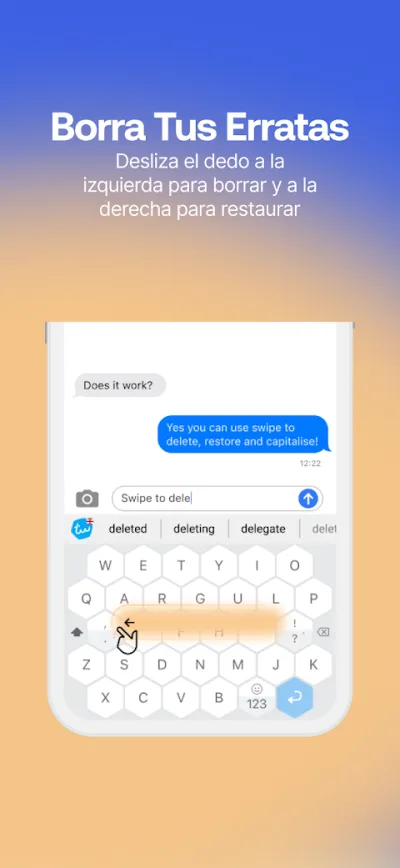
Typewise swaps rectangular keys for bigger hexagons and drops the space bar in favour of gestures, all to cut down on typos. It's a radical bet: either you adapt within a few days or you uninstall it, but those who get used to it rarely go back.
Pros
- Big hexagonal keys, fewer typos
- Gestures instead of keys for delete and space
- Processes text on the device, nothing sent out
Cons
- Takes several days to get used to
- Highly unconventional design
- Advanced features in the paid version
Last updated: 2026-06-14

Simple Keyboard
Raimondas Rimkus · Free · 1M+
The most private
4.2
12K reviews
TopApps analysis
Simple Keyboard has no internet access and asks for no permissions, it is open source and takes up just a few hundred kilobytes.
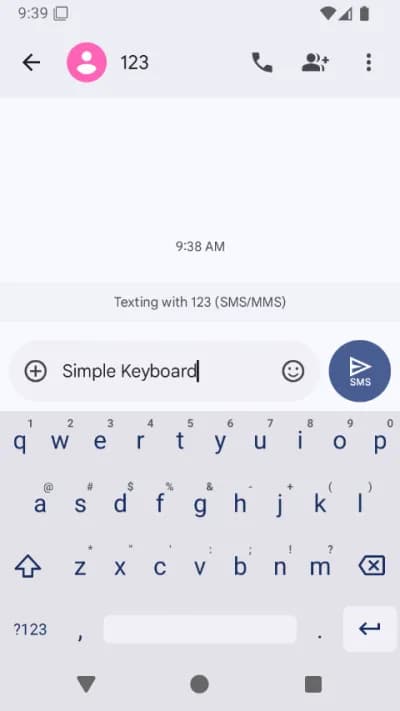
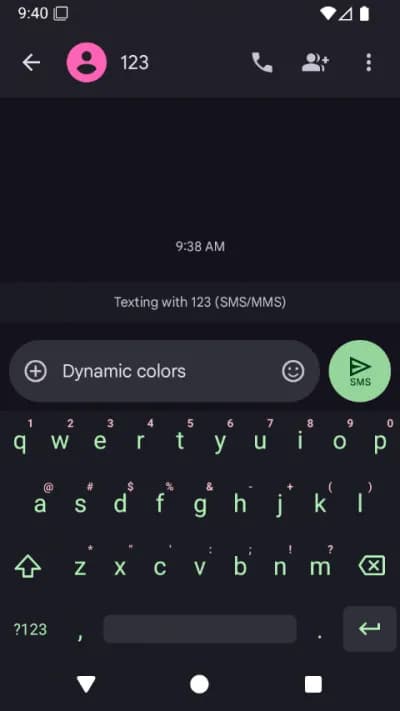
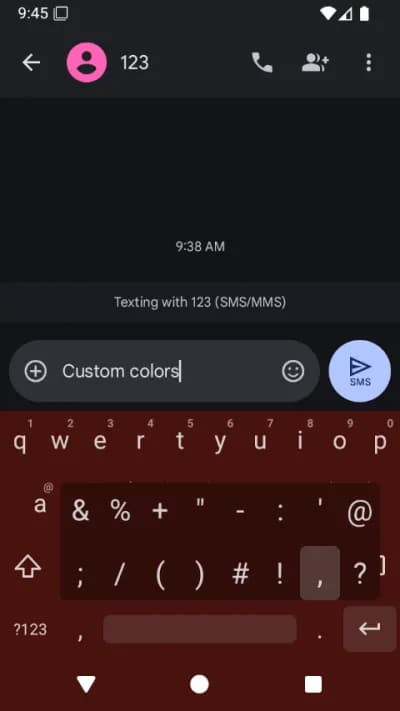
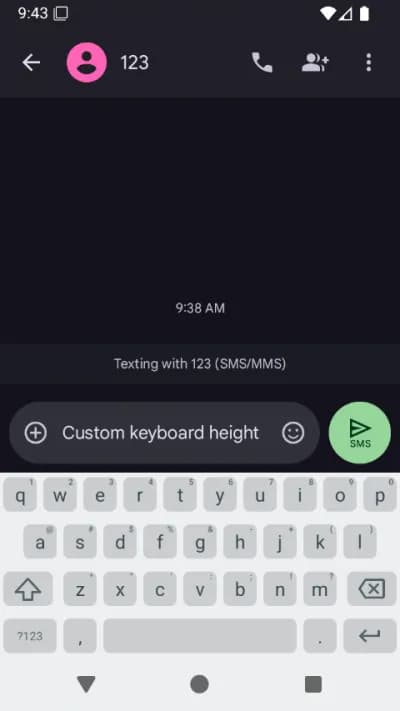
Simple Keyboard is the opposite of everything else: no prediction, no emoji, no GIFs, no internet and no permissions. It weighs a few hundred kilobytes and is open source, built for anyone who doesn't want their keyboard to have access to a single thing they type.
Pros
- No internet access and no permissions
- Open source and auditable
- Takes up very little space
Cons
- No prediction or autocorrect
- No emoji or swipe typing
- Only for those who put privacy above convenience
Last updated: 2026-07-22
Frequently asked questions
Can a keyboard read my passwords?
Technically, a keyboard sees everything you type, including passwords and banking details. That is why Android shows a warning when you enable a new one. Keyboards from established companies such as Gboard or SwiftKey exclude password fields from their learning, but it is a solid reason not to install keyboards from unknown developers, however pretty their themes look.
Which is the best keyboard for typing in two languages?
SwiftKey, by some distance: it keeps up to five languages active at the same time and detects which one you are typing in without you switching anything, correcting each with its own dictionary. Gboard also supports several languages, but it handles them less smoothly when you mix them inside the same sentence.
Which one uses the least battery?
Simple Keyboard, easily: no prediction, no connection, no animations, so its drain is effectively nil. Among the full-featured ones, Gboard is better optimised than SwiftKey, which tends to use a little more because of its multilingual prediction engine.
How do I change the keyboard on Android?
First install the keyboard from Google Play, then enable it in Settings, under System and On-screen keyboard, marking it as available. After that select it as the default, either from there or by tapping the keyboard icon that appears in the navigation bar while typing. You can keep several installed and switch between them.
Articles you might like


The 5 Best Invoicing Apps for Freelancers in Spain in 2026
We compare the 5 best invoicing apps for freelancers in Spain: Holded, TS Facturas (Billin), Quipu, Anfix and STEL Order. Verifactu, taxes and prices.


The 4 Best Time Clock Apps in Spain in 2026
We compare the 4 best time clock apps in Spain: Factorial, Sesame HR, Bixpe and Jibble. Clocking in by phone, geolocation and reports for labour inspections.


The 5 Best Parcel Tracking Apps in Spain in 2026
We compare the 5 best parcel tracking apps in Spain: Correos, 17TRACK, AfterShip, GLS and Seguimiento de Envíos. Track packages from any carrier.


The 6 Best Productivity and Organization Apps in 2026
We compare the best productivity apps: Notion, Todoist, TickTick, Microsoft To Do, Trello and Google Keep. Pick the one that fits your workflow.


The 4 Best Document Scanner Apps in 2026
We compare the best apps for scanning documents with your phone: Adobe Scan, CamScanner, Genius Scan and Tiny Scanner. Turn photos into quality PDFs.


The 4 Best VPN Apps in 2026
We compare the best VPN apps: NordVPN, ExpressVPN, Surfshark and Proton VPN. Browse privately, protect your data and reach more content.