The 4 Best Apps to Organize Your Phone Photos in 2026
The problem with phone photos is not taking them, it is finding them: twenty thousand images to dig through for the one of that garage receipt from two years ago. There are two philosophies for solving it, one that uploads everything to the cloud and analyses it, and one that keeps everything on your device. In this guide we compare the 4 best apps to organize your photos in 2026.
Apps to sort, search and back up your photos
Gallery and photo management apps with smart search, albums and folders, cloud backup, protected private albums and tools to free up space.
Top pick

Google Fotos
Google LLC · Free · 10.000M+
Best for finding
4.4
53.9M reviews
TopApps analysis
Google Fotos locates an image when you type "beach" or a person's name without you having tagged anything, and copies everything to the cloud automatically.
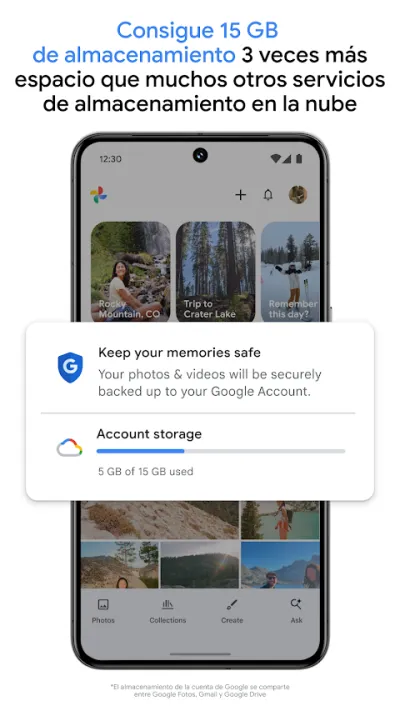
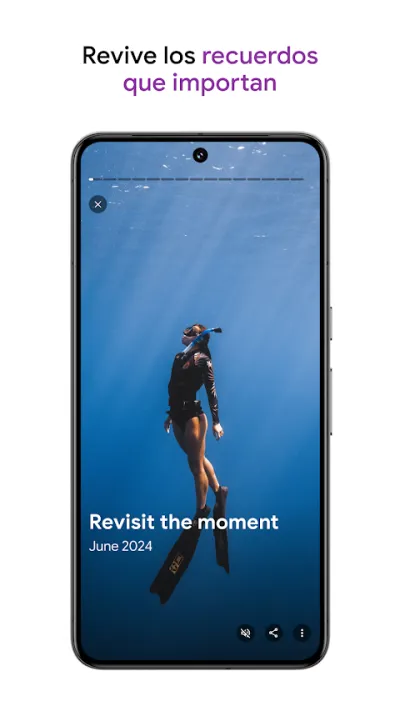
Google Fotos is the default gallery on Android, and its strongest card is search: type "beach", "dog" or a person's name and it finds the photos without you having tagged a thing. It backs everything up to the cloud automatically and groups memories by date and place.
Pros
- Search that recognises people, objects and places
- Automatic cloud backup
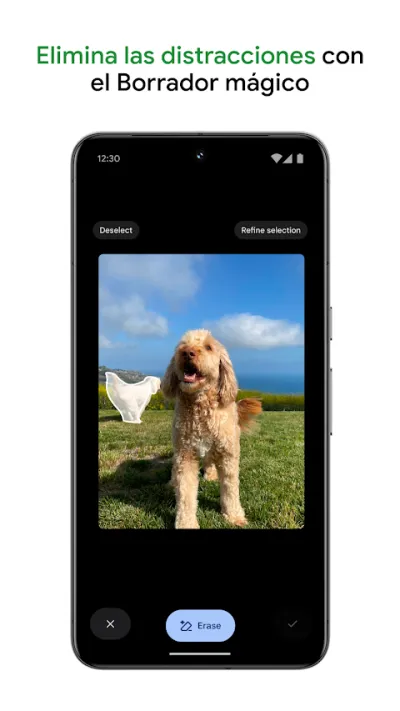
- Editor with Magic Eraser and solid adjustments
Cons
- Free storage is shared with Gmail and Drive
- It analyses the content of every photo you take
- Completely dependent on a Google account

Galería: Gestor de Fotos
PhotoZen Studio · Free (with purchases) · 10M+
Best without the cloud
4.4
492K reviews
TopApps analysis
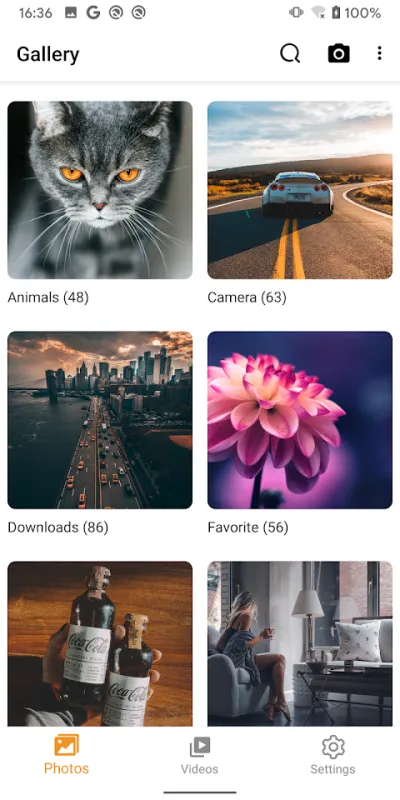
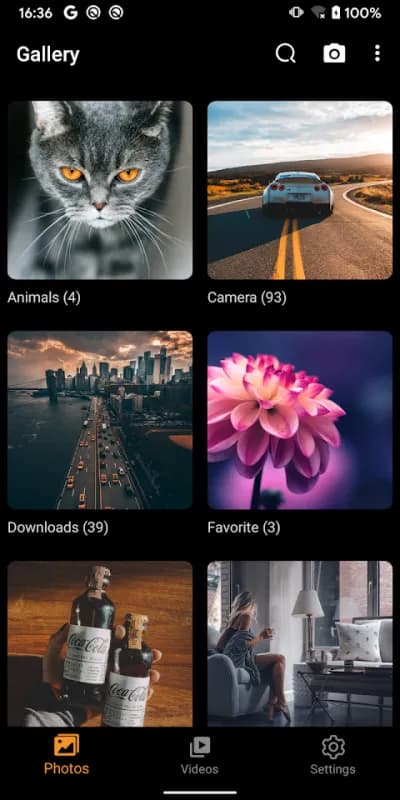
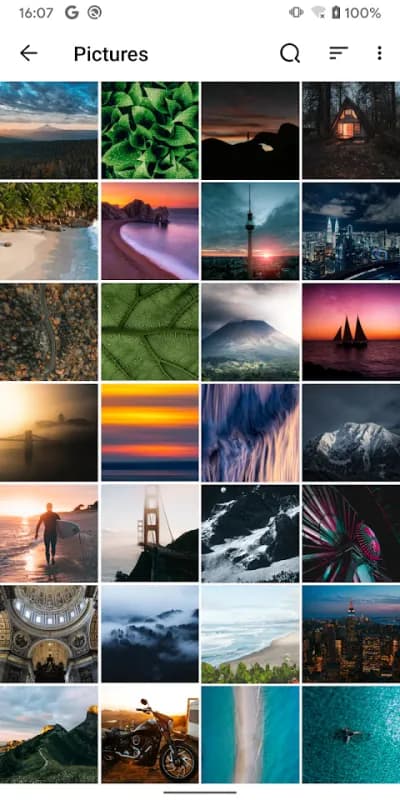
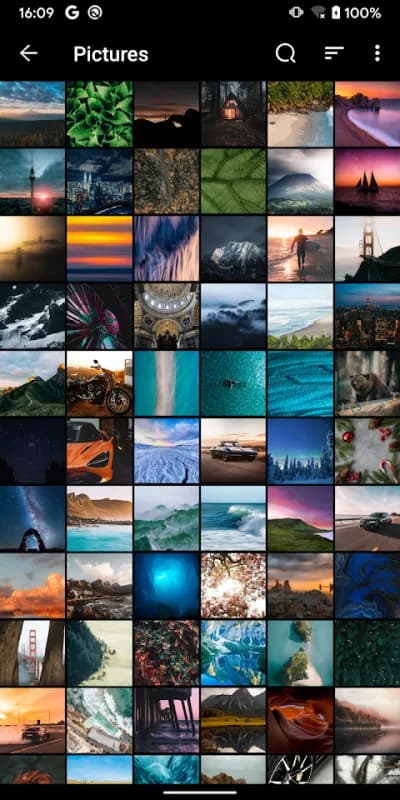
Galería Gestor de Fotos organizes everything on the device itself, with password-protected private albums and a recycle bin, no account and no syncing.
This gallery is the option for anyone who wants to organise their photos without uploading them to any cloud: folders, password-protected private albums, a recycle bin and a local search. Everything happens on the device, with no account and no syncing.
Pros
- Works with no account and no internet connection
- Password-protected private albums
- Recycle bin to recover deleted files
Cons
- No automatic backup
- Ads in the free version
- Search is far more basic than Google Photos'
Last updated: 2026-06-17

Files de Google
Google LLC · Free · 5.000M+
Best for freeing up space
4.5
9.0M reviews
TopApps analysis
Files de Google spots duplicates, old screenshots and WhatsApp memes and offers to delete them, freeing several gigabytes in minutes.
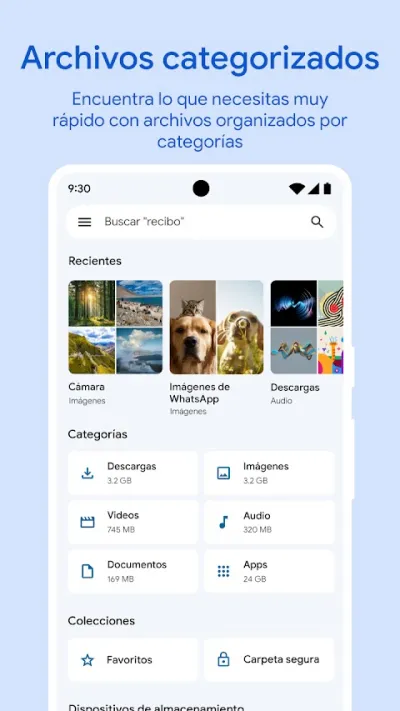
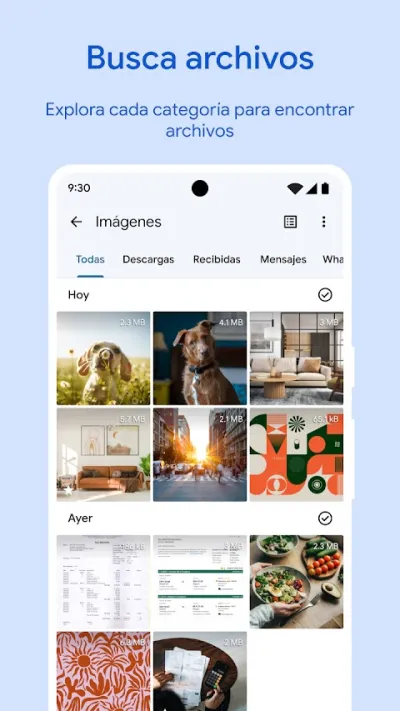
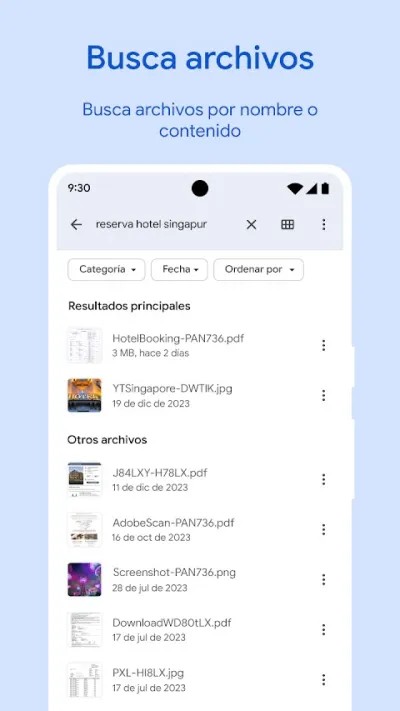
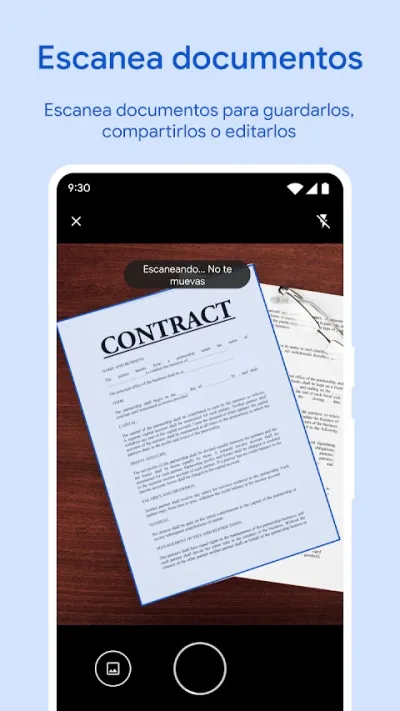
Files by Google is a file manager with one feature almost nobody uses: it spots duplicates, old screenshots, WhatsApp memes and large files you no longer need, and offers to delete them. It is the fastest way to free up several gigabytes without losing anything that matters.
Pros
- Spots duplicates, memes and screenshots to delete
- Frees up several gigabytes in minutes
- Complete file manager, and free
Cons
- Its suggestions need reviewing before you accept them
- Requires broad storage permissions
- Depends on Google services
Last updated: 2026-08-04

Google Drive
Google LLC · Free (with purchases) · 10.000M+
Best for archiving
4.2
10.8M reviews
TopApps analysis
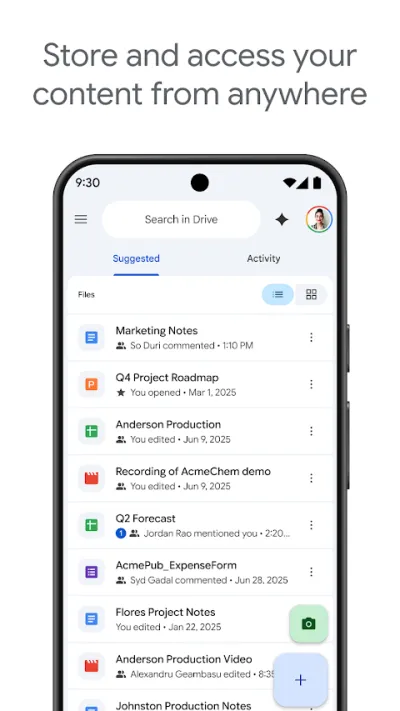
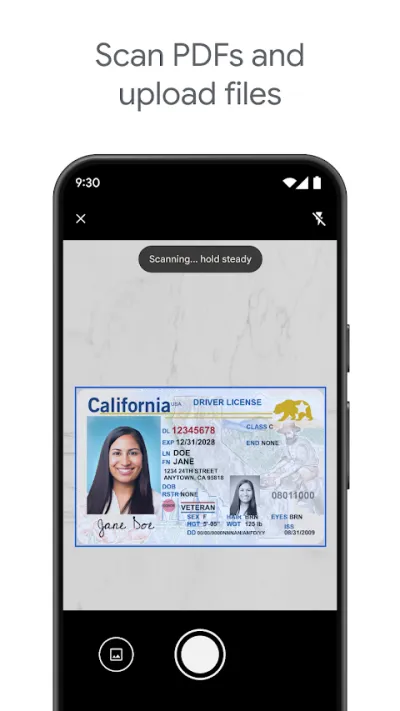
Google Drive is where the photos you want to keep end up, organized in folders alongside documents, with a built-in scanner for paperwork.
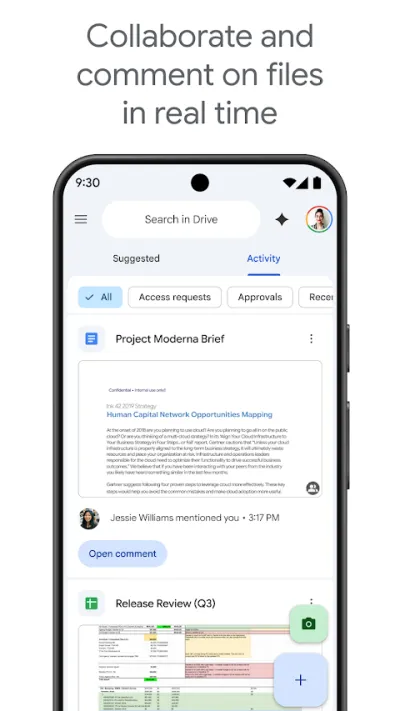
Google Drive is the default cloud storage on Android, with 15 GB free shared across Drive, Gmail and Google Photos. Its real advantage isn't the space but the ecosystem: Docs, Sheets and Slides open straight from the app, and several people can work on the same file at once.
Pros
- 15 GB free when you create the account
- Collaborative editing with Docs and Sheets
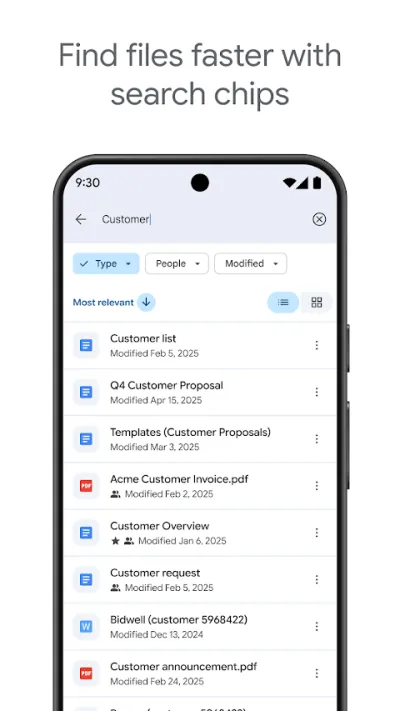
- Search that reads text inside images and PDFs
Cons
- The 15 GB are shared with Gmail and Photos
- No end-to-end encryption
- Entirely dependent on your Google account
Frequently asked questions
How do I free up space without losing my photos?
The right order is backup first, deletion second. With Google Fotos, once they are uploaded you can use the free up space option, which removes from the phone only what is already safe in the cloud. Files de Google complements it well by clearing duplicates and junk that is not photos, such as memes or old installers.
Is Google Fotos still free?
The app is, but the free storage is 15 GB shared between Google Fotos, Gmail and Drive, not unlimited as it once was. When it fills up you either pay or delete. That is the main reason many people look for local alternatives such as a gallery without the cloud.
How do I hide private photos?
Google Fotos has a locked folder protected by fingerprint whose contents do not show up in the gallery and are not uploaded to the cloud. Galería Gestor de Fotos offers password-protected private albums on the device itself. In both cases it is worth remembering that if you lose access to the phone without a backup, those photos go with it.
Is a gallery without the cloud worth it?
If you are uncomfortable with a service analysing the content of all your photos to make them searchable, yes: a local gallery does the organizing work without anything leaving the phone. The price is real: you lose smart search and, above all, automatic backup, so a lost phone means lost photos.
Articles you might like


The 5 Best Cinema Ticket Apps in Spain in 2026
We compare the 5 best apps for buying cinema tickets in Spain: Cinesa, Cine Yelmo Go, Kinépolis, entradas.com and Odeon Multicines. Seats, discounts and fees.


The 8 Best Video Editing Apps for Mobile (2026): Real Comparison
We compare the best apps for editing videos on mobile in 2026: InShot, CapCut, KineMaster, PowerDirector, Filmora and more with real Google Play data.
The 7 Best Apps to Edit Videos for Instagram Reels (2026)
We compare the best apps for creating Instagram Reels in 2026: automatic 9:16 formats, trending effects, subtitles and watermark-free export.


The 6 Best Cloud Storage Apps in 2026
We compare the best cloud apps: Google Drive, MEGA, OneDrive, Dropbox, pCloud and Proton Drive. Free space and which one pays off for you.


The 4 Best Apps to Send Large Files in 2026
We compare the best apps for sending heavy files: WeTransfer, Send Anywhere, LocalSend and Google Drive. No size limit on some of them.


The 4 Best File Managers for Android in 2026
We compare the best file explorers: CX File Explorer, Solid Explorer, X-plore and Files by Google. Organise your phone and free up space.