The 4 Best Flashcard Apps for Memorising in 2026
Memorising by rereading your notes is one of the least efficient methods there is, and science has been saying so for decades. What works is testing yourself right when you are about to forget something, and that is exactly what these apps do. In this guide we compare the 4 best flashcard apps for memorising in 2026.
Study card apps with spaced repetition
Flashcard apps for mobile, most of them with spaced repetition, your own card creation, decks shared by the community and several study and self-testing modes.
Top pick

AnkiDroid: Tarjetas de Memoria
AnkiDroid Open Source Team · Free · 10M+
The most effective
4.8
164K reviews
TopApps analysis
AnkiDroid uses the most finely tuned spaced repetition algorithm around, it is free with no limits, and it has thousands of decks already made by the community.
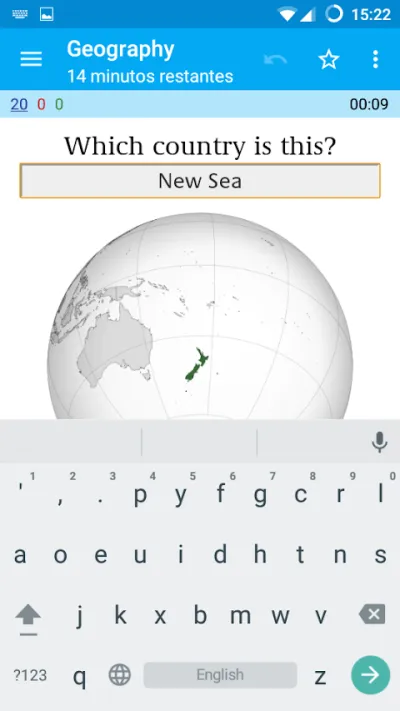
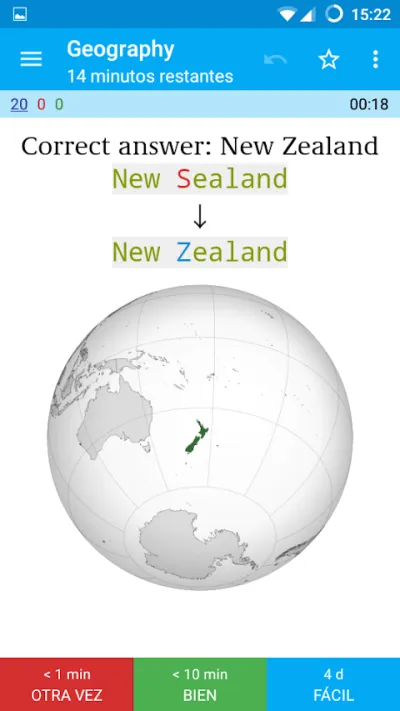
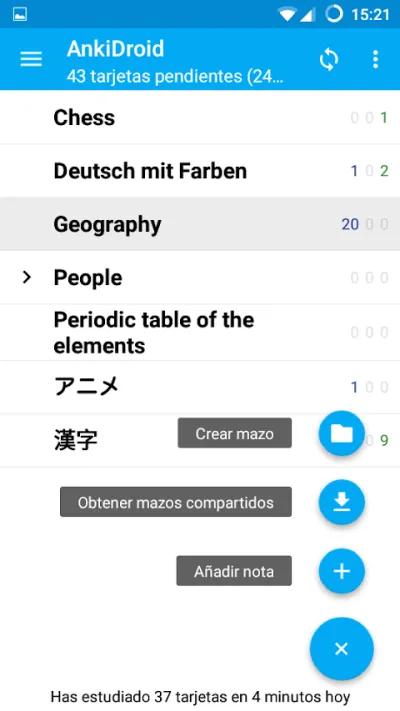
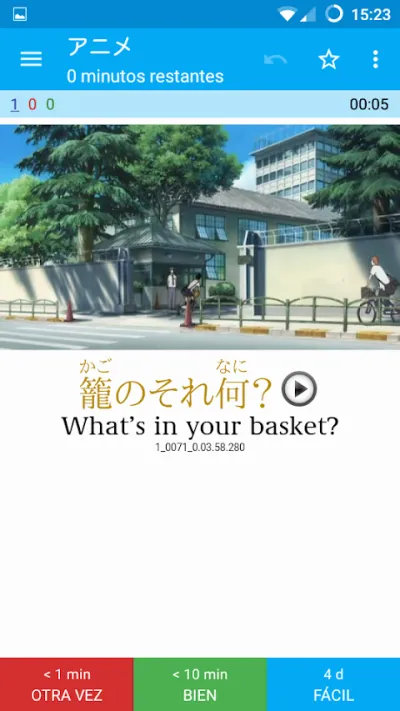
AnkiDroid is the Android version of the most respected spaced repetition system around, used for years by medical and language students. It works out when you're about to forget a card and shows it to you right then. It's free, unlimited, and there are thousands of ready-made decks to download.
Pros
- Spaced repetition, the most effective way to memorise anything
- Free and open source, with no limits
- Thousands of decks already made by the community
Cons
- Dated, unintuitive interface
- Setting decks up properly takes time
- The iPhone version is paid and comes from a different developer
Last updated: 2026-05-04

Quizlet: Tarjetas de Estudio
Quizlet Inc. · Free (with purchases) · 50M+
The easiest to use
4.5
905K reviews
TopApps analysis
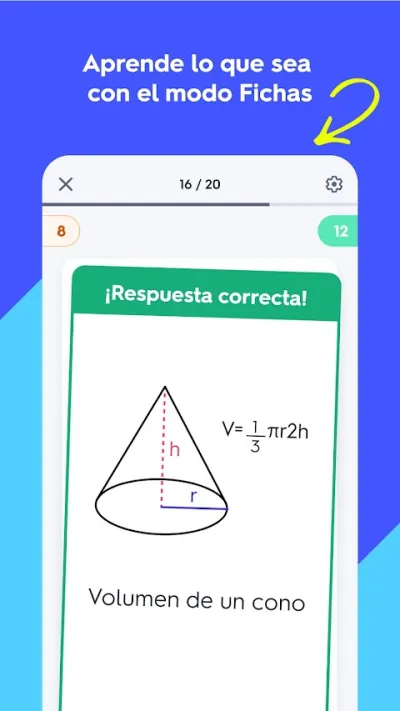
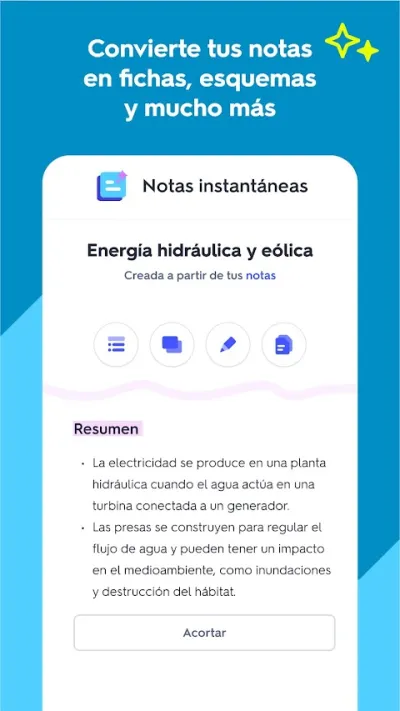
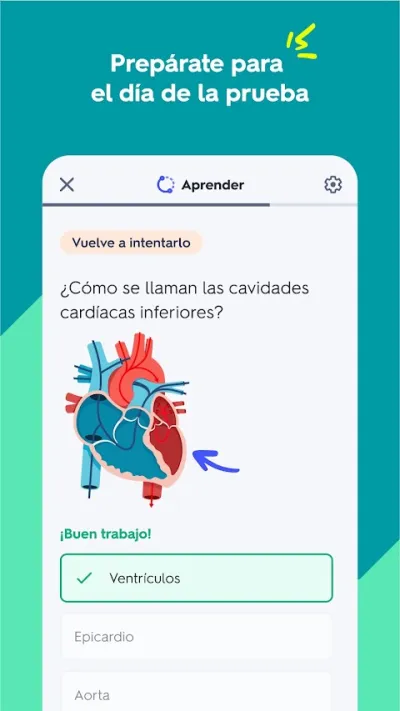
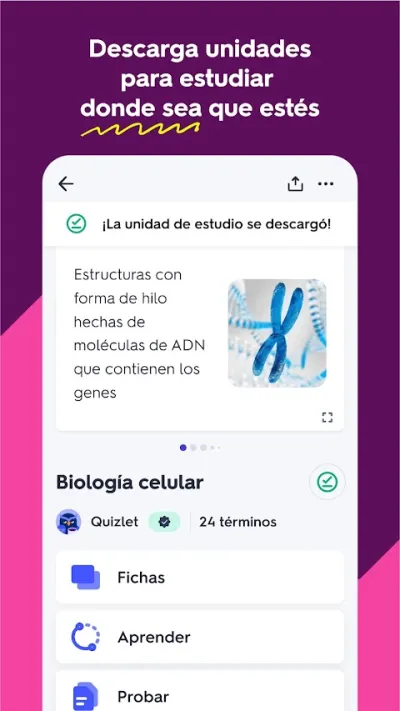
Quizlet has millions of ready-made card sets and several study modes, with a far friendlier interface than Anki's.
Quizlet is Anki for people who do not want to wrestle with Anki: you create or download sets of flashcards and study them in several modes, from classic review to quizzes and games. Its public library is vast, with material already prepared for almost any subject or official exam.
Pros
- Millions of ready-made flashcard sets
- Several study modes, including quizzes and games
- Modern interface, very easy to use
Cons
- Features have gradually moved to the paid plan
- The quality of public material is uneven
- Spaced repetition is paid

Memrise: Idiomas toda la vida
Free (with purchases) · 50M+
Best for languages
4.5
1.6M reviews
TopApps analysis
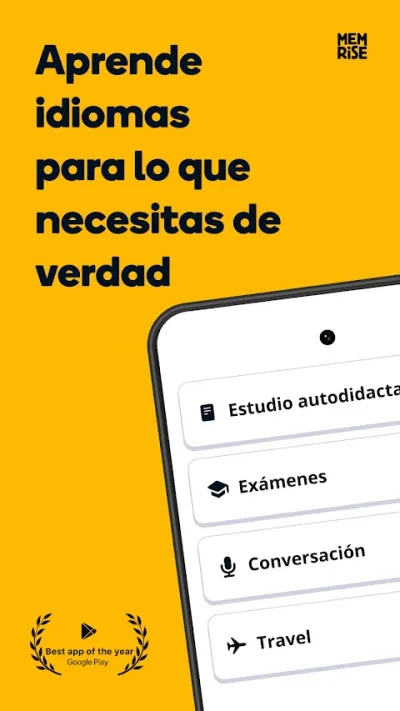
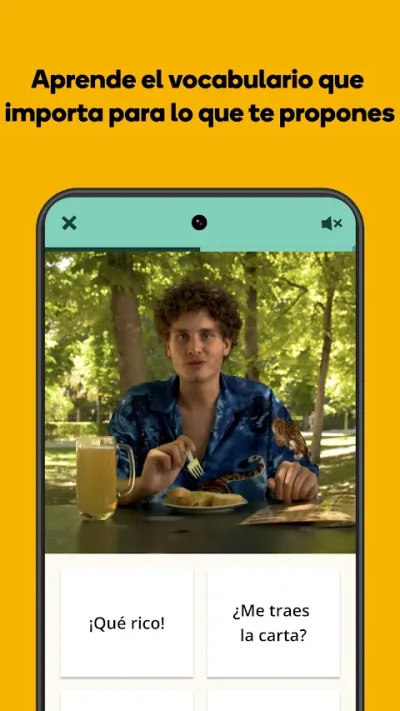
Memrise combines cards with videos of real native speakers, fixing vocabulary alongside its authentic pronunciation.
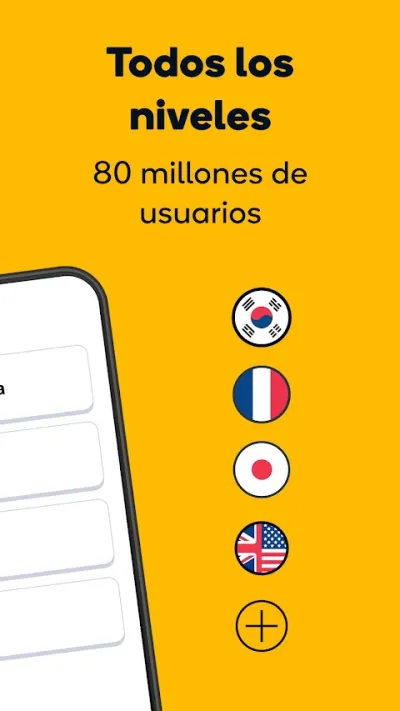
Memrise stands out for teaching languages through videos of real native speakers, backed by a strong spaced-repetition system for locking in vocabulary. You learn the language as it is actually spoken, with authentic expressions. A good fit for widening your vocabulary and training your ear on real accents.

Pros
- Videos of real native speakers
- Spaced repetition for better recall
- Teaches the language as it's really spoken
Cons
- Full access requires a subscription
- Less structured grammar than Babbel or Busuu
- More focused on vocabulary than on writing

Drops: Aprende Vocabulario
Drops Languages · Free (with purchases) · 10M+
The most visual
4.4
317K reviews
TopApps analysis
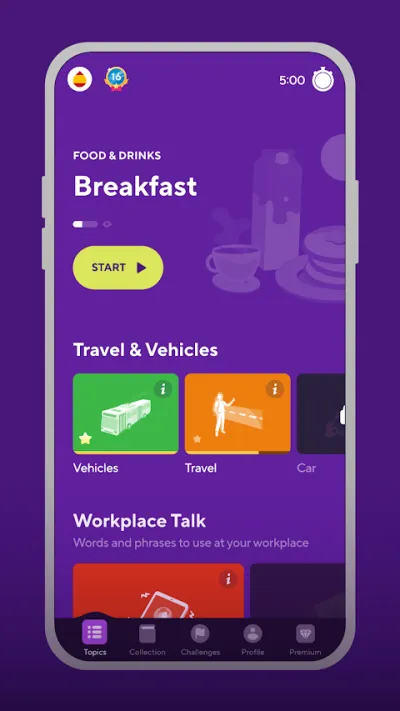
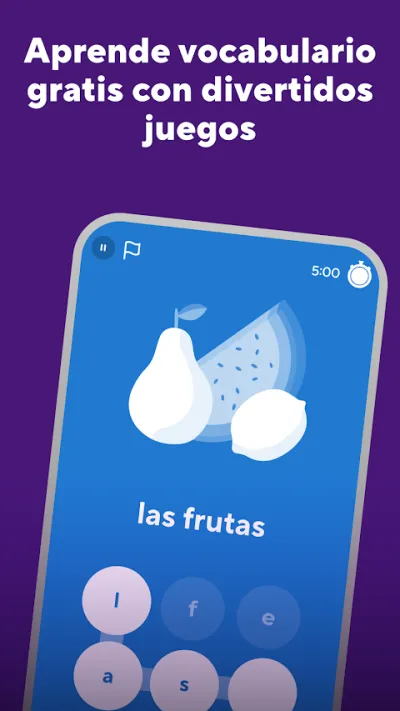
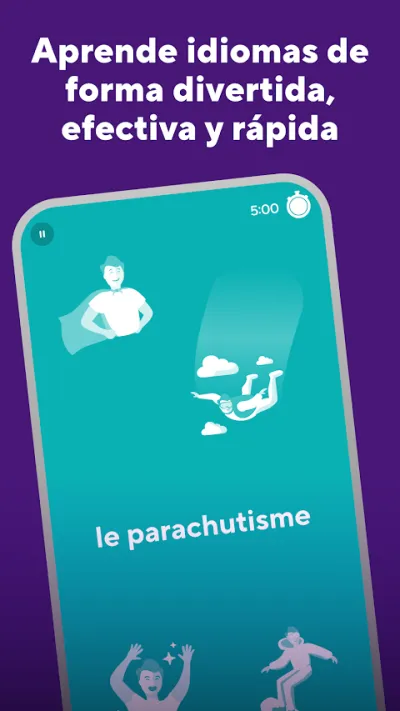
Drops swaps translation for illustrations and turns revision into a five-minute game, very effective for language vocabulary.
Drops does one thing and does it very well: vocabulary. With illustrations and a drag-the-word game, you memorise terms in five-minute sessions. It won't teach you grammar and it won't get you speaking, but it is the most effective and least boring way to load a thousand words into your head before a trip.
Pros
- Visual method that works remarkably well for vocabulary
- Five-minute sessions, easy to keep up daily
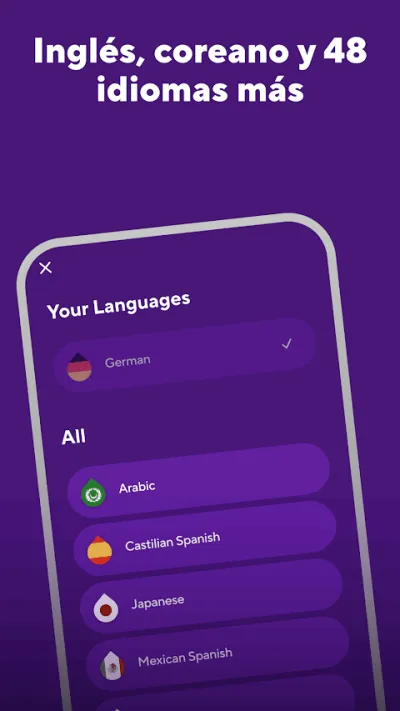
- More than thirty languages, including Japanese and Korean
Cons
- Doesn't teach grammar or sentence building
- The free plan caps you at five minutes a day
- Not enough as your only learning method
Frequently asked questions
What is spaced repetition and why does it work?
It means showing you each card just before you forget it, stretching the interval every time you get it right. It builds on the forgetting curve described by Ebbinghaus: reviewing at the right moment fixes a memory far better than repeating it many times in a row. In practice it means fewer study hours and longer retention.
Anki or Quizlet?
AnkiDroid is more powerful and completely free, with the best spaced repetition algorithm, but its interface is ugly and setting it up properly takes time. Quizlet is far nicer to use and has more ready-made material, although it has gradually moved features behind the paywall, spaced repetition included. If you are going to study seriously for years, Anki; if you want to start today with no friction, Quizlet.
Is it better to make my own cards or download decks?
Making your own is more effective, because the act of writing the question is itself learning and the cards match what you actually need. Downloaded decks save a lot of time and make sense for standard material: language vocabulary, anatomy or kanji. A good strategy is to start from a public deck and edit it to suit you.
Is there an AnkiDroid for iPhone?
AnkiDroid is Android only. On iPhone there is AnkiMobile, a paid app developed by Anki's own creator, and its price is what funds the project. Both sync with the same free AnkiWeb account, so you can study on either platform and in the browser.
Articles you might like


The 5 Best Apps to Learn Spanish in 2026
We compare the 5 best apps to learn Spanish: Duolingo, Babbel, Busuu, Memrise and SpanishDictionary.com. Courses, vocabulary, grammar and native speakers.


The 4 Best Mushroom Identification Apps in Spain in 2026
The 4 best mushroom identification apps in Spain: MushTool, Picture Mushroom, Fungipedia and Cotos de Setas. Guides, photo ID, permits and what no app can do.


The 4 Best Apps to Learn Catalan in 2026
We compare the 4 best apps to learn Catalan: Duolingo, Mondly, LinGo Play and Bilinguae. Courses, vocabulary and what each one is missing.
The 4 Best Language Learning Apps in 2026
We compare the best language learning apps: Duolingo (gamified), Babbel (conversation), Busuu (native speakers) and Memrise (real videos).
The 4 Best Apps to Learn English in 2026
We compare the best apps to learn English: Duolingo, Babbel, Busuu and Memrise. From scratch or to improve, with conversation, grammar and vocabulary.
The 5 Best Apps to Learn French in 2026
We compare the best apps to learn French: Babbel, Duolingo, Busuu, Mondly and Drops. Which one to pick based on your level and the time you have.